This eight-question form captures everything a contractor needs to put together an accurate construction proposal. It opens by collecting the client's contact details and project site address, then moves into the heart of the project: a full description of the work (new build, renovation, or addition), the specific trades involved, and any material preferences. The final questions nail down the timeline, narrow the budget to one of five ranges, and settle who handles permitting — a detail that directly affects both cost and scheduling. After submitting, respondents see a confirmation that their request is under review and a full proposal with pricing and timeline is on its way.
Try the conversation below to see how this template works
Trusted by over 10,000 customers and growing
Conversations Started
Questions Answered
Forms Created
Relies on the "What specific work needs to be completed (foundation, framing, roofing, electrical, plumbing, etc.)?" question to understand the full scope of trades before assembling subcontractor quotes.
Uses the "Please describe the construction project in detail (new build, renovation, addition, etc.)." question to distinguish project types and route inquiries to the right team or estimator.
Depends on the "Who will be responsible for obtaining necessary permits?" question to clarify accountability early, keeping permitting from becoming a bottleneck mid-project.

AI builds and refines your form through natural conversation no templates, no complex logic, no coding. From a simple text prompt or URL, Dashform generates intelligent flows that adapt automatically.
Dashform turns traditional form-filling into a two-way dialogue. The AI understands intent, remembers context, and asks relevant follow-up questions just like a real human conversation.
Every response is transformed into structured, meaningful, and ready-to-use data. Integrate with your favorite tools.
Everything you need to create amazing forms
Everything you need to know about this template
Don't see exactly what you need? Use our AI Form Generator to create a custom form in seconds. Just describe what you want, and AI will build it for you.
Explore more templates to find the perfect fit
 Consent
Capture informed consent for dermaplaning with identity verification, risk acknowledgment, and a typed-name signature.
 Agreement
Capture scope, budget, KPIs, and terms to generate a ready-to-sign digital marketing contract.
 Event Registration
Register for an upcoming dinner seminar by sharing your contact info, dietary needs, and attendance plans.
 General Application
Collect Discord mod applications with questions on experience, availability, rule enforcement judgment, and tool familiarity.
 Issue Report
Report a Discord user for spam, harassment, inappropriate content, impersonation, or other rule violations.
 Consent
Collect diver consent, certification level, medical info, and emergency contact details before any diving activity.
Learn how to get the most out of your forms and templates
Use six Dashform generator entry points to draft client quizzes, surveys, intake forms, and feedback forms, then review and test the workflow.
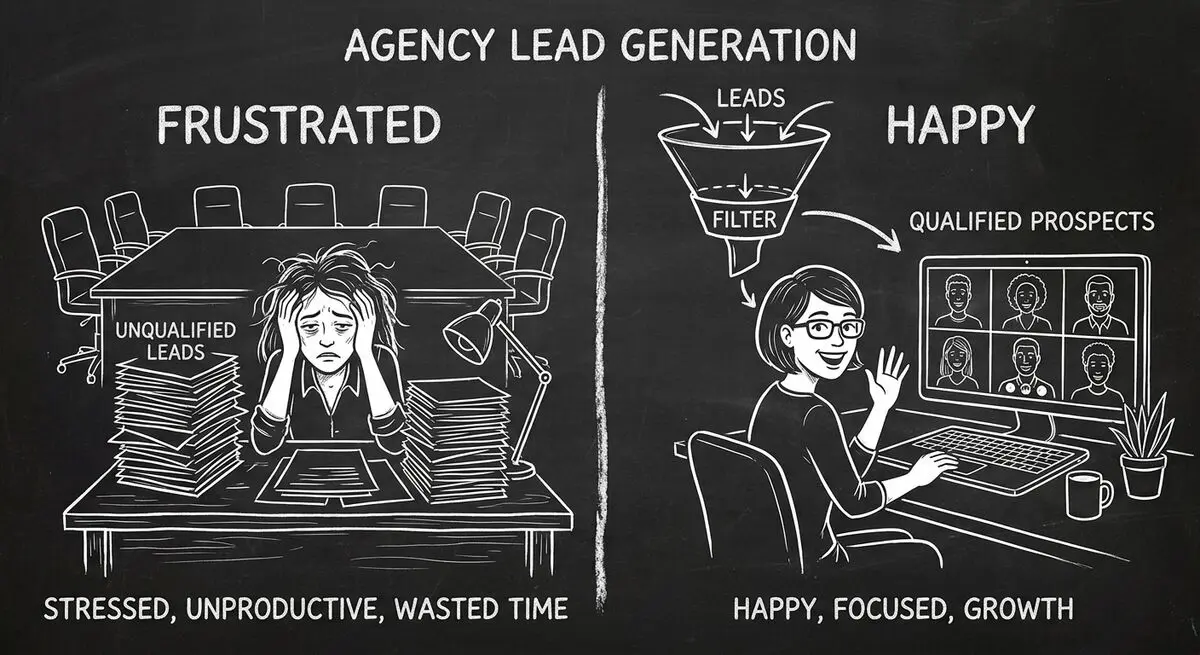
An illustrative playbook for a B2B content agency swapping its contact form for an AI quiz funnel: the questions, scoring, routing, and 60-day metrics.
AI lead form tools compared: Dashform, Typeform, Jotform, Fillout, Heyflow, Tally, and involve.me on drafting, scoring, integrations, and best use.
Try the world's first AI-native form and turn every response into action instantly.

