

The Construction Submittal Form opens with a welcome screen explaining its purpose before walking contractors and site teams through seven questions. It starts by asking for the project name and submittal type — choosing from options like 'Material', 'Shop Drawing', or 'Method Statement' — so the reviewing team can immediately file and route the submission correctly. A detailed description question follows, giving submitters space to fully explain their proposed item or method, with optional fields for manufacturer or supplier details and a specification section or drawing number reference to tie the submittal to project documents. The required on-site date question flags scheduling needs, and a final optional comments field catches any special instructions. After submitting, respondents see a confirmation screen telling them their information has been recorded and will be reviewed by the project team shortly.
Try the conversation below to see how this template works
Trusted by over 10,000 customers and growing
Conversations Started
Questions Answered
Forms Created
Relies on the "What type of submittal is this?" and "Reference the relevant specification section or drawing number." questions to keep submissions organised across multiple subcontractors and spec sections.
Uses the "Specify the manufacturer or supplier of the proposed item." and "Provide a detailed description of the proposed material, equipment, or work method." questions to present proposed items clearly for approval.
Depends on the "What is the required date for this item to be on site or implemented?" question to track delivery and implementation deadlines alongside the review queue.

AI builds and refines your form through natural conversation no templates, no complex logic, no coding. From a simple text prompt or URL, Dashform generates intelligent flows that adapt automatically.
Dashform turns traditional form-filling into a two-way dialogue. The AI understands intent, remembers context, and asks relevant follow-up questions just like a real human conversation.
Every response is transformed into structured, meaningful, and ready-to-use data. Integrate with your favorite tools.
Everything you need to create amazing forms
Everything you need to know about this template
Don't see exactly what you need? Use our AI Form Generator to create a custom form in seconds. Just describe what you want, and AI will build it for you.
Explore more templates to find the perfect fit
 Agreement
Collect staff agreement to healthcare privacy policy, PHI confidentiality, and breach-reporting procedures, with a typed-name sign-off.
 Agreement
Collect renter details, boat type, rental dates, and T&C sign-off in one tidy agreement form.
 Self Assessment
A five-question self-assessment that maps your symptoms, trigger foods, and reaction severity to help you understand histamine intolerance.
 Quiz
QuizA five-question history quiz covering exploration, world wars, ancient civilizations, and the Roman Empire.
 Leave Request
A straightforward employee leave request form covering dates, leave type, department, and optional contact details.
 Request
Reserve a holiday event booth by sharing your organization details, preferred dates, booth size, and setup needs.
Learn how to get the most out of your forms and templates
Call-to-action button examples grouped by goal, with best practices for placement, color, copy, and A/B testing.
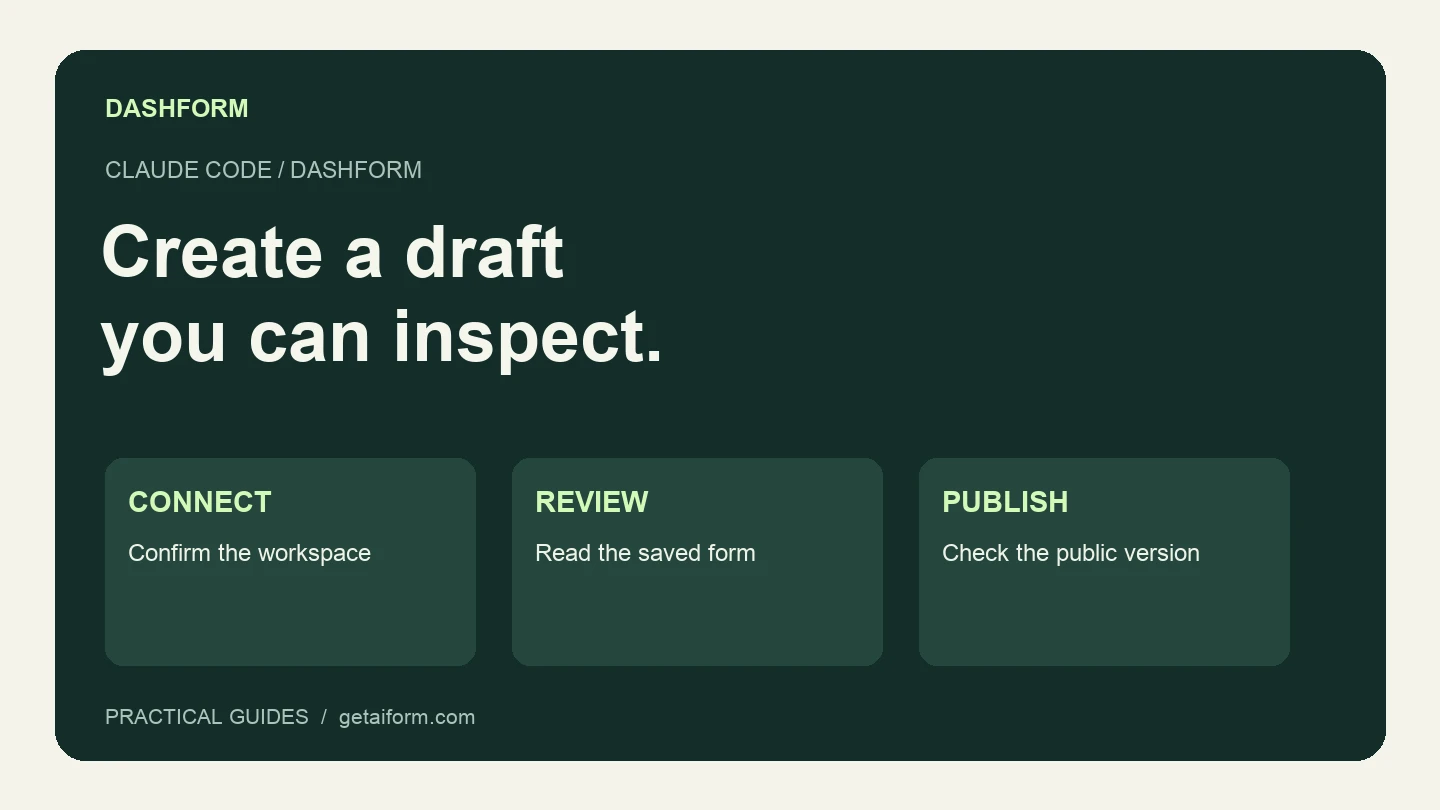
Connect Claude Code to Dashform, create and inspect a form draft, and understand the difference between reusable skills, MCP access, and publishing.
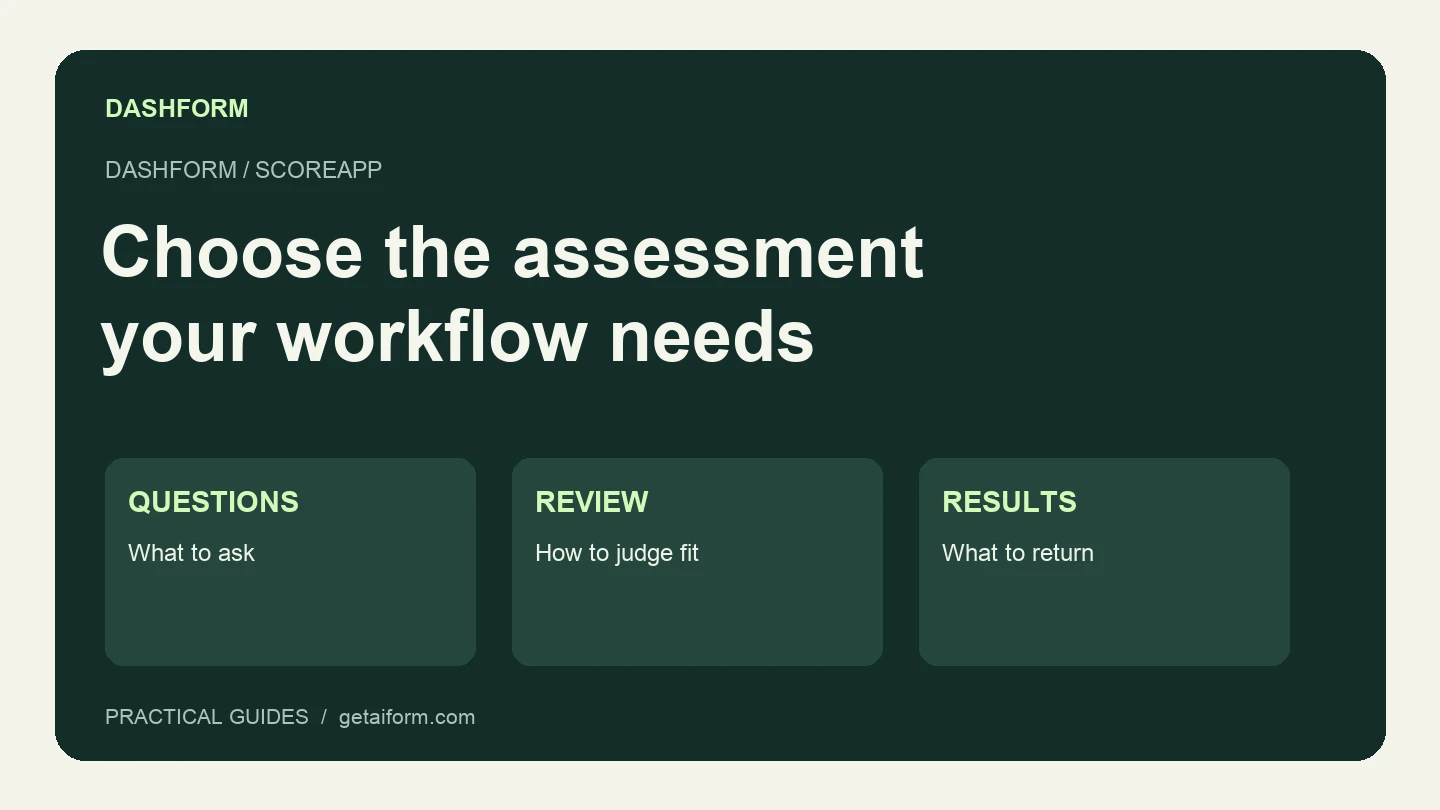
Compare Dashform and ScoreApp for coaching and agency assessments, including current pricing, scoring differences, and what to check before switching.
Try the world's first AI-native form and turn every response into action instantly.