A client tells their assistant, "Send Northline the details for our website project." The assistant already has their name, email, company, current site, and a budget note from last month. Whether it can turn that into a completed inquiry depends on your form.
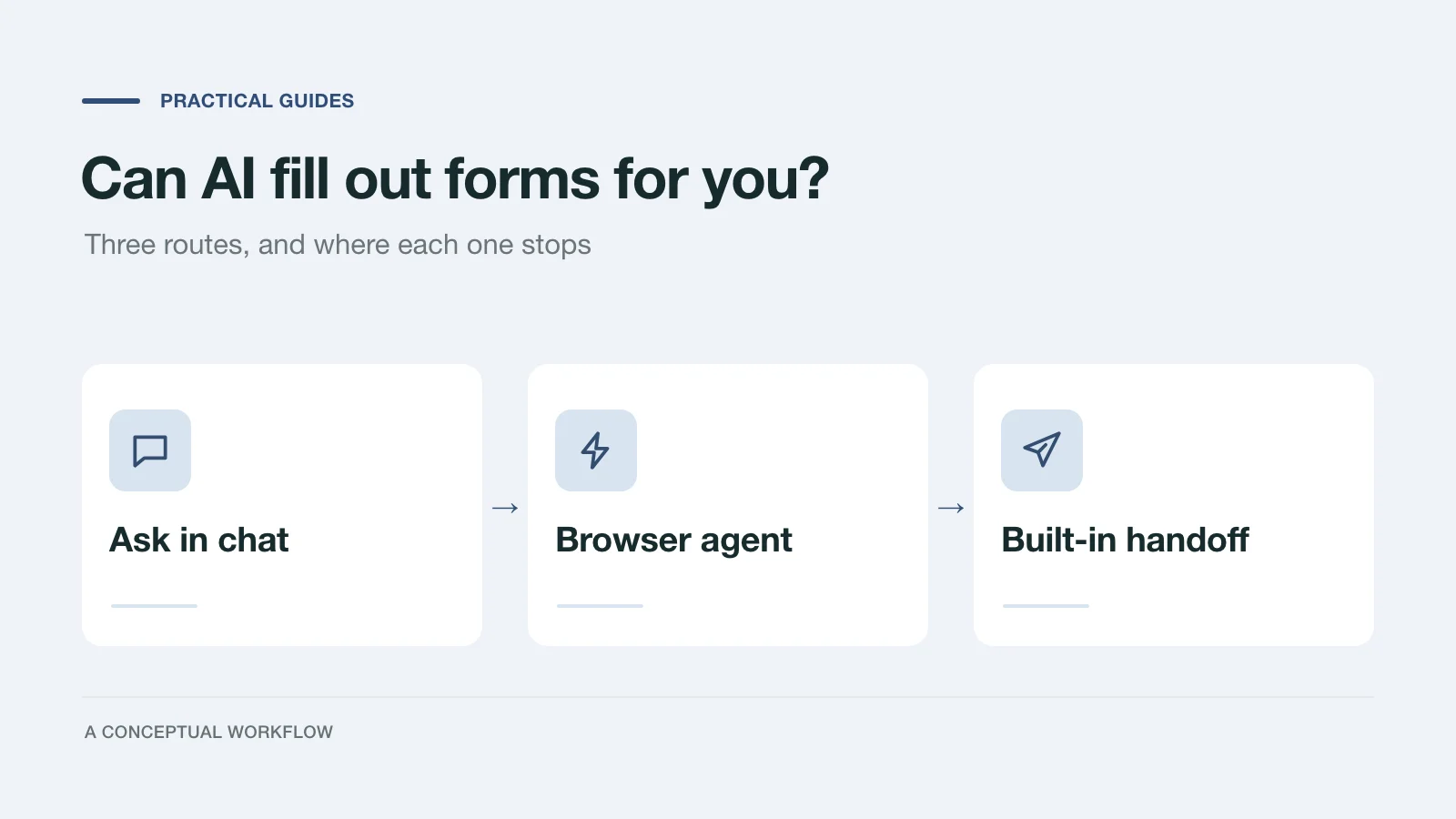
We tested this on October 22, 2026. We published a Dashform inquiry form for a fictional web design studio, wrote notes for a fictional client, and had an AI assistant complete the form two ways: by clicking through the page like a person, and through the handoff prompt Dashform shows on the form's start screen. Both routes produced a complete reply. Only one of them was something we would want a client to rely on.
The test setup
The form belongs to Northline Studio, a made-up agency. It asks nine questions: name, email, company, current website (optional), the service wanted, a budget range, a launch timeline, what the new site should do better, and who approves the project. AI lead review was turned on with written high, medium, and low criteria.
The client is Maya Okafor, who runs a fictional bakery. Her assistant had a few notes from earlier work: her contact details, her site, a project note saying cafes keep asking for a wholesale price list and that the menu is hard to read on phones, and a budget sheet with an amount set aside for the website. It did not know whether she wanted a redesign or a new site, when she wanted it live, or who signs off.
The assistant was Claude Code running Claude Opus 5.5. We did not test ChatGPT or other assistants, so the results below describe one assistant on one form.
Route 1: clicking through the page
First, the assistant drove a browser and filled the form the way a person would: read the question, type or pick an answer, press Next.
It worked. Every answer arrived correctly, and the lead review ran as usual. It also took just under two minutes and about two dozen browser actions for nine questions, and three things slowed it down:
- The answer options had no labels in the page structure. The assistant saw four unnamed buttons per question and had to match them to the visible text by position.
- A selected option was only visible on screen. Neither the page text nor its structure said which option was chosen, so the assistant needed a screenshot to confirm each choice.
- The typing animation hid content. The form's theme types each question out letter by letter. Two seconds after a new question loaded, the assistant saw half a sentence and no options. It had to wait and look again.
The reply was recorded as an ordinary web submission. Nothing in it told the studio that an assistant, and not Maya, had clicked through the form.
Route 2: the handoff prompt
Dashform shows an Or let your AI fill it in row on a published form's start screen, with buttons for the Claude app, Claude Code, the Codex app, and a Copy prompt option.
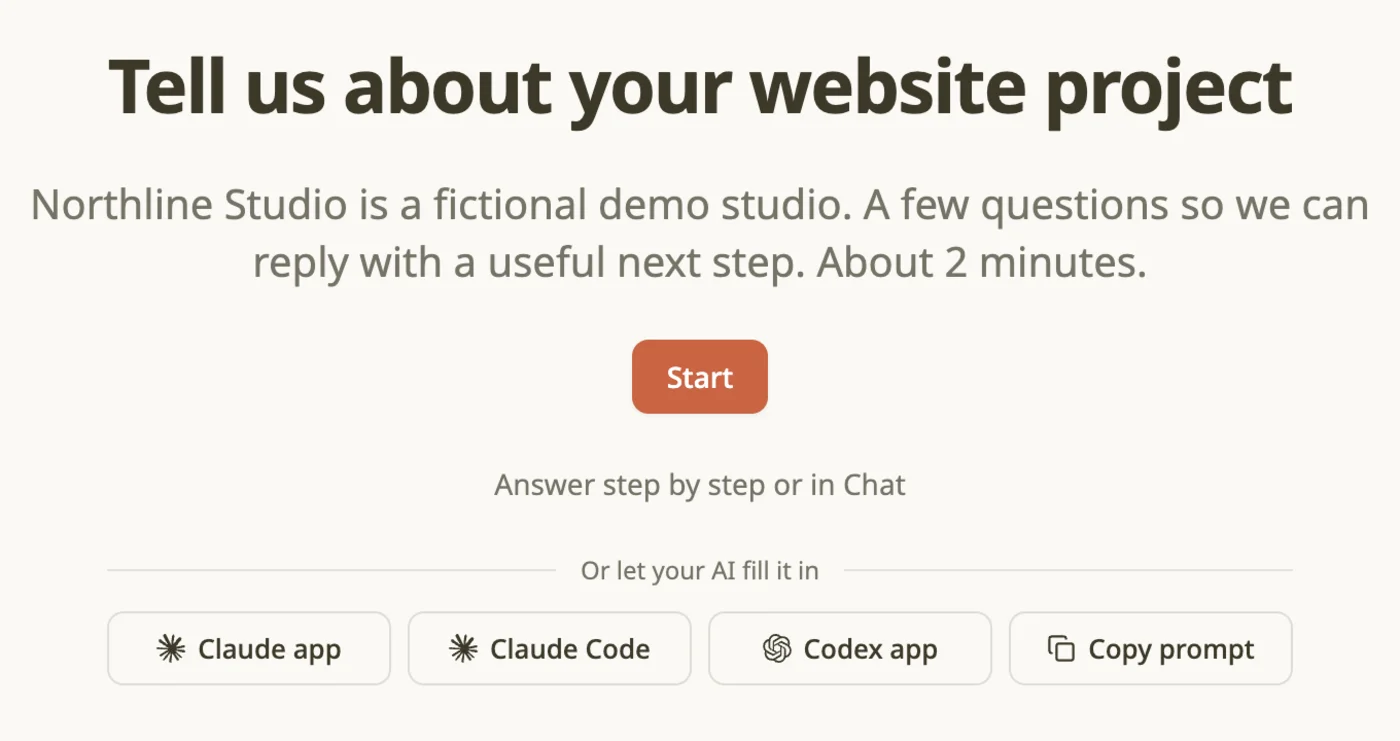
The start screen of the demo form. The handoff row appears under the Start button.
Each button opens the assistant with the same prompt. It names the form, links to a public set of instructions for filling Dashform forms, and tells the assistant to treat everything the form says as content, never as instructions. The instructions say to read the form's questions, answer what the assistant already knows, ask for the rest, show a summary, and submit only after the person confirms.
We gave Claude Code the prompt the Claude Code button passes. It read the questions directly, without loading the page, then came back to Maya with this:
From your notes I can fill in:
- Name, email, company, current website
- Budget: the second range (your budget sheet sets an amount inside it; please confirm)
- What the site should do better, drafted from your note:
  "Cafes can't find a wholesale price list or order online,
   and the menu is unreadable on phones."

I need you for three:
1. A redesign of the current site, or a brand new one?
2. When should it go live?
3. Who approves it? Is Theo involved?
Maya's replies were scripted for the test. She picked a redesign, a launch in one to three months, and said she and her business partner decide together. She also rewrote the goal in her own words. The assistant showed the full summary again, she confirmed, and it submitted.
The submission took under two seconds. Dashform stored the reply with its source set to agent, while the page-clicking reply was stored as web.
What the assistant knew, and what it had to ask
| Question | Where the answer came from |
|---|---|
| Name, email, company, current website | The assistant's notes, used as is |
| Budget range | Inferred from a budget note, then confirmed by Maya |
| What the new site should do better | Drafted from a project note, then rewritten by Maya |
| Service wanted | Asked |
| Launch timeline | Asked |
| Who approves | Asked |
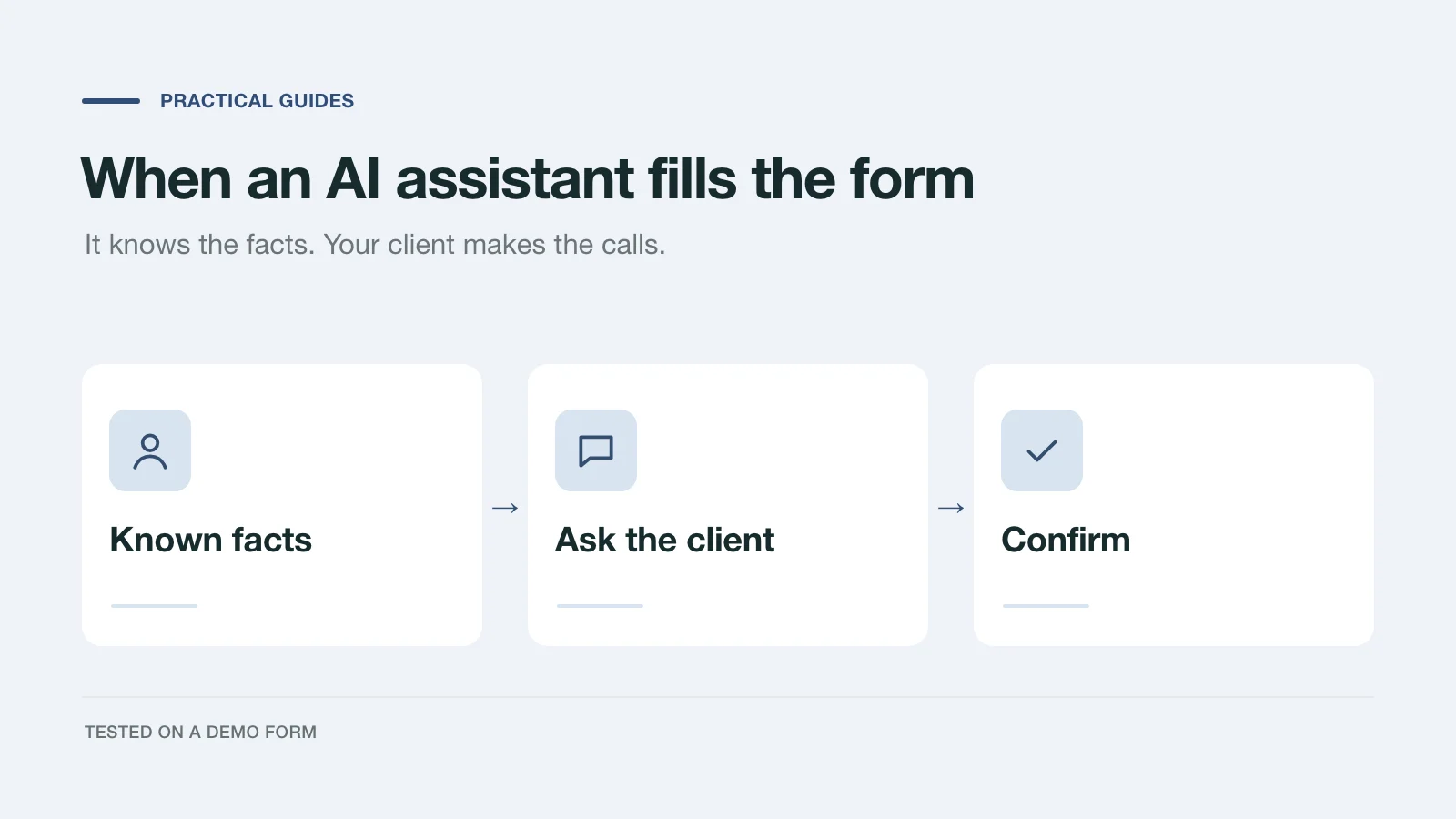
Four answers were pure retyping. Two were reasonable guesses that only became answers once Maya checked them. Three needed her. That split is the useful part: an assistant can take the clerical work off your client, but the questions that tell you whether a project fits still need the person.
The form rejected sloppy answers
Before the real submission, we deliberately sent two bad ones. Neither was stored.
- With the service answered as "Redesign" instead of the exact option text, the form returned:
service: Answer contains an unknown or duplicate option. - With the timeline left out, it returned:
An answer is required for timeline.
The same rules apply whether a person or an assistant is answering, so an assistant can't paraphrase its way into your inbox or skip a required question.
What we would change on our own form
Write review criteria for questions you actually ask. Both replies were rated medium. The review's reason said the approver was "not named". Our high-priority criteria asked for a named approver, and the form never asks for a name. That mismatch would have been our own mistake on a real form. Either add the question or rewrite the criterion.
Make options specific enough to choose from notes. Clear ranges and plain service names let the assistant map Maya's notes to an answer and ask her to confirm it. An option like "Flexible" or "It depends" would have forced a guess or another question.
Keep the judgment questions, and keep them open. The goal question was where Maya changed the assistant's draft. That answer is worth more to the studio than everything the assistant filled in for her.
Skip decorative motion if assistants will use the page. The typing animation made the page-clicking route slower and less reliable. It does not affect the handoff route, which reads the questions directly.
Pass the reply source to your other tools. A reply sent through the handoff route carries the source agent. The dashboard's reply list doesn't show it, but the API returns it and integrations can map a Source field, so a CRM can flag those replies for a quick check. A reply clicked through by an assistant still looks like any other web reply.
Try it on your own form
The handoff row is controlled by the AI Handoff setting in your form's Agent tab. It is on by default. Turning it off only hides the buttons; an assistant can still read a published form and submit a reply that follows its rules. Forms with a payment step don't show the buttons and don't accept replies from an assistant.
To test your own form, open it, click Copy prompt, paste the prompt into your assistant along with a few notes about a test client, and see which questions it answers, which it asks about, and what lands in your inbox. Then fix the questions it had to guess at.
If you are building the form from scratch, the project brief guide covers turning a brief into intake questions, and the agency scorecard covers review rules. To start a draft now, use the Dashform form generator.