

This official CAHPS Clinician & Group Survey Version 3.0 (Child) is a readymade solution designed for healthcare providers to gather essential feedback on the patient experience for children. It is easy to share and complete on any device, ensuring broad accessibility. Adhering to AHRQ regulations, the core survey structure is maintained, allowing for consistent data collection. Users can, however, enhance the survey by adding supplemental items, such as questions concerning a child’s access to medical care, through an intuitive drag-and-drop Form Builder. This flexibility helps tailor the survey to specific organizational needs while maintaining compliance. Utilize this tool to effectively collect valuable insights and drive improvements in pediatric care within your healthcare organization.
Try the conversation below to see how this template works
Trusted by over 10,000 customers and growing
Conversations Started
Questions Answered
Forms Created
Effortlessly collect official CAHPS feedback to meet compliance and improve pediatric patient satisfaction.
Gain specific insights into children's healthcare experiences and access to care with customizable supplemental questions.
Utilize standardized and supplemental data to identify areas for enhancement in child patient care pathways.

AI builds and refines your form through natural conversation no templates, no complex logic, no coding. From a simple text prompt or URL, Dashform generates intelligent flows that adapt automatically.
Dashform turns traditional form-filling into a two-way dialogue. The AI understands intent, remembers context, and asks relevant follow-up questions just like a real human conversation.
Every response is transformed into structured, meaningful, and ready-to-use data. Integrate with your favorite tools.
Everything you need to create amazing forms
Everything you need to know about this template
Don't see exactly what you need? Use our AI Form Generator to create a custom form in seconds. Just describe what you want, and AI will build it for you.
Explore more templates to find the perfect fit
 Hr
HrDocument employee training with participant information, course details, completion dates, trainers, and certification status.
 Hr
HrStreamlined business travel request form for employees to submit travel plans, costs, and accommodation needs for manager approval.
 Product Order
Efficiently collect and manage customer orders for your Halloween sales with this streamlined and festive form template.
 Waiver
This form allows educational institutions to efficiently manage and process requests for partial or full tuition fee waivers for students, faculty, or staff.
 General Request
Facilitate product returns efficiently with this form, designed for customers to detail reasons for dissatisfaction and product information.
 Course Registration
Efficiently register students for classes, courses, or programs of study with this comprehensive and adaptable registration form.
Learn how to get the most out of your forms and templates

Dashform AI Form redefines modern form building by turning static fields into intelligent, brand-aware conversations. Create dynamic, adaptive forms in seconds without manual logic, design work, or complex setup.
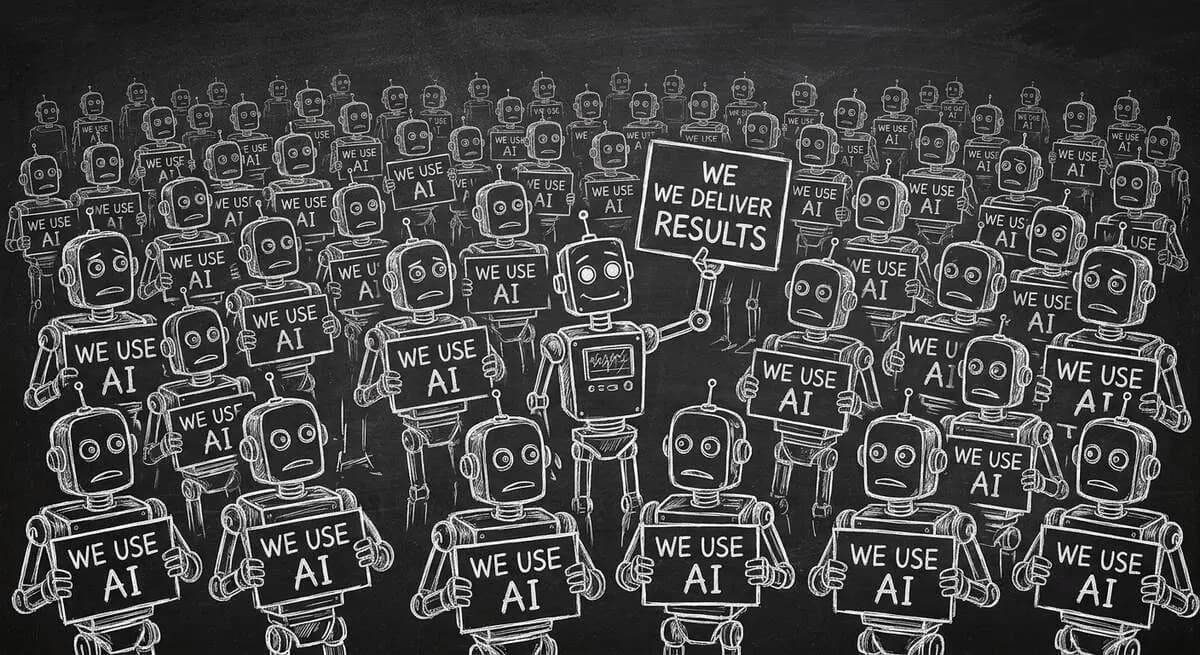
80% of marketers now use AI. Claiming AI adoption is table stakes, not a differentiator. Here are the five new agency differentiators that actually win B2B business in 2026 -- from AI visibility services to interactive qualification to agent economy readiness.
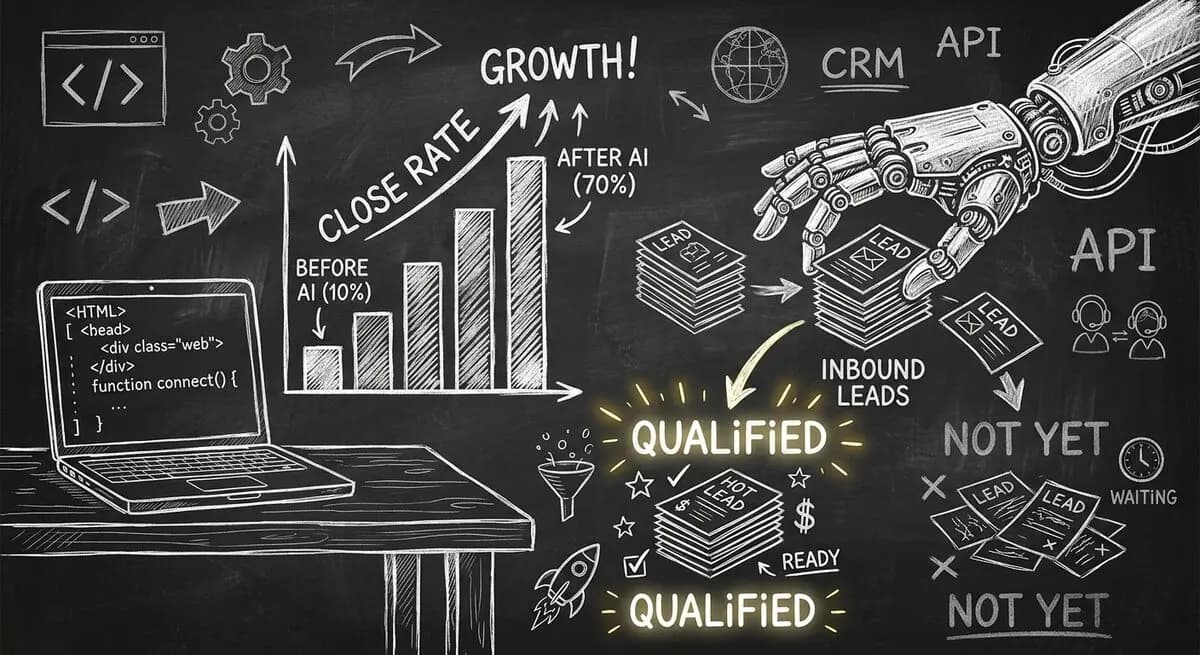
A 12-person web development agency was burning 216 hours per month on proposals with a 12% close rate. After implementing an AI-powered intake assessment, close rate hit 38%, pipeline value nearly tripled, and the team recovered 84 hours per month.
Try the world's first AI-native form and turn every response into action instantly.