The Sample Admission Form opens with a welcome screen inviting applicants to submit their registration details, then collects four required personal details in order: full name, email address, phone number, and date of birth, ensuring the institution has everything needed to identify and contact the applicant. The fifth question asks which program the applicant is interested in — Digital Marketing, Data Science, Web Development, or Other — so staff can route the application to the right team straight away. A final optional question asks how the applicant heard about the institution, providing useful insight into which outreach channels are working. After submitting, applicants see a confirmation screen letting them know their form has been received and that someone will be in touch shortly.
Try the conversation below to see how this template works
Trusted by over 10,000 customers and growing
Conversations Started
Questions Answered
Forms Created
The "Which program or course are you interested in?" question routes each applicant to the right program team before any manual sorting is needed.
The "How did you hear about us?" question helps creators track which marketing channels — social media, search, or word of mouth — are actually driving sign-ups.
The four required personal-detail questions ensure admissions staff always have a full, contactable record for every applicant who submits the form.

AI builds and refines your form through natural conversation no templates, no complex logic, no coding. From a simple text prompt or URL, Dashform generates intelligent flows that adapt automatically.
Dashform turns traditional form-filling into a two-way dialogue. The AI understands intent, remembers context, and asks relevant follow-up questions just like a real human conversation.
Every response is transformed into structured, meaningful, and ready-to-use data. Integrate with your favorite tools.
Everything you need to create amazing forms
Everything you need to know about this template
Don't see exactly what you need? Use our AI Form Generator to create a custom form in seconds. Just describe what you want, and AI will build it for you.
Explore more templates to find the perfect fit
 Onboarding
Collect the business details, goals, platforms, and audience info a social media agency needs to kick off a new client engagement.
 Donation
A seven-question form that collects donor details, gift amount, frequency, and display preferences for secure online giving.
 General Survey
Collect contact details, experience, salary expectations, and motivation from job applicants in one structured form.
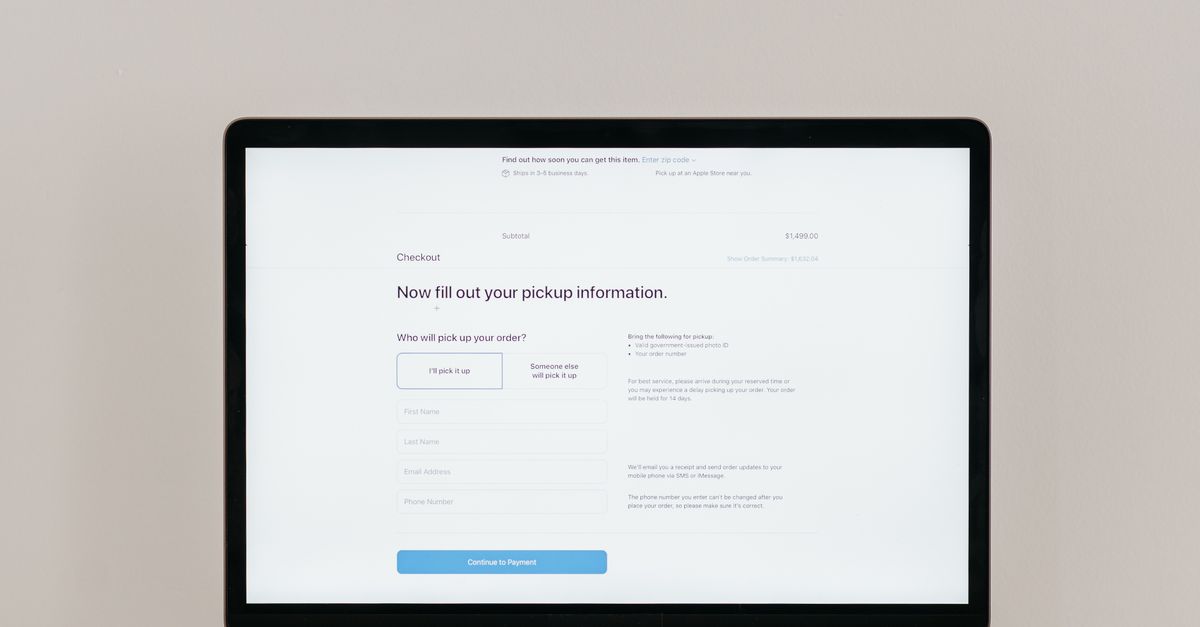 Payment
Collect payment request details and a preferred payment method for follow-up by the billing team.
 Survey
A five-question survey capturing brand perception, product priorities, and social issue awareness to map public sentiment.
 Quote
Collect project details, budget, and timeline from prospective clients so you can send them an accurate quote within one business day.
Learn how to get the most out of your forms and templates
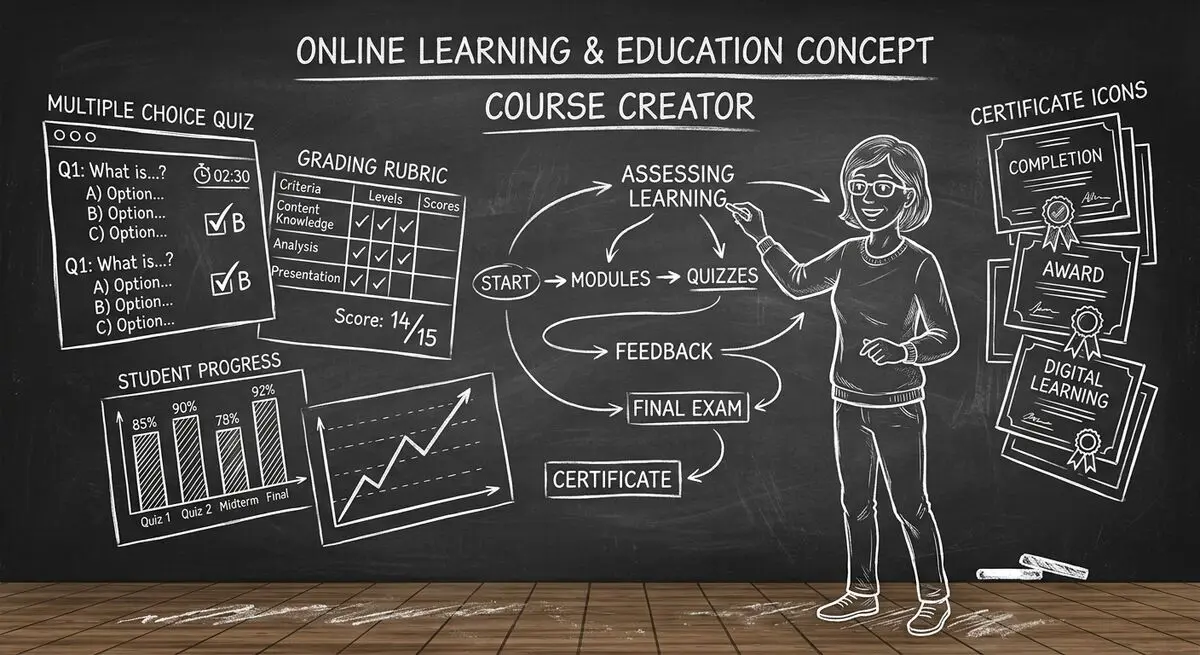
6 AI drafting tools for course creators, with suggestions for reviewing quiz questions, gathering feedback, and collecting enrollment information.
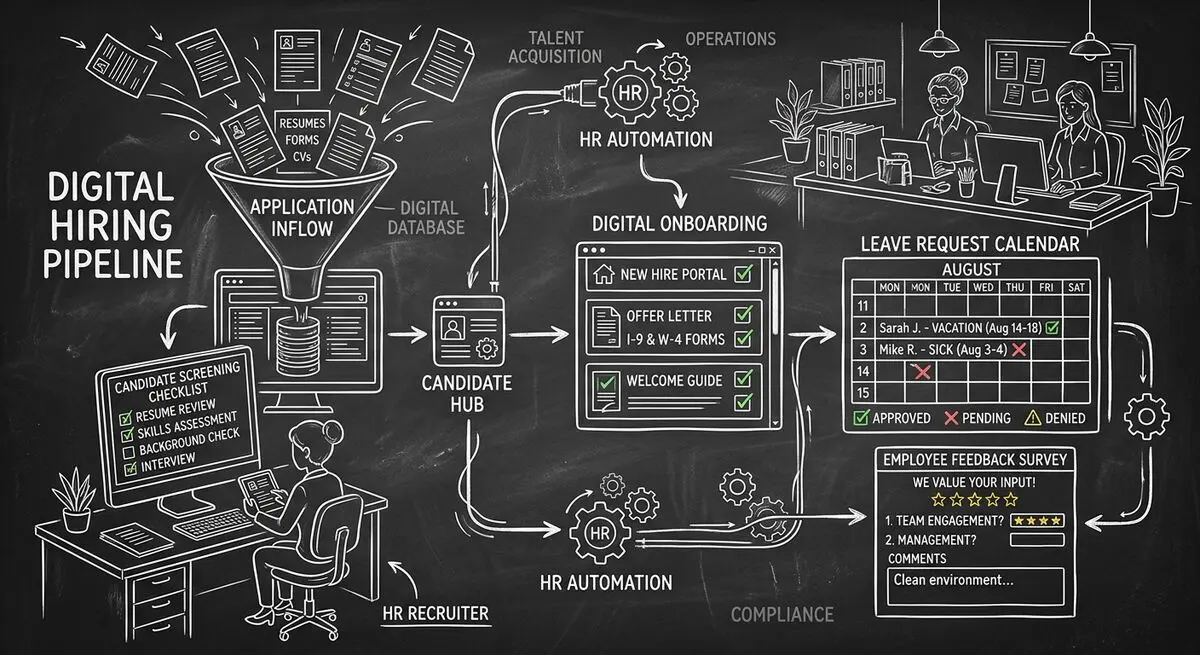
Six Dashform generator starting points for applications, onboarding forms, leave requests, surveys, and feedback, with human review and integration setup.
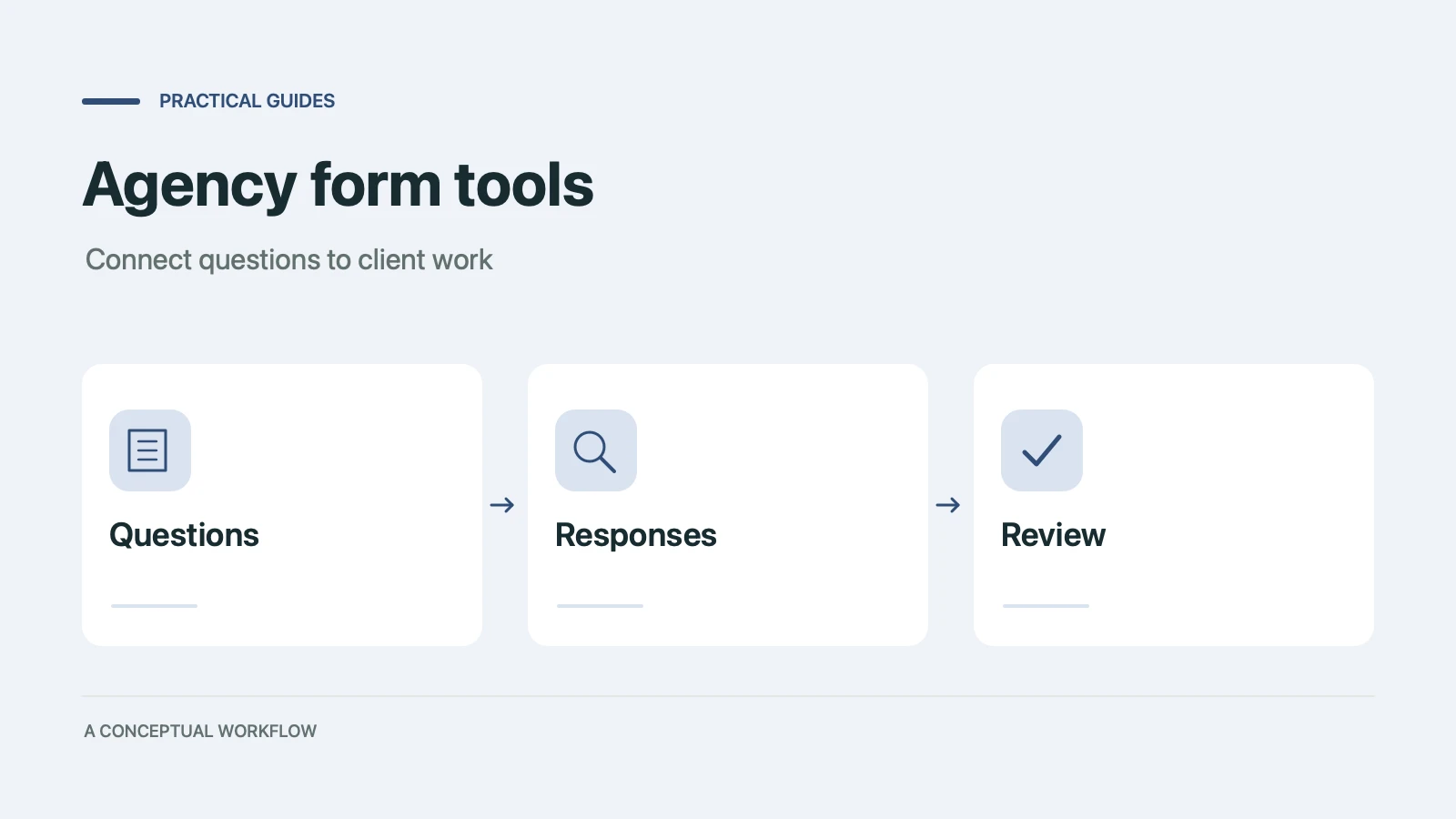
Use six Dashform generator entry points to draft client quizzes, surveys, intake forms, and feedback forms, then review and test the workflow.
Try the world's first AI-native form and turn every response into action instantly.

