6 AI Tools for HR and Recruiting
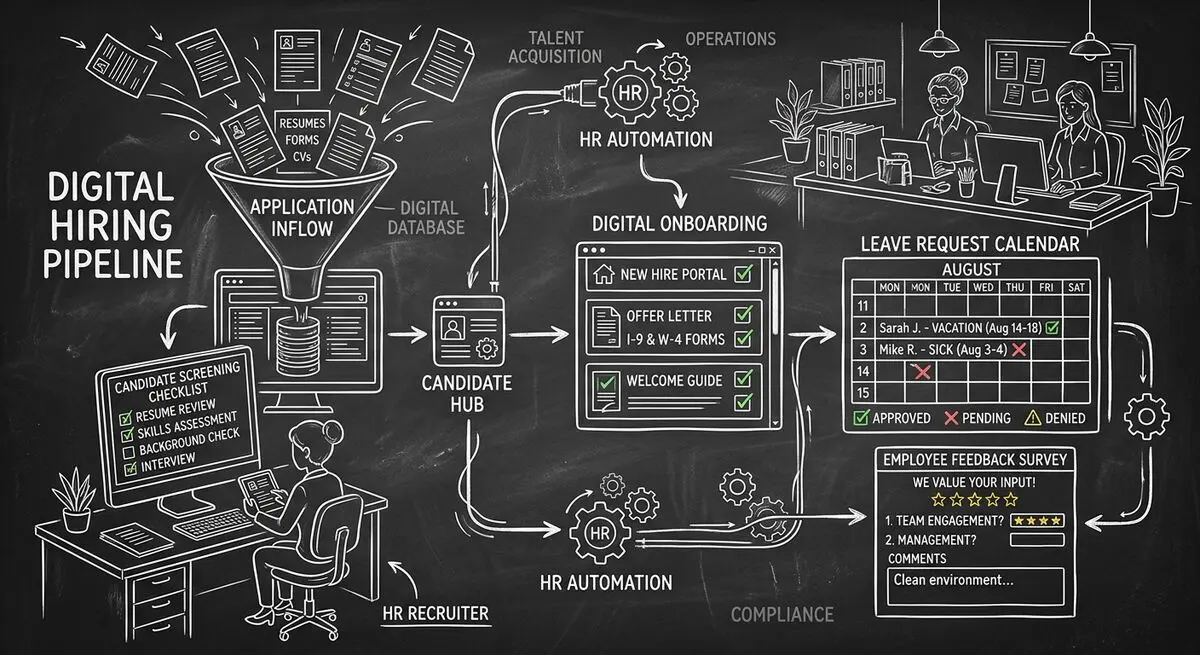
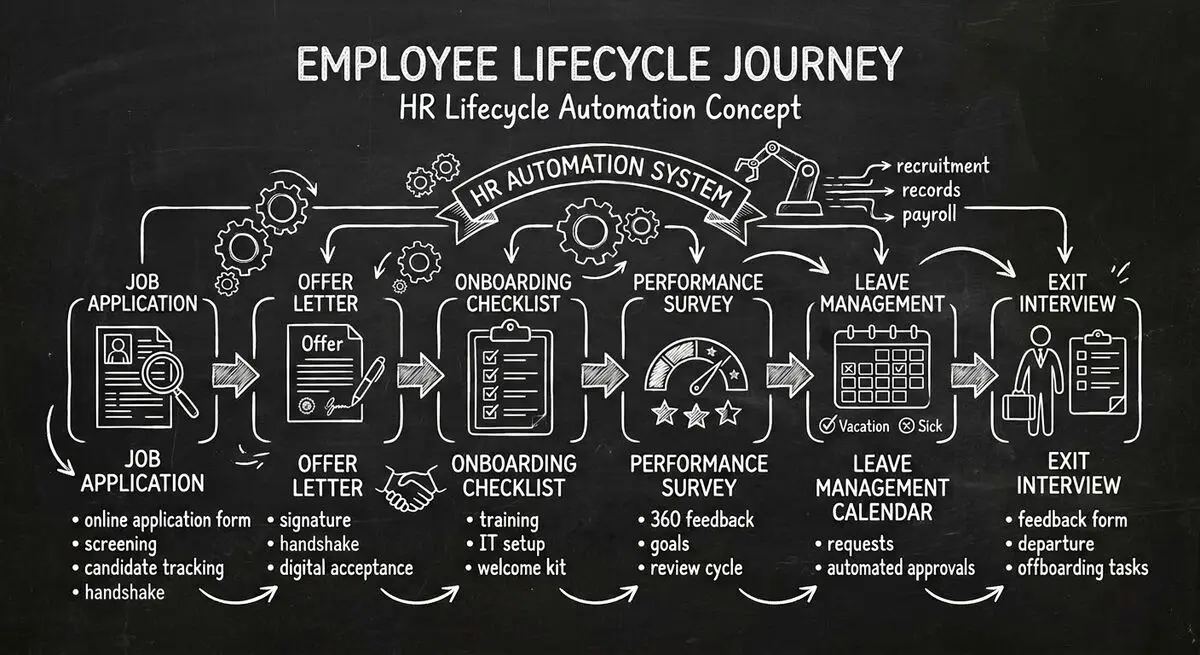
HR workflows collect different information at application, onboarding, leave request, review, and exit stages. Identify the purpose, reviewer, and retention requirements of each form before moving it online.
Dashform provides 6 generator starting points for drafting HR forms, from the first job application to the exit interview.
HR Workflow Automation with Dashform
| HR Process | Tool | Manual Approach | With AI |
|---|---|---|---|
| Job applications | AI Application Form Builder | A new form built for each role | A form drafted from the job description |
| Employee onboarding | AI Onboarding Form Tool | Paper packets | One guided form |
| Leave management | AI Leave Request Form Generator | Emails and spreadsheets | Structured requests |
| Employee surveys | AI Survey Generator | Manual question writing | AI-assisted draft for review |
| Performance feedback | AI Feedback Form Generator | Ad-hoc review documents | Role-specific questions |
| General HR forms | AI Form Generator | Built from scratch | Generated from a description |
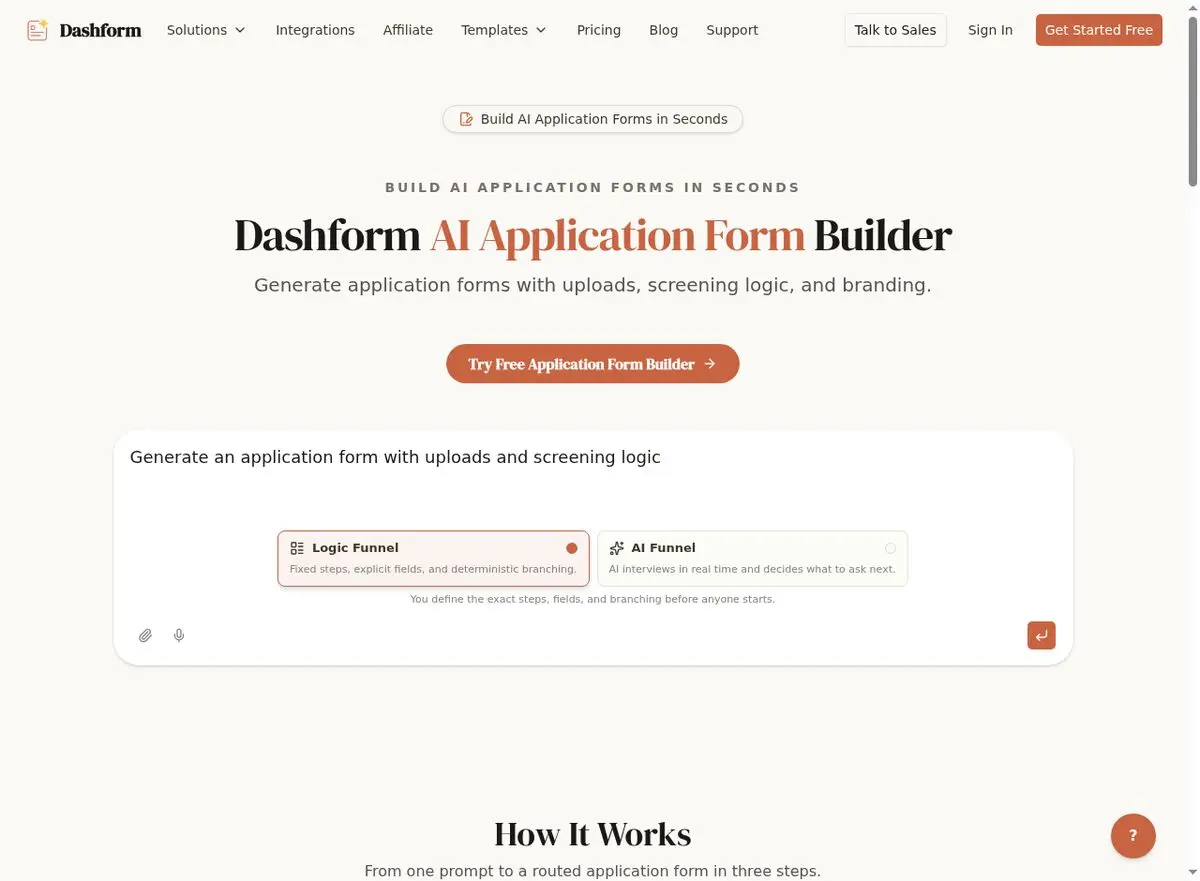
1. AI Application Form Builder: Smarter Hiring From Day One
The AI Application Form Builder can draft job application questions from a role description. Review the questions and any branching against job-related requirements, and keep candidate decisions with authorized human reviewers.
- Role-specific questions: A software engineer application asks about programming languages and system design experience. A marketing manager application asks about campaign management and budget oversight.
- Consistent review: Ask about relevant qualifications and use a documented human review process. AI-generated questions or verdicts do not establish candidate suitability.
- Upload support: Candidates attach resumes, portfolios, and certifications directly within the form.
2. AI Onboarding Form Tool: First-Day Ready Before Day One
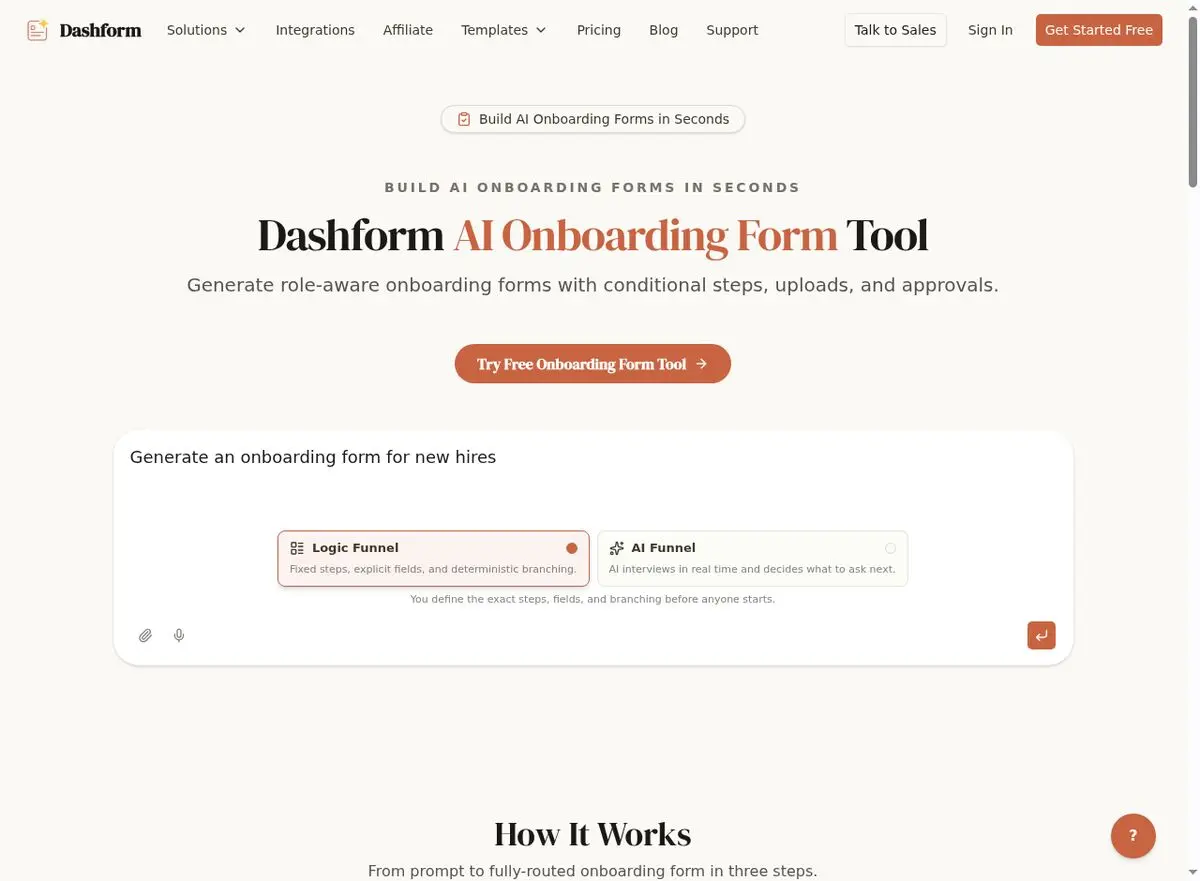
The AI Onboarding Form Tool can draft an onboarding questionnaire for details such as emergency contacts and equipment preferences. Use your approved HRIS, payroll, and electronic-signature services for tax documents, banking information, and signed agreements; configure those services separately.
3. AI Leave Request Form Generator: Automate Time-Off Management
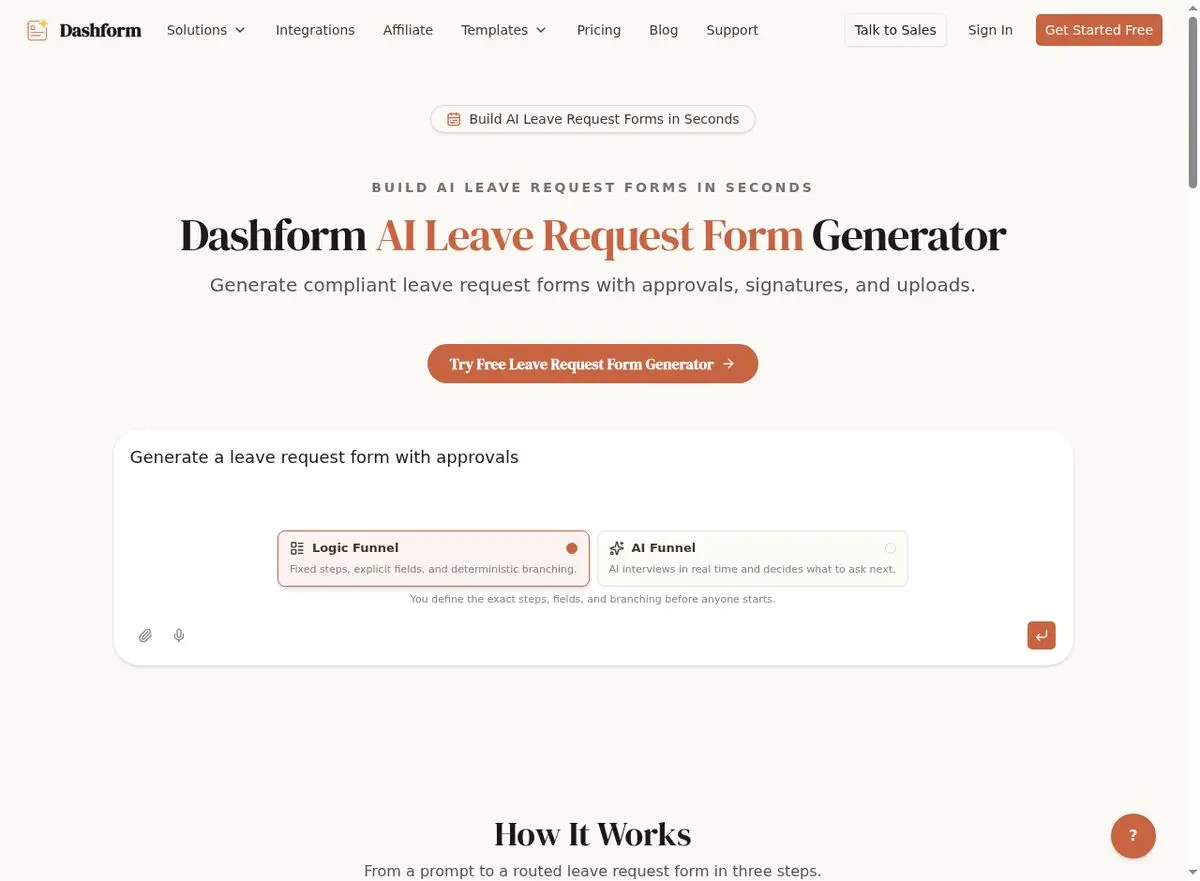
The AI Leave Request Form Generator can draft leave request questions from policies you provide. Have HR review them, configure any branch and notification rules, and manage approvals in your chosen system. The form does not automatically validate leave balances or determine statutory eligibility.
4. AI Survey Generator: Employee Engagement and Culture Measurement
The AI Survey Generator creates employee engagement surveys, pulse checks, culture assessments, and exit interviews. Review generated questions for clarity and suitability; they are not a validated psychological instrument. Configure branches or AI follow-up behavior deliberately and preview the paths before publishing.
5. AI Feedback Form Generator: Performance Reviews and Multi-Rater Feedback
The AI Feedback Form Generator creates structured feedback forms for performance review cycles, multi-rater assessments, peer reviews, and manager evaluations. AI generates competency-based questions tailored to specific roles and levels.
6. AI Form Generator: Everything Else HR Needs
The AI Form Generator covers every other HR form: expense reports, training requests, equipment orders, policy update acknowledgments, relocation requests, and internal transfer applications. Describe the form need and AI generates it.
Review Points for Digital HR Forms
| Cost Factor | Paper/Manual Process | AI Digital Forms |
|---|---|---|
| Printing and storage | Paper and physical storage | Software and digital storage costs |
| HR data transfer | Manual entry | Requires a configured Destination or external workflow |
| Compliance review | Review paper forms | Review generated questions, validation, and data handling |
| Onboarding timing | Depends on process | Share a form before the start date if appropriate |
| Repeated details | Check existing records | Reuse only through a supported, configured workflow |
Frequently Asked Questions
Are these forms compliant with labor regulations?
Dashform generates forms based on your described policies and requirements. For specific regulatory compliance like FMLA, ADA, or EEOC requirements, review generated forms with your legal team. AI creates the structure; compliance teams verify the content.
Can leave request forms integrate with our HRIS?
Dashform supports webhooks and Zapier. BambooHR, Gusto, Workday, and ADP require separately configured workflows supported by each platform; verify permissions, mappings, and approval behavior before use.
How do we handle sensitive employee data?
Webhooks send completed replies to a configured destination; they do not bypass Dashform storage. Review data residency, retention, access, and vendor terms before collecting sensitive employee information.
Can managers customize forms for their departments?
Yes. AI-generated forms can be duplicated and customized per department. A single performance review template can be adapted for engineering, sales, marketing, and operations with role-specific competencies.
What about multilingual support for global teams?
Dashform forms work for international teams. You can generate forms in different languages by specifying the language in your AI prompt, or create multilingual forms with language selection at the start.
Modernize Your HR Operations
Start with a well-understood HR form, draft it in Dashform, and review the questions, access, and delivery. Test with synthetic employee data before publishing and retain human oversight of employment decisions.