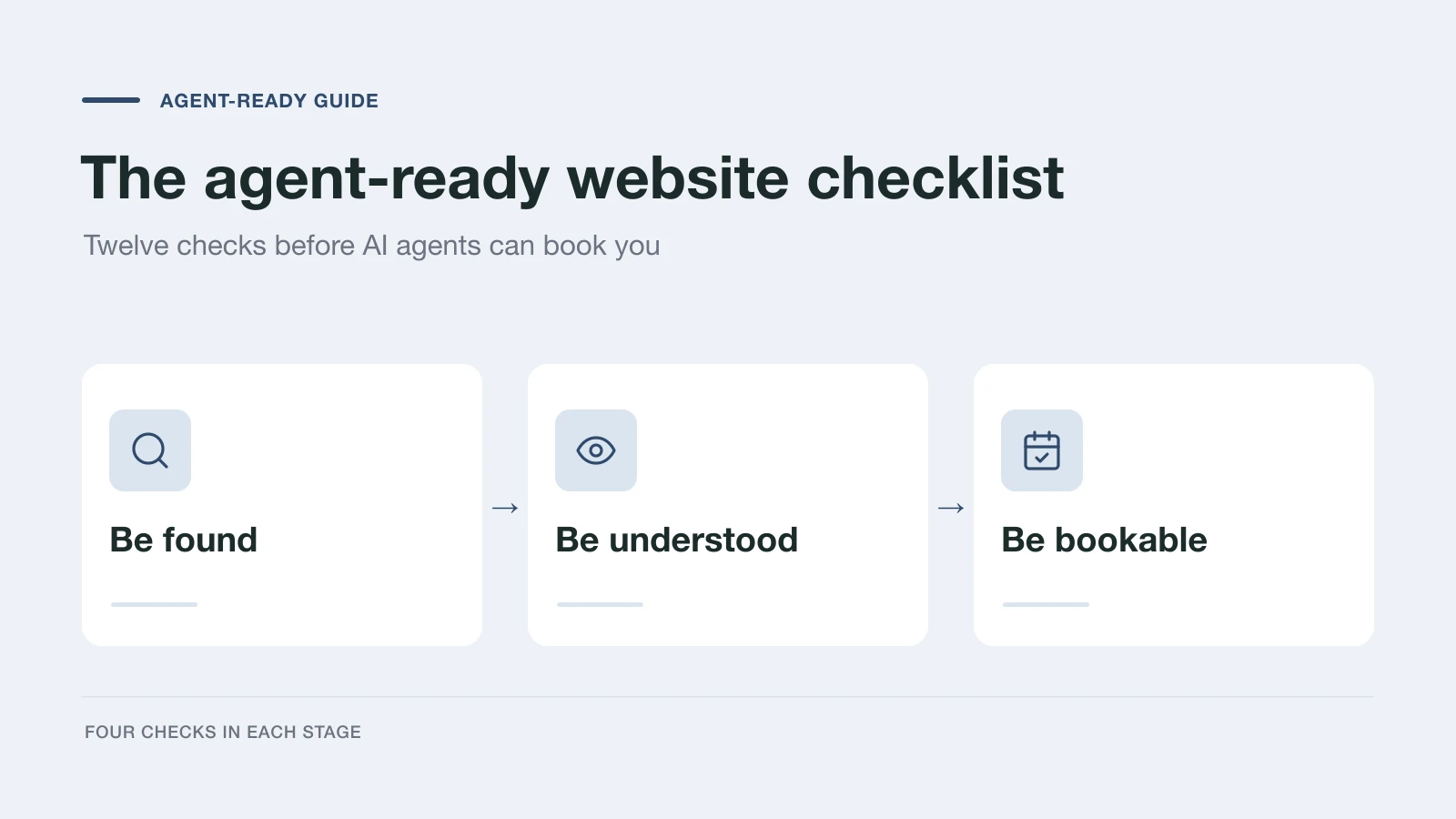
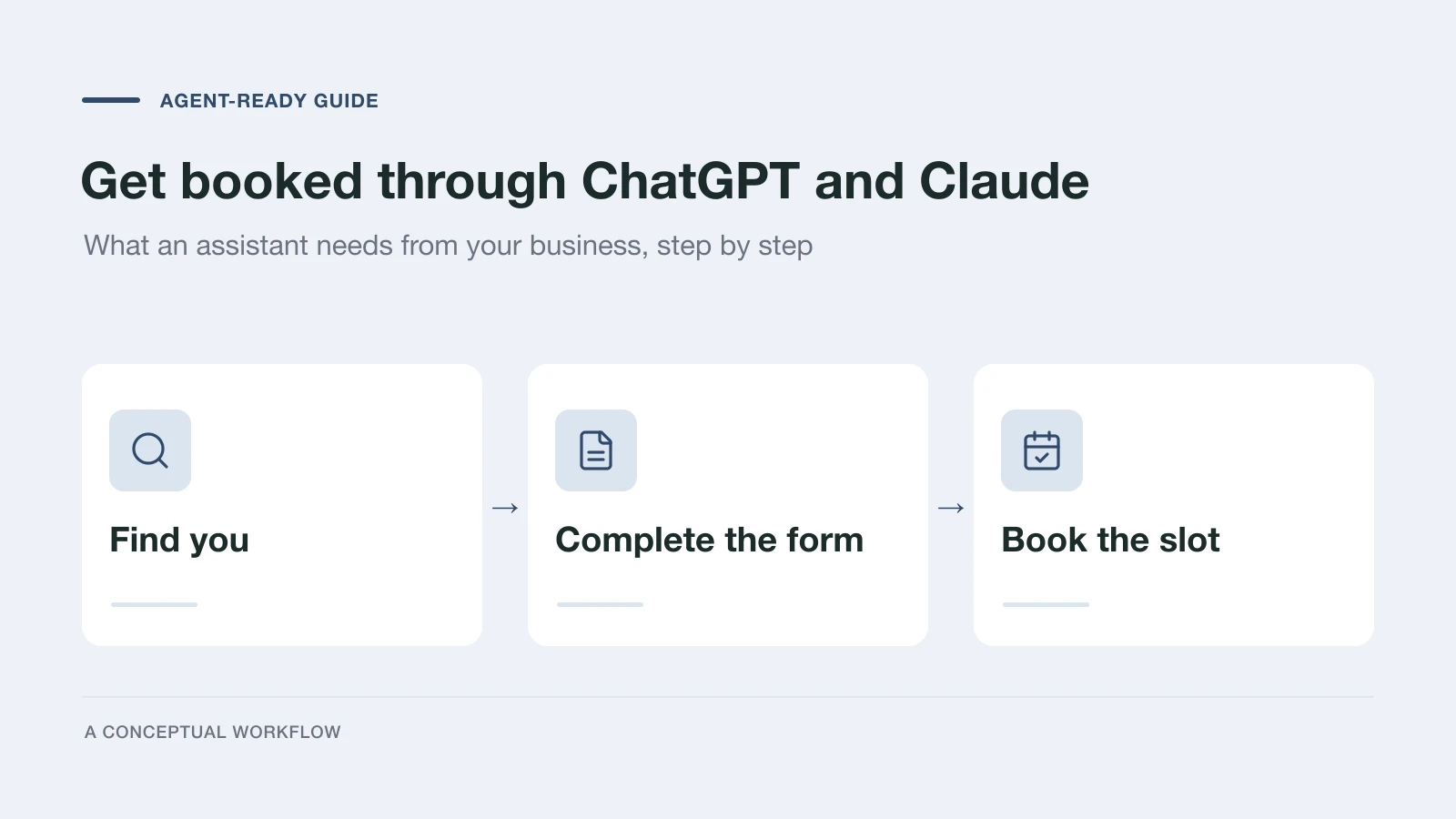
When a customer asks ChatGPT or Claude to "find a physio near me who can see me this week and send them my details", the assistant has to do three things for them: find candidates, decide which ones fit, and complete the next step. Your business gets the booking only if it passes all three. This guide covers what each step needs from you, in the order the assistant meets them.
It is written for the business side. If you want to know how a person uses an assistant to fill forms, read Can AI fill out forms for you?. For the whole topic, start with the agent-ready guide.
Step 1: Let the assistant find you
ChatGPT and Claude search the web when a question needs current, local information. Each provider runs its own crawlers, and your robots.txt decides which of them may read your site:
- OpenAI: OAI-SearchBot for ChatGPT search, ChatGPT-User for pages a user asks ChatGPT to open, and GPTBot for training.
- Anthropic: Claude-SearchBot and Claude-User for search and user-triggered retrieval, and ClaudeBot for training.
Blocking a training crawler does not block the search or user crawlers, and the reverse is true too, so check each one by name. Is your website blocking AI crawlers? walks through the rules, and the AX Audit checks them for you.
Crawlers also need the facts in the HTML they receive. A service list rendered only by JavaScript, a price table in an image, or a CAPTCHA in front of the homepage leaves the assistant with nothing to quote.
Step 2: Make the fit obvious
The assistant now has your page and the customer's request, and it has to decide whether you fit. It can only compare what you state:
- Services, in plain words. What each one is, who it is for, who it is not for, typical price or range, and how long it takes.
- Where and when. Service area, address, hours, and how soon you can usually see a new customer.
- What happens next. Whether the first step is a call, a quote, a free consultation, or a paid appointment.
Repeat the same facts in Schema.org structured data and in an llms.txt file, and keep them consistent with your listings. When two sources disagree on your hours or prices, the assistant has a reason to recommend someone else.
Step 3: Give the assistant a form it can complete
This is where most businesses lose the request. An assistant that reaches a contact form has two options: drive a browser and click through it like a person, or read the questions directly and submit the answers. Clicking works, slowly and with mistakes. Our intake form test found unlabeled options, selections visible only on screen, and animations that hid questions from the assistant.
A Dashform form gives assistants the direct route:
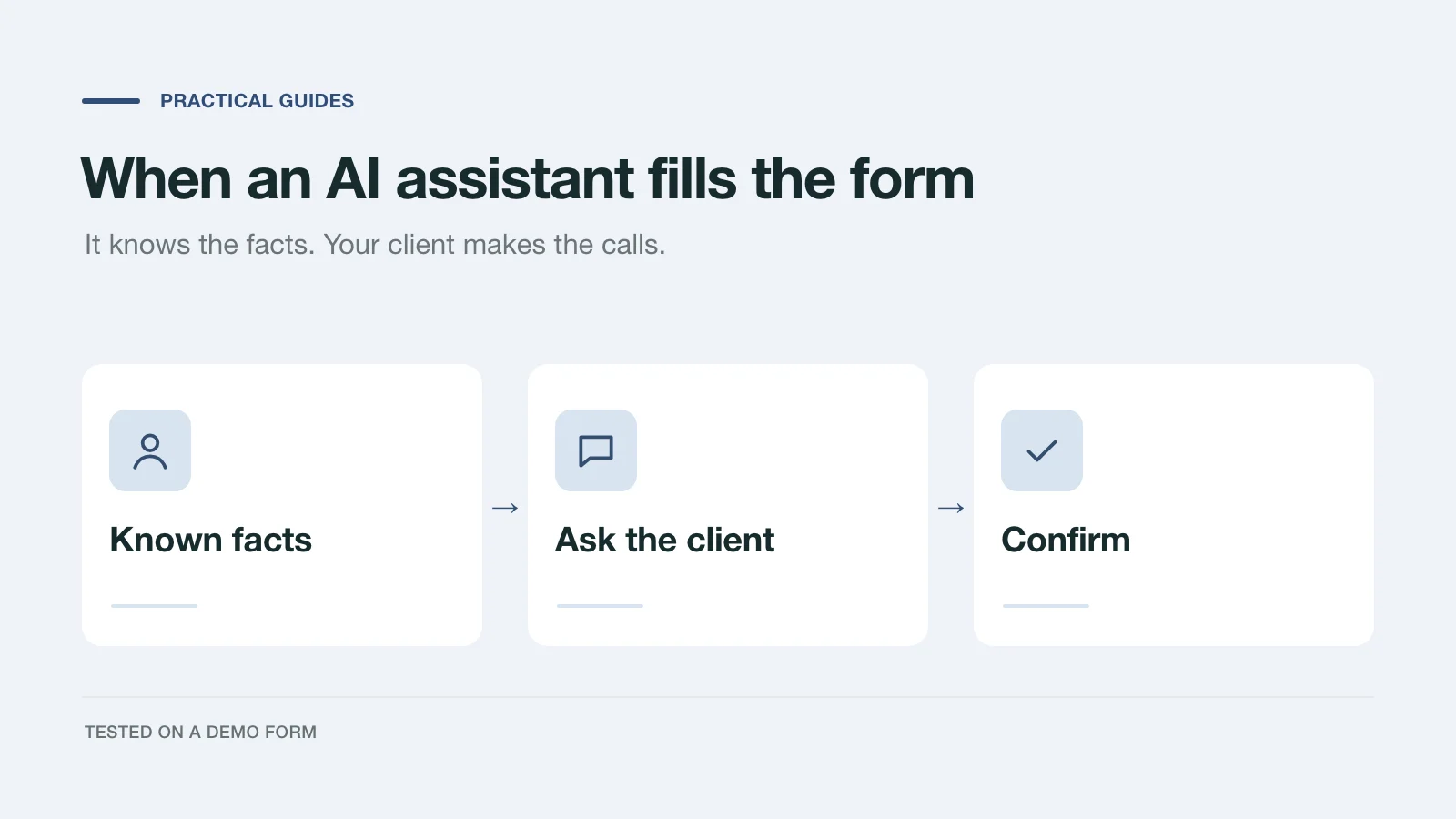
- AI Handoff. A published form's start screen shows an Or let your AI fill it in row with buttons for the Claude app, Claude Code, and the Codex app, plus Copy prompt for any other assistant, including ChatGPT. The prompt points the assistant to instructions that tell it to read the questions, answer what it knows, ask the customer for the rest, and submit only after they confirm. AI Handoff is on by default in the form's Agent tab.
- The same rules for everyone. A required question stays required, and a choice must match one of your options exactly. An assistant can't paraphrase its way into your inbox.
- A Reply you can tell apart. Replies sent this way carry the source
agent, so your CRM can flag them for a quick check.
Keep the questions specific enough to answer from a customer's notes: clear price ranges, named services, and real time windows. "Flexible" or "It depends" forces the assistant to guess or to ask again.
Step 4: Be listed where AI clients look
Some customers and agencies connect Dashform itself to their AI client, through Dashform's MCP server at https://getaiform.com/api/mcp. Those clients can search Dashform's marketplace for businesses by category, keyword, or location, check whether a business fits a request, and submit a Reply to its form.
To appear there, open your form's Agent tab:
- Turn on Marketplace participation, which lists your business and allows AI assistants to submit leads.
- Fill in the Business Profile: business name and description, industry and location, services and pricing, and languages supported. Import from Website can draft it from your site for you to check.
- Add a Booking Link so an assistant can hand the customer straight to your calendar.
The tab also shows the form's MCP Endpoint, the address AI agents use to reach your funnel.
Step 5: Connect the booking
A submitted Reply is an inquiry, not an appointment. To turn it into a booking, the next step needs something that checks availability and confirms a slot. On a Dashform form, that is usually a booking widget or calendar link on the Ending the customer reaches, so a qualified request goes straight to an open time. Route Replies to your team with native integrations, webhooks, or Zapier, and turn on Lead Scoring if you want each request rated before you call back.
Be careful with what you promise. Being easy for an assistant to read, choose, and complete makes you more likely to get the request. The assistant still decides, and your scheduling system still confirms.
A quick test you can run today
- Ask ChatGPT and Claude, in a fresh chat, for a business like yours in your area. Note whether you appear, and whether the facts they quote are right.
- Run the free AX Audit on your site and fix the crawler and structured-data findings first.
- Open your own form, click Copy prompt, and give it to an assistant with a few notes about a made-up customer. See which questions it answers, which it asks about, and what reaches your inbox.
Then work through the agent-ready website checklist for everything else.
Frequently Asked Questions
Can ChatGPT or Claude book an appointment with my business today?
They can send a completed inquiry when your form accepts one from an assistant. A confirmed appointment also needs a scheduling tool that checks availability and confirms the slot, such as a booking link on the form's last step.
Do I need a ChatGPT app or a Claude connector of my own?
No. Assistants find most businesses through the open web. What you need is a site they can read and a form they can complete. A Dashform form also exposes an MCP endpoint, so AI clients connected to Dashform can reach it without one of your own.
Will an assistant submit an inquiry without my customer's approval?
Dashform's handoff instructions tell the assistant to answer only what it knows, ask the person for the rest, show a summary, and submit only after they confirm. The form's own rules, such as required questions and exact options, apply to every submission.
How do I know a Reply came from an assistant?
A Reply submitted through the handoff prompt or Dashform's API is stored with the source agent. The API returns it, and integrations can map it to a field in your CRM.