


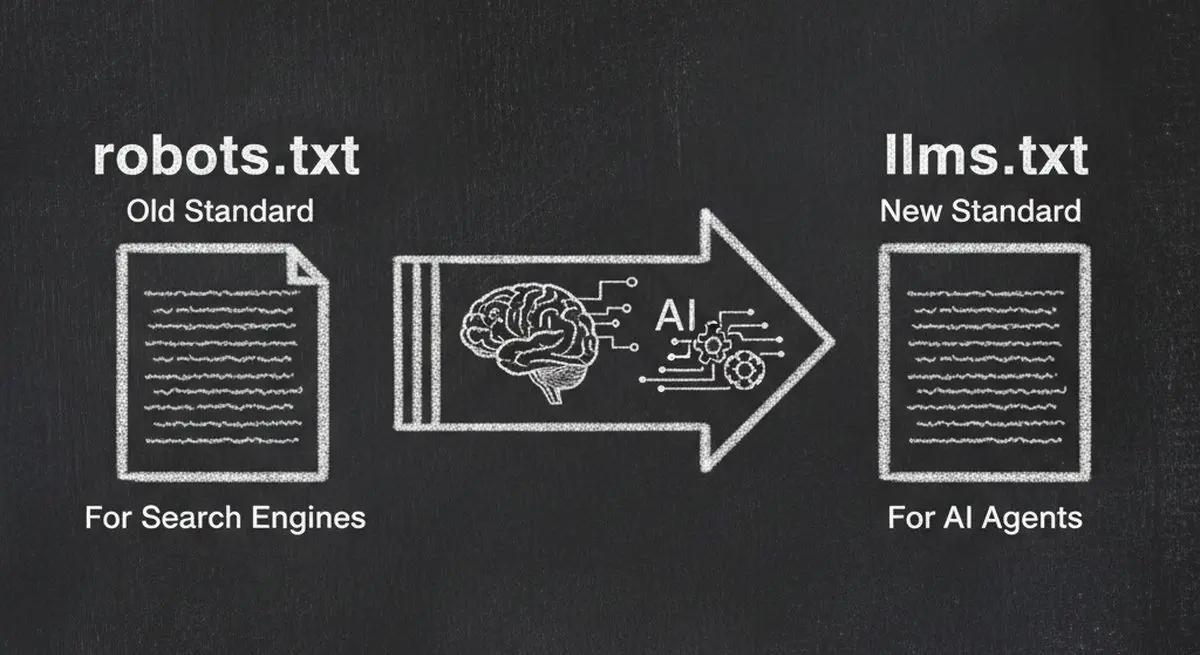
In 2005, robots.txt became the standard for telling search engines what to crawl. Two decades later, a new file is emerging to do the same thing for AI: llms.txt.
llms.txt is a plain text file that sits at your website's root and tells large language models — ChatGPT, Claude, Gemini, Perplexity — exactly what your business does, what services you offer, and how to interact with you. Think of it as a cheat sheet written specifically for AI agents.
Most websites don't have one yet. That's an opportunity. In this guide, we'll explain what llms.txt is, why it matters, exactly how to create one, and how it fits into the broader picture of making your website visible to AI.
What Is llms.txt?
llms.txt is a proposed standard for providing structured, machine-readable information about your website to large language models. It lives at yourdomain.com/llms.txt — the same location pattern as robots.txt.
While robots.txt tells crawlers what NOT to access, llms.txt tells AI agents what your website IS — a concise, structured summary optimized for machine consumption.
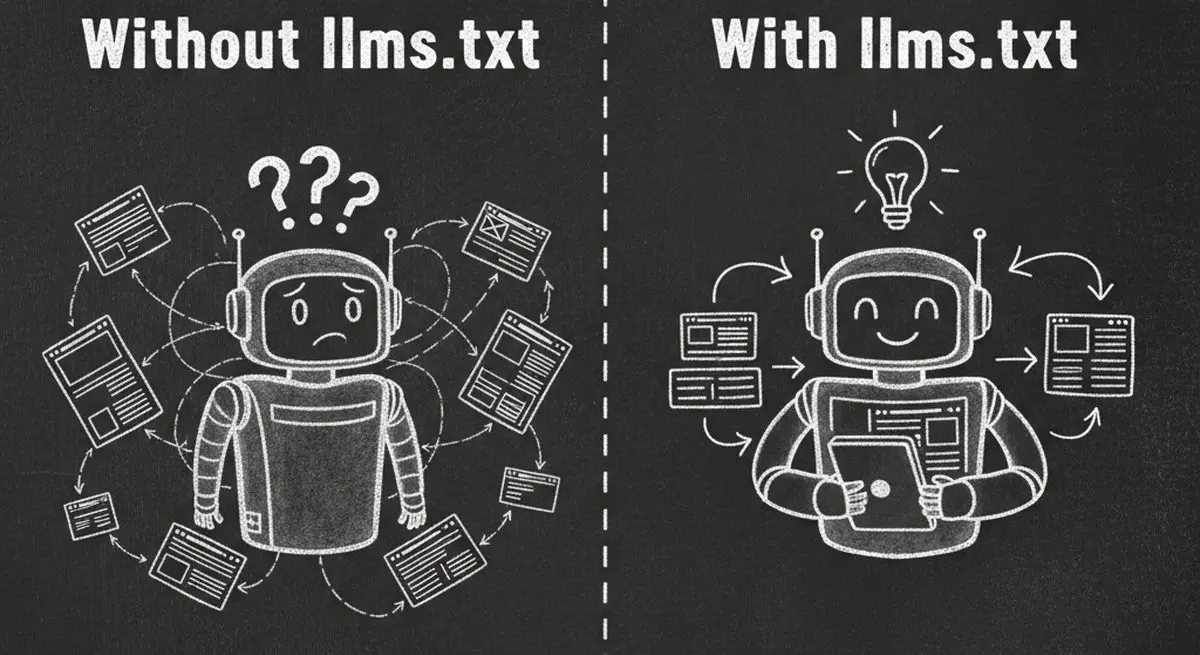
robots.txt vs llms.txt Comparison
| Feature | robots.txt | llms.txt |
|---|---|---|
| Purpose | Control crawler access (allow/disallow) | Describe your business to AI agents |
| Audience | Search engine bots (Googlebot) | LLMs (ChatGPT, Claude, Gemini) |
| Content | Access rules and directives | Business description, services, links |
| Format | Directive-based (User-agent, Disallow) | Markdown-based (headings, lists, links) |
| Effect | Blocks or allows crawling | Helps AI understand and recommend you |
| Location | yourdomain.com/robots.txt | yourdomain.com/llms.txt |
| Age | Standard since 1994 | Emerging standard (2024-present) |
The key insight: robots.txt is defensive (keeping bots out), while llms.txt is offensive (inviting AI in with the right information). In the AI agent era, you need both.
Why llms.txt Matters for Your Business
AI agents are increasingly how people discover businesses. When someone asks ChatGPT "find me a good dentist near downtown" or tells Claude "compare CRM tools for small businesses," the AI needs to understand your business to recommend you.
Without llms.txt, AI agents have to crawl your entire website, parse messy HTML, and try to figure out what you do. The result is often incomplete, inaccurate, or simply missing your business entirely.
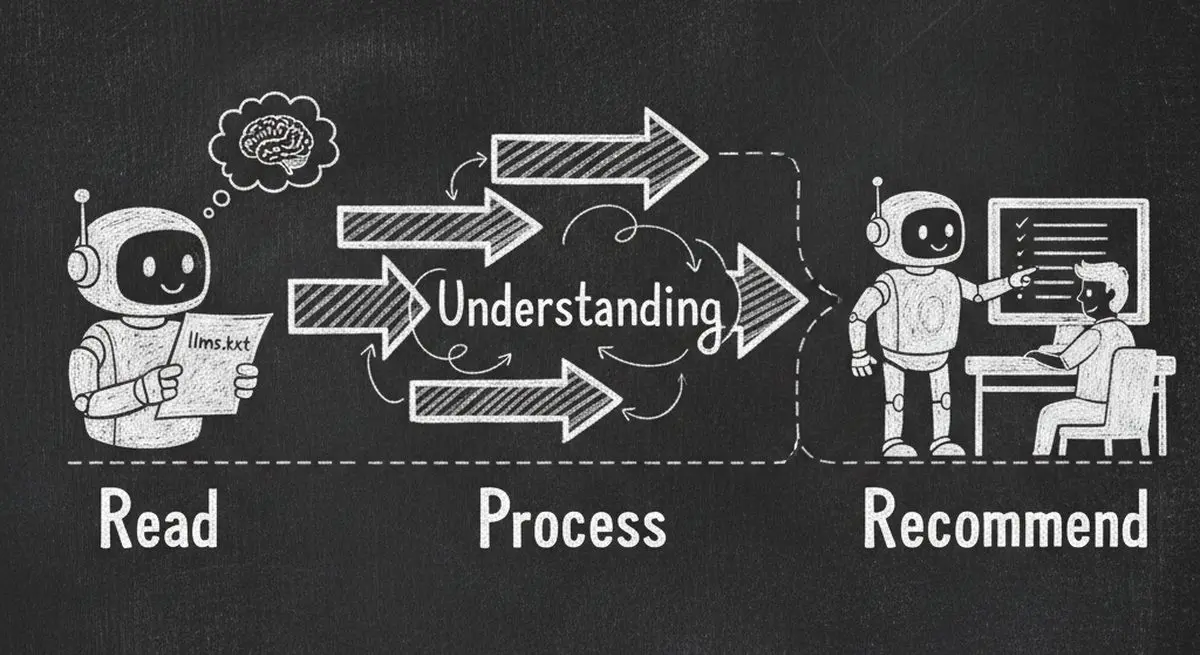
With llms.txt, you hand the AI a clean, authoritative summary. The benefits:
Business Benefits of llms.txt
| Benefit | Without llms.txt | With llms.txt |
|---|---|---|
| AI Recommendations | May not recommend you (incomplete data) | Accurately recommends your services |
| Business Description | AI guesses from scattered page content | You control the narrative |
| Service Discovery | AI may miss key services or features | All services clearly listed and described |
| Contact/Booking | AI can't find how to reach you | Direct links to booking, contact, pricing |
| Competitive Positioning | AI treats you like every other website | You define what makes you different |
| Agent Transactions | AI can't take action on your behalf | Clear paths for agents to book, buy, or inquire |
Early adopters of llms.txt are already seeing benefits in AI-driven discovery. As LLMs become the primary way people search for services, businesses without llms.txt will be at a significant disadvantage — similar to how businesses without websites lost out in the early 2000s.
llms.txt Format and Structure (Complete Specification)
The llms.txt format uses Markdown for readability by both humans and machines. Here's the complete structure:
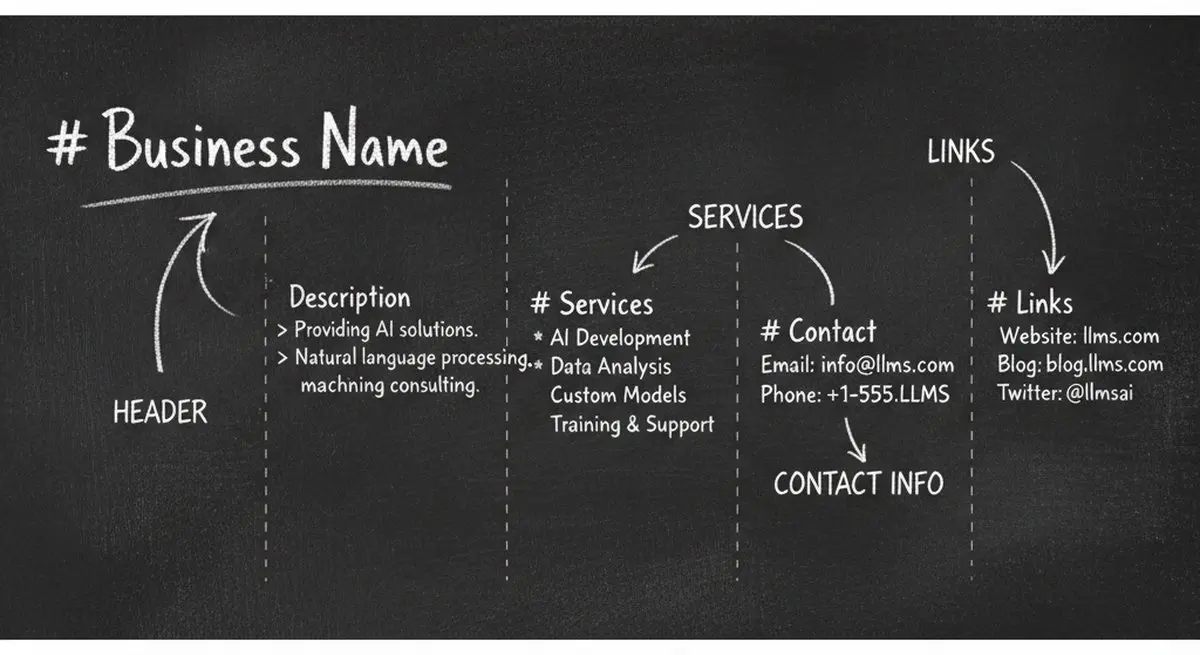
Required Sections
llms.txt Required and Optional Sections
| Section | Required? | Purpose | Format |
|---|---|---|---|
| Title (H1) | Yes | Your business or website name | # Your Business Name |
| Description | Yes | One-paragraph summary of what you do | Plain text blockquote after the title |
| Main Sections (H2) | Yes | Key information categories | ## Section Name |
| Links | Yes | Important URLs with descriptions | - [Link Text](URL): Description |
| Optional Sections | No | Additional context (docs, API, FAQ) | ## Optional Section Name |
The Format in Practice
A well-structured llms.txt starts with an H1 heading containing your business name, followed by a blockquote description. Then use H2 sections to organize your key information: About, Services, Pricing, Contact, Documentation, and any other categories relevant to your business.
Each section should include descriptive links using the format: [Link Text](URL): Brief description. This tells AI agents both where to find information and what they'll find there.
Keep it concise. An ideal llms.txt is 50-200 lines. AI agents don't need your entire website content — they need a clear map of what you offer and how to access it.
llms-full.txt: The Extended Version
The llms.txt standard also defines an optional llms-full.txt file at yourdomain.com/llms-full.txt. While llms.txt is a concise summary, llms-full.txt contains comprehensive documentation — full service descriptions, detailed pricing, complete FAQ content, and more. Think of llms.txt as the executive summary and llms-full.txt as the complete reference manual.
llms.txt Examples by Industry
What goes in your llms.txt depends on your business type. Here's what to include for different industries:
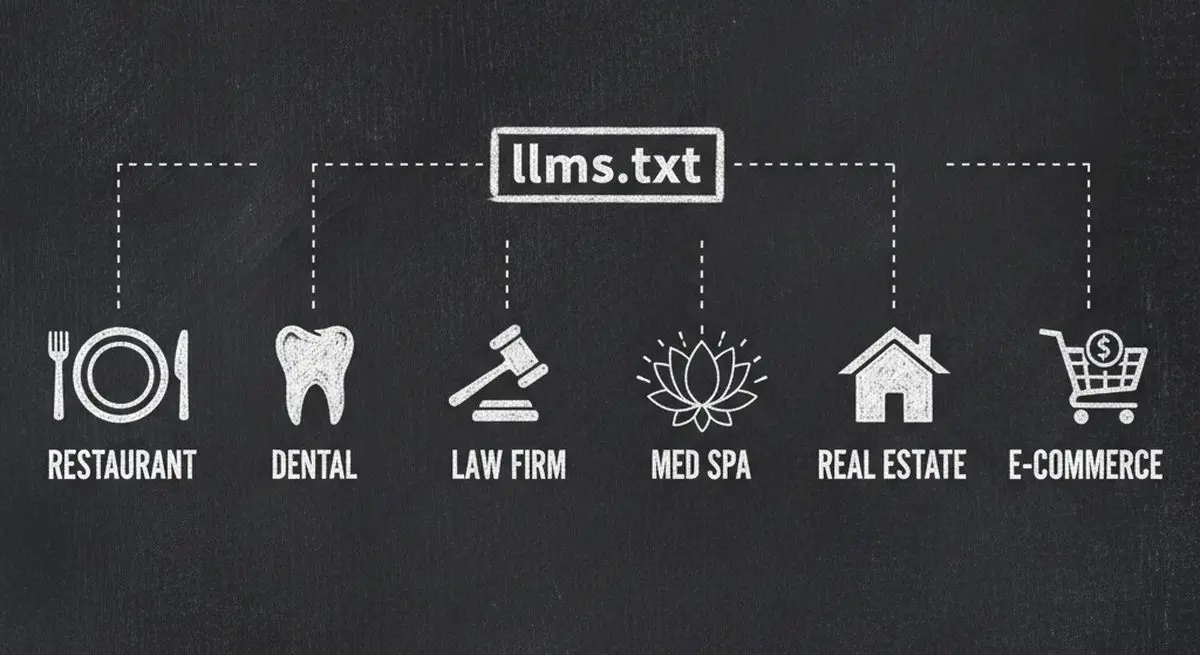
What to Include in llms.txt by Industry
| Industry | Key Sections | Critical Links | Agent Actions to Enable |
|---|---|---|---|
| Restaurant | Menu, Hours, Location, Reservations | Menu PDF, reservation link, delivery partners | Book a table, view menu, check hours |
| Dental / Medical | Services, Insurance, New Patients, Providers | Booking link, insurance list, patient forms | Book appointment, check insurance, new patient intake |
| Law Firm | Practice Areas, Attorneys, Consultations | Consultation booking, attorney bios, case types | Schedule consultation, check if case qualifies |
| Spa / Wellness | Services, Pricing, Booking, Specials | Service menu, booking link, current promotions | Book treatment, compare services, check availability |
| Real Estate | Listings, Areas Served, Agents, Buyers/Sellers | Property search, agent contact, market reports | Search properties, schedule showing, get market data |
| E-commerce | Products, Categories, Shipping, Returns | Product catalog, shipping policy, return policy | Find products, check pricing, track order |
| SaaS | Features, Pricing, Docs, API, Support | Pricing page, API docs, demo booking, changelog | Compare plans, start trial, access documentation |
The more specific and structured your llms.txt, the better AI agents can match user queries to your services. A dental clinic that lists specific procedures (teeth whitening, Invisalign, emergency care) will get recommended for those specific queries — not just generic "dentist" searches.
How to Create Your llms.txt File (Step-by-Step)
Step 1: Write Your Business Summary
Start with an H1 heading of your business name, followed by a clear one-paragraph description. This is the most important part — it's what AI agents read first to understand what you do. Be specific about your value proposition, target audience, and location (if relevant).
Step 2: Define Your Key Sections
Use H2 headings to organize information into logical categories. Common sections include: About (company overview), Services or Products (what you offer), Pricing (plans, rates), Contact (how to reach you), Documentation (for technical products), and FAQ (common questions and answers).
Step 3: Add Descriptive Links
For each section, add links using the Markdown format with descriptions. Each link should have a clear title and brief description that tells the AI what it will find at that URL. Avoid vague link text like "click here" — use descriptive labels like "Complete pricing for all service plans."
Step 4: Upload to Your Website Root
Save the file as llms.txt and upload it to your website's root directory so it's accessible at yourdomain.com/llms.txt. Most web hosting platforms let you upload files directly to the root. For platforms like WordPress, you may need to add a redirect rule or use a plugin.
Step 5: Validate and Test
Visit your llms.txt URL in a browser to verify it loads correctly. Then run a free AX Audit to validate the format, check for issues, and see how it fits into your overall AI readiness score. The AX Audit specifically checks for llms.txt presence and format compliance.
llms.txt as Part of Your AI Readiness Stack
llms.txt doesn't exist in isolation. It's one piece of a complete AI readiness strategy:
The Complete AI Readiness Stack
| Layer | File/Standard | Purpose | Priority |
|---|---|---|---|
| Access Control | robots.txt | Allow AI crawlers to access your site | Critical (do first) |
| AI Summary | llms.txt | Provide structured business description for LLMs | High |
| Structured Data | Schema.org JSON-LD | Machine-readable business data embedded in pages | High |
| Agent Interaction | .well-known/mcp.json | Enable AI agents to take actions (book, buy, inquire) | Medium |
| Content Quality | Semantic HTML | Clean, parseable page structure | Medium |
| Discovery | Social links + directories | Cross-reference your identity across platforms | Medium |
Each layer builds on the previous one. Start by fixing your robots.txt (see our complete robots.txt guide), then create your llms.txt, then add structured data and agent interaction endpoints.
To check where you stand on all of these layers at once, run the free AX Audit tool. It scores your website across all 6 dimensions and provides copy-paste fixes for every issue found.
Who's Already Using llms.txt?
The llms.txt standard is gaining rapid adoption across the tech industry and beyond:
Notable llms.txt Adopters
| Organization | Industry | URL |
|---|---|---|
| Anthropic | AI / Technology | anthropic.com/llms.txt |
| Cloudflare | Infrastructure / CDN | developers.cloudflare.com/llms.txt |
| Stripe | Payments / Fintech | docs.stripe.com/llms.txt |
| Mintlify | Developer Tools | mintlify.com/llms.txt |
| Cursor | AI Code Editor | docs.cursor.com/llms.txt |
| Supabase | Backend as a Service | supabase.com/llms.txt |
These are primarily technology companies — which means the standard is still in its early stages for traditional businesses. Restaurants, dental offices, law firms, and other service businesses that adopt llms.txt now will have a significant first-mover advantage in AI-driven discovery.
5 Common llms.txt Mistakes to Avoid
llms.txt Mistakes and How to Fix Them
| Mistake | Why It's a Problem | Fix |
|---|---|---|
| Making it too long (500+ lines) | LLMs have context limits; bloated files get truncated or ignored | Keep to 50-200 lines; use llms-full.txt for extended content |
| Using vague descriptions | AI can't match user queries to generic descriptions like 'we offer solutions' | Be specific: list exact services, products, pricing tiers |
| Missing contact/booking links | AI agent can discover you but can't help users take action | Always include direct booking, contact, and pricing URLs |
| Wrong Markdown formatting | Broken headings or links make the file unparseable | Validate format with AX Audit; use standard Markdown syntax |
| Set-and-forget mentality | Outdated information leads to wrong AI recommendations | Review quarterly; update when services, pricing, or hours change |
Frequently Asked Questions
Is llms.txt an official web standard?
llms.txt is currently a proposed standard, not an official W3C or IETF specification. It was introduced by the AI development community as a practical solution for helping LLMs understand websites. Despite not being a formal standard, it has been adopted by major tech companies including Anthropic, Cloudflare, and Stripe. Its trajectory is similar to how robots.txt started as an informal convention and became a de facto standard.
Do AI models actually read llms.txt?
Yes. LLMs with web browsing capabilities (ChatGPT, Claude, Perplexity) can and do check for llms.txt when researching a website. It's particularly valuable during AI model training and when agents perform real-time web research. The file provides a clean, structured source of truth that's far easier for AI to parse than a full website crawl.
Can llms.txt replace Schema.org structured data?
No — they serve different purposes and work best together. Schema.org JSON-LD is embedded in your HTML pages and provides detailed, standardized metadata (business type, hours, reviews, products). llms.txt sits at your root URL and provides a high-level summary of your entire business. Think of Schema.org as detailed product labels and llms.txt as the store directory.
How often should I update my llms.txt?
Update your llms.txt whenever you change services, pricing, hours, or contact information. At minimum, review it quarterly. Outdated information can lead to AI agents giving wrong recommendations — which is worse than having no llms.txt at all.
Will llms.txt improve my traditional SEO?
Not directly. llms.txt is designed for AI agents, not search engine crawlers like Googlebot. However, as Google increasingly uses AI (Gemini) to generate search results, having a well-structured llms.txt can indirectly help your visibility in AI-powered search features like Google AI Overviews.
How do I create llms.txt if I'm not technical?
llms.txt is just a plain text file written in Markdown — no coding required. If you can write a bulleted list with links, you can create an llms.txt. For the easiest path, use the free AX Audit to scan your site, then follow its recommendations. Or use Dashform which makes your business AI-discoverable by default through built-in MCP endpoints and agent-ready forms — no llms.txt manual setup needed.
Key Takeaways
llms.txt is the new standard for making your website understandable to AI agents — it's what robots.txt was for search engines, but for the AI era
The format is simple Markdown: business name, description, organized sections with descriptive links — 50 to 200 lines is ideal
Major tech companies like Anthropic, Cloudflare, and Stripe have already adopted llms.txt — traditional businesses that adopt now gain first-mover advantage
llms.txt works alongside robots.txt, Schema.org, and MCP endpoints as part of a complete AI readiness stack — not as a replacement for any of them
Creating your llms.txt is free, takes under 30 minutes, and can be the difference between AI agents recommending your business or not knowing you exist
Check if your website has llms.txt and get your free AX Score.





