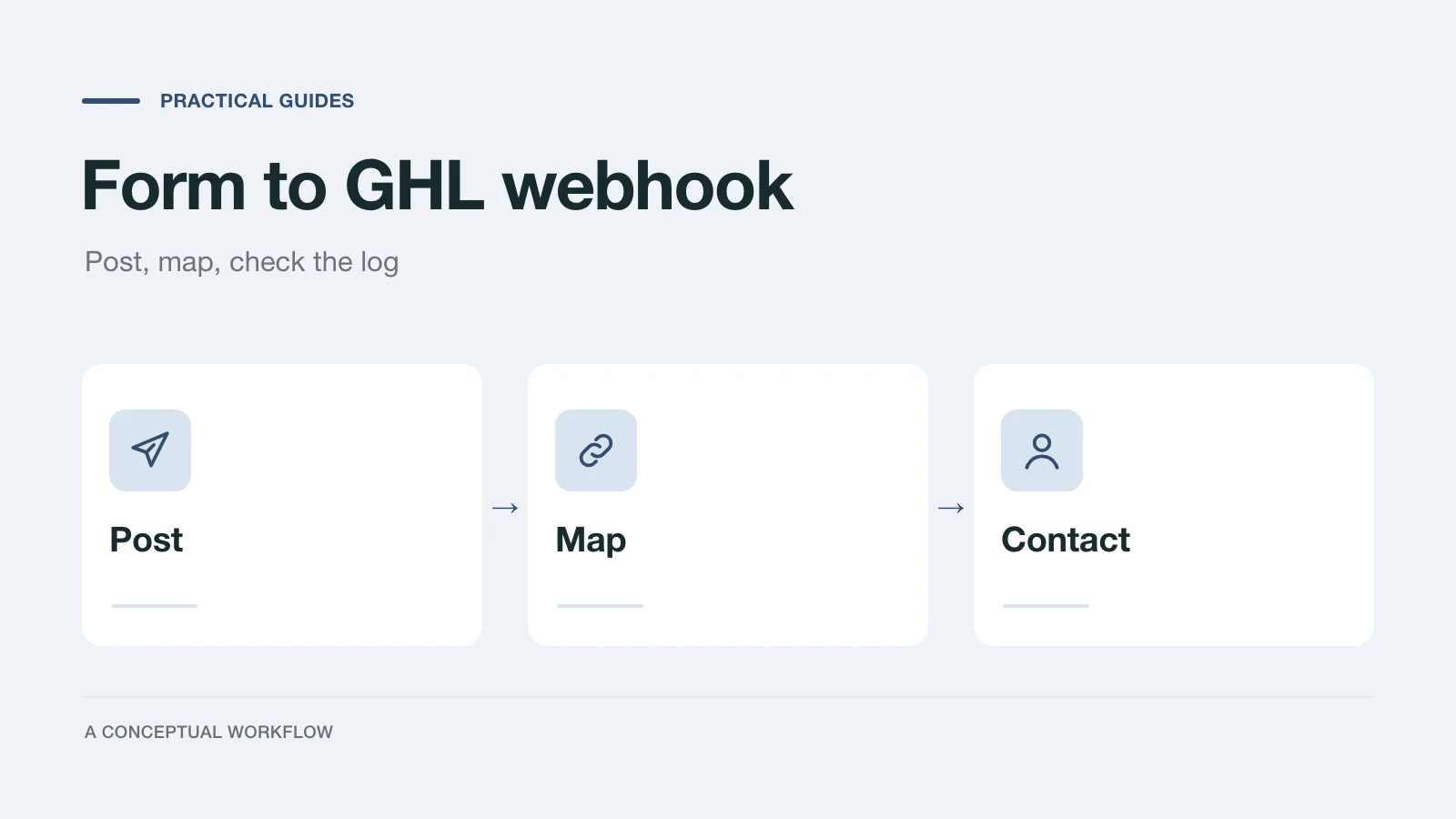
When a client's lead form lives outside GoHighLevel (Typeform, Dashform, a custom site form), the submission has to get into the sub-account somehow. HighLevel's own Form Submitted trigger article says that trigger covers forms built in the CRM, and that outside tools need an integration or a webhook. The webhook route is the Inbound Webhook workflow trigger.
This guide covers how that trigger works and what it costs, according to HighLevel's help center checked November 18, 2026, then the exact steps to point an outside form at it. The worked example uses Dashform's Webhook destination because we can show its real payload. Any form tool that can POST JSON to a URL follows the same pattern; Typeform's webhooks, for example, send each response to a URL you set, though their payload shape is their own.
One thing to say up front: there is no native Dashform to GoHighLevel integration. You connect them with Dashform's generic Webhook destination, as below, or with Zapier.
How the Inbound Webhook trigger works
From HighLevel's Inbound Webhook article (updated September 16, 2026):
- You add Inbound Webhook as a workflow trigger and it gives you a URL. Requests can be POST, GET or PUT.
- The body must be a JSON object, and HighLevel says it's the only supported format. Keys must have no spaces; use camelCase or snake_case.
- After sending a request, you click Test Trigger, pick the request from the list (Load More shows recent ones), and save it as the mapping reference. HighLevel's tip: copy the ID from the webhook's response and search for it, since the newest request is at the top.
- Saving takes you to a Create Update Contact action, where you map incoming values onto contact fields. The values can also be used as custom values in later actions such as email, SMS and If/Else.
- To create or match a contact, the payload needs an email or a phone number. HighLevel's Create Contact action article says the action uses email or phone to find an existing contact and updates that record instead of creating a new one.
- If the payload's shape changes, you reselect the mapping reference.
- If the URL leaks, delete the trigger and add a new one; the new URL ends in a different ID and the old one stops entering the workflow.
The article doesn't mention request headers, signature checks, rate limits, payload size limits, or deduplication by an ID. Treat those as unsupported unless HighLevel documents them.
What the Inbound Webhook costs
Inbound Webhook is a premium trigger. This is what HighLevel's help center says today; the numbers can change, so recheck before you quote a client.
| Item | What HighLevel's premium workflow article says (checked November 18, 2026) |
|---|---|
| Who can use it | Agencies on any plan can access LC Premium Triggers & Actions, once enabled in Agency settings (Inbound Webhook article) |
| Free allowance | 100 free lifetime premium executions per eligible sub-account; they don't reset monthly |
| Pay per execution | $0.01 per premium execution without a paid Workflow Pro plan |
| Workflow Pro Starter | $10/month, 10,000 executions/month, then $0.008 each |
| Workflow Pro Growth | $25/month, 30,000 executions/month, then $0.006 each |
| Workflow Pro Scale | $50/month, 65,000 executions/month, then $0.004 each |
| Rebilling | Set separately per sub-account under Agency View → Sub-Accounts → Manage Client → Rebilling → Workflow - Premium Features; enabling premium features doesn't set it up for you |
Each submission that reaches the trigger is an execution, so a client's lead volume maps straight onto this line. Decide who pays before you go live.
Steps: point a Dashform Webhook destination at GoHighLevel
The Webhook destination is part of Dashform's native integrations, which the pricing page lists on the Pro and Business plans (checked November 18, 2026). Dashform has no test mode, so the steps use a real test submission that you delete afterwards.
- In GHL, open the client's sub-account, create a workflow, and add the Inbound Webhook trigger. Copy the URL it shows.
- In Dashform, open the form's Connect tab, choose Webhook, and paste the URL as the endpoint. Leave the signing secret empty: GHL's docs describe no way to check the
X-Dashform-Signatureheader, so it would be ignored. - Set Body format to Custom template and paste the template below, changing the
answer:keys to your form's step keys. A custom template lets you choose flat, space-free key names, which is what GHL asks for. - Publish the form, then submit it yourself with a test email address you recognize.
- Open View Delivery log on the destination and confirm the delivery shows Delivered. If it shows Failed, the last error includes the status code GHL returned.
- Back in GHL, click Test Trigger, find your test request, and save it as the mapping reference.
- In Create Update Contact, map the fields using the table below. Add later actions (tag, opportunity, notification) as usual.
- Publish the workflow. Delete the test reply in Dashform's Replies tab and the test contact in GHL.
Here's the template. Tokens go inside JSON strings, and text after | is the value sent when a question was skipped.
{
  "dashform_reply_id": "{{reply_id}}",
  "form_name": "{{form_name}}",
  "completed_at": "{{completed_at}}",
  "email": "{{respondent_email}}",
  "full_name": "{{respondent_name}}",
  "phone": "{{answer:phone}}",
  "service": "{{answer:service}}",
  "timeline": "{{answer:timeline|not given}}",
  "notes": "{{answer:notes}}"
}
If you keep the default JSON envelope instead, GHL receives Dashform's standard shape, with the contact details nested under respondent and answers under fields, keyed by each question's step key:
{
  "schemaVersion": 1,
  "replyId": "5b8e1c2d-3f4a-4e6b-8c7d-9a0b1c2d3e4f",
  "formId": "0c2f7b0e-8d7e-4b8f-9a51-3f0d5e2a6c11",
  "formRevisionId": "9f1d2c3b-4a5e-4f6d-8b7c-1a2b3c4d5e6f",
  "formName": "Project discovery intake",
  "completedAt": "2026-11-16T18:04:12.000Z",
  "source": "web",
  "respondent": { "email": "ada@example.com", "name": "Ada Lovelace" },
  "fields": { "budget": "10k-25k", "timeline": "Q1" }
}
That's the sample from the Dashform webhook docs. The envelope is stable across form edits, but if any of your step keys contain a space, GHL's no-spaces rule is a reason to use the custom template.
Field mapping table
Map these in Create Update Contact. The custom fields on the right are ones you create in the sub-account first; the names are suggestions.
| Template key | GHL contact field | Notes |
|---|---|---|
email | Needed (or phone) to create or match the contact | |
phone | Phone | Optional if email is always present |
full_name | First Name, or First and Last Name | Dashform sends one name string; split it in GHL only if you need to |
dashform_reply_id | Custom field "Dashform reply ID" (text) | Dashform's permanent ID for the reply; use it to find the reply later |
form_name | Custom field "Lead source form" | Useful when several forms feed one workflow |
completed_at | Custom field "Form completed at" | ISO timestamp, e.g. 2026-11-16T18:04:12.000Z |
service, timeline, notes | Custom fields of your own | One per question you need on the contact |
Fields you don't map stay available as custom values for later actions in the same workflow, such as an internal notification that quotes the notes field.
Retries, duplicates and the idempotency key
Dashform treats any 2xx from GHL as Delivered. On a 408, 429, 5xx or no response, it retries after 1, 5, 15 and 30 minutes, then marks the delivery Failed; you can Replay a failed delivery from the Delivery log. Every retry and replay carries the same Idempotency-Key header. A status outside 2xx, 401, 408, 429 and 5xx pauses the destination, so if you ever delete and recreate the GHL trigger, update the URL in Dashform straight away and check the log.
GHL's Inbound Webhook docs don't describe reading request headers or skipping a repeat by ID, so you can't dedupe on the idempotency key inside a GHL workflow as documented. What limits the damage is the contact match: a repeat with the same email or phone updates the existing contact rather than creating a second one, per the Create Contact article. Actions after it (a new opportunity, an SMS) would still run again, and a repeat is another premium execution.
In practice a repeat only happens when GHL processed a request but its 2xx didn't reach Dashform, or when someone replays a delivery that had actually gone through. If repeated actions would hurt (a duplicate deal, a second text to a patient), put a small receiver in between that stores the key and forwards each delivery once. Our form webhook checklist has a Node receiver and an n8n workflow that dedupe on Idempotency-Key.
The Zapier route
Both sides support Zapier today. Dashform's Zapier app has a Reply Completed trigger, and the LeadConnector app on Zapier, which HighLevel's own Zapier article links to, lists Add/Update Contact, Add/Update Opportunity and Add Lead to Workflow actions (LeadConnector on Zapier). A two-step Zap (Reply Completed, then Add/Update Contact) does the same job without the Inbound Webhook trigger. You trade a premium execution in GHL for a task in Zapier; check Zapier's plans against the client's volume. Dashform's Zapier app is on the Pro and Business plans per the pricing page.
Before you hand it to the client
- Submit once more from a phone, using the live page the client will share.
- Check the contact in GHL has every mapped field, and the workflow's later actions ran once.
- Confirm who watches the Dashform Delivery log, and who pays for premium executions.
If you're still deciding whether the form should live in GHL at all, GoHighLevel forms vs surveys compares the built-in options by job.