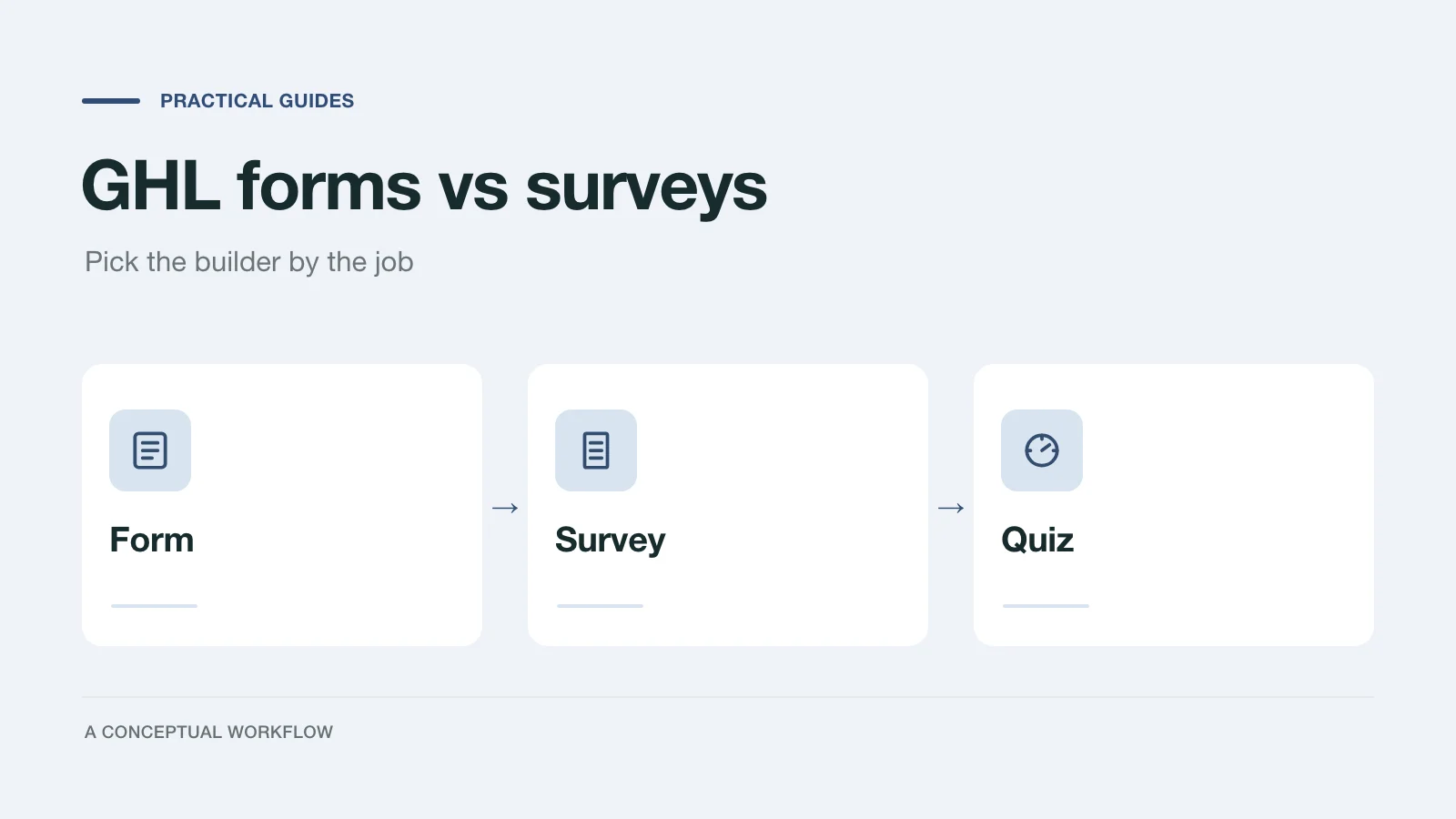
If you build client funnels in GoHighLevel (HighLevel, or GHL), you have three places to put questions: Forms, Surveys and Quizzes, all under Sites. They look alike in the builder, they share a lot of fields, and once a client's funnel is live you can't turn one into another. So the choice is worth making on purpose.
This guide sets out what each one does according to HighLevel's own help center, where the conditional logic of each stops, and a decision table by job. At the end is an honest section on when an outside form connected by webhook is worth the extra moving part, and when it isn't. Every HighLevel fact below comes from the linked help article, checked November 18, 2026; the builder changes often, so open the article if a detail matters for a client build.
What a Form is in GoHighLevel
A Form is the asset you drop onto a funnel or website page to capture a lead. It fires the Form Submitted workflow trigger, which HighLevel describes as starting a workflow when a specified form is submitted. Submissions live under Sites → Forms → Submissions.
Form logic is set in the builder's Conditional Logic panel. HighLevel's forms logic article (updated October 27, 2026) lists four actions:
- Show/Hide Fields, which updates as the visitor fills the form in
- Redirect to URL, applied at submission
- Display Custom Message, applied at submission
- Disqualify Lead, applied at submission
A rule uses AND or OR, not both. For the three submission actions, only the first matching rule runs. Forms used on a calendar booking page follow the same rules, and a disqualifying condition there stops the appointment from being created and stops payment collection.
What a Form doesn't have, per that article, is a way to move a visitor to a different step. There is no Jump To action in the forms list.
What a Survey is in GoHighLevel
A Survey is built from slides. You add questions to slides, and the visitor moves through them. The surveys logic article (updated October 27, 2026) lists the same four actions as forms plus a fifth: Jump To, which sends the respondent to another slide. Jump To rules run when the respondent moves to the next slide, and HighLevel's advice is to build all the slides before writing any rules.
A few more survey-only behaviors from the help center:
- One Question at a Time is a Survey Type under Styles & Options that shows each question on its own screen. Switching it on or off can affect the survey's existing logic, and the builder warns you first (article, updated October 28, 2026).
- Create Contact on Partial Submission saves the contact before the survey is finished, as long as the contact fields sit on an early slide. Logic that jumps straight to the last slide doesn't trigger it (article, updated November 14, 2024).
- Slide-level analytics show views and drop-off per slide, for surveys only (article).
- The Survey Submitted trigger has a Disqualified filter, so a workflow can run only for respondents who weren't disqualified (article).
Two limits worth knowing before you promise a client branching: the surveys article says calendar fields aren't supported in survey logic, and conditional logic rules aren't included in account snapshots. If you deploy client builds by snapshot, plan to rebuild the rules in each sub-account.
Things they share
Both builders support score fields through Math Calculation v2, where you assign a number to each option of a radio, checkbox or dropdown question and total them (article). The logic articles list Score among the field types a condition can test, alongside text, number, date and dropdown fields.
Both have their own submissions area. And the site builder article is plain about switching: "Converting types isn't supported." You duplicate the asset and rebuild it in the other format.
Where Quizzes fit
Quizzes are a third builder under Sites → Quizzes, with points, categories, a results page and a Quiz Submitted trigger. If the job is a scored result the visitor sees, start there, not in Surveys. We cover what the quiz builder does, and the options around it, in GoHighLevel quiz funnel options.
Decision table: which builder for which job
Use the job the client is paying for, not the look of the page. The "why" column points to the behavior in the help articles above.
| Job | Use | Why | Watch out for |
|---|---|---|---|
| Single-step lead capture (name, email, phone, message) | Form | One page, Form Submitted trigger, Show/Hide covers small variations | Nothing here needs slides; a survey adds clicks |
| Lead capture with a hard no (outside service area, under minimum) | Form | Disqualify Lead, then a custom message or redirect | Only the first matching submission rule runs; order your rules |
| Multi-step qualification where later questions depend on earlier ones | Survey | Slides plus Jump To; the Disqualified filter on Survey Submitted | Build slides first; logic doesn't travel in snapshots |
| Long intake where you'd lose people halfway | Survey | Create Contact on Partial Submission; per-slide drop-off | Keep contact fields on the first slide |
| Booking request on a calendar | Form attached to the calendar | Booking forms follow form rules; disqualify blocks the appointment | Survey logic doesn't support calendar fields |
| Scored or personality-style result shown to the visitor | Quiz | Points, categories and a results page | See the quiz guide before building |
| Internal score to route the lead, not shown | Form or Survey with a score field | Math Calculation v2 and Score conditions | Decide where the score is displayed, if anywhere |
If a row fits two builders, pick the simpler one. A form that should have been a survey can be rebuilt in an afternoon; a survey with twelve Jump To rules that should have been a form is harder to unwind.
When an outside form connected by webhook makes sense
Staying inside GHL is the default for good reasons: Form Submitted, Survey Submitted and Quiz Submitted triggers fire with no setup, submissions are already on the contact, and the client's team learns one tool. HighLevel's own Form Submitted article notes that the trigger works with forms built in the CRM, and that outside tools need an integration or webhook to get submissions in.
An outside form is worth that extra step when the question flow itself is the problem, for example:
- the qualification depends on free-text answers that a human would otherwise read and follow up on
- the client needs the form drafted quickly from a description, then changed often
- the same form must also serve a channel outside the GHL funnel, such as a link in a newsletter or a page on another site
It isn't worth it when the form is a short contact form, when the client wants everything visible in one place, or when nobody on your side will watch a second tool. An integration you don't monitor is how leads go missing.
The usual way in is GHL's Inbound Webhook workflow trigger, which is a premium trigger with its own per-execution pricing. Our step-by-step guide, send form submissions to GoHighLevel with an inbound webhook, covers the setup, the field mapping and the cost as HighLevel's docs state it today.
Dashform is one option for that outside form. Its AI drafts the questions and follow-ups from a description, and each completed reply can go to GHL through Dashform's generic Webhook destination or its Zapier app. There is no native Dashform to GoHighLevel integration, so you set up the GHL side yourself. If you want to try it, the form generator drafts a form from a prompt, and the project discovery form guide has questions worth starting from.