This volunteer application form opens with a welcome screen explaining its purpose, then collects a name and email address for identification and follow-up contact, plus an optional phone number for organizations that prefer to call. It then asks about availability, relevant skills and prior experience, preferred task areas, and personal motivation — giving coordinators everything they need to match applicants to suitable roles. The skills and phone number questions are optional so they don't block applicants who are new to volunteering or prefer not to share a number. After submitting, applicants see a confirmation screen thanking them and letting them know their application will be reviewed shortly.
Try the conversation below to see how this template works
Trusted by over 10,000 customers and growing
Conversations Started
Questions Answered
Forms Created
Rely on the "Why are you interested in volunteering with our organization?" question to gauge mission alignment before investing time in onboarding a new volunteer.
Use the "Please describe your general availability for volunteering (e.g., days, times, hours per week)." question to quickly identify who can cover specific shifts or event dates.
Lean on the "What specific areas or types of tasks are you most interested in volunteering for?" question to sort applicants into coaching, admin, logistics, or other roles from the start.

AI builds and refines your form through natural conversation no templates, no complex logic, no coding. From a simple text prompt or URL, Dashform generates intelligent flows that adapt automatically.
Dashform turns traditional form-filling into a two-way dialogue. The AI understands intent, remembers context, and asks relevant follow-up questions just like a real human conversation.
Every response is transformed into structured, meaningful, and ready-to-use data. Integrate with your favorite tools.
Everything you need to create amazing forms
Everything you need to know about this template
Don't see exactly what you need? Use our AI Form Generator to create a custom form in seconds. Just describe what you want, and AI will build it for you.
Explore more templates to find the perfect fit
 Document Submission
Submit proposed materials, equipment, shop drawings, or work methods for project team review and approval.
 Registration
Collect a child's legal name, date of birth, parent/guardian contact, emergency contact, and medical notes in one tidy form.
 Contact
A clean, paper-themed contact form that captures name, email, subject, message, and contact preferences.
 Information Request
Collect a contact's name, email, phone number, and optional mailing address in one clean, straightforward form.
 Checklist
Document your organization's emergency contacts, safety policies, medical protocols, and response plan in one structured checklist.
 Agreement
Formally document the removal or waiver of real estate purchase agreement contingencies with a clear, step-by-step form.
Learn how to get the most out of your forms and templates
Leadership coach Pia Jansson shares how she turned her method into a personalized assessment, with four result sections and optional email signup.
Copy a project discovery form grouped by purpose, see which questions to leave optional, and route each answer to a call, a follow-up, or a polite no.
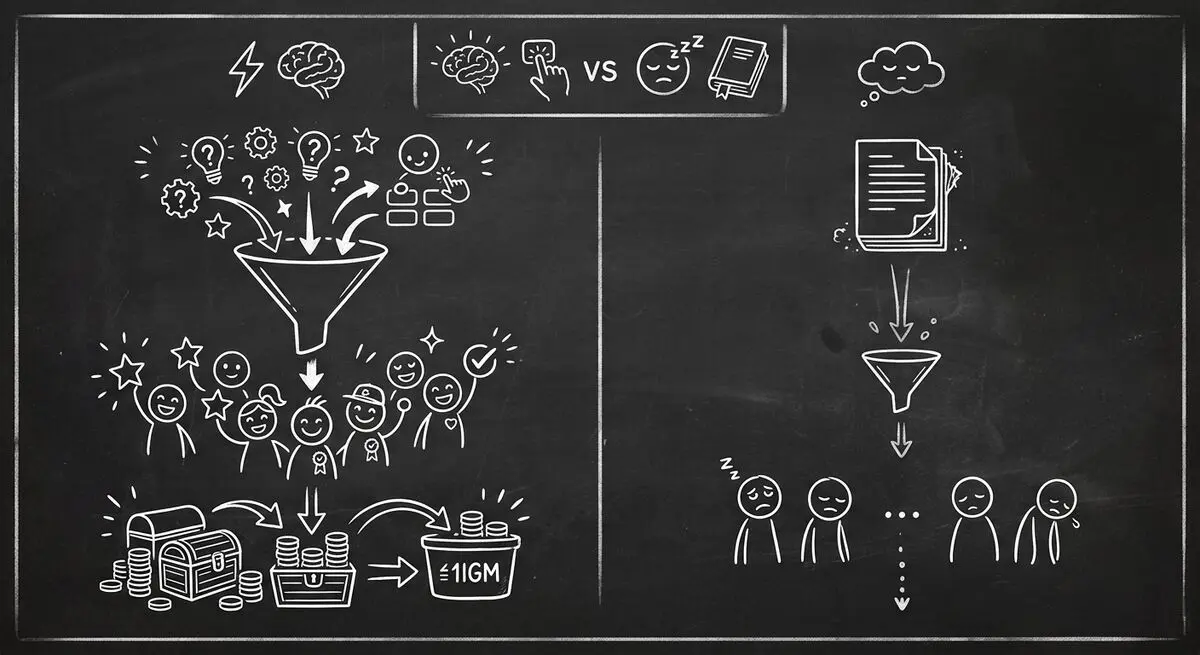
Compare quiz funnels and downloadable resources, interpret platform-specific conversion data, and design a test using your own audience.
Try the world's first AI-native form and turn every response into action instantly.

