

The Contingency Plan Checklist walks organizations through five structured steps to document their emergency preparedness. It opens by collecting key emergency contacts and their roles, then moves through environmental safety policies, medical assistance protocols, and a full emergency response summary — building a layered picture of how the organization protects its people. The fifth question, "How often is your contingency plan reviewed and updated?", anchors the whole submission in time, showing whether the plan is a living document or a one-off exercise. After submitting, respondents see a confirmation screen acknowledging their effort and reinforcing why preparedness matters for organizational resilience.
Try the conversation below to see how this template works
Trusted by over 10,000 customers and growing
Conversations Started
Questions Answered
Forms Created
They rely on the "Please list key emergency contacts (e.g., local authorities, medical services, internal leads) with their roles and contact numbers." question to consolidate contact information that is often scattered across documents or stored informally.
They lean on the "Outline the medical assistance protocols and procedures in place for employees in case of an emergency or health incident." question to formally record procedures that regulators or auditors may request at any time.
They use the "Provide a summary of your organization's overall emergency response plan, including key steps and responsible parties." question to ensure accountability is assigned at the right level before an incident occurs.

AI builds and refines your form through natural conversation no templates, no complex logic, no coding. From a simple text prompt or URL, Dashform generates intelligent flows that adapt automatically.
Dashform turns traditional form-filling into a two-way dialogue. The AI understands intent, remembers context, and asks relevant follow-up questions just like a real human conversation.
Every response is transformed into structured, meaningful, and ready-to-use data. Integrate with your favorite tools.
Everything you need to create amazing forms
Everything you need to know about this template
Don't see exactly what you need? Use our AI Form Generator to create a custom form in seconds. Just describe what you want, and AI will build it for you.
Explore more templates to find the perfect fit
 Satisfaction Survey
Collect structured user feedback on satisfaction, ease of use, useful features, and likelihood to recommend.
 Survey
Gather first impressions, usability ratings, and improvement ideas from product testers in six focused questions.
 Invoice
Organize account details, meter readings, charges, and a due date for separate utility billing review.
 Appointment Booking
Capture every key detail for an upcoming trip: destination, dates, transport, budget, and group size, all in one place.
 Consent
Document a patient's decision to decline a vaccine, confirm informed consent, and record relevant context for the provider.
 Product Order
Order one or more Valentine DIY kits, set quantities, add personalizations, and choose your delivery method in one quick form.
Learn how to get the most out of your forms and templates
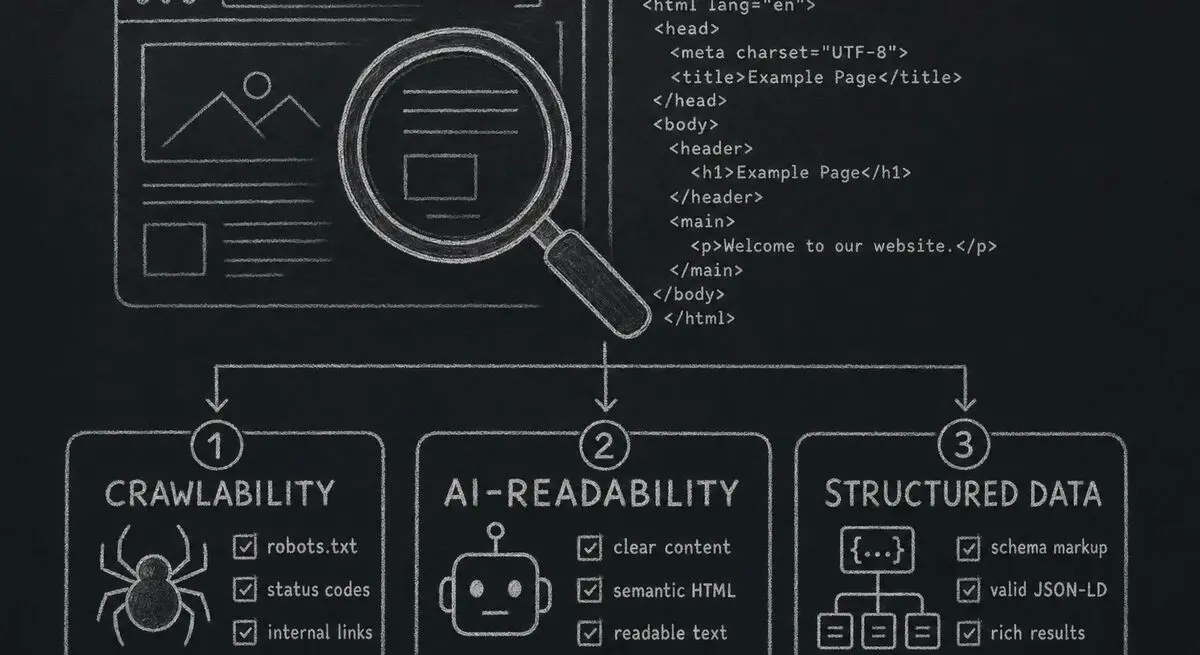
How Dashform computes technical agent readiness, groups its checks into Readiness Layers, and presents Findings without predicting traffic or revenue.

Add a header image in Google Forms and review Dashform's logo, theme, and step-background options for branded forms.

Step-by-step Facebook quiz creation: question types that convert, image setup, embedding, lead capture. Free with an AI quiz generator.
Try the world's first AI-native form and turn every response into action instantly.