This eight-question survey collects structured feedback from people who have just completed a virtual reality experience. It opens with two back-to-back rating questions — overall satisfaction and immersion — to capture the respondent's immediate impressions before anything else. A multiple-choice question then pinpoints which specific aspects (such as graphics, sound design, or comfort of use) landed well, while the following open-ended question invites free-text suggestions for improvement. A recommendation-likelihood rating measures net advocacy, after which two optional single-choice questions reveal how often the respondent uses VR and whether they hit any technical issues. A final open text box catches anything not covered by the structured questions. After submitting, respondents see a thank-you screen confirming their feedback will be used to improve future VR experiences.
Try the conversation below to see how this template works
Trusted by over 10,000 customers and growing
Conversations Started
Questions Answered
Forms Created
Rely on the "Did you encounter any technical issues or glitches during your experience?" question to track hardware and software reliability across sessions and staff shifts.
Use the "Which aspects of the VR experience did you enjoy the most? (Select all that apply)" question to see which of their design investments — storyline, interactivity, or visuals — are actually resonating with players.
Lean on the "How immersive did you find the virtual reality experience?" and recommendation-likelihood ratings to evaluate whether training simulations are engaging enough to justify continued rollout.

AI builds and refines your form through natural conversation no templates, no complex logic, no coding. From a simple text prompt or URL, Dashform generates intelligent flows that adapt automatically.
Dashform turns traditional form-filling into a two-way dialogue. The AI understands intent, remembers context, and asks relevant follow-up questions just like a real human conversation.
Every response is transformed into structured, meaningful, and ready-to-use data. Integrate with your favorite tools.
Everything you need to create amazing forms
Everything you need to know about this template
Don't see exactly what you need? Use our AI Form Generator to create a custom form in seconds. Just describe what you want, and AI will build it for you.
Explore more templates to find the perfect fit
 Onboarding
Collect the business details, goals, platforms, and audience info a social media agency needs to kick off a new client engagement.
 Donation
A seven-question form that collects donor details, gift amount, frequency, and display preferences for secure online giving.
 General Survey
Collect contact details, experience, salary expectations, and motivation from job applicants in one structured form.
 Payment
Collect payment request details and a preferred payment method for follow-up by the billing team.
 Survey
A five-question survey capturing brand perception, product priorities, and social issue awareness to map public sentiment.
 Quote
Collect project details, budget, and timeline from prospective clients so you can send them an accurate quote within one business day.
Learn how to get the most out of your forms and templates
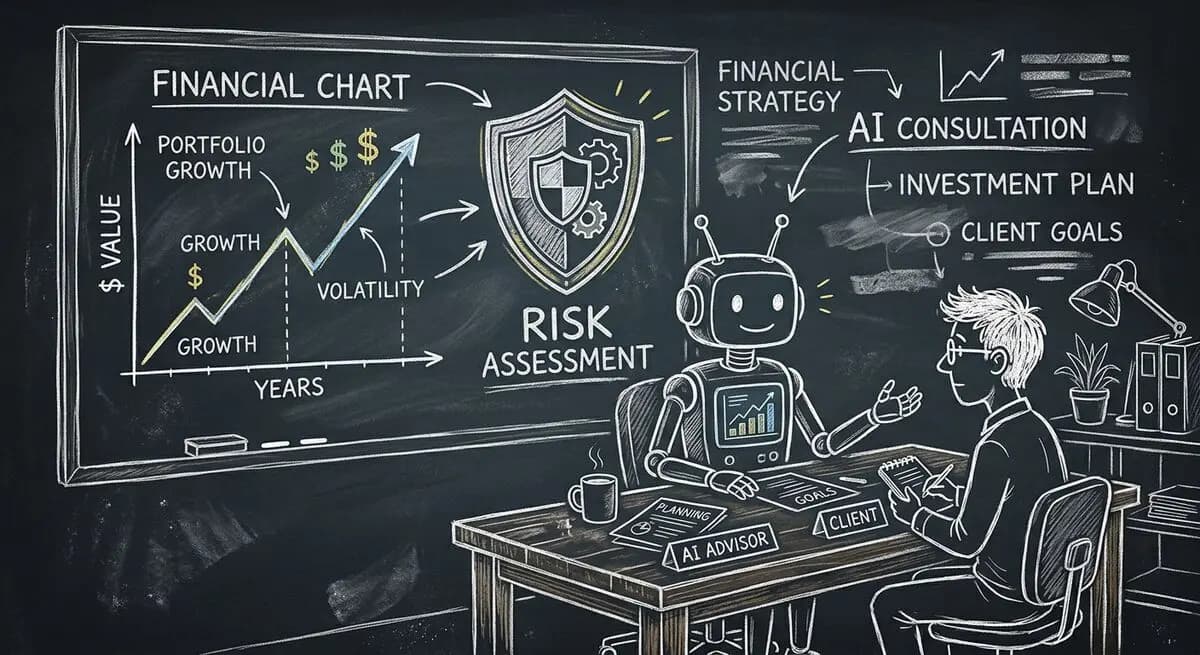
A proposed financial advisory intake workflow using Dashform and a separately configured OpenClaw agent, with advisor review and clear integration limits.

How solo and mid-size firms can use OpenClaw and Dashform to qualify case intake around the clock, so consultations go to viable cases. Step-by-step setup.
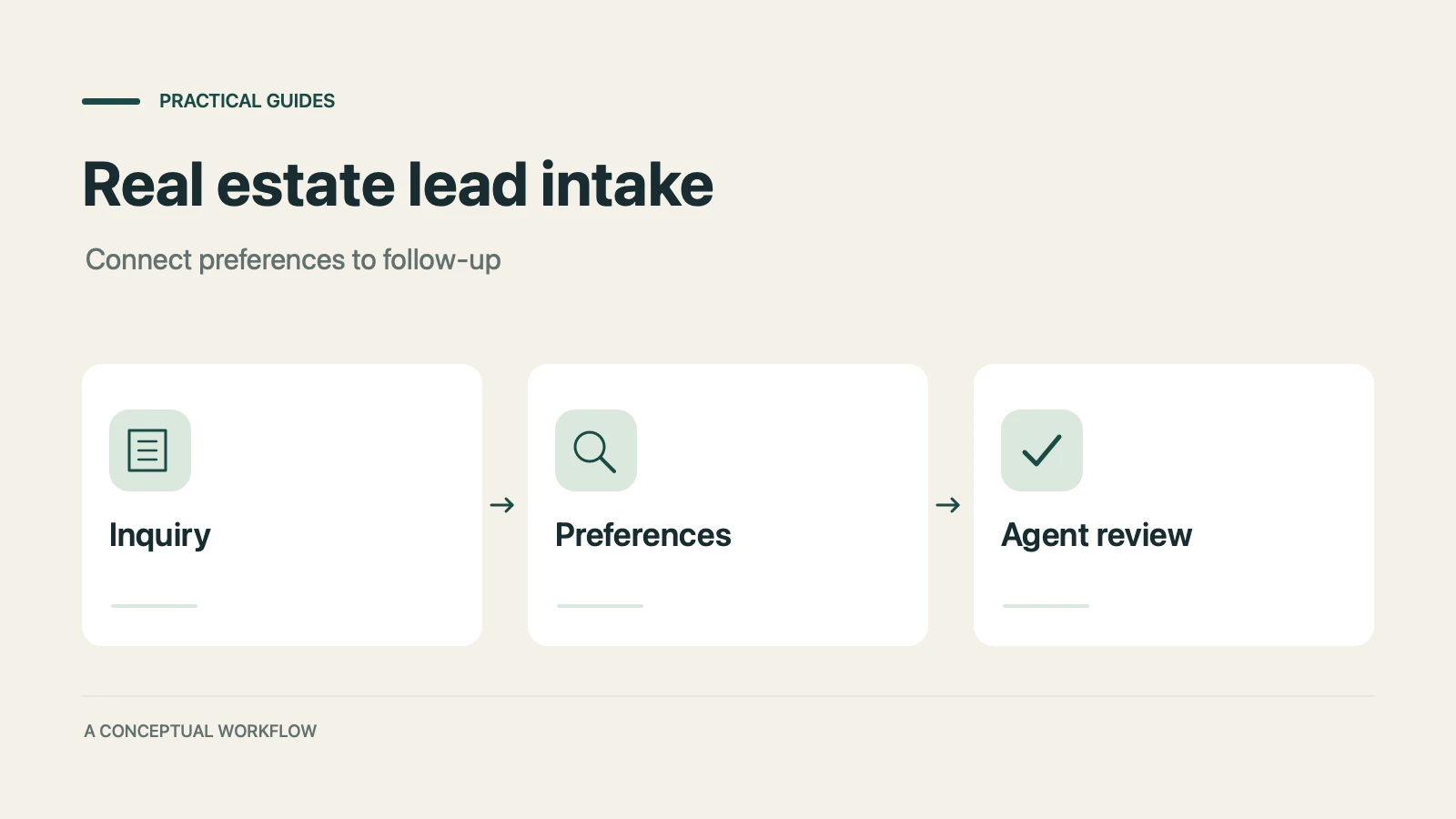
How real estate teams can use OpenClaw and Dashform to qualify inbound leads around the clock and fill calendars with serious buyers.
Try the world's first AI-native form and turn every response into action instantly.

