This form collects a formal handbook acknowledgment from families at the start of the academic year, moving through five straightforward steps. It opens by asking for the student's and parent or guardian's full legal names, establishing who the acknowledgment is on behalf of, then requests the parent or guardian's email address so the school has a reliable contact on file. The core of the form is the confirmation question, where the parent or guardian actively selects that they have received, read, and understood the handbook and agree to its policies — making the acknowledgment deliberate rather than passive. A date field closes the form to timestamp the agreement. After submitting, respondents see a brief thank-you screen confirming their reply supports clear communication and a safe learning environment.
Try the conversation below to see how this template works
Trusted by over 10,000 customers and growing
Conversations Started
Questions Answered
Forms Created
Relies on the confirmation question and date field to maintain a timestamped, per-student record that every family has formally agreed to handbook policies.
Uses the "Please provide the parent or guardian's full legal name." and email questions to keep accurate, up-to-date contact records tied to each student's acknowledgment.
Depends on the single, clear confirmation question to make signing fast and unambiguous after reviewing the handbook at their own pace.

AI builds and refines your form through natural conversation no templates, no complex logic, no coding. From a simple text prompt or URL, Dashform generates intelligent flows that adapt automatically.
Dashform turns traditional form-filling into a two-way dialogue. The AI understands intent, remembers context, and asks relevant follow-up questions just like a real human conversation.
Every response is transformed into structured, meaningful, and ready-to-use data. Integrate with your favorite tools.
Everything you need to create amazing forms
Everything you need to know about this template
Don't see exactly what you need? Use our AI Form Generator to create a custom form in seconds. Just describe what you want, and AI will build it for you.
Explore more templates to find the perfect fit
 Upload
Tell your lawn care provider about your property, services needed, and goals so they can prepare a tailored plan.
 Client Intake
Collects incident details, damages, and prior legal history so an attorney can assess a prospective client's case.
 Signup
Capture name, email, and intent from new leads so your team can follow up with the right message.
 Assessment
Assess your lead generation strategy across sources, quality, nurturing, conversion rates, and scoring in eight questions.
 Agreement
Gather property, landlord, tenant, rent, deposit, and duration details for review before drafting a lease.
 Request
Formally request or document changes to an existing lease agreement, for either landlords or tenants.
Learn how to get the most out of your forms and templates
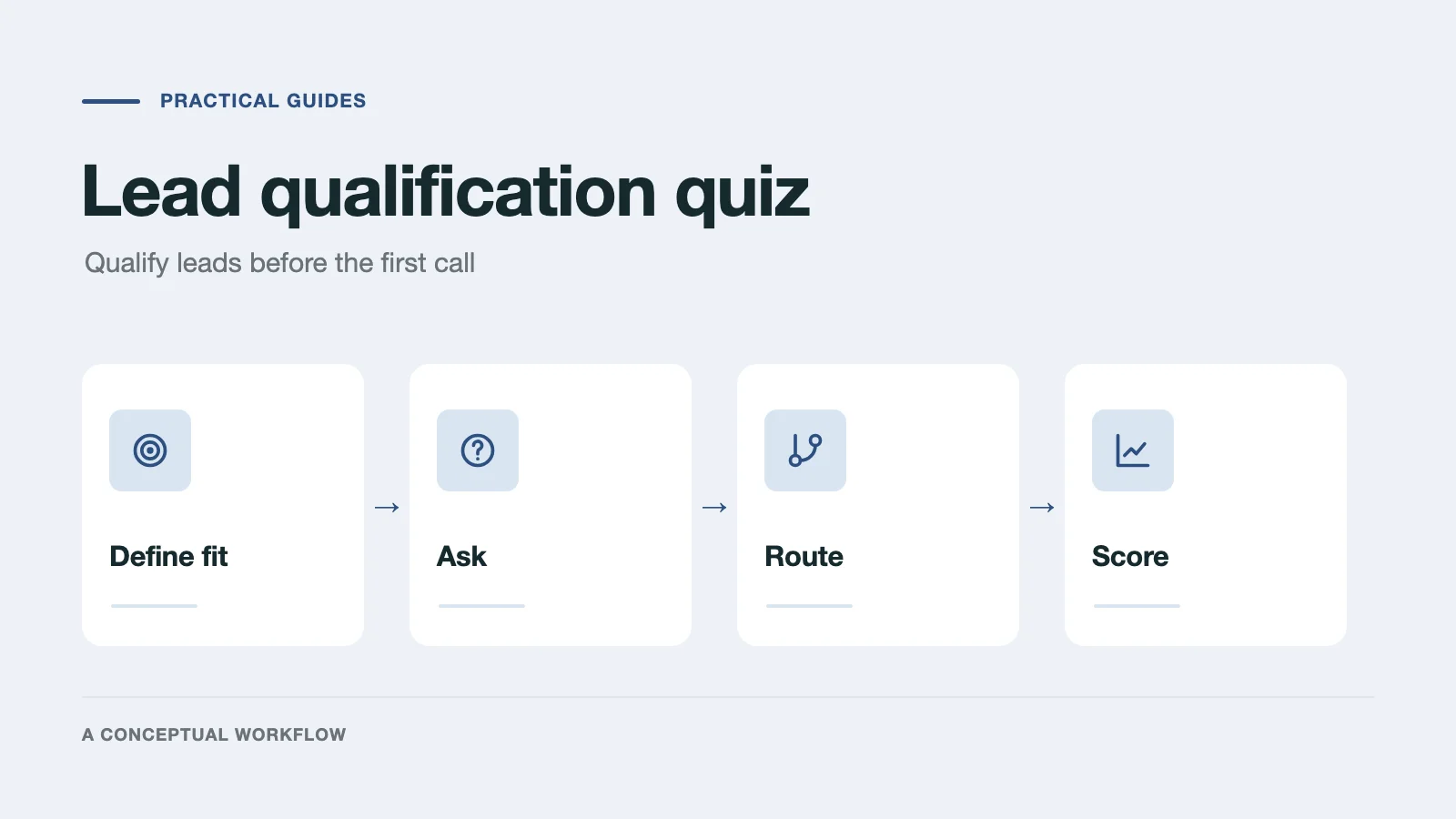
Build a lead qualification quiz: define who qualifies, ask questions that reveal fit, route each answer to a next step, and score every reply.
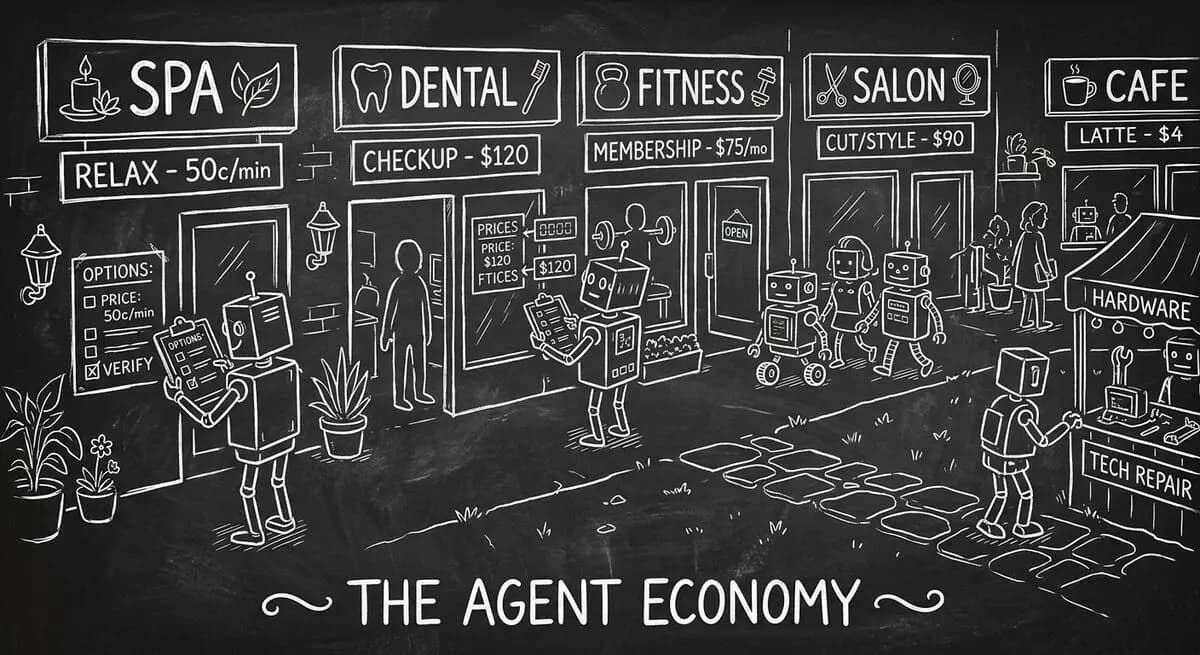
A practical guide to testing whether an authorized AI agent can find your service details and send an inquiry, with separate setup for confirmed bookings.

OpenAI's GPT-5.4 joined Claude Opus 4.6 and Gemini 3.1 Pro in early 2026. How their strengths differ for forms, quizzes, and lead qualification.
Try the world's first AI-native form and turn every response into action instantly.

