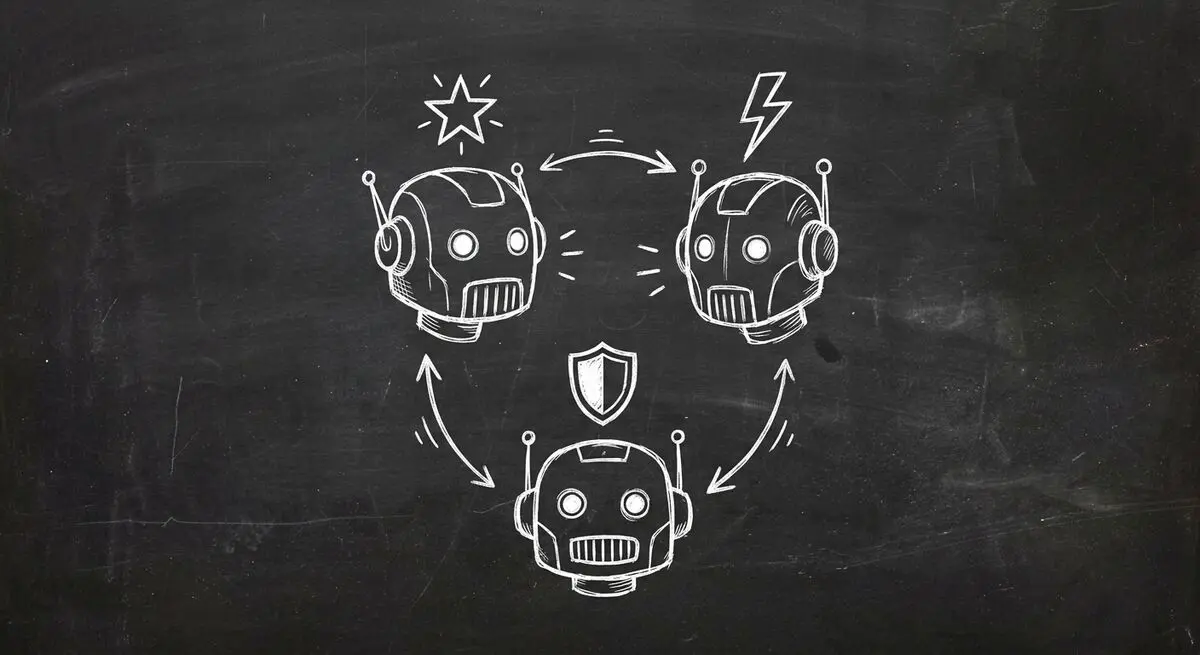
Model announcements are a starting point for evaluation, not evidence of performance on your forms. See the providers' release material for GPT-5.4, Claude Opus 4.6, and Gemini 3.1 Pro, then test your own tasks.
Below: the contexts where each model fits, and what these capabilities mean for AI agents that work with forms, quizzes, and structured data — the workflow most businesses actually need to automate.
| Evaluation area | What to verify for each candidate |
|---|---|
| Input support | Required text, image, audio, or document formats |
| Tool use | API schemas, permissions, and error handling |
| Draft quality | Accurate questions, appropriate wording, and expected outcomes |
| Cost | Total cost of a completed task including retries and review |
GPT-5.4: The Action-Taker
For an external computer-use or tool-calling workflow, test whether the selected model and API support the actions you need. A general benchmark does not establish form completion accuracy or business outcomes. Evaluation tasks include:
- An agent can work through the same screens a person would: your CRM, your inbox, your calendar.
- A long context window lets it read a form's submissions and your qualification criteria together.
- Tool calling lets it hand structured answers to your other systems.
For AI-powered quiz funnels, evaluate whether a candidate produces result copy supported by the respondent's actual answers. Any CRM or booking automation requires external tool access, explicit configuration, and tests of confirmation and failure handling.
Claude Opus 4.6: The Reasoning Expert
Anthropic's release announcement describes coding, research, and reasoning capabilities. Test the model on your actual questions and logic. A writing style or benchmark does not establish clinical, legal, or financial suitability; qualified review remains necessary.
Gemini 3.1 Pro: The Volume Player
Google's announcement describes Gemini 3.1 Pro as a preview release. Check current API availability, supported input formats, context limits, and pricing for the exact model before using it with form data. Workspace connections require their own configuration.
Which Model Fits Which Use Case?
The following shortlist is an editorial starting point, not a measured model ranking. Verify current API support and test the task before selecting a model.
| Use case | Requirement to test across candidates |
|---|---|
| Quiz drafting | Accurate questions and answer-dependent results |
| Lead review | Adherence to supplied criteria and treatment of missing facts |
| Survey analysis | Traceable summaries and correct calculations |
| Onboarding automation | Authorized tool actions and recoverable failures |
| Sensitive intake | Approved data handling and qualified human review |
| Image or document inputs | Supported formats and faithful extraction |
| CRM entry | Correct field mapping, duplicate handling, and confirmation |
The Multi-Model Strategy: Why You Do Not Have to Choose Just One
An external application may use different models for different tasks. Compare candidates on a representative test set and document why each was selected; this is not a Dashform model-routing feature.
Treat that allocation as a hypothesis to test. Do not assume a provider label establishes accuracy, suitability for sensitive data, or the cheapest completed task.
What This Means for Form and Quiz Builders
Re-evaluate a model before adopting an update:
- Are the generated questions accurate and appropriate?
- Does it follow the supplied criteria without inventing missing facts?
- Do tool calls respect the intended authorization and schema?
- What is the total cost of a successful, reviewed task?
If you are still using static forms without AI, try an AI-powered quiz generator: it asks the follow-up questions a static form can't.
Frequently Asked Questions
Which AI model is cheapest for form processing?
Compare current provider prices for the exact model and API, then measure cost per completed task with your own inputs, outputs, retries, and review requirements.
Can I switch between AI models without rebuilding my forms?
For an external application you control, switching models requires checking schemas, tool support, prompts, and behavior. This article does not establish a maker-facing Dashform model switcher or guarantee identical results across providers.
Is GPT-5.4 computer use available through APIs?
Yes. OpenAI offers computer use through the GPT-5.4 API for screen interaction, keyboard and mouse control, and multi-step task execution. Third-party platforms are integrating these capabilities into their products.
Which model hallucinates the least?
Every model still makes mistakes, and the ranking changes with each release. For business-critical applications, test the models on your own forms and keep a human review step for high-stakes answers.
Will these models keep getting cheaper?
Future prices are uncertain. Check current provider pricing and measure total task cost, including tool calls, retries, and review effort, before choosing a model.
The Verdict
Select models from task-specific evidence, current API support, and total cost. When using Dashform, review the generated form and configured behavior without assuming a particular provider is selectable by the maker.