This eight-question form gathers everything needed to evaluate and respond to an incoming business inquiry. It opens by asking for the company's legal name and primary contact details — name, email, optional phone, and optional website — so the receiving team always knows exactly who they're dealing with. The "What is the primary purpose of your inquiry or request?" question then routes the submission into the right category, from 'New partnership' to 'Support request', before two open-ended questions let the contact describe their needs in detail and flag any specific requirements. After submitting, respondents see a confirmation that their details are under review and a reply is on its way.
Try the conversation below to see how this template works
Trusted by over 10,000 customers and growing
Conversations Started
Questions Answered
Forms Created
They rely on the "What is the primary purpose of your inquiry or request?" question to triage incoming leads — separating partnership prospects from vendor registrations or sales inquiries before any manual review.
They depend on the company legal name and primary contact questions to ensure every supplier submission contains the accurate, verifiable details needed for vendor registration and compliance checks.
They use the description and additional requirements questions to arrive at every first conversation already briefed on the contact's specific needs, without a back-and-forth intake email.

AI builds and refines your form through natural conversation no templates, no complex logic, no coding. From a simple text prompt or URL, Dashform generates intelligent flows that adapt automatically.
Dashform turns traditional form-filling into a two-way dialogue. The AI understands intent, remembers context, and asks relevant follow-up questions just like a real human conversation.
Every response is transformed into structured, meaningful, and ready-to-use data. Integrate with your favorite tools.
Everything you need to create amazing forms
Everything you need to know about this template
Don't see exactly what you need? Use our AI Form Generator to create a custom form in seconds. Just describe what you want, and AI will build it for you.
Explore more templates to find the perfect fit
 Product Order
Submit a custom bakery order inquiry with item details, quantities, dietary needs, and your preferred pickup or delivery date.
 Customer Feedback
Collect structured ratings on service, drinks, ambiance, and cleanliness, plus open-ended suggestions from bar guests.
 Attendance
Collect player attendance confirmations and absence reasons for upcoming basketball practices in one quick form.
 Checklist
Document a completed bathroom cleaning session, including areas cleaned, supplies restocked, and a post-clean cleanliness rating.
 Event Registration
Register students for a ministry retreat, covering personal info, emergency contacts, health needs, and parental consent.
 Product Order
Order beard care products online — select items, set quantities, and submit your shipping details in one simple form.
Learn how to get the most out of your forms and templates
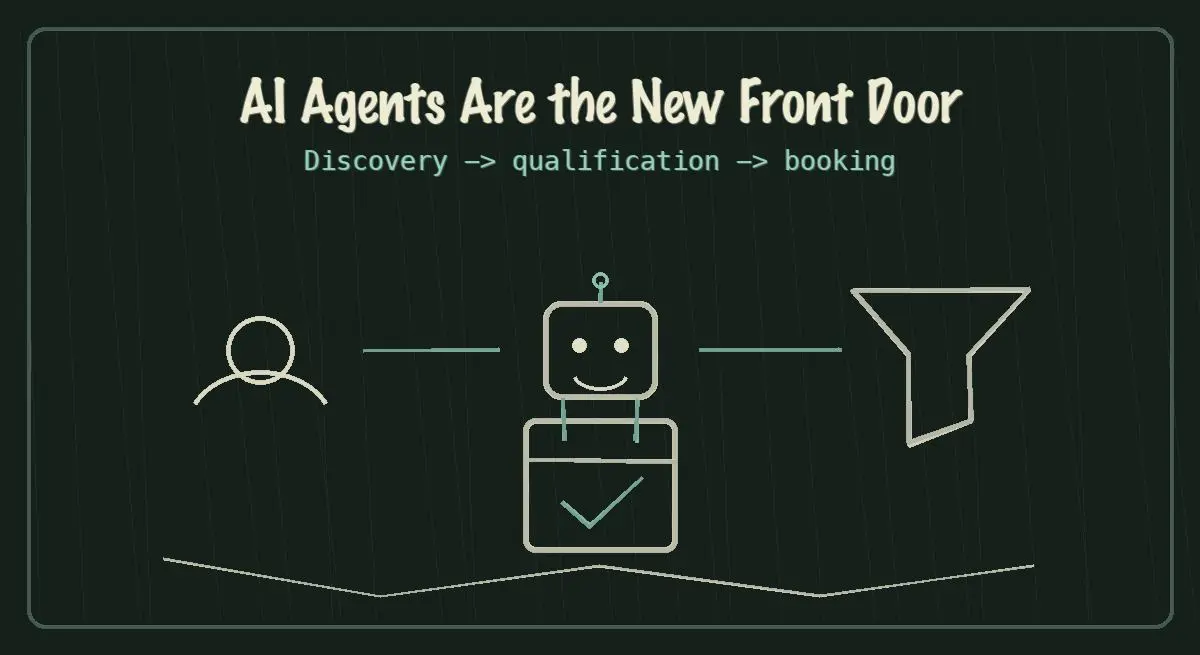
AI agents are becoming the new front door for local service discovery. Learn how to make your business discoverable, qualified, and bookable in 2026.
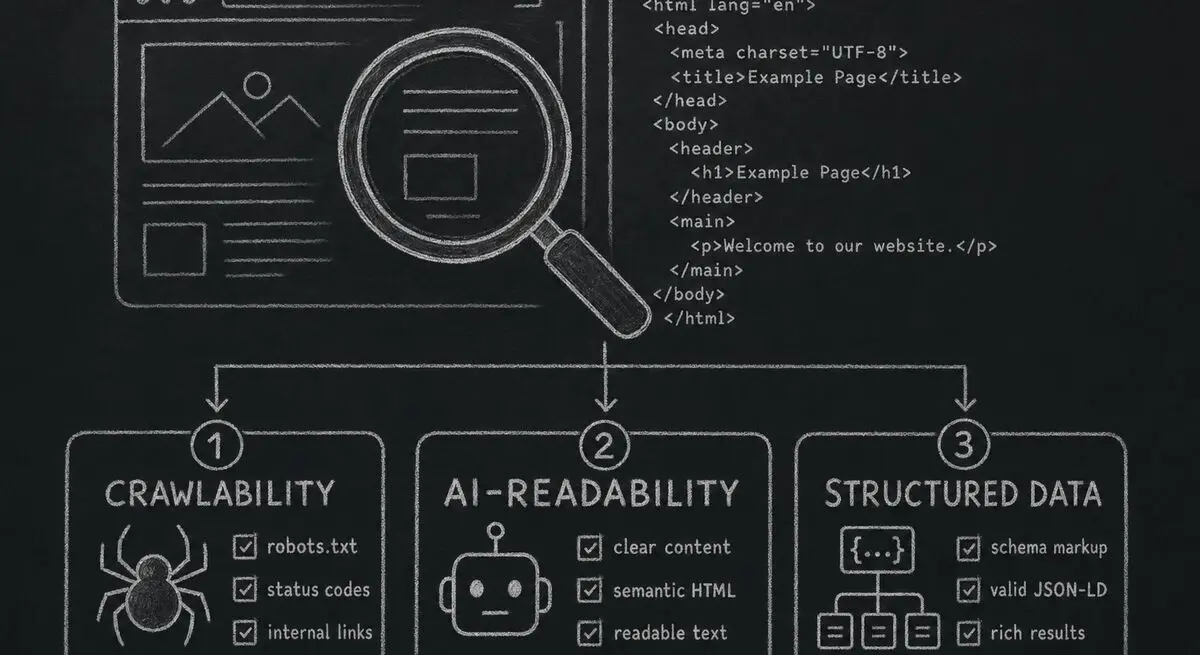
How Dashform computes technical agent readiness, groups its checks into Readiness Layers, and presents Findings without predicting traffic or revenue.

Add a header image in Google Forms and review Dashform's logo, theme, and step-background options for branded forms.
Try the world's first AI-native form and turn every response into action instantly.

