

This nine-question form walks parents and guardians through the full admission process for a summer camp enrollment. It opens by collecting the camper's name and date of birth, then gathers the primary parent or guardian's contact details — name, email, and phone number — followed by a separate emergency contact name and number, ensuring the camp has someone to reach in any situation. The optional "Does the camper have any known medical conditions, allergies, or special needs? If yes, please describe." question lets families flag health information without making it a barrier to submission. The form closes with the "Which summer camp session is the camper enrolling in?" question, where families choose from three single-month sessions or a full-summer option. After submitting, respondents see a confirmation screen thanking them and confirming their information has been received for enrollment.
Try the conversation below to see how this template works
Trusted by over 10,000 customers and growing
Conversations Started
Questions Answered
Forms Created
Relies on the session-choice question to sort incoming enrollments by month and allocate capacity across 'Session 1 (June)', 'Session 2 (July)', 'Session 3 (August)', and 'Full summer' before the season begins.
Depends on the "Does the camper have any known medical conditions, allergies, or special needs? If yes, please describe." question to flag health needs ahead of arrival, so preparations can be made without chasing families individually.
Uses the guardian contact and emergency contact questions together to maintain a complete, ready-to-use record for every enrolled child without needing a separate data-collection step.

AI builds and refines your form through natural conversation no templates, no complex logic, no coding. From a simple text prompt or URL, Dashform generates intelligent flows that adapt automatically.
Dashform turns traditional form-filling into a two-way dialogue. The AI understands intent, remembers context, and asks relevant follow-up questions just like a real human conversation.
Every response is transformed into structured, meaningful, and ready-to-use data. Integrate with your favorite tools.
Everything you need to create amazing forms
Everything you need to know about this template
Don't see exactly what you need? Use our AI Form Generator to create a custom form in seconds. Just describe what you want, and AI will build it for you.
Explore more templates to find the perfect fit
 Survey
Measure brand awareness, perception, and advocacy with seven focused questions covering familiarity, word association, and ratings.
 Food Order
Take breakfast pick-up and delivery orders online, complete with item lists, quantities, and dietary notes.
 Food Order
Order breakfast packages by date, time, quantity, and package type, with room for dietary needs and delivery notes.
 Survey
Eight-question survey helping couples gather availability, budget comfort, roles, and style preferences from each bridesmaid.
 Application
Apply to sponsor an animal by sharing your contact details, preferred animal type, and the kind of support you can offer.
 Product Order
Place a bulk order for one or more product or service bundles, with quantity, delivery date, and special instructions.
Learn how to get the most out of your forms and templates
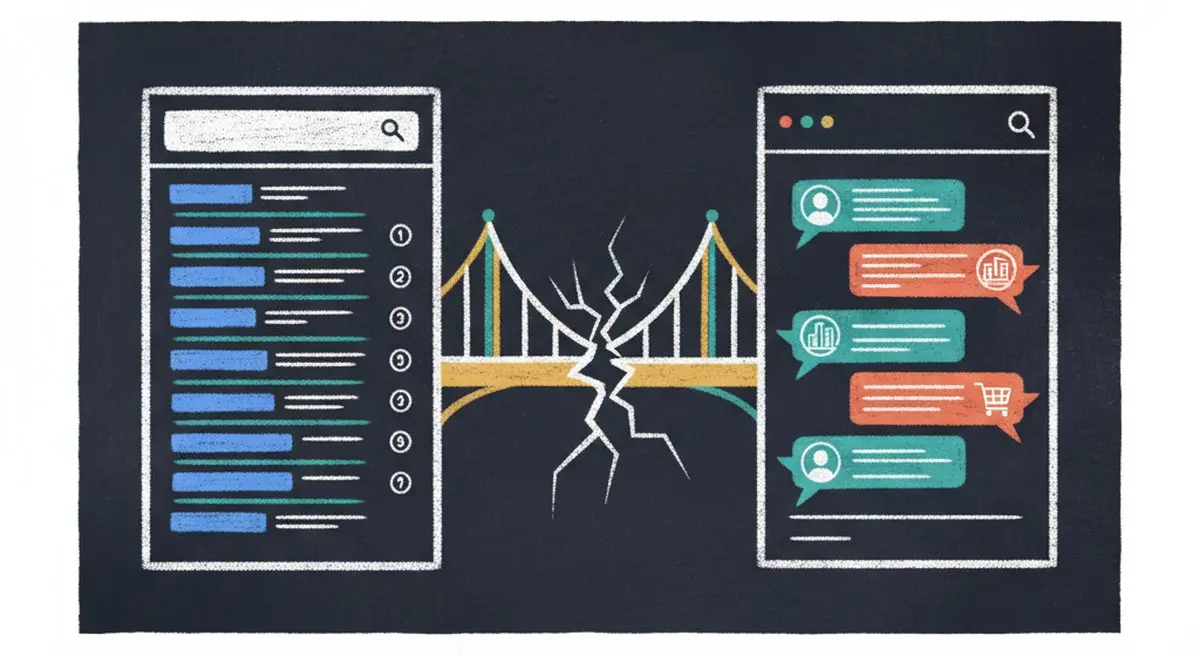
SEO alone isn't enough anymore. The difference between SEO, AEO (Answer Engine Optimization), and AXO, and how to appear in ChatGPT, Claude, and AI agent recommendations.
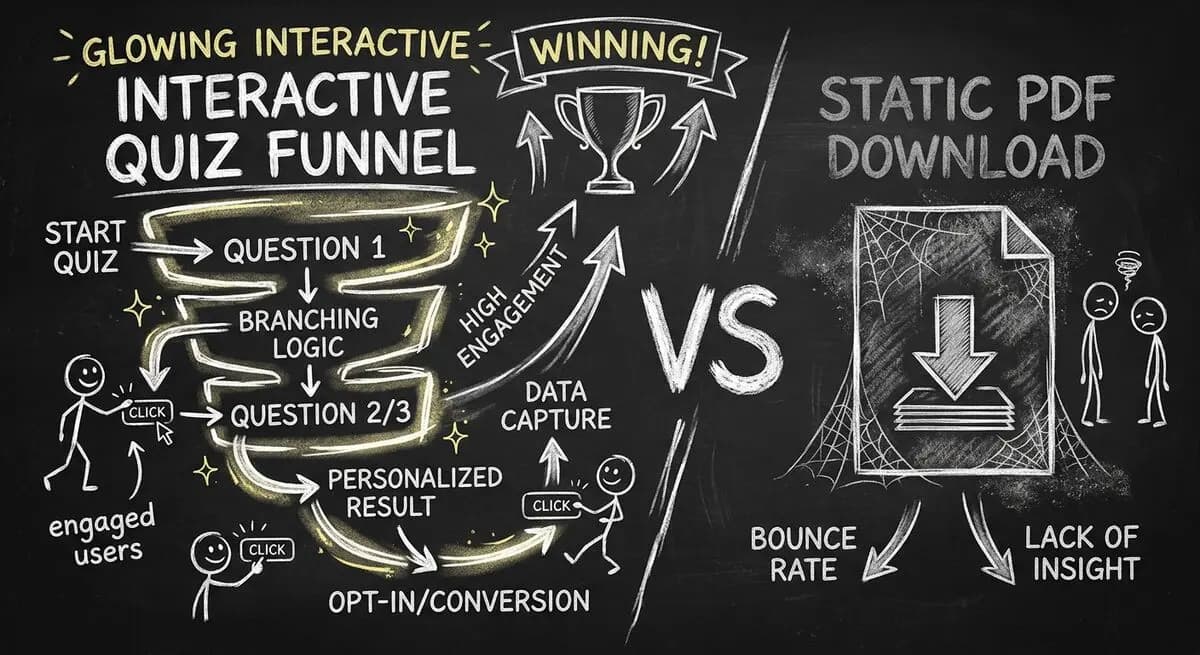
Gated PDFs collect an email and little else; quiz funnels qualify leads as they answer. The agency playbook for replacing static lead magnets with interactive qualification funnels, with 4 B2B templates.
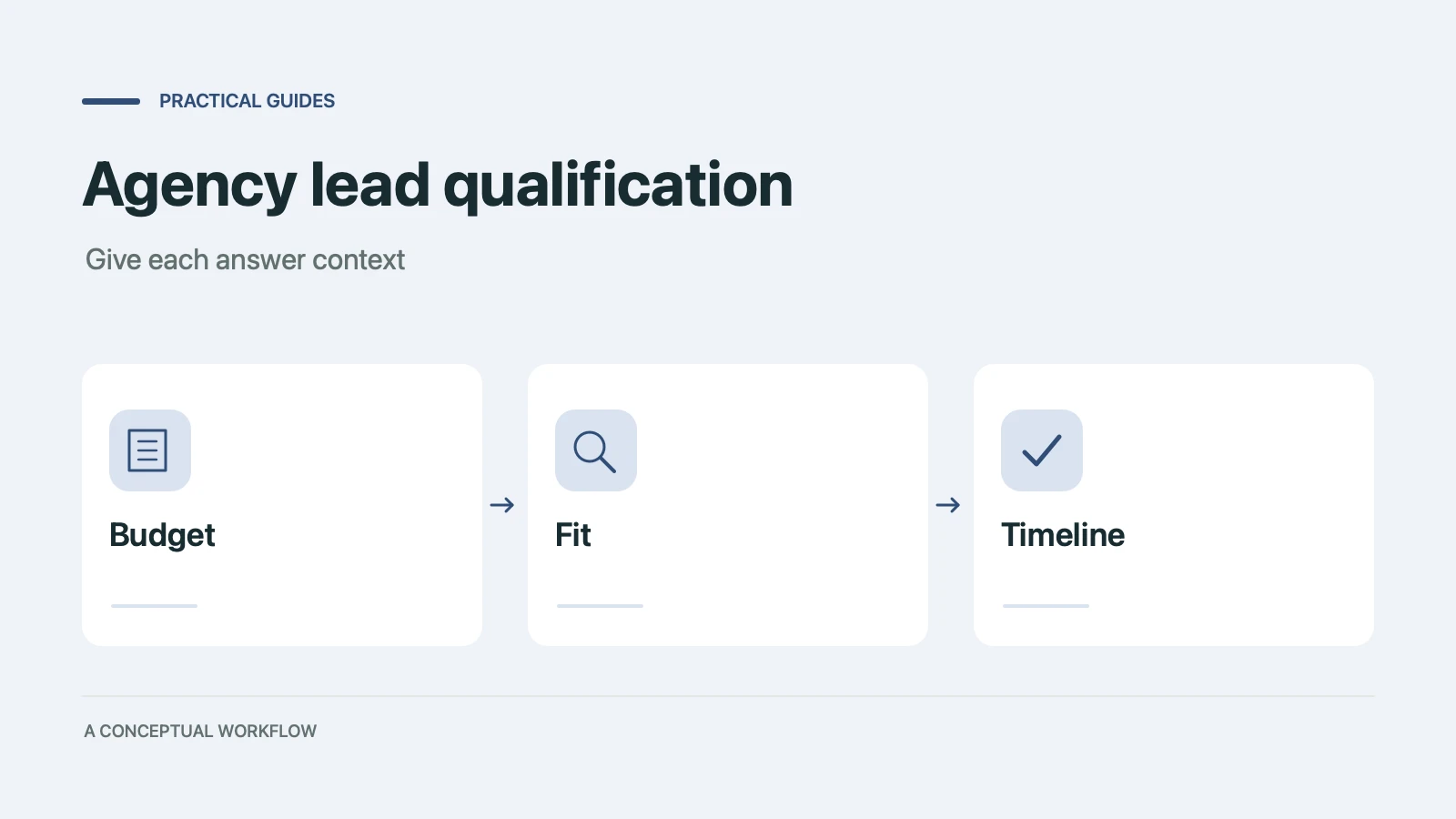
Copy a ten-point agency lead qualification scorecard, check worked examples, and turn the questions into a Dashform inquiry form with clear review rules.
Try the world's first AI-native form and turn every response into action instantly.