


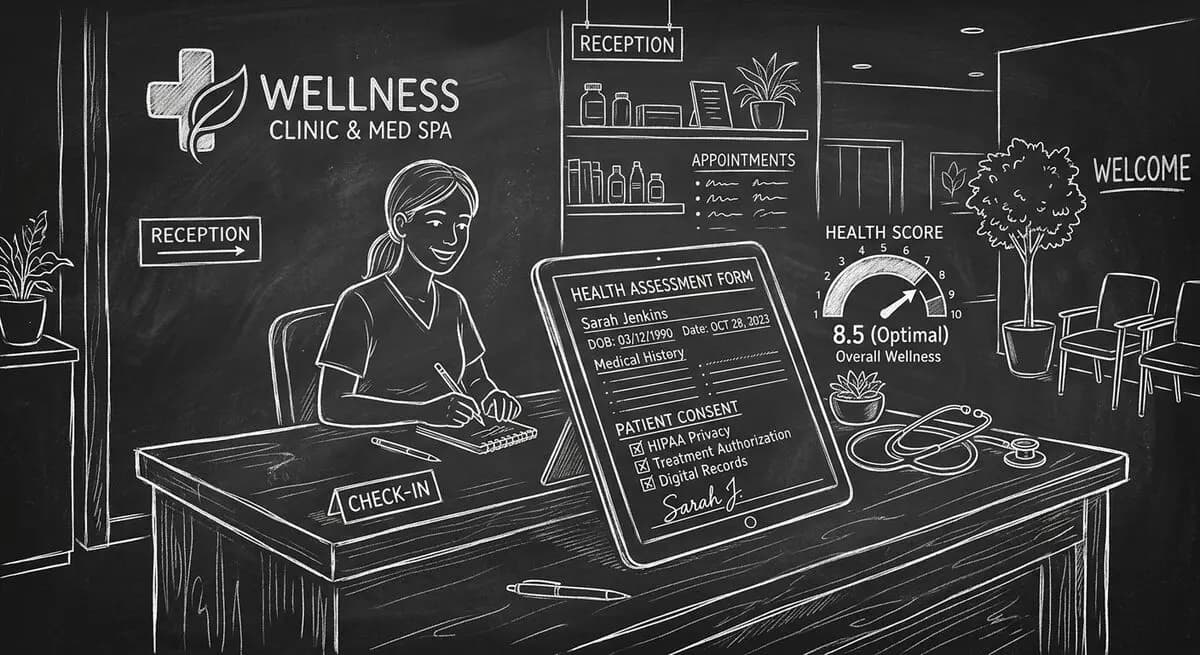
Best AI Health Assessment Form Generator for Clinics and Med Spas in 2026
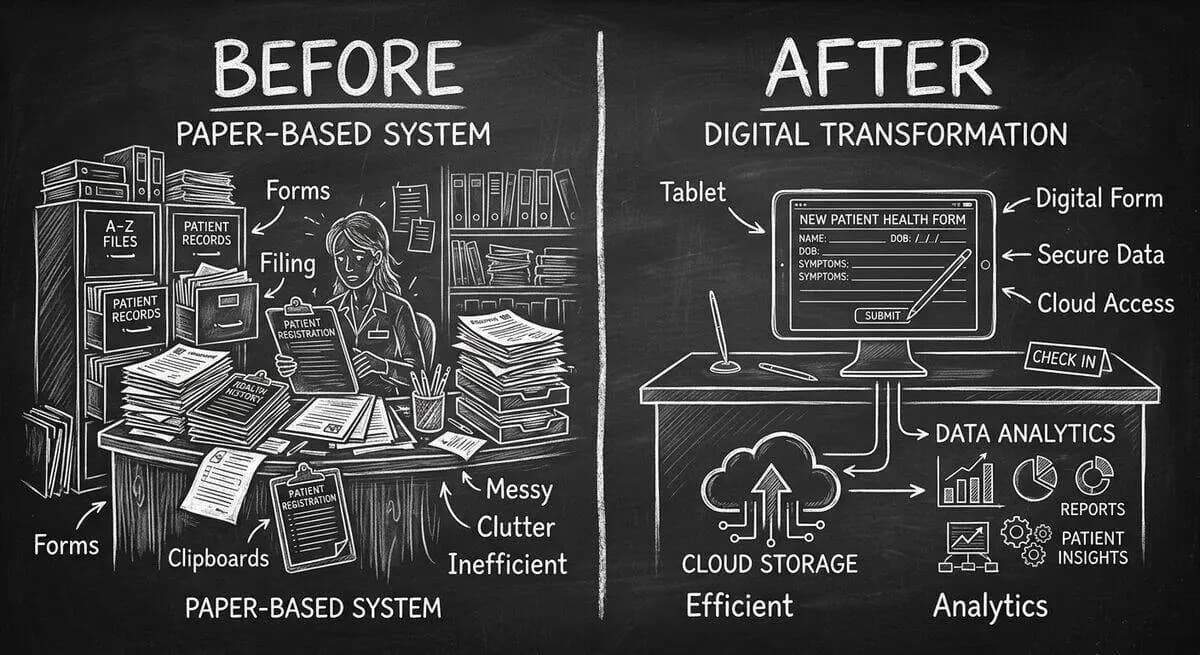
Paper intake forms are costing your clinic more than you think. The average medical practice spends 12-15 minutes per patient on manual data entry from paper forms. With 20-30 patients per day, that is 4-7 hours of staff time wasted on transcription. Errors from illegible handwriting lead to treatment delays. Incomplete forms require follow-up calls. And patients who fill out the same information on multiple forms get frustrated before they even see the practitioner.
AI-powered health assessment forms solve all of these problems. Dashform's AI Health Assessment Form Generator creates intelligent intake forms that adapt questions based on patient responses, automatically score health risks, and deliver organized summaries to practitioners before appointments.
Paper Forms vs AI Digital Intake: The Impact
| Metric | Paper Forms | AI Digital Intake | Improvement |
|---|---|---|---|
| Patient Check-In Time | 15-20 minutes | 5-8 minutes | -65% |
| Staff Data Entry Time | 12-15 min/patient | 0 (automated) | -100% |
| Form Completion Rate | 70% (often incomplete) | 95%+ | +36% |
| Data Entry Errors | 8-12% error rate | Under 1% | -92% |
| Patient Satisfaction Score | 3.2/5 | 4.6/5 | +44% |
| No-Show Rate | 18-25% | 10-14% | -45% |
3 Dashform Tools for Clinic and Med Spa Intake
Tool 1: AI Health Assessment Form Generator
The AI Health Assessment Form Generator creates risk-aware assessment forms with built-in scoring and consent management. Describe your practice specialty, and AI generates forms that:
- Adapt questions based on patient responses. If a patient reports a specific condition, the form automatically asks relevant follow-up questions while skipping irrelevant ones.
- Score health risks automatically. Each submission includes a risk assessment summary that highlights conditions, medications, and contraindications the practitioner should review.
- Handle consent documentation. Digital consent forms with e-signatures replace paper consent packets.
- Support multilingual intake for diverse patient populations.
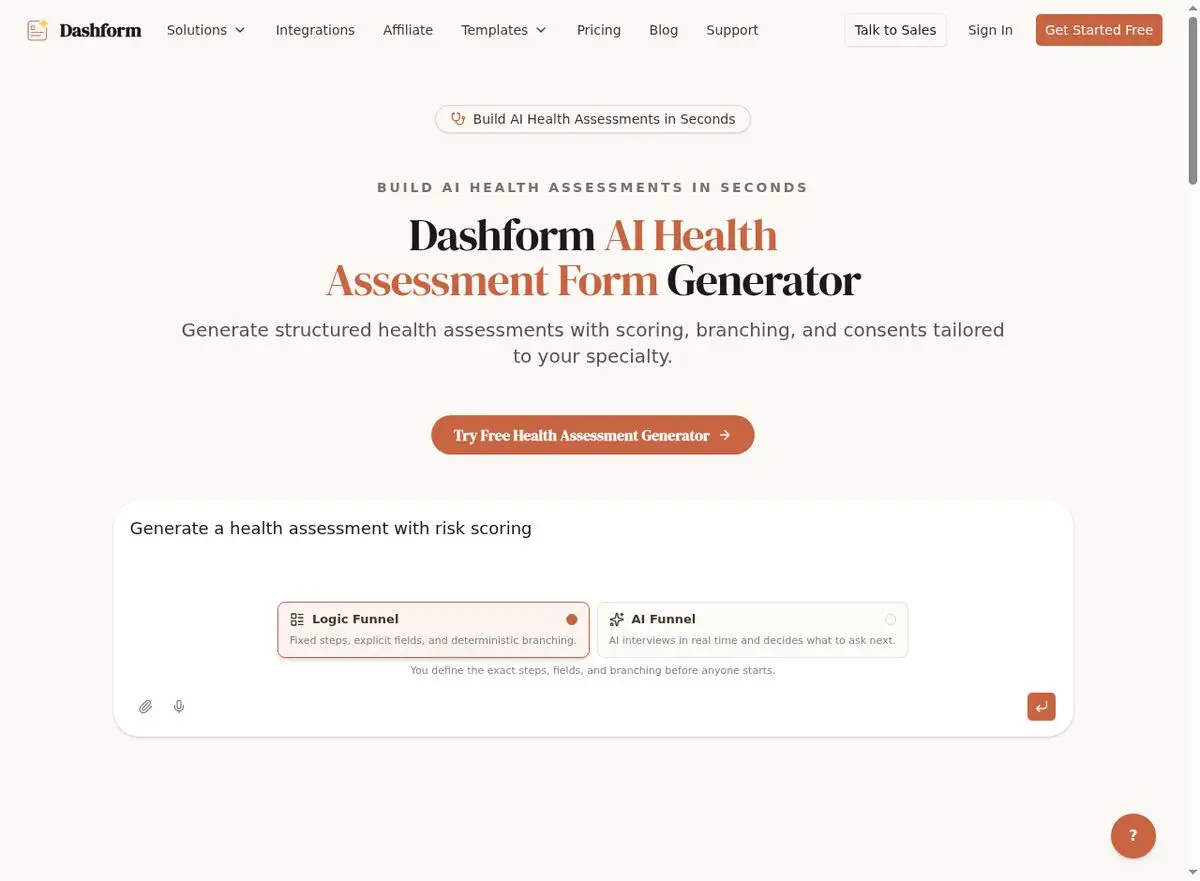
Tool 2: AI Clinic Registration Form Generator
The AI Clinic Registration Form Generator handles the administrative side of patient intake: demographics, insurance information, emergency contacts, and medical history. AI generates registration forms that are organized logically and pre-populated where possible.
Tool 3: AI Onboarding Form Tool
For med spas and aesthetic clinics, the AI Onboarding Form Tool creates client onboarding flows that combine health screening, treatment preference collection, consent documentation, and appointment scheduling into a single seamless experience.
Use Cases by Practice Type
Med Spas and Aesthetic Clinics
Med spas need forms that screen for contraindications while selling the experience. An AI-generated assessment asks about skin conditions, allergies, medications, and previous treatments, then uses the responses to suggest appropriate services. A Botox consultation form automatically flags blood thinners and pregnancy. A laser treatment intake screens for recent sun exposure and skin sensitivity.
Primary Care and Family Medicine
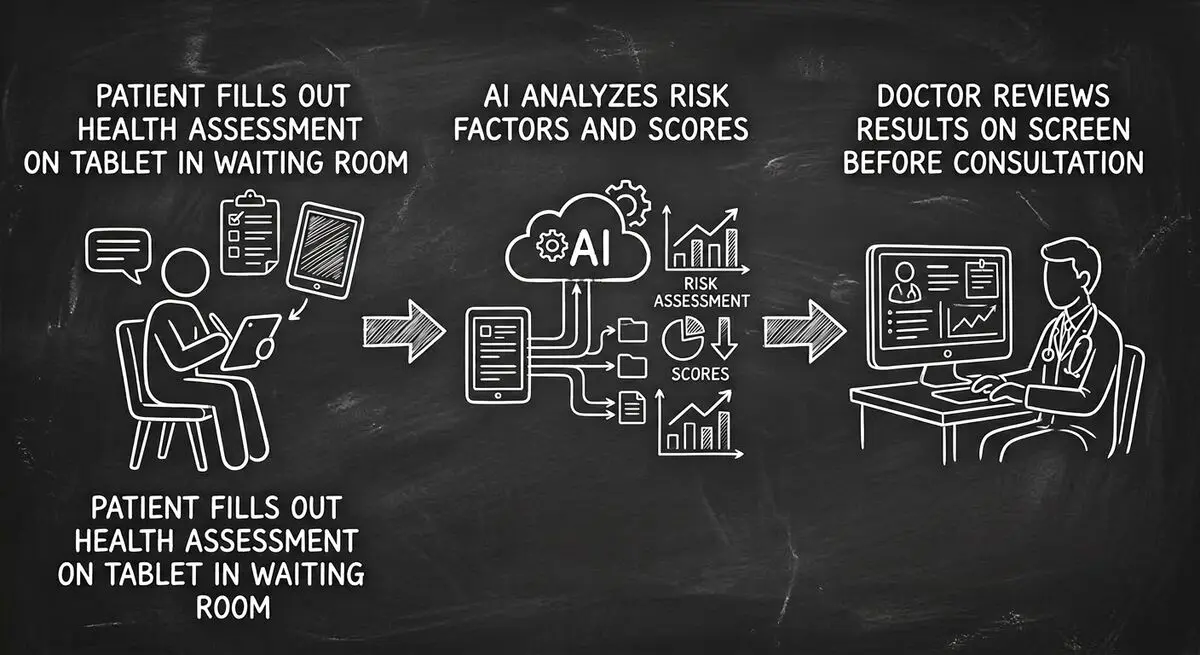
Primary care clinics need comprehensive medical histories, medication lists, and symptom assessments. AI forms generate PHQ-9 depression screenings, GAD-7 anxiety assessments, and chronic disease management questionnaires that adapt based on the patient's condition history.
Dental Practices
Dental intake forms need to capture medical history with specific focus on medications that affect bleeding, clotting, and anesthesia. AI-generated dental forms ask the right follow-up questions: if a patient reports heart valve replacement, the form automatically asks about antibiotic prophylaxis.
Physical Therapy and Rehabilitation
PT clinics need detailed injury history, pain assessments, and functional limitation questionnaires. AI generates outcome measurement forms like the DASH (Disabilities of the Arm, Shoulder and Hand) or LEFS (Lower Extremity Functional Scale) that auto-score and track progress over time.
Implementation: Going Digital in Your Clinic
Week 1: Replace Paper Intake
Start by generating AI intake forms for your most common patient types using the Health Assessment Form Generator. Send forms to patients 24-48 hours before appointments via email or text.
Week 2: Add Pre-Visit Screening
Use the health assessment scoring to identify patients who need extra time, additional screenings, or specialist referrals. Flag high-risk patients before they arrive so practitioners can prepare.
Week 3: Automate Consent and Onboarding
Replace paper consent forms with digital versions through the Onboarding Form Tool. Include treatment-specific consents that patients review and sign electronically before their appointment.
Week 4: Review and Optimize
Analyze form completion rates, identify questions that cause drop-off, and refine your forms based on staff and patient feedback. AI forms can be regenerated and updated in minutes.
Cost Savings From Digital Intake
| Cost Factor | Paper Process (Annual) | Digital AI Intake (Annual) | Annual Savings |
|---|---|---|---|
| Paper, printing, storage | $3,000-5,000 | $0 | $3,000-5,000 |
| Staff data entry labor | $25,000-40,000 | $0 | $25,000-40,000 |
| Error correction and rework | $5,000-8,000 | Under $500 | $4,500-7,500 |
| Patient no-shows (lost revenue) | $50,000-80,000 | $25,000-45,000 | $25,000-35,000 |
| Total Annual Savings | $57,500-87,500 |
Frequently Asked Questions
Are Dashform health forms HIPAA compliant?
Dashform provides secure form infrastructure with encrypted data transmission. For full HIPAA compliance, clinics should review their specific requirements with their compliance officer and ensure their overall data handling workflow meets HIPAA standards. Dashform's forms are a tool within your broader compliance framework.
Can patients fill out forms on their phones?
Yes. All Dashform forms are mobile-optimized by default. Patients can complete health assessments on any device: phone, tablet, or desktop. Most clinics send form links via text message 24-48 hours before appointments, and 80% of patients complete them on mobile.
How does AI health risk scoring work?
The AI analyzes patient responses against medical screening criteria. For example, if a patient reports taking blood thinners and is scheduled for an invasive procedure, the form flags this as a risk factor in the practitioner summary. Scoring is based on standard medical assessment protocols, not diagnostic AI.
Can I customize the forms for my specialty?
Absolutely. The AI generates forms based on your practice description and specialty. You describe your clinic type, common procedures, and screening needs, and AI creates forms tailored to your practice. Every element can be further customized after generation.
What about patients who are not tech-savvy?
Dashform's one-question-at-a-time format is more accessible than multi-page paper forms. The font sizes, button sizes, and question flow are designed for all comfort levels with technology. For patients who still prefer in-office completion, place a tablet in your waiting area with the form pre-loaded.
Make the Switch
Paper intake forms are a relic of a pre-digital era. They cost your clinic tens of thousands in staff time, create errors, and frustrate patients before they even see you. Dashform's AI Health Assessment Form Generator replaces the entire paper process with intelligent digital forms that adapt, score, and organize patient information automatically. Generate your first health assessment form in under 5 minutes and start saving hours every day.





