

The superbill questionnaire begins with patient identity and insurance details, then asks for the treating provider and NPI. Service dates, diagnosis codes, and procedure codes with fees describe the care to be reviewed. These entries do not verify clinical coding or establish coverage. The preview ends without generating a medical bill or submitting an insurance claim. The provider must separately check the clinical and billing records, prepare any superbill, and explain the insurer’s submission requirements.
Try the conversation below to see how this template works
Trusted by over 10,000 customers and growing
Conversations Started
Questions Answered
Forms Created
Uses diagnosis and procedure fields to organize clinician-supplied coding for a separate billing accuracy review.
Includes the provider name and NPI for checking against professional and billing records before issuing a superbill.
Keeps policy details with service information when discussing a separate reimbursement request with the provider and insurer.

AI builds and refines your form through natural conversation no templates, no complex logic, no coding. From a simple text prompt or URL, Dashform generates intelligent flows that adapt automatically.
Dashform turns traditional form-filling into a two-way dialogue. The AI understands intent, remembers context, and asks relevant follow-up questions just like a real human conversation.
Every response is transformed into structured, meaningful, and ready-to-use data. Integrate with your favorite tools.
Everything you need to create amazing forms
Everything you need to know about this template
Don't see exactly what you need? Use our AI Form Generator to create a custom form in seconds. Just describe what you want, and AI will build it for you.
Explore more templates to find the perfect fit
 Customer Feedback
Collect structured customer ratings, feature feedback, and follow-up preferences in one concise product feedback form.
 Survey
Collect structured pre-launch feedback on usability, satisfaction, and feature gaps from product testers.
 Tracking Log
Track production tasks from assignment to quality check, with status, materials, deadlines, and efficiency all in one form.
 Employee Information
Collect structured, confidential job references covering performance ratings, key strengths, and rehire intent.
 Invoice
Collect revenue, COGS, and operating expenses to document business financial performance for any reporting period.
 Equipment Request
Request programming equipment — computers, monitors, software, and more — with specs, quantity, reason, and urgency in one form.
Learn how to get the most out of your forms and templates
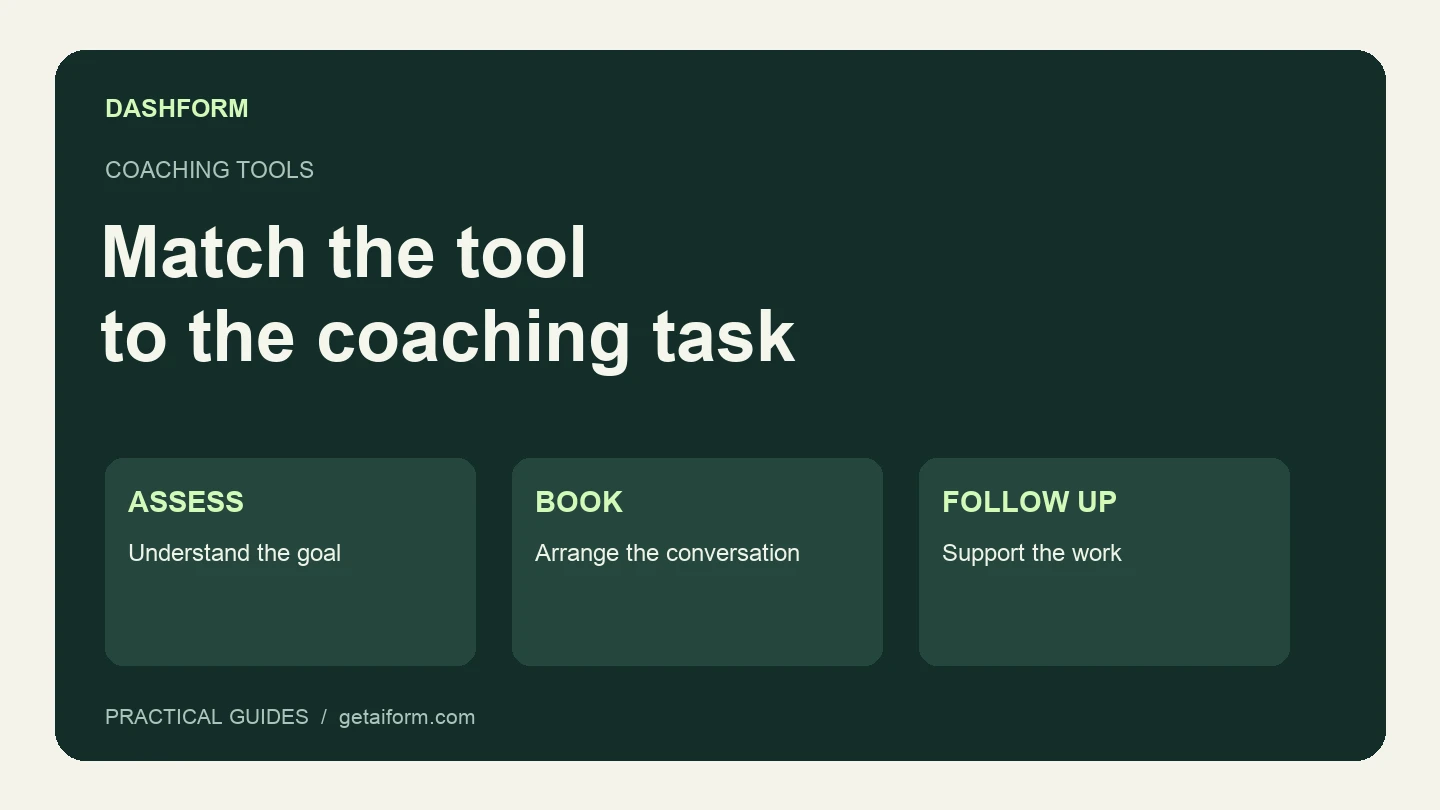
Choose coaching tools by the job: scored assessments, discovery-call intake, booking, or ongoing client work. Includes a practical selection checklist.

10 intake form starting points for private practice therapists: new client intake, treatment planning, consent, and feedback.

12 event planning templates: registration, RSVPs, waivers, and feedback, with free templates and AI-powered versions for larger events.
Try the world's first AI-native form and turn every response into action instantly.