This questionnaire gathers an applicant’s contact details and former employer before asking when employment ended, the reason for leaving, and the last job title. A benefit-status choice distinguishes current benefits, a pending application, and no benefits, with optional additional context. The answers are self-reported and do not verify unemployment. Finishing the browser preview produces no proof letter. The applicant must separately check the receiving organization’s requirements and obtain or prepare documentation through an appropriate source.
Try the conversation below to see how this template works
Trusted by over 10,000 customers and growing
Conversations Started
Questions Answered
Forms Created
Organizes the former role and employment end date before asking a former employer or relevant agency for supporting records.
Describes reported benefit status for a separate application review; the form does not confirm eligibility or agency records.
Uses the contract-ended option to explain a gap in work while arranging any supporting evidence separately.

AI builds and refines your form through natural conversation no templates, no complex logic, no coding. From a simple text prompt or URL, Dashform generates intelligent flows that adapt automatically.
Dashform turns traditional form-filling into a two-way dialogue. The AI understands intent, remembers context, and asks relevant follow-up questions just like a real human conversation.
Every response is transformed into structured, meaningful, and ready-to-use data. Integrate with your favorite tools.
Everything you need to create amazing forms
Everything you need to know about this template
Don't see exactly what you need? Use our AI Form Generator to create a custom form in seconds. Just describe what you want, and AI will build it for you.
Explore more templates to find the perfect fit
 Checklist
Plan and track your full day — morning habits, key work tasks, midday breaks, and evening wind-down — all in one checklist.
 Checklist
Log your daily tasks, productivity rating, blockers, and tomorrow's priorities in one consistent, structured entry.
 Tracking Log
Document dam condition, flag structural issues, and record maintenance recommendations in one structured inspection form.
 Report
 damaged company equipment with details, operational status, photo links, and your contact info in one quick form.
 Application
Collect everything needed to build a matchmaking profile: identity, dating preferences, relationship goals, and personal style.
 Feedback
Collect structured parent feedback on satisfaction, cleanliness, safety, and activities to improve your daycare services.
Learn how to get the most out of your forms and templates

Med spa website examples with clear service pages, strong calls to action, mobile-friendly layouts, and lead capture that works.
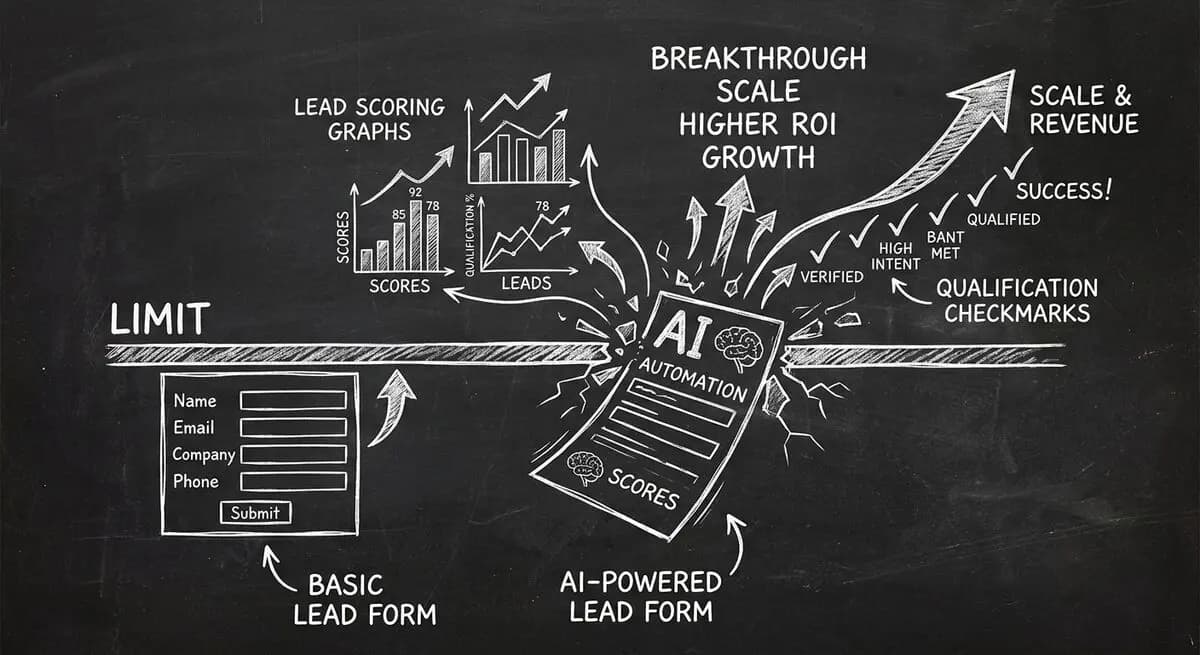
Compare Dashform and Tally for AI drafting, form logic, lead review, and integrations, with a practical checklist for evaluating a switch.
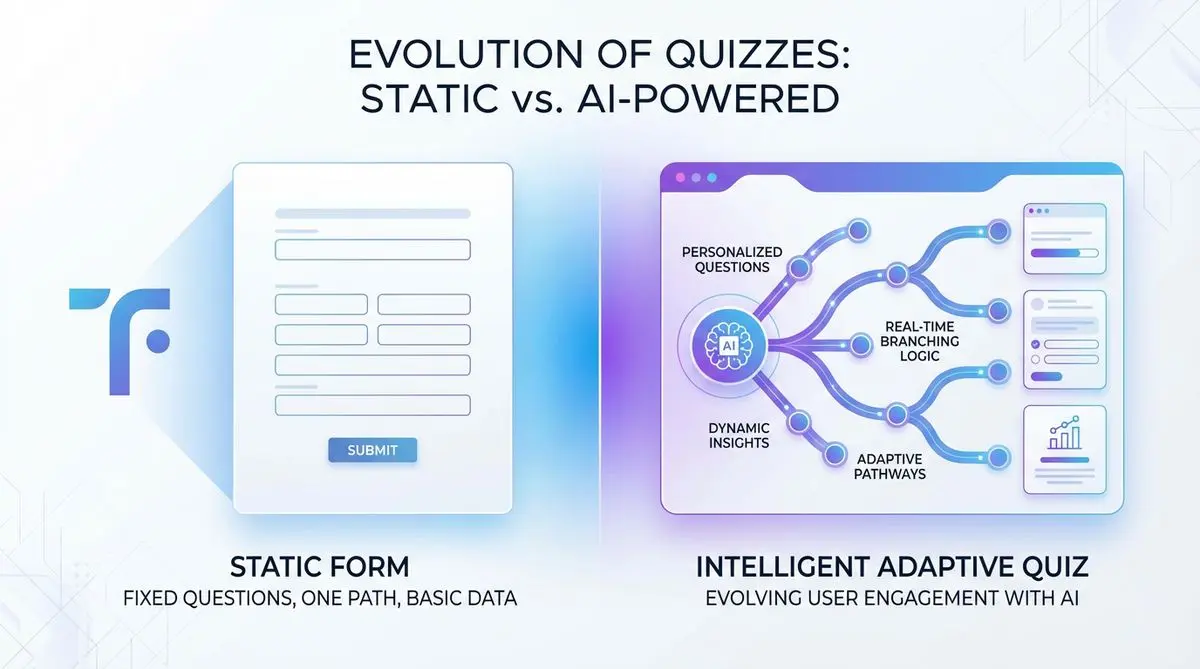
Looking for a Typeform alternative for lead generation? Compare Dashform and Typeform on drafting, qualification, CRM handoff, and who should switch.
Try the world's first AI-native form and turn every response into action instantly.

