


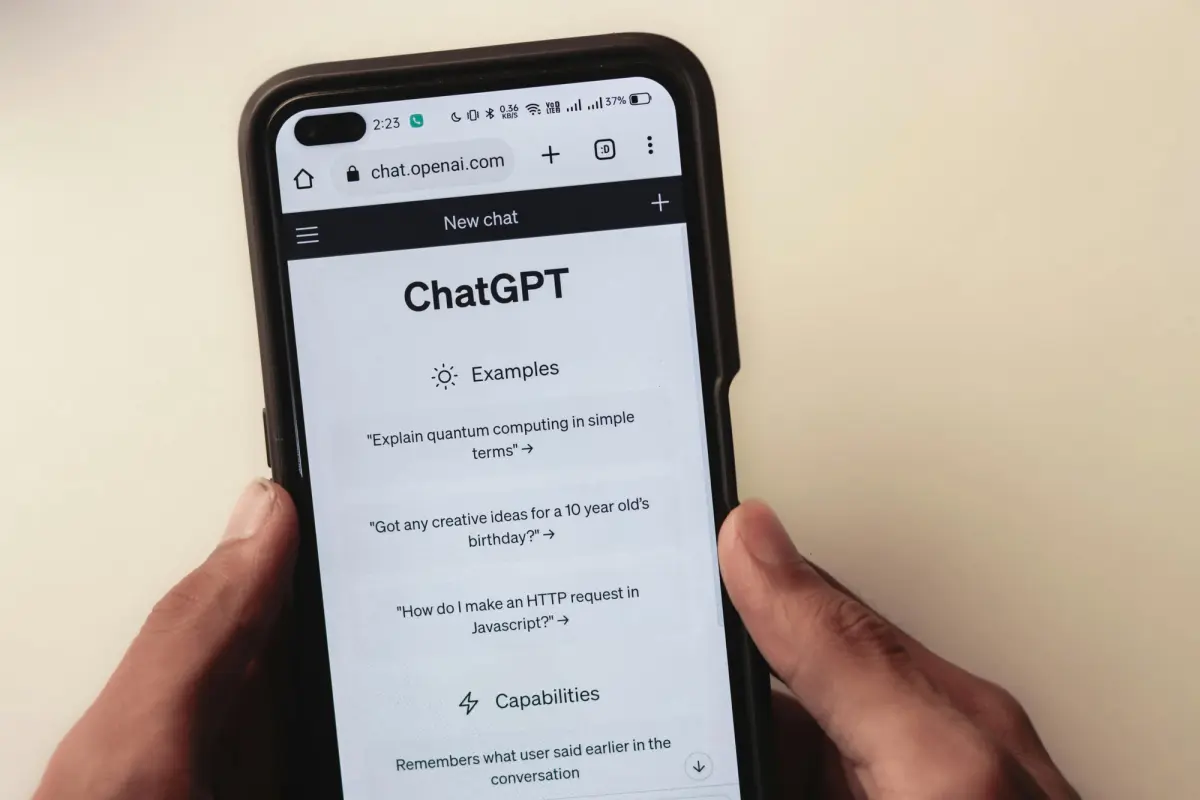
In today’s digital landscape, gathering accurate data through forms and surveys is crucial for businesses, researchers, educators, and marketers alike. However, designing effective forms and surveys that engage respondents and yield actionable insights can be challenging. Enter Dashform prompts for forms a revolutionary way to harness AI for creating, optimizing, and analyzing surveys with ease and precision. This article explores 50 Dashform prompts for creating forms and surveys, demonstrating how AI form prompts and survey prompts can transform your data collection process.
Quick Summary
Dashform AI form prompts help you create smarter, clearer, and more engaging forms and surveys in minutes.
- Generate survey questions instantly for any audience or industry
- Improve clarity and remove bias with AI-assisted refinement
- Build adaptive and personalized survey flows
- Analyze qualitative responses and extract key insights
- Automate form creation for events, feedback, hiring, and research
Whether you’re a marketer, educator, researcher, or business owner, AI-powered prompts turn survey design into a faster and more strategic process.
Why Use Dashform AI Form for Creating Forms and Surveys?
Before diving into the prompts, it’s important to understand why Dashform AI Form is a game-changer in survey creation:
- Efficiency: Quickly generate tailored questions and entire survey drafts.
- Clarity: Improve question phrasing to avoid ambiguity and bias.
- Engagement: Design interactive and personalized surveys to boost response rates.
- Analysis: Get AI-assisted insights and summaries from survey data.
- Customization: Adapt surveys for different audiences, devices, and branding needs.
According to recent research, AI tools like Dashform help marketers and researchers save time and improve data quality, making AI form prompts an indispensable resource.
How to Use Dashform AI Form Prompts for Forms and Surveys
Using Dashform for forms involves crafting clear, specific prompts that instruct the AI on your survey’s purpose, audience, question types, and desired outcomes. For example:
- “Create a customer feedback survey for my new app targeting millennials, including 10 questions with Likert scale and open-ended responses.”
- “Draft a 5-question employee engagement survey that adapts based on the respondent’s department.”
By providing context and parameters, you can generate surveys that are both relevant and actionable.
50 Dashform AI Form Prompts for Creating Forms and Surveys
Survey Design and Question Generation
- Create a 10-question customer satisfaction survey for an online clothing store using a 5-point Likert scale.
- Generate open-ended questions to learn about user experiences with mobile banking apps.
- Design a survey for remote workers to assess work-life balance and productivity.
- Write unbiased survey questions about employee wellness programs in healthcare.
- Create demographic questions for a survey targeting college students aged 18-24.
Improving Survey Clarity and Structure
- Rephrase these survey questions to make them clearer and more concise: [Insert questions].
- Identify and fix double-barreled or leading questions in this draft survey.
- Suggest improvements to reduce survey fatigue in a 20-question product feedback survey.
- Optimize survey questions for mobile device users to enhance usability.
- Provide tips on structuring a survey introduction to increase respondent engagement.
Adaptive and Personalized Surveys
- Draft a survey flow that changes questions based on whether the respondent is a manager or an individual contributor.
- Create a branching survey for customer support feedback that adapts based on issue type.
- Generate personalized survey questions for different age groups in a health study.
- Design a survey that uses conditional logic to skip irrelevant sections for certain respondents.
- Suggest gamification elements to make a tech product survey more engaging.
Survey Analysis and Reporting
- Summarize key insights from this set of 50 open-ended survey responses.
- Identify emerging themes from qualitative feedback on employee satisfaction.
- Generate a concise executive summary based on survey data about customer loyalty.
- Suggest visualizations to represent survey results on user preferences effectively.
- Analyze survey data to prioritize product feature improvements.
Specialized Survey Prompts
- Create a 5-question academic survey on student attitudes towards online learning.
- Draft a market research survey for launching a new organic skincare line.
- Generate a feedback form for a recent virtual conference, including satisfaction and improvement areas.
- Design a patient intake form for a dental clinic with relevant medical history questions.
- Write a quiz-style survey to assess knowledge retention after a training session.
AI Form Prompts for Automation and Plugin Use
- Generate a job application form for a freelance content writer position.
- Create a multi-step event registration form optimized for desktop and mobile.
- Draft a customer feedback survey using branding elements for a consulting firm.
- Write a prompt to generate a quiz on cybersecurity basics using forms.app AI plugin.
- Design a satisfaction survey that uses star ratings and comment boxes for a restaurant.
Enhancing Survey Engagement
- Suggest ways to add interactive elements to a product feedback survey.
- Create an introductory text that encourages survey participation and assures data privacy.
- Generate thank-you messages for survey completion with options to share on social media.
- Write follow-up email templates for non-respondents to increase survey completion rates.
- Design a short survey to capture quick feedback after customer service calls.
Testing and Refining Surveys
- Simulate three example responses to test a mental health services survey.
- Provide feedback on question wording for clarity and neutrality.
- Suggest ways to shorten a lengthy survey without losing critical information.
- Generate alternative question phrasings for sensitive topics to reduce respondent discomfort.
- Create a checklist for pre-testing survey questions before launch.
Survey Data Segmentation and Insights
- Segment survey respondents based on age, gender, and purchase behavior.
- Identify gaps in survey data and recommend additional questions to fill them.
- Prioritize action items based on survey feedback and business goals.
- Draft questions to explore reasons behind customer churn identified in survey results.
- Generate hypotheses for further research based on initial survey findings.
Miscellaneous AI Form Prompts
- Write a prompt to create a satisfaction survey for a new SaaS platform.
- Generate survey questions to assess employee training effectiveness.
- Design a feedback form for website usability testing.
- Create a form to collect volunteer sign-ups for a community event.
- Draft a customer loyalty program enrollment form with necessary consent fields.
Best Practices for Using Dashform AI Form Prompts in Form and Survey Creation
To maximize the effectiveness of your AI form prompts, consider these tips:
- Be Specific: Clearly define your survey’s purpose, audience, and question types in the prompt.
- Use Clear Language: Avoid jargon or ambiguous terms to ensure the AI generates understandable questions.
- Incorporate Branding: Include instructions for design and tone to maintain consistency with your brand.
- Test and Iterate: Use ChatGPT to simulate responses and refine questions before launching.
- Leverage AI for Analysis: Utilize ChatGPT’s capabilities to summarize and interpret survey data efficiently.
Insights from Top Google Search Results
Research from sources like AImultiple and Promptmatic highlights how ChatGPT:
- Enhances survey design by generating clear, unbiased questions.
- Supports adaptive survey flows to personalize respondent experience.
- Assists in analyzing open-ended responses and summarizing findings.
- Offers gamification strategies to increase engagement.
- Provides practical templates for introductions, follow-ups, and thank-you notes.
Furthermore, tools like the forms.app AI ChatGPT plugin enable seamless integration of AI-generated forms into your workflow, allowing quick edits and sharing options.
Elevate Your Data Collection with Dashform AI Form Prompts
Harnessing the power of Dashform prompts for forms and AI form prompts can revolutionize your approach to survey creation and analysis. With these 50 Dashform prompts for creating forms and surveys, you can design engaging, clear, and insightful surveys tailored to your unique needs. Whether you’re a marketer, educator, researcher, or business owner, integrating AI into your survey workflow will save time, improve data quality, and empower smarter decision-making.Ready to transform your survey process? Start experimenting with these prompts today, customize them for your projects, and watch your data collection efforts reach new heights. Don’t forget to share this guide with your team and explore related AI tools to further boost your productivity!
Related Reading
Dashform AI Quiz Generator: The Fastest Way to Create Free AI Quizzes
How to Use Dashform to Create a Product Recommendation Quiz
Want to learn more? Read What Is AI Form for a complete introduction, or try the AI Form Generator to build forms from these prompts instantly.





