

This purchase order request form collects everything a finance or operations team needs to review and approve a purchase in one submission. It opens by identifying the requester — name, email, and department — then moves to the purchase itself: category, item description, quantity, estimated total cost including tax and shipping, and preferred vendor. The "What is the budget code or account number for this purchase?" question ensures the expense can be coded immediately, while the "What is the urgency level of this purchase?" question lets approvers prioritize their queue. The form closes with the "Please provide business justification for this purchase." question so decision-makers have the rationale they need without chasing the requester. After submitting, respondents see a confirmation that their request has been received and is awaiting approval.
Try the conversation below to see how this template works
Trusted by over 10,000 customers and growing
Conversations Started
Questions Answered
Forms Created
The budget code, estimated total cost, and vendor questions feed directly into purchasing workflows, reducing manual follow-up before an order can be placed.
The purchase category and quantity questions help managers track what's being requested across departments and flag anything outside normal supply needs.
The urgency level and business justification questions give department leads a clear way to communicate priority and rationale when submitting requests up the approval chain.

AI builds and refines your form through natural conversation no templates, no complex logic, no coding. From a simple text prompt or URL, Dashform generates intelligent flows that adapt automatically.
Dashform turns traditional form-filling into a two-way dialogue. The AI understands intent, remembers context, and asks relevant follow-up questions just like a real human conversation.
Every response is transformed into structured, meaningful, and ready-to-use data. Integrate with your favorite tools.
Everything you need to create amazing forms
Everything you need to know about this template
Don't see exactly what you need? Use our AI Form Generator to create a custom form in seconds. Just describe what you want, and AI will build it for you.
Explore more templates to find the perfect fit
 General Survey
A nine-question survey covering engagement, manager support, culture, communication, career growth, and work-life balance.
 Employee Information
Outline roster, shift assignments, hours, and scheduling notes before a manager separately reviews and distributes a schedule.
 Hr
HrOrganize an employee incident, prior warnings, corrective action, and review date for separate HR review and documentation.
 Job Application
A ten-question job application covering contact details, role preferences, work eligibility, and recent experience.
 Evaluation
Collect player and staff feedback on season performance, team cohesion, coaching, and areas for improvement.
 Checklist
Track equipment inspections by category, item condition, and any missing or damaged gear — with optional supervisor sign-off.
Learn how to get the most out of your forms and templates
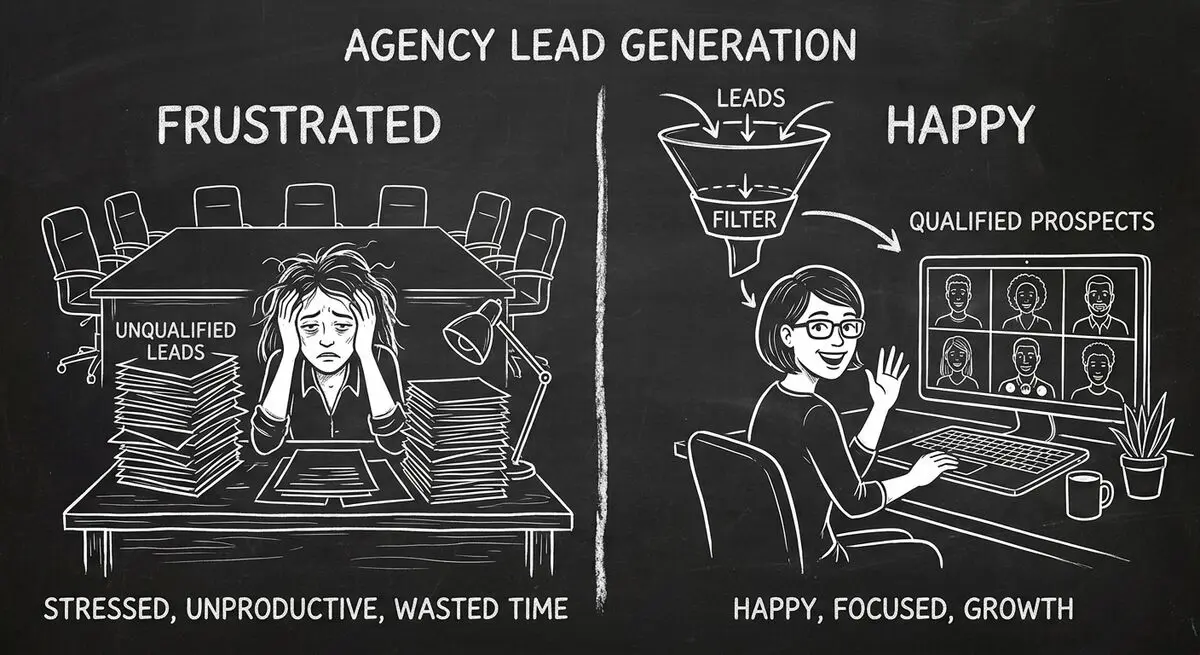
An illustrative playbook for a B2B content marketing agency replacing its static contact form with an AI-powered quiz funnel: the questions, the scoring, the routing, and what to measure in the first 60 days.
7 AI form builders compared on generation quality, scoring depth, integrations, and free plans: Dashform, Typeform, Jotform, Fillout, Heyflow, Tally, and involve.me.
Draft intake questions for clinician review, distinguish administrative forms from validated assessments, and plan privacy and scheduling requirements.
Try the world's first AI-native form and turn every response into action instantly.