This seven-question end-of-season review opens by asking respondents to rate their overall season experience, setting a broad benchmark before moving into more specific areas. It then invites open-ended reflection on the team's greatest achievements, followed by three targeted rating questions covering personal skill development, team cohesion, and coaching staff effectiveness — giving the program a clear picture of what worked at every level. Two optional open-ended questions close the form, asking for improvement ideas and any remaining comments, so respondents can flag anything the ratings didn't capture. After submitting, the end screen thanks respondents and confirms that their input will directly shape next season's planning.
Try the conversation below to see how this template works
Trusted by over 10,000 customers and growing
Conversations Started
Questions Answered
Forms Created
Rely on the four rating questions to benchmark satisfaction, individual development, cohesion, and coaching in one structured snapshot at season's end.
Use the "What specific areas do you believe the team or program could improve upon for future seasons?" question to gather candid, player-driven priorities before pre-season planning begins.
Draw on the full set of ratings and open-ended responses to compare performance across teams or seasons and make evidence-based decisions about coaching and resources.

AI builds and refines your form through natural conversation no templates, no complex logic, no coding. From a simple text prompt or URL, Dashform generates intelligent flows that adapt automatically.
Dashform turns traditional form-filling into a two-way dialogue. The AI understands intent, remembers context, and asks relevant follow-up questions just like a real human conversation.
Every response is transformed into structured, meaningful, and ready-to-use data. Integrate with your favorite tools.
Everything you need to create amazing forms
Everything you need to know about this template
Don't see exactly what you need? Use our AI Form Generator to create a custom form in seconds. Just describe what you want, and AI will build it for you.
Explore more templates to find the perfect fit
 Survey
Tell a safari organiser your experience level, favourite activities, and dream destinations in seven quick questions.
 Tracking Log
Plan a sales call by logging the client, call type, objectives, key topics, target outcome, and follow-up actions in one form.
 Contact
Capture qualified leads with ten questions that give your sales team everything they need to follow up fast.
 Onboarding
A five-question form that captures a new sales hire's background, strategy knowledge, and target familiarity to shape their onboarding.
 General Application
Collect contact info, academic background, a personal statement, and eligibility confirmation from scholarship applicants.
 Consent
Collect telehealth understanding and consent choices after provider-supplied information, with space for unanswered questions.
Learn how to get the most out of your forms and templates
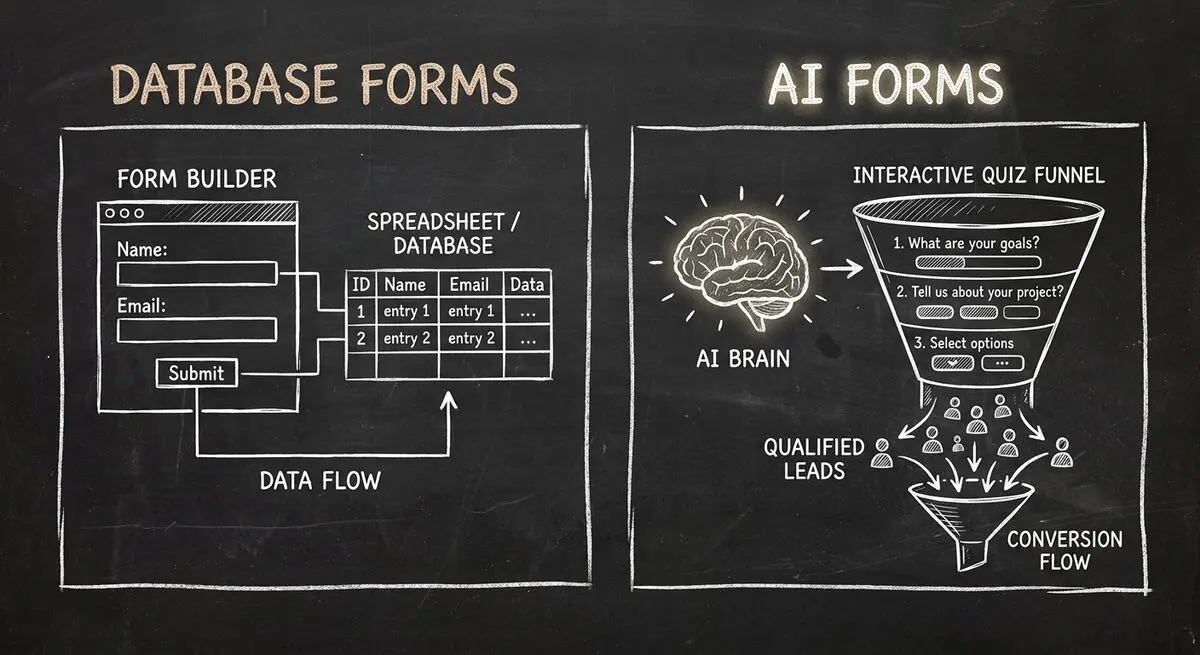
Compare Dashform and Fillout for lead intake, AI drafting, qualification, database connections, and the handoffs to test before switching.
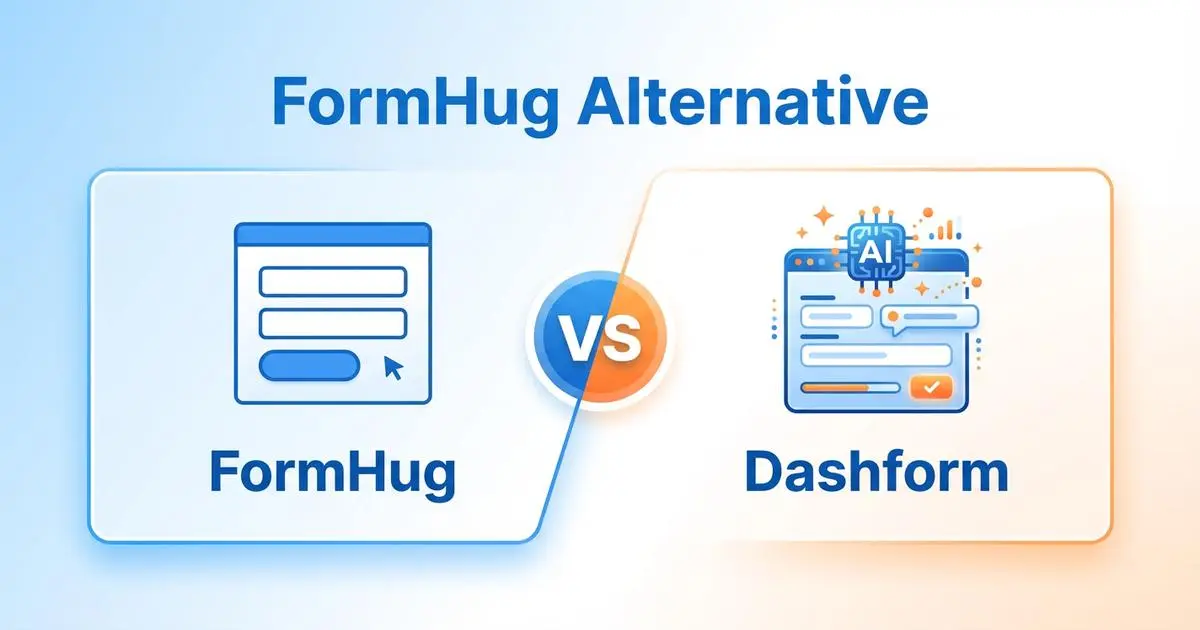
FormHug vs Dashform on AI quiz funnels, lead scoring, and pricing. Where FormHug excels and where switching makes sense for agencies and coaches.
GoHighLevel alternatives such as Dashform, HubSpot, and ClickFunnels compared: best uses, AI features, pros and cons, and which fits your business.
Try the world's first AI-native form and turn every response into action instantly.

