

This employment application form opens with a welcome screen that sets a professional tone before collecting contact details — full name, email, phone, and mailing address — giving the hiring team everything needed to reach the right candidate. It then moves to role-specific questions: the "Position applying for" question, the "What type of employment are you seeking?" question, and the optional "Desired salary or hourly rate" question, which together help match applicants to current openings without requiring a back-and-forth conversation. The "Are you legally authorized to work in this country?" question and the "Do you consent to a background check if required for the position?" question sit toward the end to establish eligibility and compliance requirements upfront. Applicants close out by describing their most recent role, giving the hiring team a snapshot of relevant experience before any formal interview. After submitting, respondents see a confirmation screen letting them know their application is under review and that the team will be in touch if there is a suitable match.
Try the conversation below to see how this template works
Trusted by over 10,000 customers and growing
Conversations Started
Questions Answered
Forms Created
Rely on the "Position applying for" and "What type of employment are you seeking?" questions to sort and route submissions to the right hiring manager without extra admin work.
Use the "Are you legally authorized to work in this country?" and "Do you consent to a background check if required for the position?" questions to handle compliance basics without needing a dedicated HR department.
Lean on the "Please describe your most recent employment (company, position, responsibilities)" question to get a quick read on a candidate's background before deciding whether to move them forward for a client role.

AI builds and refines your form through natural conversation no templates, no complex logic, no coding. From a simple text prompt or URL, Dashform generates intelligent flows that adapt automatically.
Dashform turns traditional form-filling into a two-way dialogue. The AI understands intent, remembers context, and asks relevant follow-up questions just like a real human conversation.
Every response is transformed into structured, meaningful, and ready-to-use data. Integrate with your favorite tools.
Everything you need to create amazing forms
Everything you need to know about this template
Don't see exactly what you need? Use our AI Form Generator to create a custom form in seconds. Just describe what you want, and AI will build it for you.
Explore more templates to find the perfect fit
 Food Order
Place a pumpkin cheesecake order by sharing your contact info, quantity, preferred date, and pickup or delivery preference.
 Purchase Order
A structured request form that gives approvers everything they need to review and process a purchase order straight away.
 Evaluation
Report a product or part defect with severity, scope, and corrective action recommendations for fast QA triage.
 Quote Request
Collect project details, timeline, and budget from prospective clients so you can prepare and send an accurate quote.
 Other
OtherEnter raffle ticket preferences and a requested quantity for an organizer to review separately.
 Hr
HrNominate a colleague for recognition by describing their achievement, its impact, and the category that fits best.
Learn how to get the most out of your forms and templates

A proposed financial advisory intake workflow using Dashform and a separately configured OpenClaw agent, with advisor review and explicit integration boundaries.

How solo and mid-size firms can use OpenClaw and Dashform to qualify case intake around the clock, so attorneys spend consultations on viable cases. Step-by-step setup.
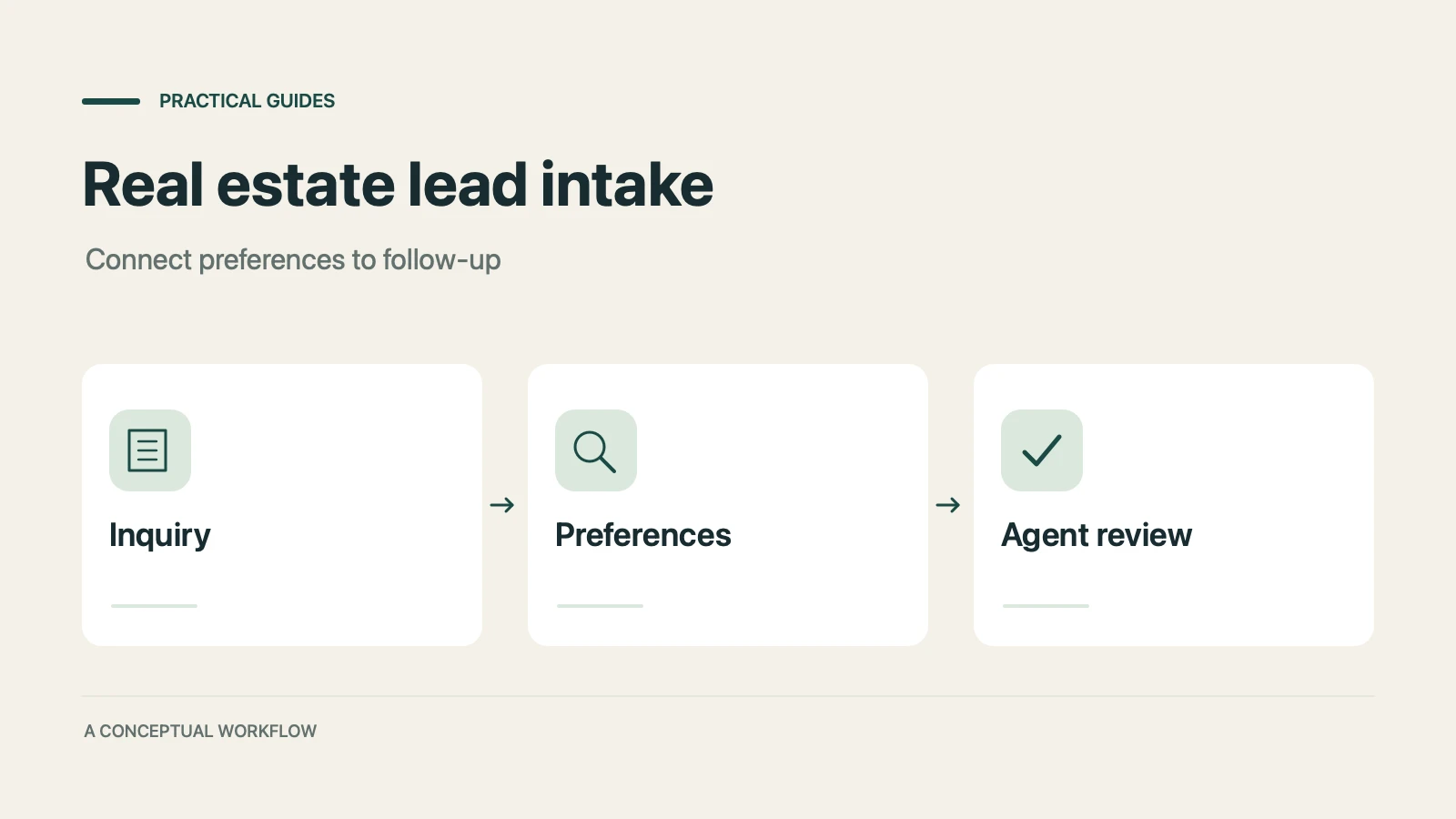
How real estate teams can use OpenClaw and Dashform to qualify inbound leads around the clock and fill calendars with serious buyers.
Try the world's first AI-native form and turn every response into action instantly.