The Student Permission Slip Form opens with a welcome screen asking parents and guardians to provide consent and emergency contact details for an upcoming school activity. It collects the child's full name and grade first, then moves to parent or guardian contact information: name, email address, and primary phone number. Next, it asks for an alternate emergency contact — a name and phone number to call if the primary guardian cannot be reached — followed by an optional question about medical conditions, allergies, or special needs so staff can prepare appropriately. The form closes with the "I give permission for my child to participate in the described activity and understand the associated details, risks, and supervision arrangements." question, where the parent selects either 'Yes, I grant permission' or 'No, I do not grant permission'. After submitting, the end screen confirms that the child is now authorized to participate in the activity.
Try the conversation below to see how this template works
Trusted by over 10,000 customers and growing
Conversations Started
Questions Answered
Forms Created
Teachers rely on the "What grade is your child in?" question alongside the child's name to quickly match each submission to the right student in their class list.
Coordinators use the consent question and the medical conditions question together to confirm who is cleared to attend and flag any participants who need special arrangements.
Admin staff depend on the email and phone questions, plus the emergency contact question, to keep a complete set of reachable contacts on file before the activity date.

AI builds and refines your form through natural conversation no templates, no complex logic, no coding. From a simple text prompt or URL, Dashform generates intelligent flows that adapt automatically.
Dashform turns traditional form-filling into a two-way dialogue. The AI understands intent, remembers context, and asks relevant follow-up questions just like a real human conversation.
Every response is transformed into structured, meaningful, and ready-to-use data. Integrate with your favorite tools.
Everything you need to create amazing forms
Everything you need to know about this template
Don't see exactly what you need? Use our AI Form Generator to create a custom form in seconds. Just describe what you want, and AI will build it for you.
Explore more templates to find the perfect fit
 Customer Feedback
Collect structured ratings on service, drinks, ambiance, and cleanliness, plus open-ended suggestions from bar guests.
 Attendance
Collect player attendance confirmations and absence reasons for upcoming basketball practices in one quick form.
 Checklist
Document a completed bathroom cleaning session, including areas cleaned, supplies restocked, and a post-clean cleanliness rating.
 Event Registration
Register students for a ministry retreat, covering personal info, emergency contacts, health needs, and parental consent.
 Product Order
Order beard care products online — select items, set quantities, and submit your shipping details in one simple form.
 Client Intake
Collect beauty-service interests, optional concerns and sensitivities, and a consent decision after a practitioner discussion.
Learn how to get the most out of your forms and templates
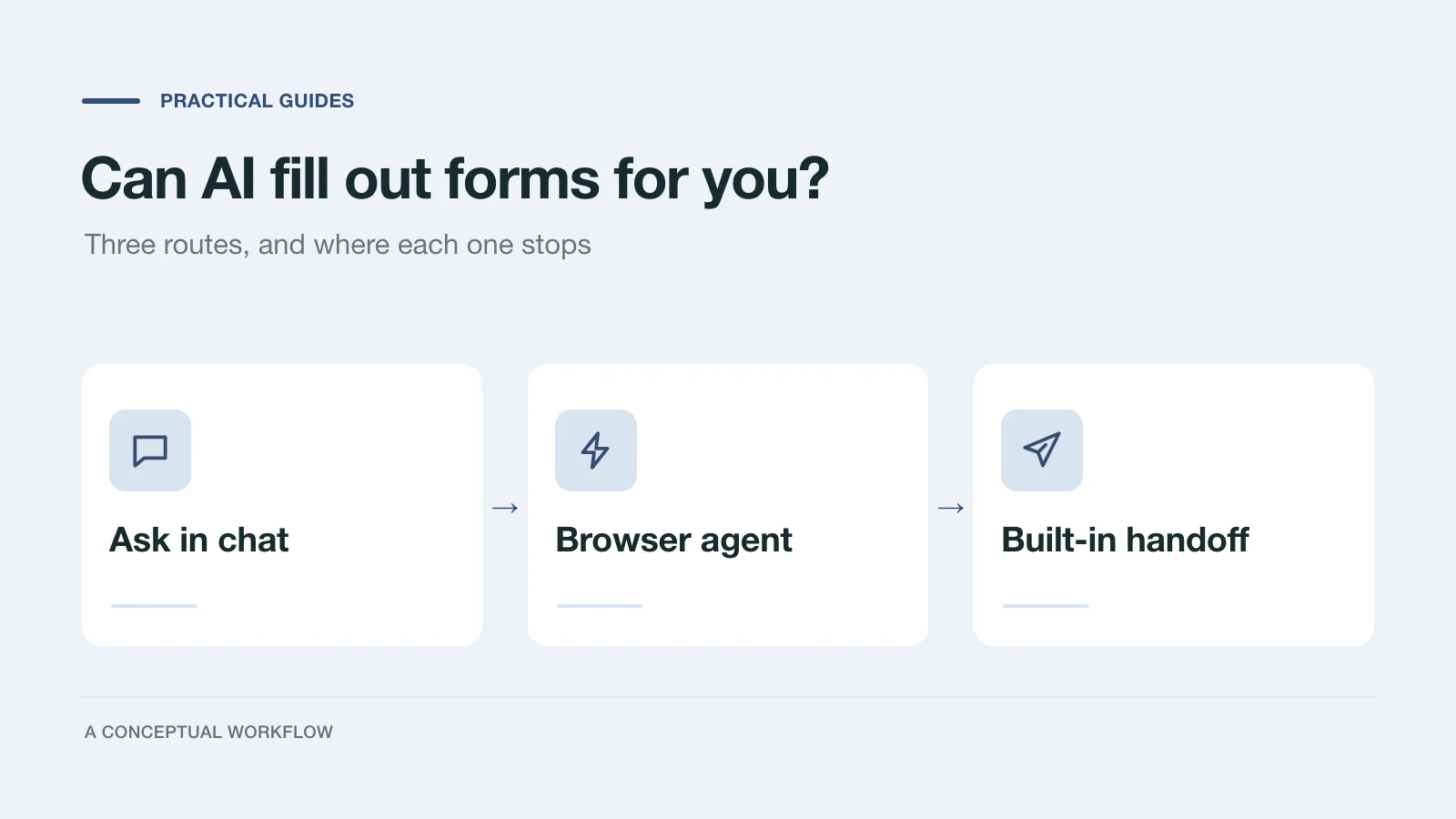
Yes, in three ways: answers you paste in, a browser agent that clicks for you, or a form built for assistants. What each handles and where it stops.
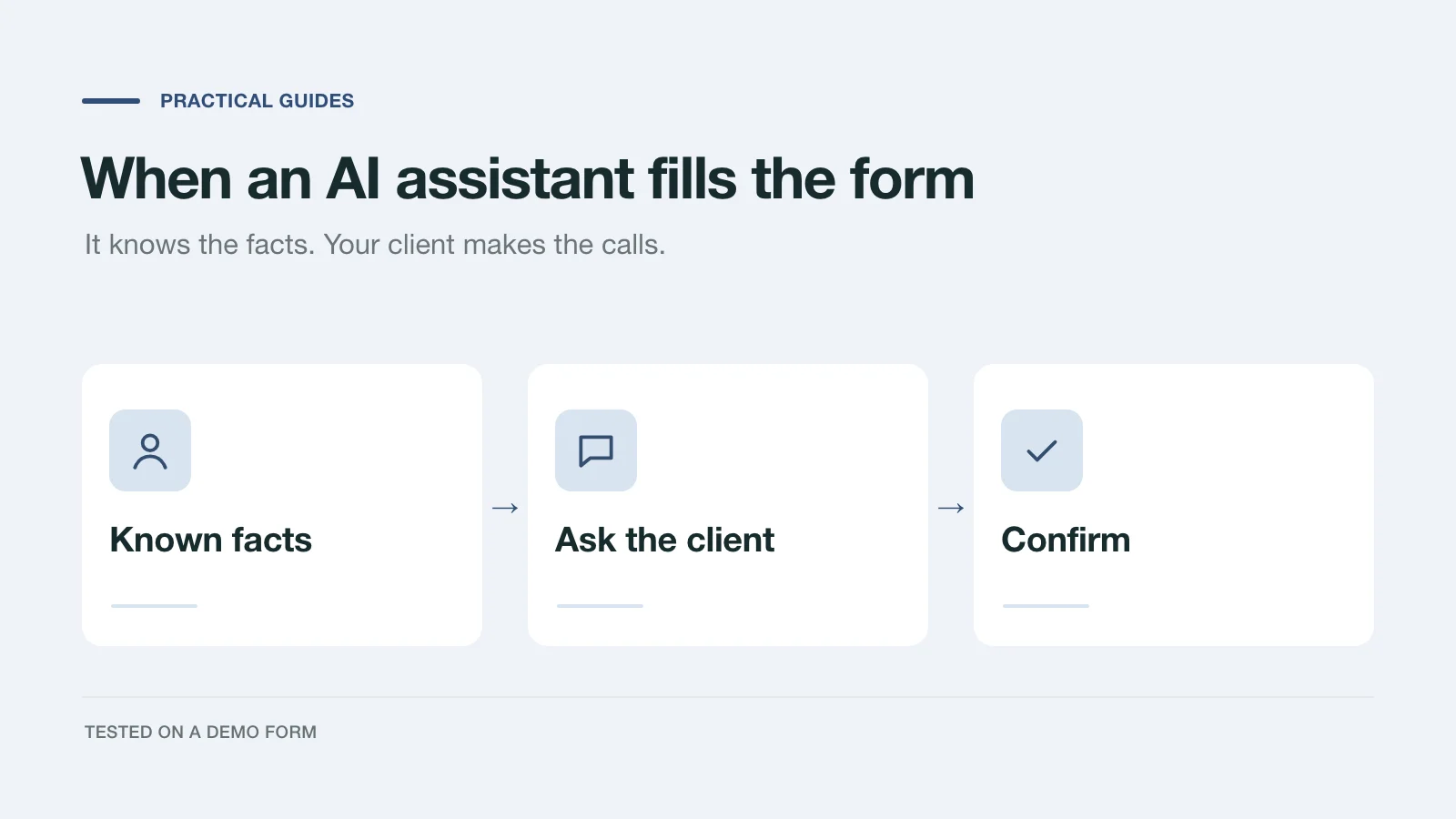
We had an AI assistant complete a demo project inquiry by clicking through the page and via a handoff prompt. What it knew, what it asked, what to change.
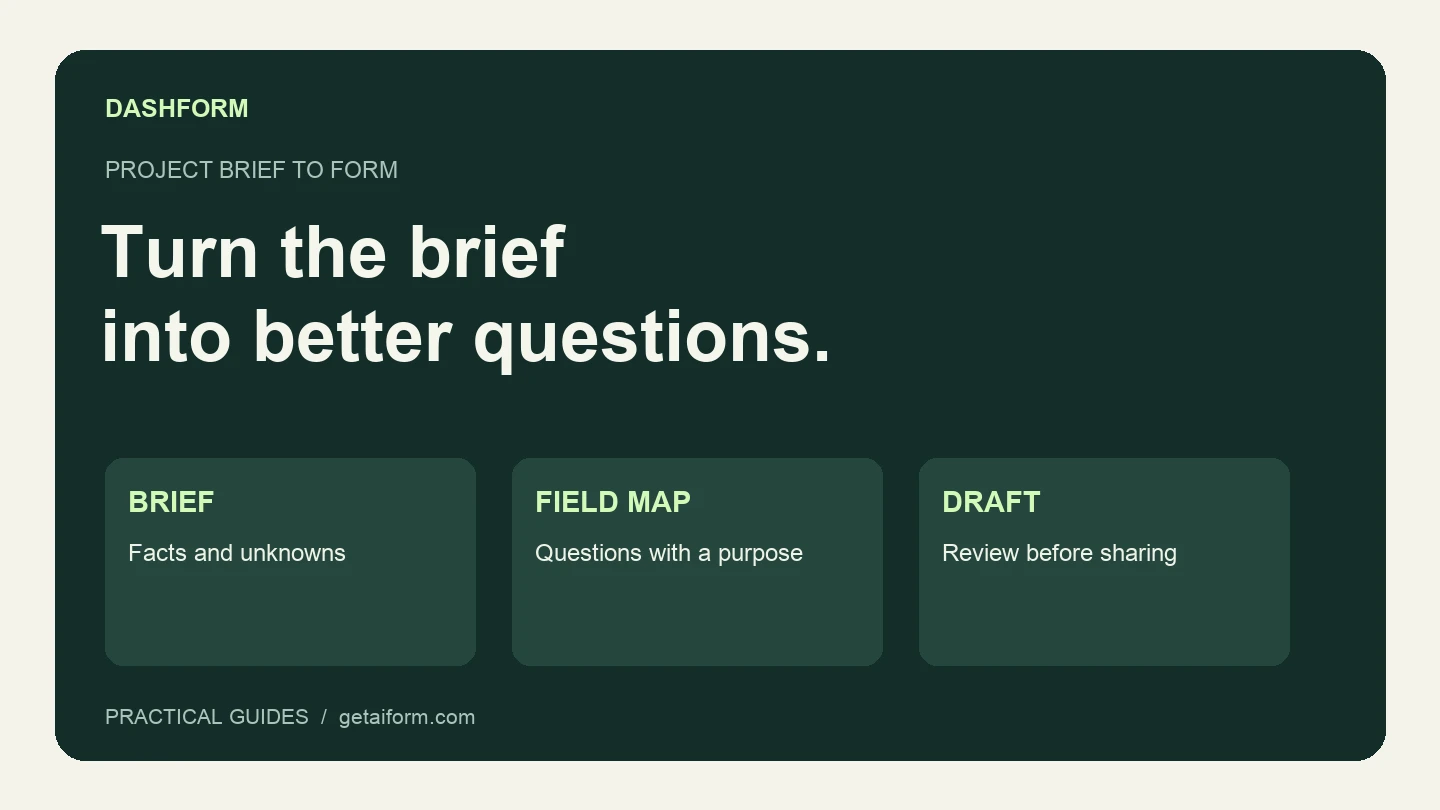
Turn a fictional agency brief into a reviewed Dashform draft using Claude Code, with copyable prompts, a field map, and a publication checklist.
Try the world's first AI-native form and turn every response into action instantly.

