The Beauty Consultation Form asks for a client name and preferred contact details, then offers a multi-select list of beauty services. Optional questions collect skin or hair concerns, allergies or product sensitivities, and how the client heard about the business. A final required choice asks whether the client consents after a separate service discussion and information review. Refusal and a need for more information are valid answers that reach the same ending. These seven questions collect consultation context rather than confirming an appointment or assessing treatment suitability. The Other service option is a selection only; clients can add context in the concerns field.
Try the conversation below to see how this template works
Trusted by over 10,000 customers and growing
Conversations Started
Questions Answered
Forms Created
Service interests and the optional skin-or-hair concerns field help stylists prepare topics for a consultation.
The optional allergy and sensitivity field makes room for information the practitioner can discuss before deciding on products.
Clients can select several interests such as facial treatment, manicure or pedicure, and makeup in one questionnaire.

AI builds and refines your form through natural conversation no templates, no complex logic, no coding. From a simple text prompt or URL, Dashform generates intelligent flows that adapt automatically.
Dashform turns traditional form-filling into a two-way dialogue. The AI understands intent, remembers context, and asks relevant follow-up questions just like a real human conversation.
Every response is transformed into structured, meaningful, and ready-to-use data. Integrate with your favorite tools.
Everything you need to create amazing forms
Everything you need to know about this template
Don't see exactly what you need? Use our AI Form Generator to create a custom form in seconds. Just describe what you want, and AI will build it for you.
Explore more templates to find the perfect fit
 Customer Feedback
Collect structured customer ratings, feature feedback, and follow-up preferences in one concise product feedback form.
 Survey
Collect structured pre-launch feedback on usability, satisfaction, and feature gaps from product testers.
 Tracking Log
Track production tasks from assignment to quality check, with status, materials, deadlines, and efficiency all in one form.
 Employee Information
Collect structured, confidential job references covering performance ratings, key strengths, and rehire intent.
 Invoice
Collect revenue, COGS, and operating expenses to document business financial performance for any reporting period.
 Equipment Request
Request programming equipment — computers, monitors, software, and more — with specs, quantity, reason, and urgency in one form.
Learn how to get the most out of your forms and templates
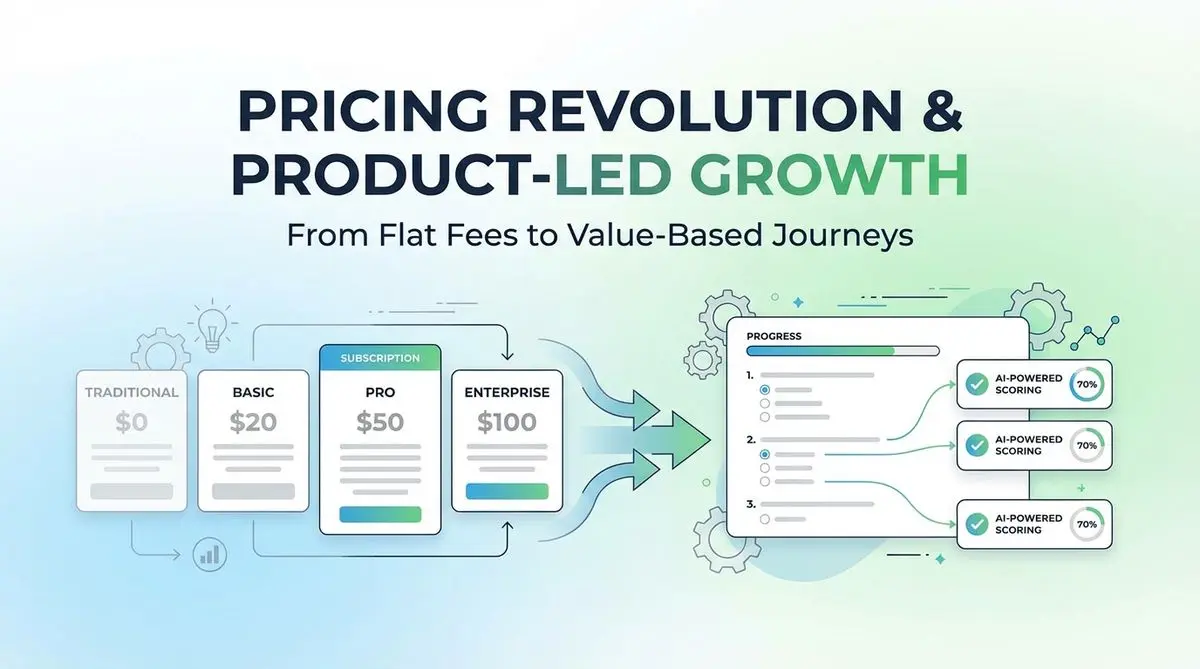
A proposed SaaS intake quiz can collect use case, budget, and timeline before a trial. Test its effect on signups, activation, and paying customers.
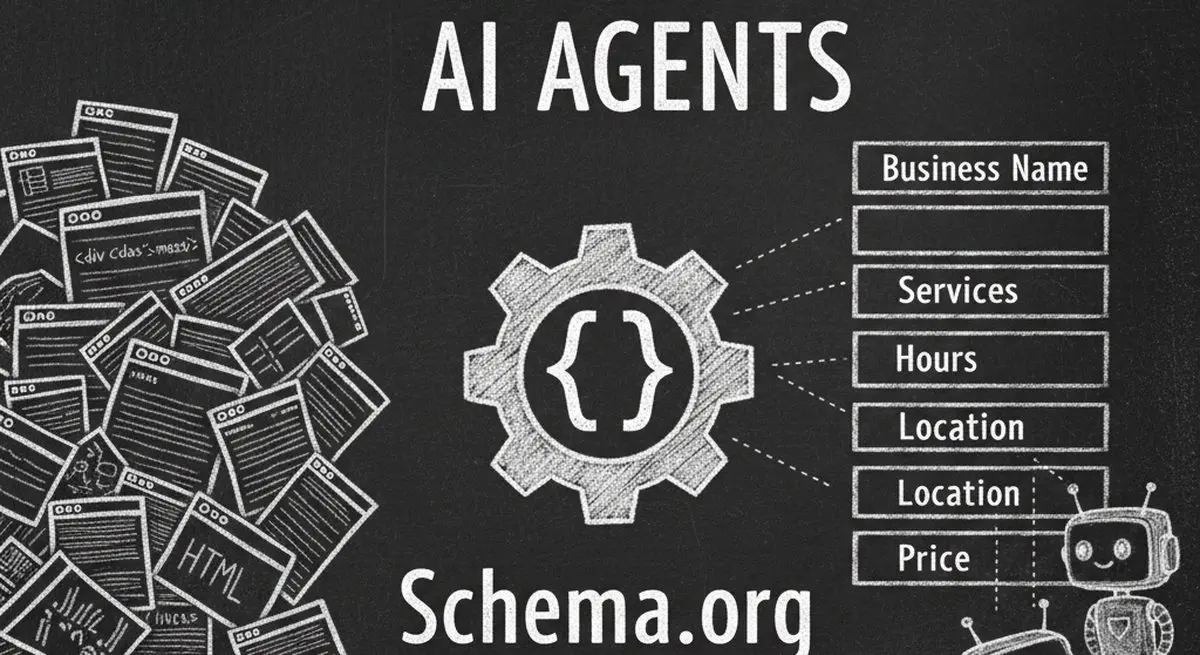
Seven Schema.org types for describing business details accurately. Structured data can aid parsing, but won't guarantee discovery, citations, or bookings.

Many coaches start with ScoreApp but outgrow scoring-only workflows as they scale. Common ScoreApp alternatives and what to look for beyond assessments.
Try the world's first AI-native form and turn every response into action instantly.

