This form opens by asking players to confirm their identity with the "What is your full name?" question, then pins down the specific session with the "Which practice date are you confirming attendance for? (e.g., MM/DD/YYYY)" question so each response is tied to a precise date rather than a vague future practice. The "Will you be attending this practice?" question gives coaches a clear yes-or-no headcount, while the optional "If you cannot attend, please briefly explain why." question captures the reason without burdening those who are showing up. A final optional "Do you have any additional comments or questions?" question lets players flag anything else before submitting. After submitting, respondents see a friendly confirmation screen thanking them and noting that their response helps the team prepare.
Try the conversation below to see how this template works
Trusted by over 10,000 customers and growing
Conversations Started
Questions Answered
Forms Created
Relies on the "Will you be attending this practice?" question to get a confirmed headcount before each session, removing the guesswork from planning drills and dividing players into groups.
Uses the "Which practice date are you confirming attendance for? (e.g., MM/DD/YYYY)" question to keep responses organized by session, making it easy to maintain accurate attendance records across a busy schedule.
Depends on the optional "If you cannot attend, please briefly explain why." question to spot patterns in absences and communicate proactively with parents about recurring conflicts.

AI builds and refines your form through natural conversation no templates, no complex logic, no coding. From a simple text prompt or URL, Dashform generates intelligent flows that adapt automatically.
Dashform turns traditional form-filling into a two-way dialogue. The AI understands intent, remembers context, and asks relevant follow-up questions just like a real human conversation.
Every response is transformed into structured, meaningful, and ready-to-use data. Integrate with your favorite tools.
Everything you need to create amazing forms
Everything you need to know about this template
Don't see exactly what you need? Use our AI Form Generator to create a custom form in seconds. Just describe what you want, and AI will build it for you.
Explore more templates to find the perfect fit
 Newsletter
A three-question signup form that collects an email address, records consent, and invites an optional comment.
 Contact
Identify the person covered by an emergency contact record, then collect contact details, relationship, sharing preference, and optional instructions.
 Client Intake
Gather client details, reputation concerns, objectives, and reporting preferences to kick off a tailored reputation management strategy.
 Hr
A five-question workplace survey that measures job satisfaction, work-life balance, and how valued employees feel by their manager and company.
 Hr
Collect employee policy-review status, agreement or disagreement, and questions about reporting procedures and consequences.
 Performance Evaluation
Assess employee performance across five key competencies with structured 0–10 ratings from a named evaluator.
Learn how to get the most out of your forms and templates
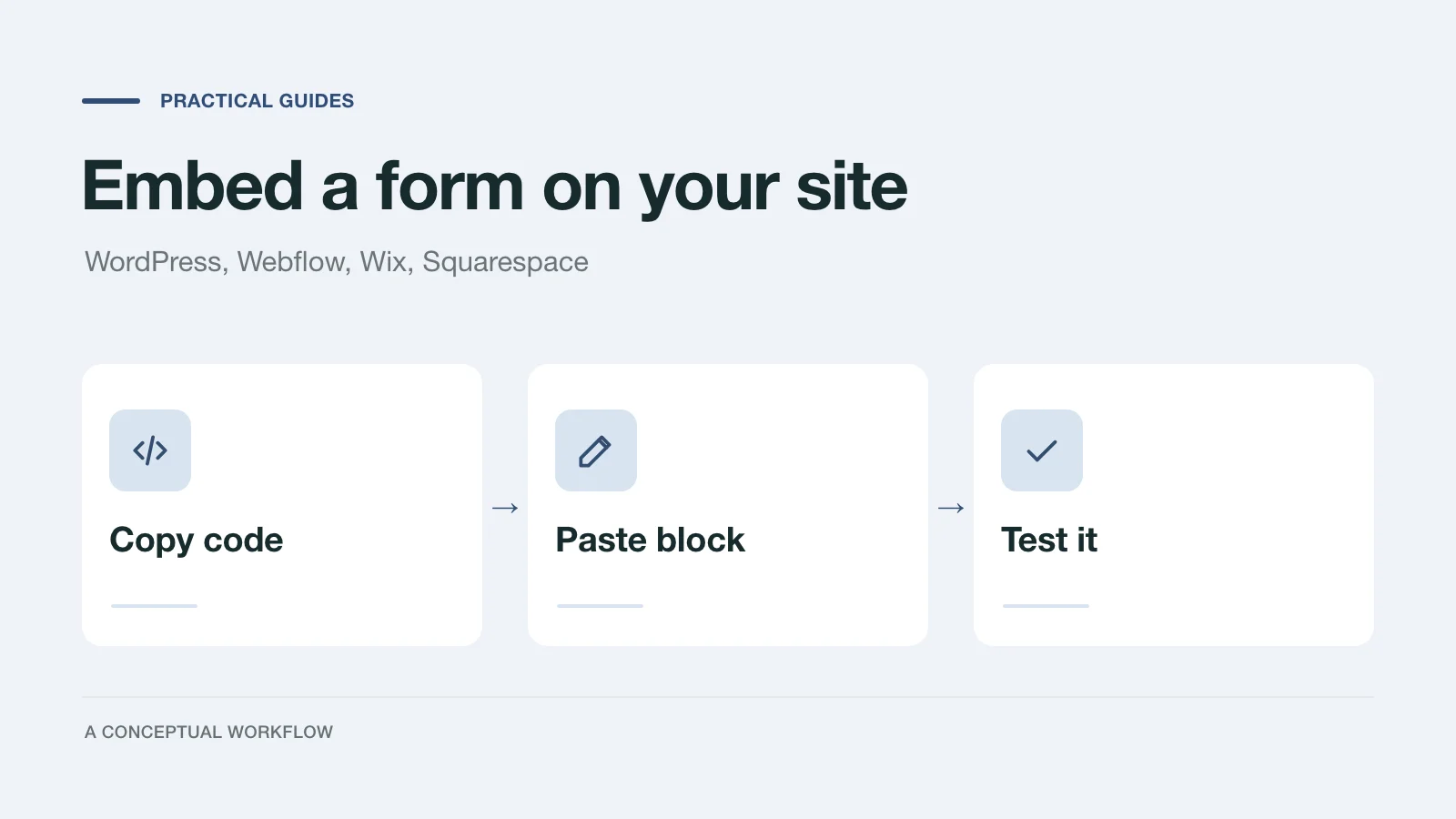
Exact steps to embed a form on WordPress, Webflow, Wix and Squarespace: which block to add, where to paste the code, plan limits, and a test checklist.

Stop spending hours on unqualified discovery calls. AI intake forms qualify fitness clients on goals, budget, and commitment before they book.
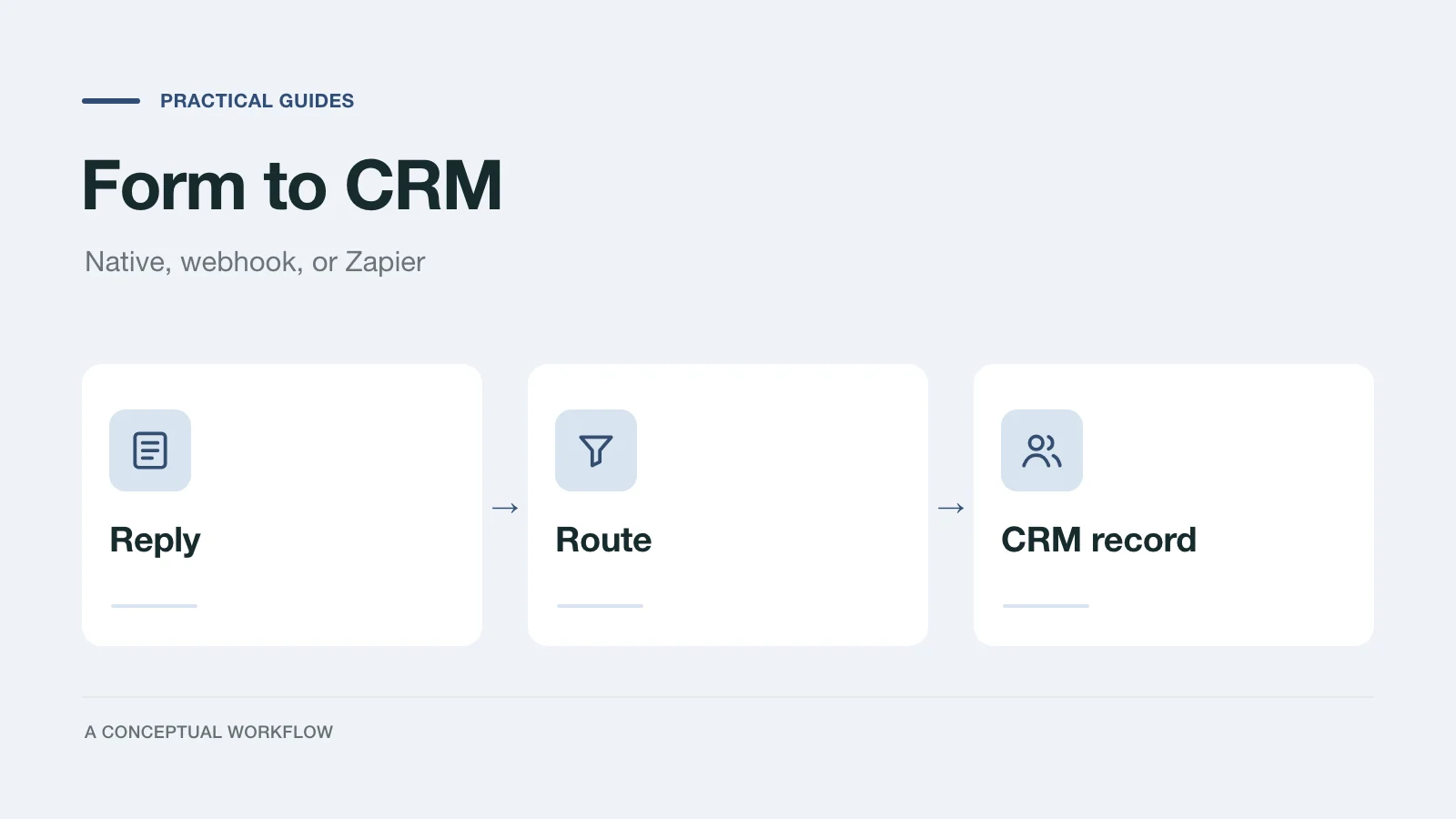
Compare three ways to send form submissions to your CRM (native, webhook, Zapier) by setup, failures, and duplicates, with two worked HubSpot builds.
Try the world's first AI-native form and turn every response into action instantly.

