The authorization questionnaire identifies the person granting authority and the person who may act for them. It asks for specific actions and an effective period, with optional limits and revocation terms. These answers outline intended authority without granting it. The preview neither prepares a letter nor performs notarization. The authorizer must separately draft and review the appropriate document and confirm applicable signing, witnessing, or notarization requirements; notarization alone does not guarantee validity or acceptance.
Try the conversation below to see how this template works
Trusted by over 10,000 customers and growing
Conversations Started
Questions Answered
Forms Created
Relies on the "Clearly describe what specific actions, decisions, or matters the authorized party is permitted to handle on your behalf." question to define exactly which property-related decisions — such as signing lease agreements or managing repairs — the authorized party may handle.
Uses the "Are there any limitations, restrictions, or conditions on the authority granted?" question to set boundaries on financial or contractual decisions an employee or agent is permitted to make on the company's behalf.
Depends on the "When does this authorization begin and when does it expire? Provide start date and end date (or indicate if ongoing)." question to set a clear, time-limited window during which someone else can act on their behalf while they are unavailable.

AI builds and refines your form through natural conversation no templates, no complex logic, no coding. From a simple text prompt or URL, Dashform generates intelligent flows that adapt automatically.
Dashform turns traditional form-filling into a two-way dialogue. The AI understands intent, remembers context, and asks relevant follow-up questions just like a real human conversation.
Every response is transformed into structured, meaningful, and ready-to-use data. Integrate with your favorite tools.
Everything you need to create amazing forms
Everything you need to know about this template
Don't see exactly what you need? Use our AI Form Generator to create a custom form in seconds. Just describe what you want, and AI will build it for you.
Explore more templates to find the perfect fit
 Quote Request
Collect project scope, materials, timeline, budget, and permitting details to build an accurate construction proposal.
 Document Submission
Submit proposed materials, equipment, shop drawings, or work methods for project team review and approval.
 Registration
Collect a child's legal name, date of birth, parent/guardian contact, emergency contact, and medical notes in one tidy form.
 Contact
A clean, paper-themed contact form that captures name, email, subject, message, and contact preferences.
 Information Request
Collect a contact's name, email, phone number, and optional mailing address in one clean, straightforward form.
 Checklist
Document your organization's emergency contacts, safety policies, medical protocols, and response plan in one structured checklist.
Learn how to get the most out of your forms and templates

A proposed financial advisory intake workflow using Dashform and a separately configured OpenClaw agent, with advisor review and clear integration limits.

How solo and mid-size firms can use OpenClaw and Dashform to qualify case intake around the clock, so consultations go to viable cases. Step-by-step setup.
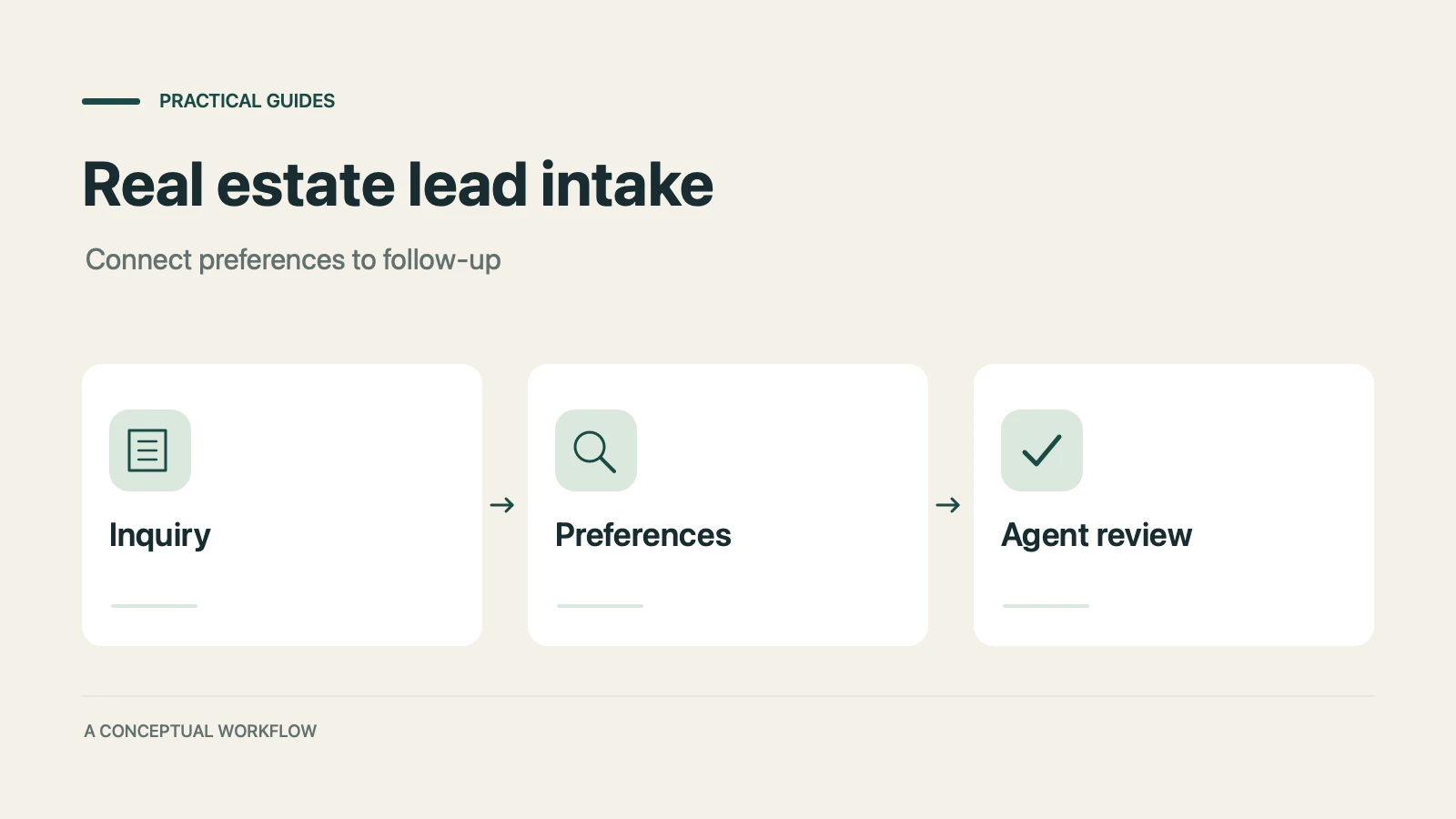
How real estate teams can use OpenClaw and Dashform to qualify inbound leads around the clock and fill calendars with serious buyers.
Try the world's first AI-native form and turn every response into action instantly.

