The Menu Order Form opens by collecting the customer's name and contact details — phone or email — so the kitchen always has a reliable way to follow up. The "How would you like to receive your order?" question then routes the order correctly between pickup, delivery, or dine-in before moving into the menu itself. Three optional selection questions cover main courses, side dishes, and beverages in sequence, letting customers build their full order at their own pace. A final open-ended question invites special instructions or dietary requests, ensuring nothing gets missed. After submitting, customers see a friendly confirmation telling them their order has been received and preparation is beginning shortly.
Try the conversation below to see how this template works
Trusted by over 10,000 customers and growing
Conversations Started
Questions Answered
Forms Created
Relies on the three menu-selection questions — mains, sides, and beverages — to capture a structured, complete order without a back-and-forth phone call.
Uses the "How would you like to receive your order?" question alongside the special-instructions field to coordinate delivery logistics and accommodate per-guest dietary requirements.
Depends on the name and contact questions to keep pre-orders organised and reachable when an order is ready for pickup.

AI builds and refines your form through natural conversation no templates, no complex logic, no coding. From a simple text prompt or URL, Dashform generates intelligent flows that adapt automatically.
Dashform turns traditional form-filling into a two-way dialogue. The AI understands intent, remembers context, and asks relevant follow-up questions just like a real human conversation.
Every response is transformed into structured, meaningful, and ready-to-use data. Integrate with your favorite tools.
Everything you need to create amazing forms
Everything you need to know about this template
Don't see exactly what you need? Use our AI Form Generator to create a custom form in seconds. Just describe what you want, and AI will build it for you.
Explore more templates to find the perfect fit
 General Request
Submit an employee expense request with category, amount, business purpose, and receipt confirmation for review.
 Customer Feedback
Collect structured customer feedback on satisfaction, service quality, staff, and likelihood to recommend.
 Event Registration
Register for a 45-day personal challenge by sharing your goals, focus area, and activity level in seven quick steps.
 Contact
A five-question contact form that captures name, email, inquiry type, and message for Facebook page visitors.
 Booking
Request a guided facility tour by sharing your contact details, preferred date and time, group size, and areas of interest.
 Application
A concise form for new faculty to formally accept their offer and submit key personal and academic details.
Learn how to get the most out of your forms and templates

Draft an AI quiz lead magnet in Dashform, review its branches and Endings, configure email delivery, and measure results against your current lead magnet.
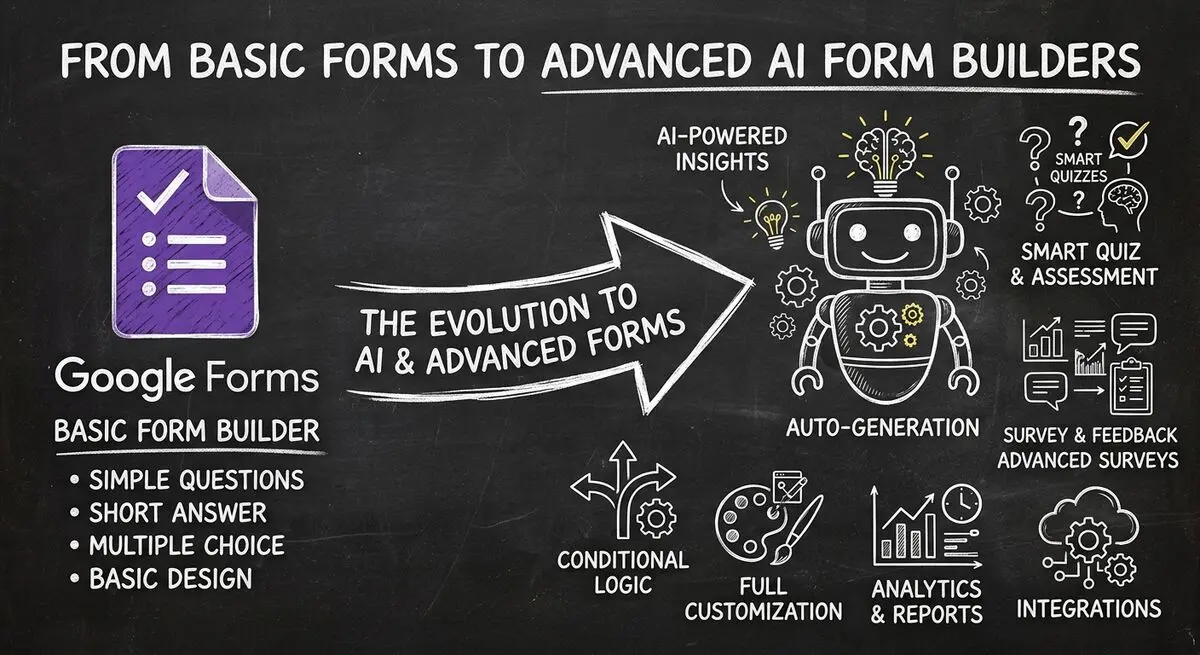
Set up a Google Forms quiz, configure answer keys and grade release, test the respondent experience, and evaluate alternatives for other quiz workflows.
View Google Form responses, link a Google Sheet, enable email notifications, and export a CSV. Compare these workflows with Dashform Reply review.
Try the world's first AI-native form and turn every response into action instantly.

