This Facebook contact form opens with a friendly welcome and then collects the respondent's full name and email address — the two required fields that let the team identify and reply to every submission. An optional phone number field comes next for those who prefer a call back. The "What is the nature of your inquiry?" question then lets the respondent categorise their message as a general question, support request, partnership opportunity, or other, helping the receiving team route or prioritise it straight away. Finally, the "Please describe your inquiry or message." question gives the respondent space to explain their needs in full. After submitting, the end screen confirms the message was received and that someone will be in touch soon.
Try the conversation below to see how this template works
Trusted by over 10,000 customers and growing
Conversations Started
Questions Answered
Forms Created
Relies on the "What is the nature of your inquiry?" question to sort incoming messages by type without needing to read every submission first.
Uses the required "What is your email address?" question to ensure every lead leaves a reliable way to follow up, even if no phone number is given.
Depends on the "Please describe your inquiry or message." question to capture the full context of member questions or concerns in one place.

AI builds and refines your form through natural conversation no templates, no complex logic, no coding. From a simple text prompt or URL, Dashform generates intelligent flows that adapt automatically.
Dashform turns traditional form-filling into a two-way dialogue. The AI understands intent, remembers context, and asks relevant follow-up questions just like a real human conversation.
Every response is transformed into structured, meaningful, and ready-to-use data. Integrate with your favorite tools.
Everything you need to create amazing forms
Everything you need to know about this template
Don't see exactly what you need? Use our AI Form Generator to create a custom form in seconds. Just describe what you want, and AI will build it for you.
Explore more templates to find the perfect fit
 Booking
Collect microneedling appointment requests with treatment choice, skin concerns, preferred timing, and a health check in nine questions.
 Hr
Log a business mileage claim with trip details, route, total miles, and reimbursement rate for payroll processing.
 Membership Application
A seven-question application for people interested in joining a ministry, covering contact details, areas of interest, availability, and faith background.
 Survey
A clinician survey on pregnancy loss frequency, causes, training adequacy, and ideas for improving patient support.
 Food Order
A staff intake form for logging mobile food delivery orders, from customer details to payment method and special instructions.
 Checklist
Record an on-site inspection with a condition rating, findings, optional evidence links, and the inspector's typed name.
Learn how to get the most out of your forms and templates

How solo and mid-size firms can use OpenClaw and Dashform to qualify case intake around the clock, so consultations go to viable cases. Step-by-step setup.
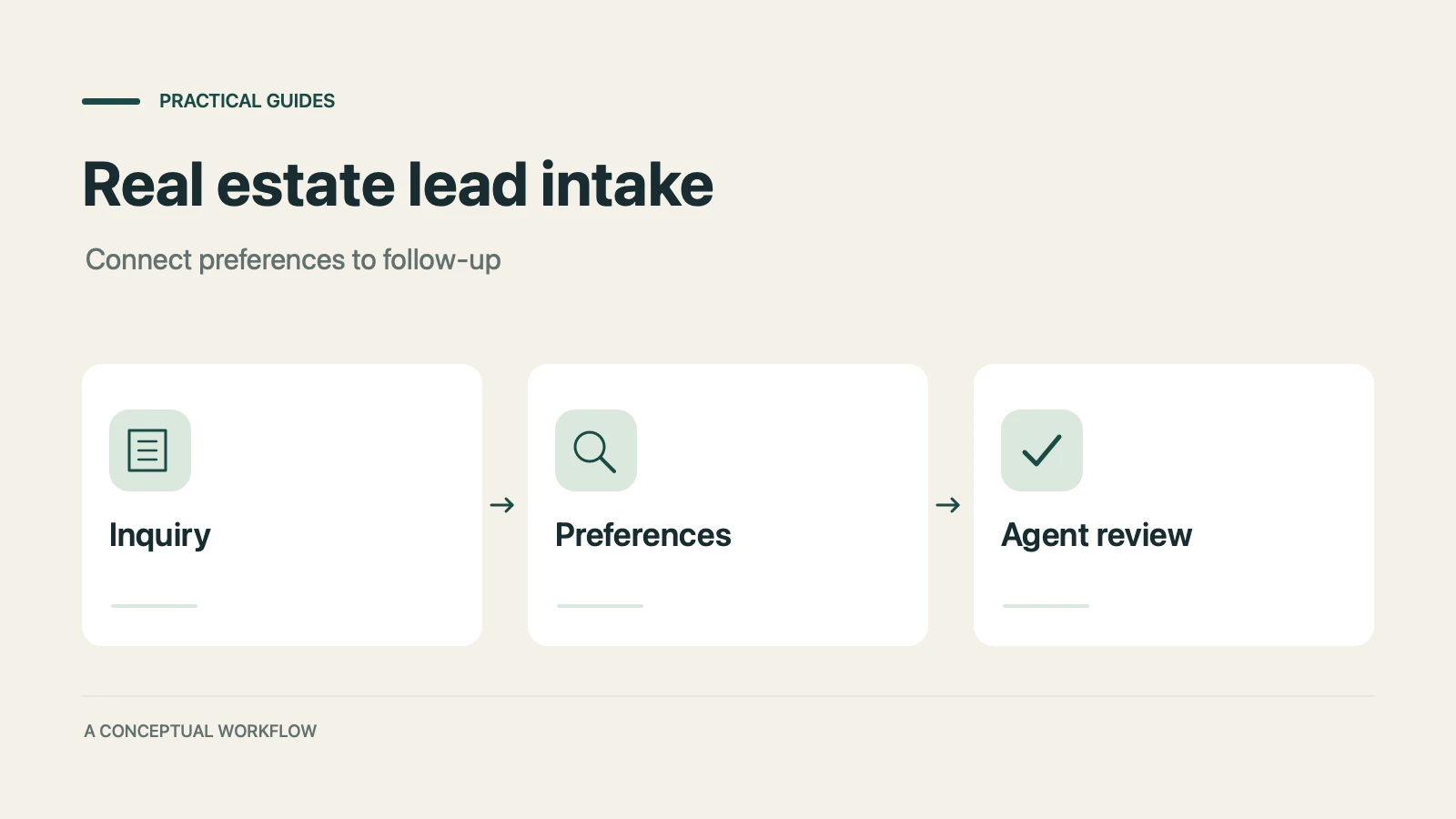
How real estate teams can use OpenClaw and Dashform to qualify inbound leads around the clock and fill calendars with serious buyers.

How hotels and tour operators can pair OpenClaw AI agents with Dashform preference forms to personalize bookings, offer upsells, and follow up after trips.
Try the world's first AI-native form and turn every response into action instantly.

