

This seven-question registration form gets participants signed up for a 45-day personal challenge by collecting everything an organiser needs before day one. It opens by asking for contact details — name, email, and an optional phone number — then moves into the substance of each person's commitment: their primary focus area, current activity level, and a written personal goal. A final optional question asks how they found out about the challenge, helping organisers understand which outreach channels are working. After submitting, participants see a warm confirmation screen letting them know their registration was received and that next steps are on the way.
Try the conversation below to see how this template works
Trusted by over 10,000 customers and growing
Conversations Started
Questions Answered
Forms Created
The "Which of the following best describes your current activity level?" question gives coaches an instant read on each participant's baseline before the challenge begins.
The "What is the primary focus you hope to achieve during this challenge?" question, with options spanning fitness, mindfulness, and personal growth, helps organisers segment participants into the right tracks.
The referral source question, with options like 'Local Event/Flyer' and 'Friend or Referral', helps hosts measure which outreach efforts are driving sign-ups.

AI builds and refines your form through natural conversation no templates, no complex logic, no coding. From a simple text prompt or URL, Dashform generates intelligent flows that adapt automatically.
Dashform turns traditional form-filling into a two-way dialogue. The AI understands intent, remembers context, and asks relevant follow-up questions just like a real human conversation.
Every response is transformed into structured, meaningful, and ready-to-use data. Integrate with your favorite tools.
Everything you need to create amazing forms
Everything you need to know about this template
Don't see exactly what you need? Use our AI Form Generator to create a custom form in seconds. Just describe what you want, and AI will build it for you.
Explore more templates to find the perfect fit
 Feedback
Collect structured post-event ratings, highlights, and improvement ideas from attendees in about 3 minutes.
 Waiver
Collect participant risk acknowledgment, liability release, and emergency contact details before your event.
 Professions
Tell us about your event — date, guest count, budget, and services needed — so we can prepare for your consultation.
 Event Registration
A five-question registration form covering attendee details, event type, dietary needs, and referral source.
 Rsvp
RsvpCollect attendance confirmations, guest counts, and dietary needs ahead of your event in one tidy form.
 Satisfaction Survey
Collect structured post-event feedback across six rating areas plus open comments and a referral question.
Learn how to get the most out of your forms and templates
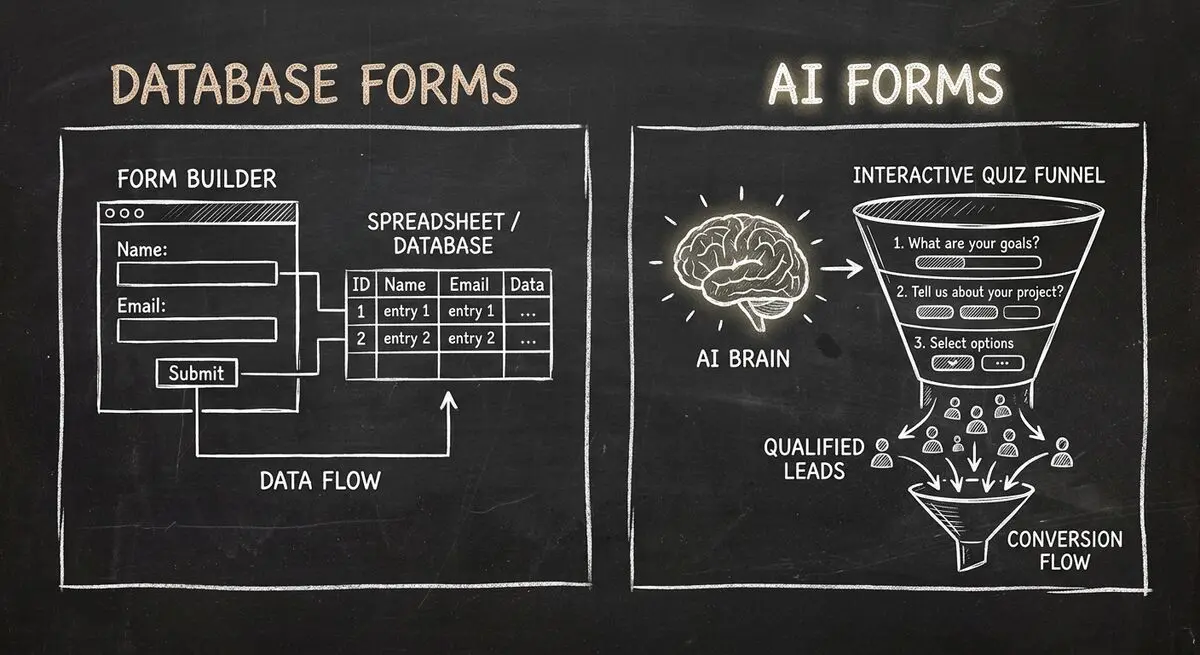
Compare Dashform and Fillout for lead intake, AI drafting, qualification, database connections, and the handoffs to test before switching.
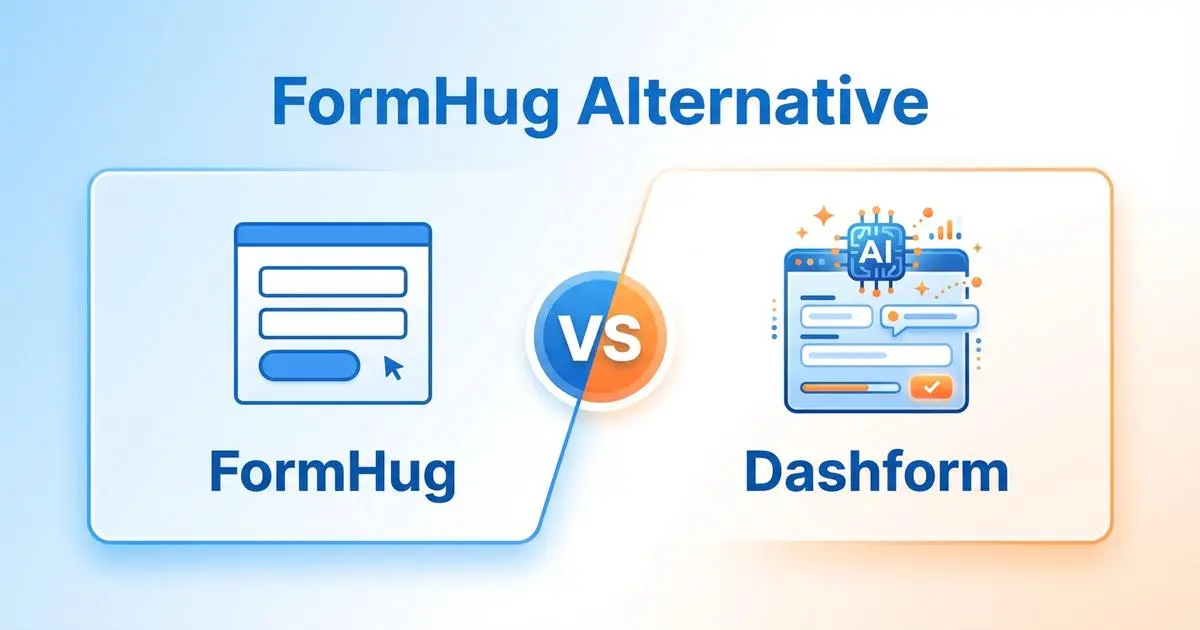
FormHug vs Dashform side by side: AI quiz funnels, lead scoring, and pricing. Where FormHug excels and where switching makes sense for agencies and coaches.
Compare GoHighLevel alternatives including Dashform, HubSpot, ClickFunnels, and more: what each is best for, its AI features, pros and cons, and which fits your business.
Try the world's first AI-native form and turn every response into action instantly.