

The Faculty Acceptance Form opens with a congratulatory welcome and walks new hires through seven questions to formally confirm their appointment. It begins with identity and contact details — full legal name, preferred email, and an optional phone number — so the university has accurate records from the start. The "What is your agreed-upon start date for this faculty position?" question anchors the onboarding timeline, followed by the critical "Do you formally accept the terms and conditions of the faculty offer extended to you?" question, which creates a clear on-record acceptance or decline. The final two questions capture the hire's highest academic degree and their primary area of expertise, rounding out the academic profile. After submitting, respondents see a warm confirmation screen welcoming them to the team.
Try the conversation below to see how this template works
Trusted by over 10,000 customers and growing
Conversations Started
Questions Answered
Forms Created
Relies on the formal acceptance question and legal name field to create an unambiguous on-record confirmation of each new hire's appointment.
Uses the start date and academic specialization questions to plan onboarding schedules and departmental introductions well in advance.
Depends on the highest degree and specialization questions to keep candidate academic profiles complete and consistent across all new appointments.

AI builds and refines your form through natural conversation no templates, no complex logic, no coding. From a simple text prompt or URL, Dashform generates intelligent flows that adapt automatically.
Dashform turns traditional form-filling into a two-way dialogue. The AI understands intent, remembers context, and asks relevant follow-up questions just like a real human conversation.
Every response is transformed into structured, meaningful, and ready-to-use data. Integrate with your favorite tools.
Everything you need to create amazing forms
Everything you need to know about this template
Don't see exactly what you need? Use our AI Form Generator to create a custom form in seconds. Just describe what you want, and AI will build it for you.
Explore more templates to find the perfect fit
 Survey
Map your community's beverage habits and recycling routines with this quick, five-question household survey.
 Tracking Log
Log shared household expenses by date, category, amount, and payer in one tidy form.
 Information Request
Collect household composition, income-source and housing details, plus a check on understanding of the organization's information-use notice.
 Survey
Collect household size, composition, housing type, employment, neighborhood satisfaction, and income in one short survey.
 Agreement
Document an HVAC installation or service job with property details, system specs, scope of work, cost, and warranty terms.
 Food Order
Request ice cream flavors with per-flavor quantities and serving sizes, optional toppings, and a delivery address or pickup note.
Learn how to get the most out of your forms and templates
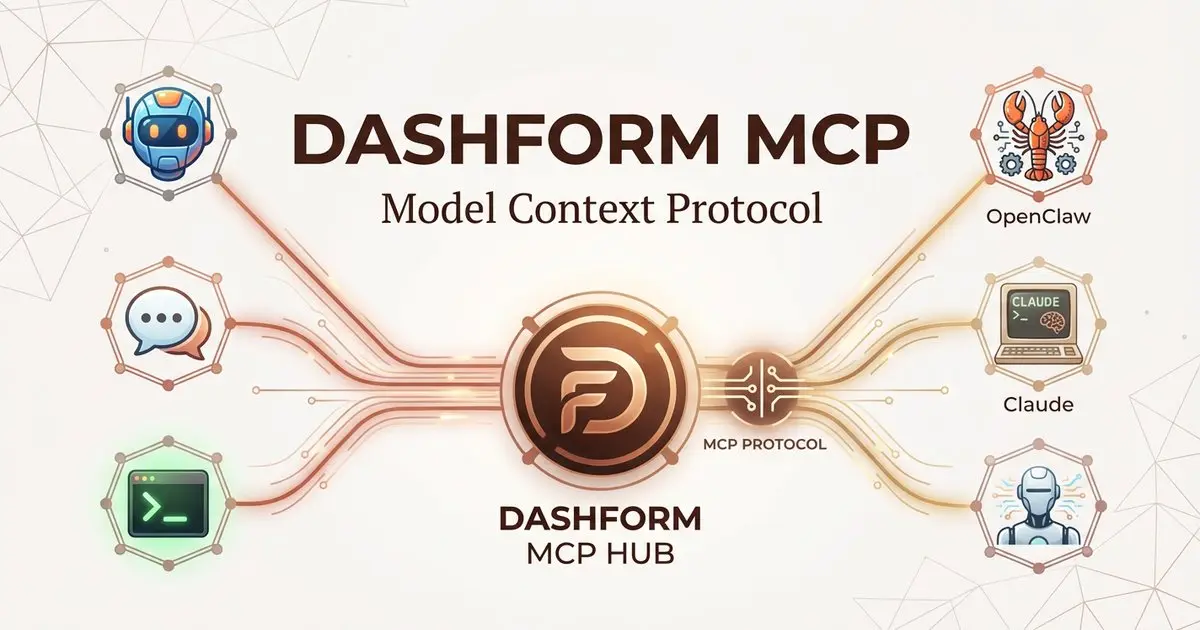
Dashform now supports the Model Context Protocol (MCP). Connect OpenClaw, Claude Code, LangChain, or any MCP-compatible AI agent to create AI-powered forms, surveys, and quiz funnels programmatically through getaiform.com/api/mcp.
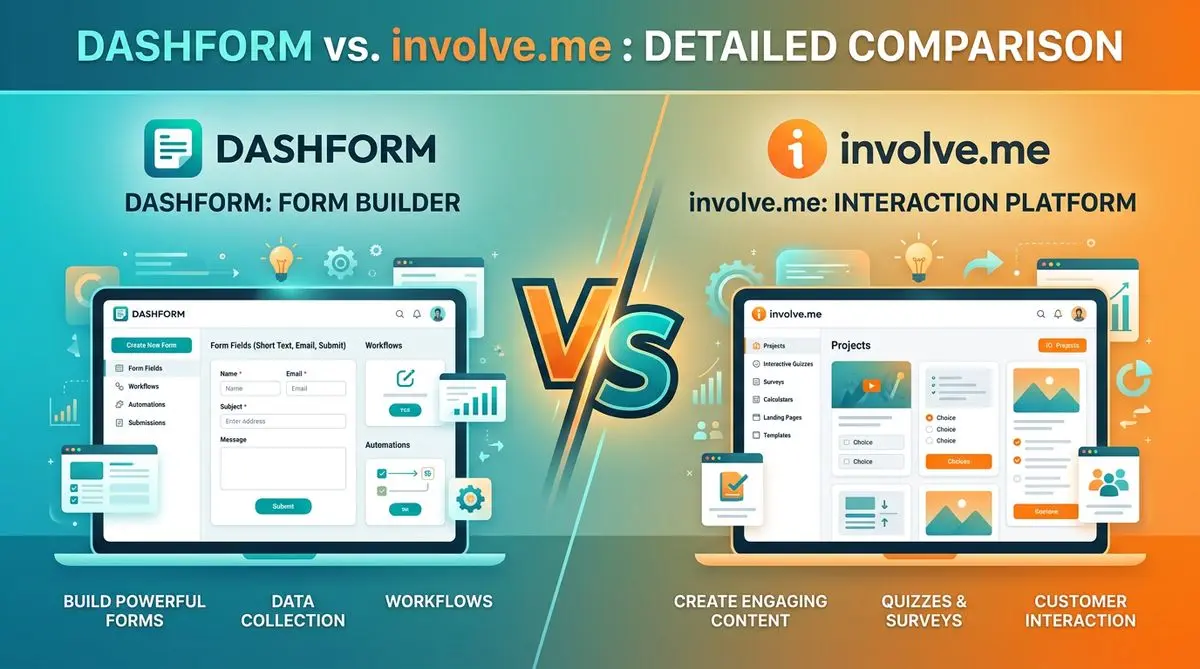
Dashform and involve.me side by side: pricing, AI generation, lead scoring, templates, and integrations, and which fits marketers, coaches, and agencies.
Dashform and LeadQuizzes side by side: templates, AI generation, white-label, lead scoring, and pricing, and which fits marketers and small businesses.
Try the world's first AI-native form and turn every response into action instantly.