The General Lockdown Questionnaire opens by asking respondents to rate their overall lockdown experience on a one-to-five scale, then moves through two structured single-choice questions covering communication clarity and personal sense of safety. A multiple-choice question follows to identify which specific resources — such as prior drills, access to a safe space, or emotional support — actually proved helpful, giving organizers concrete, actionable data. Three optional open-ended questions then invite respondents to flag procedural gaps, describe any emotional or psychological impact, and leave any remaining comments — kept optional so as not to pressure people when discussing sensitive experiences. After submitting, respondents see a thank-you screen acknowledging that their input will directly inform improvements to safety measures and support systems.
Try the conversation below to see how this template works
Trusted by over 10,000 customers and growing
Conversations Started
Questions Answered
Forms Created
They rely especially on the "Did you feel safe and secure during the lockdown?" question and the resources checklist to evaluate whether existing drills and staff presence are meeting students' and staff's safety needs.
They use the "How would you describe the clarity and timeliness of communication during the lockdown?" question to audit whether internal alert systems and messaging reached employees effectively and on time.
They focus on the "Please describe any emotional or psychological impact the lockdown had on you." question to identify patterns of distress and determine where mental health resources should be expanded or introduced.

AI builds and refines your form through natural conversation no templates, no complex logic, no coding. From a simple text prompt or URL, Dashform generates intelligent flows that adapt automatically.
Dashform turns traditional form-filling into a two-way dialogue. The AI understands intent, remembers context, and asks relevant follow-up questions just like a real human conversation.
Every response is transformed into structured, meaningful, and ready-to-use data. Integrate with your favorite tools.
Everything you need to create amazing forms
Everything you need to know about this template
Don't see exactly what you need? Use our AI Form Generator to create a custom form in seconds. Just describe what you want, and AI will build it for you.
Explore more templates to find the perfect fit
 General Request
Collect audience questions ahead of a live Ask Me Anything session, with optional topic tagging to help the host curate a balanced line-up.
 Hr
Officially record the transfer of company equipment to an employee, capturing asset details, condition, and handover date.
 Evaluation
Track assignment progress across a class by collecting each student's status, submission date, and confidence level.
 Application
A straightforward application form for athletes to share their contact details, sport, achievements, and social media profile for sponsorship review.
 Registration
Register a student-athlete for a sports season by submitting their details, sport selection, emergency contact, and participation consent.
 Attendance
Enter participant, event, organizer, and attendance-hour details for separate certificate preparation.
Learn how to get the most out of your forms and templates
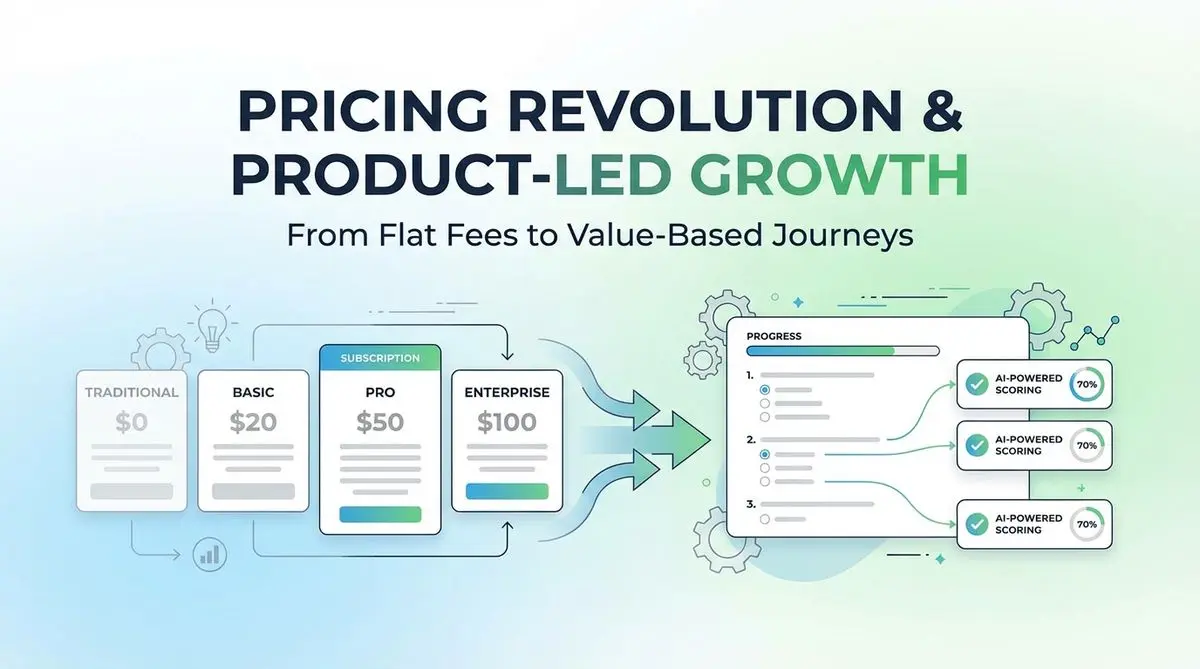
A proposed SaaS intake quiz can collect use case, budget, and timeline before a trial. Test its effect on signups, activation, and paying customers.
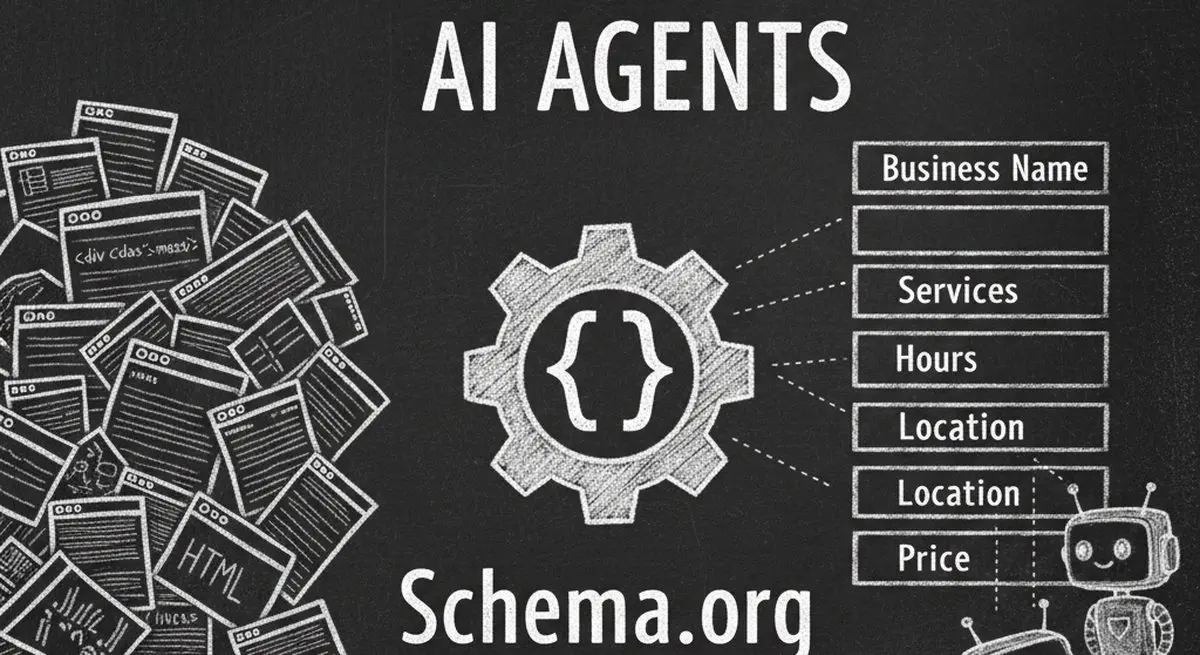
Seven Schema.org types for describing business details accurately. Structured data can aid parsing, but won't guarantee discovery, citations, or bookings.

Many coaches start with ScoreApp but outgrow scoring-only workflows as they scale. Common ScoreApp alternatives and what to look for beyond assessments.
Try the world's first AI-native form and turn every response into action instantly.

