This itinerary form walks travelers through eight questions to build a complete trip plan from start to finish. It opens by collecting a trip name and the names of everyone traveling, then captures the start and end dates to frame the full schedule. From there it gathers the destinations, transportation details such as flight numbers and car rentals, and accommodation info including hotel addresses and confirmation numbers — each in its own question so nothing gets buried. The final question, optional, invites travelers to list activities and attractions, with a nudge to organize them by day. After submitting, the end screen acknowledges the recorded trip details and asks respondents to prepare an itinerary separately; no formatted document is generated or delivered.
Try the conversation below to see how this template works
Trusted by over 10,000 customers and growing
Conversations Started
Questions Answered
Forms Created
Relies on the destinations and transportation questions to keep every flight number, reservation, and stop in one organized place before departure.
Uses the traveler names question alongside accommodation details — addresses and confirmation numbers — to keep everyone in the group aligned on where they're staying.
Leans on the activities question to map out a day-by-day programme of attractions and experiences for clients before handing off the finished itinerary.

AI builds and refines your form through natural conversation no templates, no complex logic, no coding. From a simple text prompt or URL, Dashform generates intelligent flows that adapt automatically.
Dashform turns traditional form-filling into a two-way dialogue. The AI understands intent, remembers context, and asks relevant follow-up questions just like a real human conversation.
Every response is transformed into structured, meaningful, and ready-to-use data. Integrate with your favorite tools.
Everything you need to create amazing forms
Everything you need to know about this template
Don't see exactly what you need? Use our AI Form Generator to create a custom form in seconds. Just describe what you want, and AI will build it for you.
Explore more templates to find the perfect fit
 Checklist
A structured checklist for logging ambulance kit inspections, equipment condition, and any items needing immediate attention.
 Waiver
Record residents' or guests' intended amenity use and their answers to risk, liability-release, and terms questions.
 Service Booking
Request animal care assistance by sharing your contact details and a description of what your pet needs.
 Survey
Share your perspective on animal testing practices, ethics, and alternatives in this five-question research survey.
 Performance Evaluation
A six-question self-review covering achievements, development areas, leadership, teamwork, goals, and overall performance.
 Quiz
A structured digital answer sheet covering multiple-choice, multi-select, and short-answer questions for an assessment reviewed by its owner.
Learn how to get the most out of your forms and templates
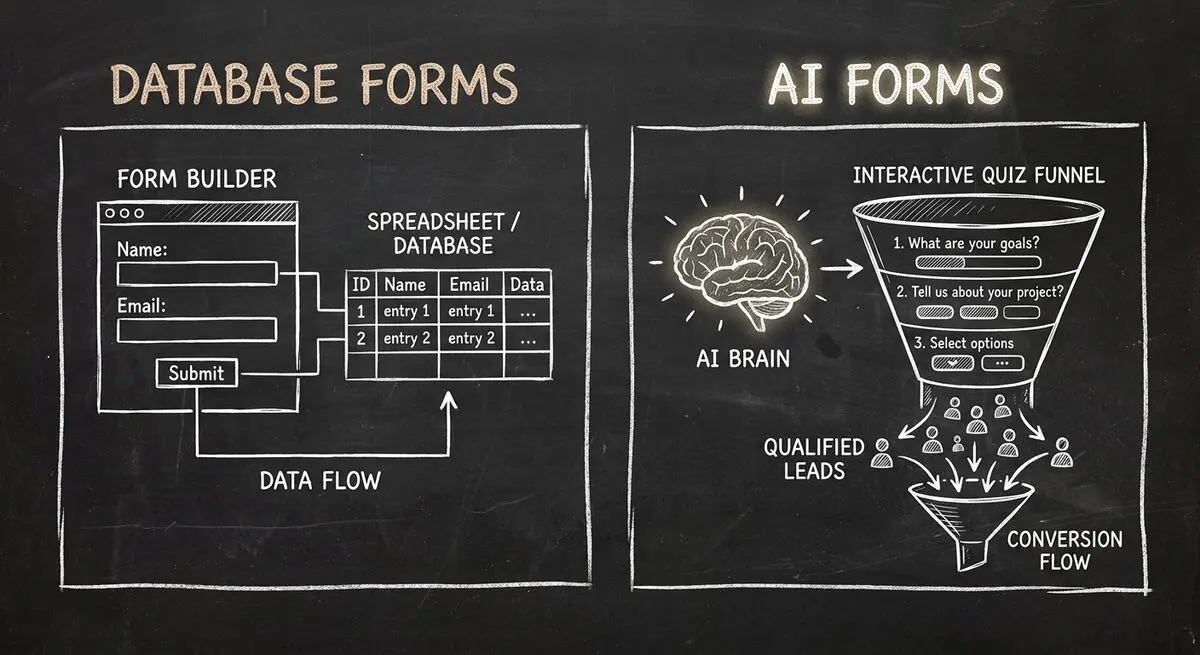
Compare Dashform and Fillout for lead intake, AI drafting, qualification, database connections, and the handoffs to test before switching.
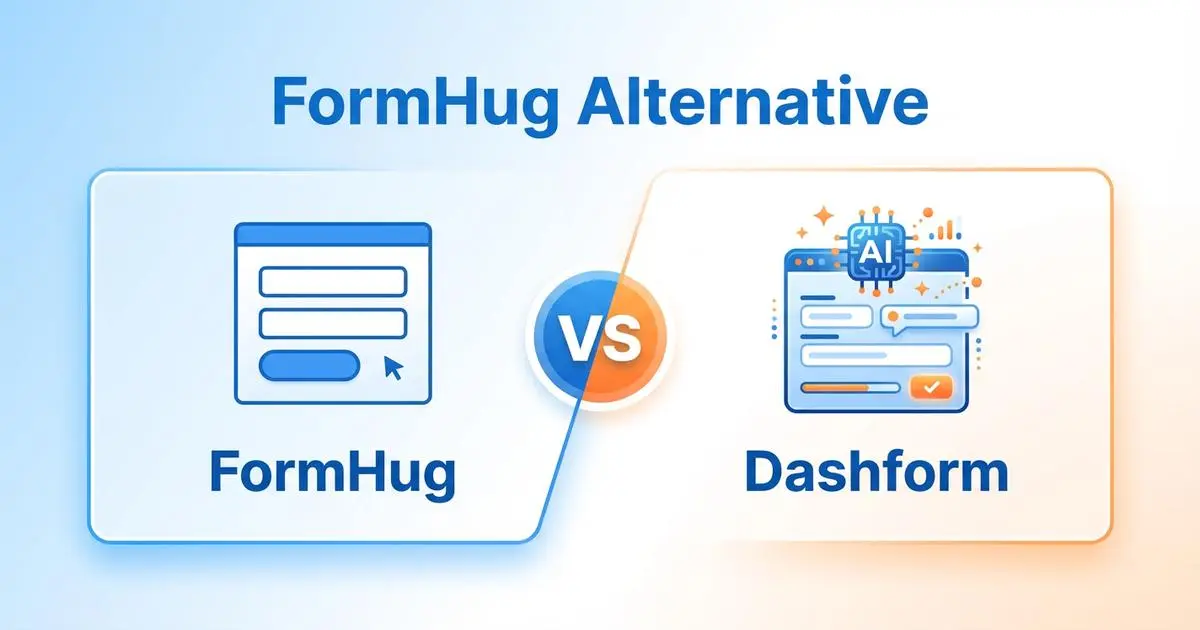
FormHug vs Dashform on AI quiz funnels, lead scoring, and pricing. Where FormHug excels and where switching makes sense for agencies and coaches.

GoHighLevel alternatives such as Dashform, HubSpot, and ClickFunnels compared: best uses, AI features, pros and cons, and which fits your business.
Try the world's first AI-native form and turn every response into action instantly.

