

The Animal Care Request Form opens by asking for the pet owner's full name and the pet's name, establishing who the request is about before collecting contact details. The "What is the best email address to reach you?" question and the "What is your primary phone number?" question ensure the care team has two ways to follow up. The form closes with a detailed open-ended description of the assistance needed, placed last so owners can explain their situation fully once the basics are in place. After submitting, respondents see a confirmation screen letting them know their request has been received and that the team will be in touch to discuss next steps.
Try the conversation below to see how this template works
Trusted by over 10,000 customers and growing
Conversations Started
Questions Answered
Forms Created
Relies on the open-ended assistance description to triage incoming requests and prepare for each appointment before making contact.
Uses the pet's name alongside the owner's contact details to personalise follow-up and match requests to the right staff member.
Depends on the detailed assistance question to understand whether a request involves rehoming, medical support, or general care, before reaching out.

AI builds and refines your form through natural conversation no templates, no complex logic, no coding. From a simple text prompt or URL, Dashform generates intelligent flows that adapt automatically.
Dashform turns traditional form-filling into a two-way dialogue. The AI understands intent, remembers context, and asks relevant follow-up questions just like a real human conversation.
Every response is transformed into structured, meaningful, and ready-to-use data. Integrate with your favorite tools.
Everything you need to create amazing forms
Everything you need to know about this template
Don't see exactly what you need? Use our AI Form Generator to create a custom form in seconds. Just describe what you want, and AI will build it for you.
Explore more templates to find the perfect fit
 Complaint
A ten-question form for logging complaints with full incident details, prior resolution attempts, and urgency level.
 Quiz
QuizPractice conditional logic with delivery, AND, OR, and fallback scenarios, then compare your reasoning with an ending answer guide.
 Event Registration
Collect attendee details, ticket choice, dietary needs, and optional add-ons in one smooth conference sign-up flow.
 Information Request
Collect verified personal details and explicit data-use consent from individuals in one secure, structured form.
 Inquiry
Capture construction project inquiries with contact details, project type, description, timeline, and referral source.
 Progress Tracking
A structured weekly or periodic update form for construction teams to report phase, progress, challenges, next steps, and schedule status.
Learn how to get the most out of your forms and templates
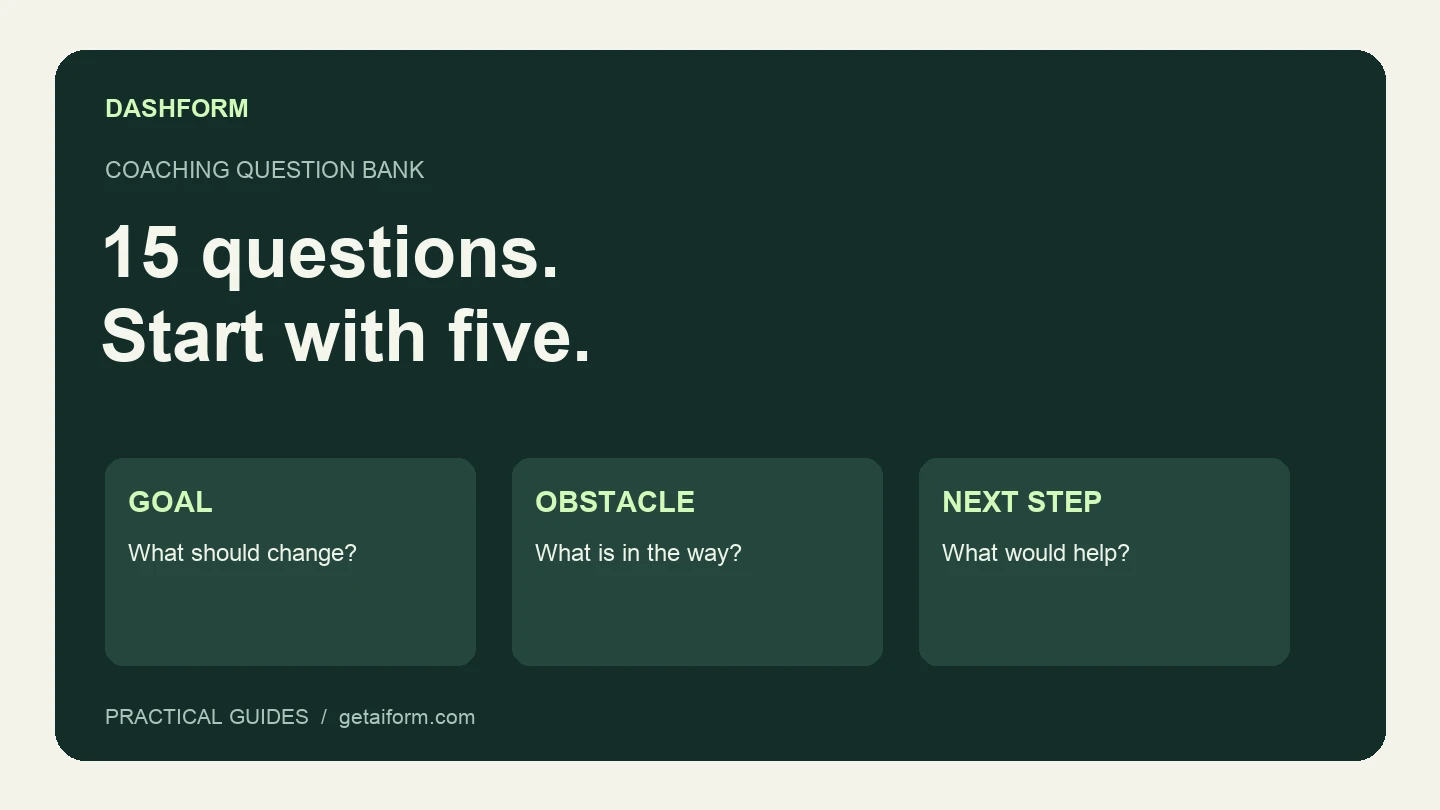
A practical coaching question bank with a five-question discovery form, example answers, follow-up guidance, and a copyable Dashform prompt.

The questions to ask a new coaching client before the first session, grouped by purpose, with which to make optional, what to leave out, and a template to start from.
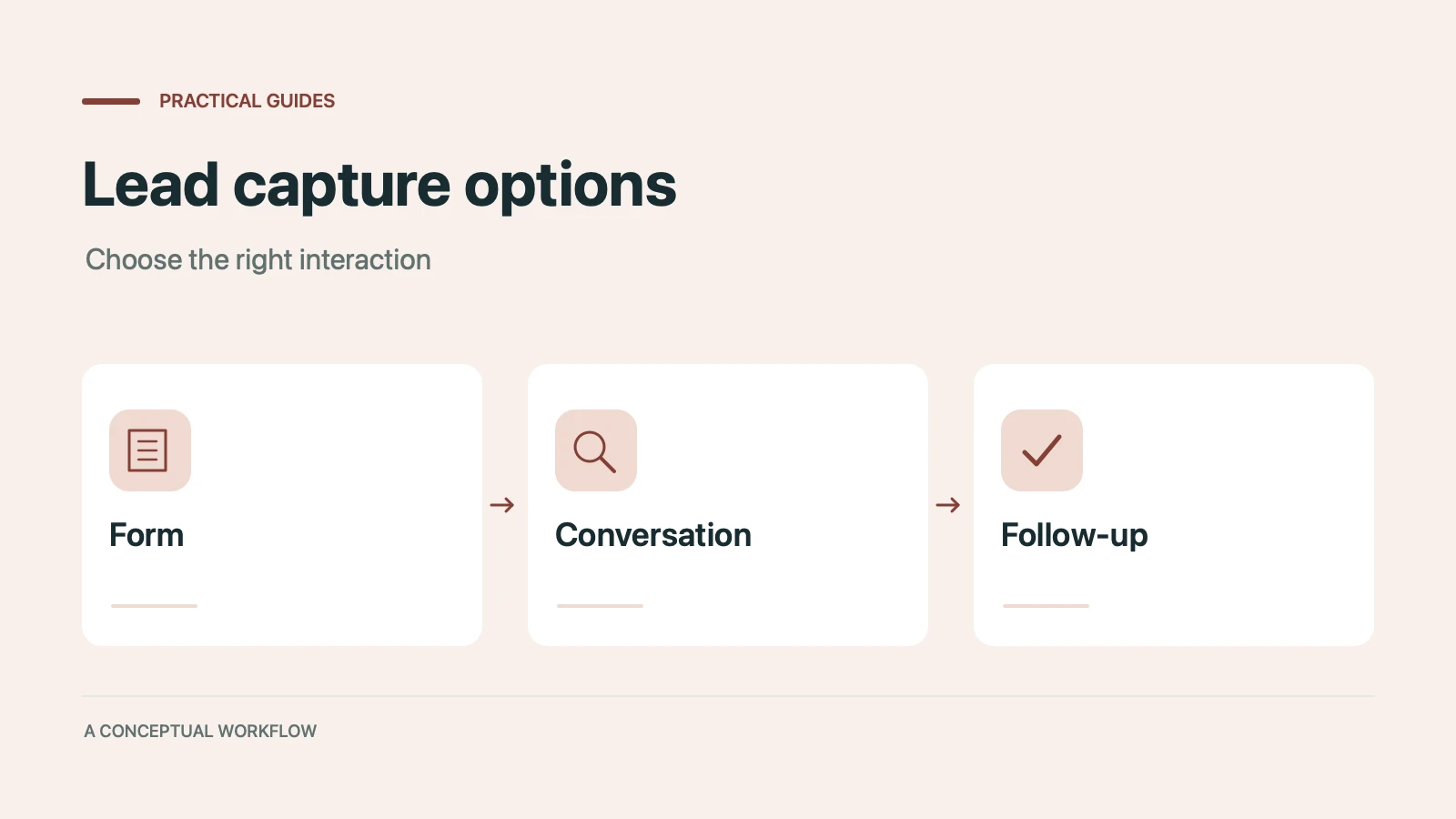
Static forms, AI chatbots, and conversational AI forms compared for lead capture: where each works, where each breaks, and the hybrid stack that combines them.
Try the world's first AI-native form and turn every response into action instantly.