The Ambulance Main Kit Checklist opens with a date and inspector fields to timestamp and attribute each inspection, then asks for the ambulance unit identification number so records are tied to a specific vehicle. A single-choice "What is the overall readiness status of this kit?" question gives dispatchers an at-a-glance status, followed by a 1–5 equipment condition rating for more granular detail. Two optional open-ended questions let inspectors log specific missing, expired, or damaged items and document any immediate corrective actions taken. After submitting, respondents see a confirmation screen acknowledging their diligence and confirming all data has been recorded.
Try the conversation below to see how this template works
Trusted by over 10,000 customers and growing
Conversations Started
Questions Answered
Forms Created
Relies on the "Enter the ambulance unit identification number." question and the readiness status question to tie a fast pre-shift check directly to their specific vehicle.
Depends on the condition rating and the two open-ended issue questions to monitor kit quality across multiple units without being present for each inspection.
Uses the date, unit ID, and "List any missing, expired, or damaged items found during inspection." question to schedule restocking and track expiry patterns over time.

AI builds and refines your form through natural conversation no templates, no complex logic, no coding. From a simple text prompt or URL, Dashform generates intelligent flows that adapt automatically.
Dashform turns traditional form-filling into a two-way dialogue. The AI understands intent, remembers context, and asks relevant follow-up questions just like a real human conversation.
Every response is transformed into structured, meaningful, and ready-to-use data. Integrate with your favorite tools.
Everything you need to create amazing forms
Everything you need to know about this template
Don't see exactly what you need? Use our AI Form Generator to create a custom form in seconds. Just describe what you want, and AI will build it for you.
Explore more templates to find the perfect fit
 Contact
A clean, paper-themed contact form that captures name, email, subject, message, and contact preferences.
 Information Request
Collect a contact's name, email, phone number, and optional mailing address in one clean, straightforward form.
 Checklist
Document your organization's emergency contacts, safety policies, medical protocols, and response plan in one structured checklist.
 Agreement
Formally document the removal or waiver of real estate purchase agreement contingencies with a clear, step-by-step form.
 Product Order
Formally request a modification to an existing contract, covering scope, schedule, price, and justification.
 Booking
Schedule a contract review session and give the legal team everything they need to prepare before you meet.
Learn how to get the most out of your forms and templates
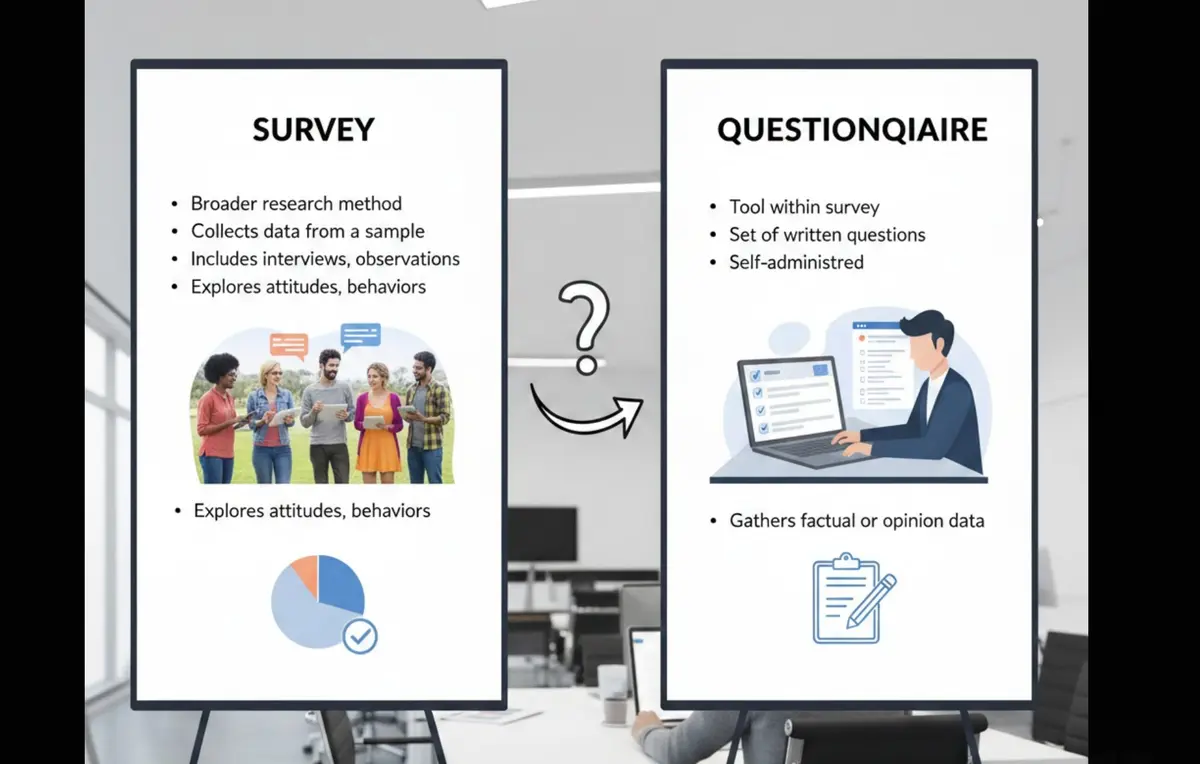
Survey vs questionnaire: the key differences, use cases, and a decision framework for picking the right one for research, feedback, or internal workflows.
Copy a tenant maintenance request form field list, an emergency, urgent and routine triage rule set, and response templates for each tier.
Copy a venue inquiry form question list and simple rules for which requests get an instant quote, a call, or a polite no, then build the form in Dashform.
Try the world's first AI-native form and turn every response into action instantly.

