The Annual Manager Self-Evaluation Form opens with a welcome screen framing the exercise as a reflective, growth-oriented process before moving through six required questions. It begins with two open-ended questions covering achievements and development areas, giving managers space to narrate their year before any ratings appear. A 1-to-5 leadership effectiveness rating then anchors that narrative with a self-assessed score, followed by an open-ended question on team support and collaboration — placing people-management squarely in the middle of the review. The final pair mirrors the opening structure: forward-looking goals come before an overall 1-to-5 performance rating, so managers articulate ambitions before issuing a summary self-score. After submitting, the end screen thanks the respondent and affirms that their input feeds directly into their ongoing professional development.
Try the conversation below to see how this template works
Trusted by over 10,000 customers and growing
Conversations Started
Questions Answered
Forms Created
HR teams rely on the 'Please describe your most significant achievements and contributions during the past year.' question and both rating questions to gather structured, comparable data across all managers in one review cycle.
Managers use the 'How have you supported your team members and fostered collaboration within your team?' question to organise their thinking on people leadership before sitting down with their own line manager.
Learning and development professionals focus on the 'What areas do you believe require further development or improvement in your role?' and 'What are your key professional goals and objectives for the upcoming year?' questions to shape individual development plans.

AI builds and refines your form through natural conversation no templates, no complex logic, no coding. From a simple text prompt or URL, Dashform generates intelligent flows that adapt automatically.
Dashform turns traditional form-filling into a two-way dialogue. The AI understands intent, remembers context, and asks relevant follow-up questions just like a real human conversation.
Every response is transformed into structured, meaningful, and ready-to-use data. Integrate with your favorite tools.
Everything you need to create amazing forms
Everything you need to know about this template
Don't see exactly what you need? Use our AI Form Generator to create a custom form in seconds. Just describe what you want, and AI will build it for you.
Explore more templates to find the perfect fit
 Waiver
Collect participant risk acknowledgment, liability release, and emergency contact details before your event.
 Professions
Tell us about your event — date, guest count, budget, and services needed — so we can prepare for your consultation.
 Event Registration
A five-question registration form covering attendee details, event type, dietary needs, and referral source.
 Rsvp
Collect attendance confirmations, guest counts, and dietary needs ahead of your event in one tidy form.
 Satisfaction Survey
Collect structured post-event feedback across six rating areas plus open comments and a referral question.
 Waiver
Collect participant details, emergency contacts, and three key liability acknowledgements before your event.
Learn how to get the most out of your forms and templates
What scorecard marketing is, where the term comes from, and a build checklist: topic, questions, honest result levels and what to do with each lead.
Choose between n8n's Form Trigger and a Webhook node, then build a signed, deduplicated n8n workflow that maps each form submission into a sheet.
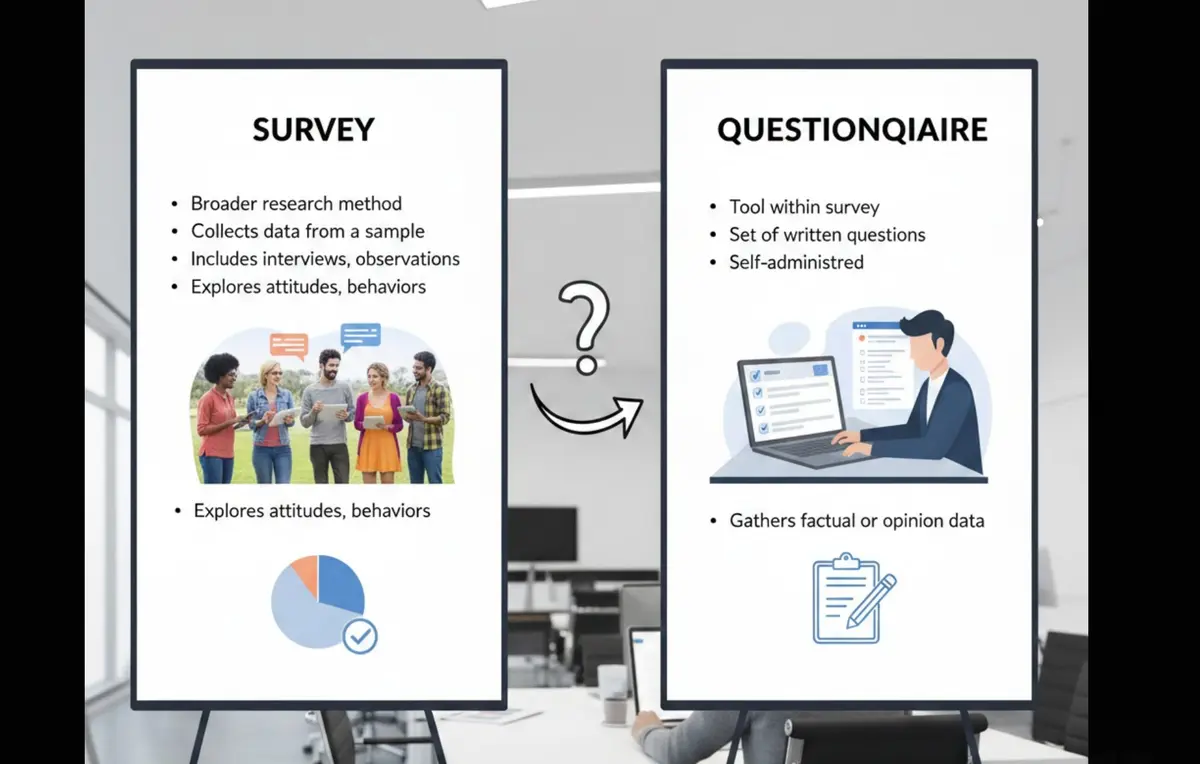
Survey vs questionnaire: the key differences, use cases, and a decision framework for picking the right one for research, feedback, or internal workflows.
Try the world's first AI-native form and turn every response into action instantly.

