

This eight-question waiver form collects a resident or guest's legal name, email, and optional phone number before asking which amenities they plan to use — giving the organization a specific record of intended use. Three successive single-choice questions ask whether the respondent acknowledges inherent risks, agrees to release and hold harmless the amenity operator from claims arising from use, and has read and accepted all terms. Each requires an answer but accepts Yes or No, so submission records the respondent's choices without enforcing agreement. A final date question records the date the respondent provides. After submitting, respondents see a confirmation screen thanking them for their understanding and cooperation.
Try the conversation below to see how this template works
Trusted by over 10,000 customers and growing
Conversations Started
Questions Answered
Forms Created
Relies on the "Which amenities do you intend to use?" question to keep a specific, per-person record of amenity access alongside each waiver response.
Uses the three sequential consent questions to record each member's agreement or refusal about risks, liability release, and the full terms for review.
Depends on the "Please provide your full legal name." and date questions to identify each guest's response and record the date they provide for review before amenity use.

AI builds and refines your form through natural conversation no templates, no complex logic, no coding. From a simple text prompt or URL, Dashform generates intelligent flows that adapt automatically.
Dashform turns traditional form-filling into a two-way dialogue. The AI understands intent, remembers context, and asks relevant follow-up questions just like a real human conversation.
Every response is transformed into structured, meaningful, and ready-to-use data. Integrate with your favorite tools.
Everything you need to create amazing forms
Everything you need to know about this template
Don't see exactly what you need? Use our AI Form Generator to create a custom form in seconds. Just describe what you want, and AI will build it for you.
Explore more templates to find the perfect fit
 Survey
Collect post-experience VR feedback on immersion, visuals, performance, and likelihood to recommend.
 Event Registration
A clean registration form that captures attendee details, session interests, and speaker questions for a virtual webinar.
 Appointment Booking
Collect visitor contact details, visit purpose, and a preferred date and time in one straightforward appointment form.
 Hr
HrA structured form for employees to formally submit their voluntary resignation and notify HR of their intended last day.
 General Application
Collect volunteer applicants' contact details, availability, skills, interests, and motivation in one tidy form.
 Performance Evaluation
Help your organization improve volunteer programs by collecting honest, structured feedback from your volunteers.
Learn how to get the most out of your forms and templates

How solo and mid-size firms can use OpenClaw and Dashform to qualify case intake around the clock, so attorneys spend consultations on viable cases. Step-by-step setup.
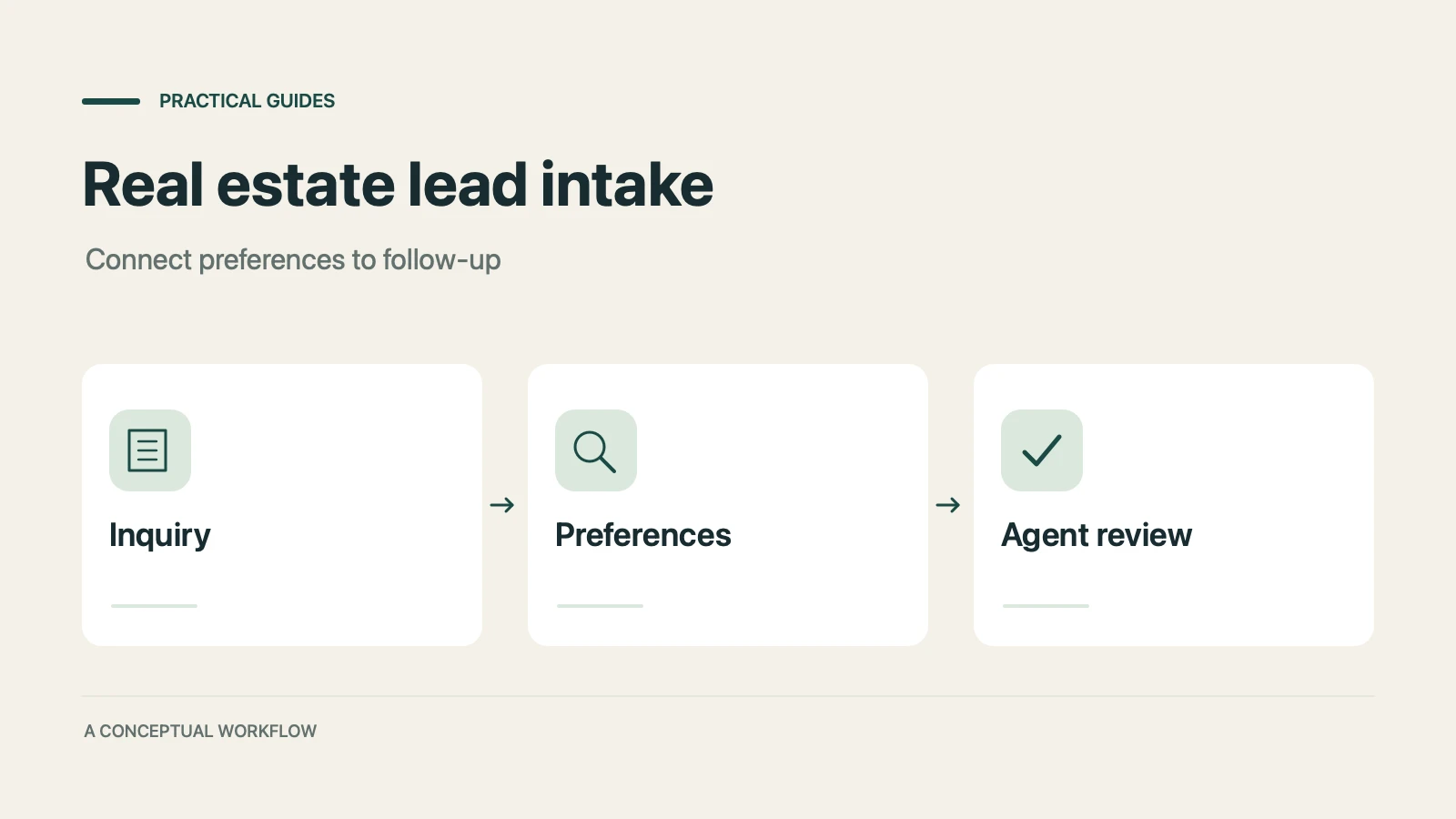
How real estate teams can use OpenClaw and Dashform to qualify inbound leads around the clock and fill calendars with serious buyers.

How hotels and tour operators can use OpenClaw AI agents with Dashform preference forms to personalize bookings, offer relevant upsells, and follow up after each trip.
Try the world's first AI-native form and turn every response into action instantly.