

This seven-question form collects everything needed to produce a professional hourly invoice. It opens by asking for your name or business name and your client's name, establishing both sides of the billing relationship, then asks you to describe the project or services provided so the invoice reflects the actual work done. The "How many hours did you work on this project?" and "What is your hourly rate (in USD)?" questions sit back-to-back so the two figures needed to calculate the total are captured together. An invoice date and optional payment terms — ranging from due on receipt to net 60 days — round out the details a client needs to pay promptly. After submitting, respondents see a reminder to calculate the total and prepare the invoice separately; the form does not generate or send one.
Try the conversation below to see how this template works
Trusted by over 10,000 customers and growing
Conversations Started
Questions Answered
Forms Created
Record hours and the agreed hourly rate together, giving freelancers the inputs to calculate charges when preparing their invoice.
Uses the "Please describe the project or services provided." question to document the scope of consulting work clearly, giving clients the context they need to approve payment quickly.
Benefits from the "What are the payment terms?" question to set consistent net-day terms across different clients, keeping cash flow predictable on a project-by-project basis.

AI builds and refines your form through natural conversation no templates, no complex logic, no coding. From a simple text prompt or URL, Dashform generates intelligent flows that adapt automatically.
Dashform turns traditional form-filling into a two-way dialogue. The AI understands intent, remembers context, and asks relevant follow-up questions just like a real human conversation.
Every response is transformed into structured, meaningful, and ready-to-use data. Integrate with your favorite tools.
Everything you need to create amazing forms
Everything you need to know about this template
Don't see exactly what you need? Use our AI Form Generator to create a custom form in seconds. Just describe what you want, and AI will build it for you.
Explore more templates to find the perfect fit
 Product Order
Order exclusive state football championship t-shirts by choosing your design, size, quantity, and payment method in one simple form.
 Product Order
Order your favourite scented statement candles, specify quantities, add personal touches, and submit your delivery details in one simple form.
 Signup
Collect company details, contact info, and inquiry purpose from businesses reaching out to work with you.
 Request
Request emergency transportation assistance by sharing your location, contact details, and situation in one quick form.
 Product Order
Place a streetwear order by submitting your details, item selections, and preferred payment method in one simple form.
 Feedback
A six-question daily check-in that captures student ratings, comprehension, engagement, and confidence after each lesson.
Learn how to get the most out of your forms and templates

Compare Dashform quiz authoring with your Opinion Stage workflow: AI-assisted drafts, configurable branches, Endings, themes, and plan allowances.
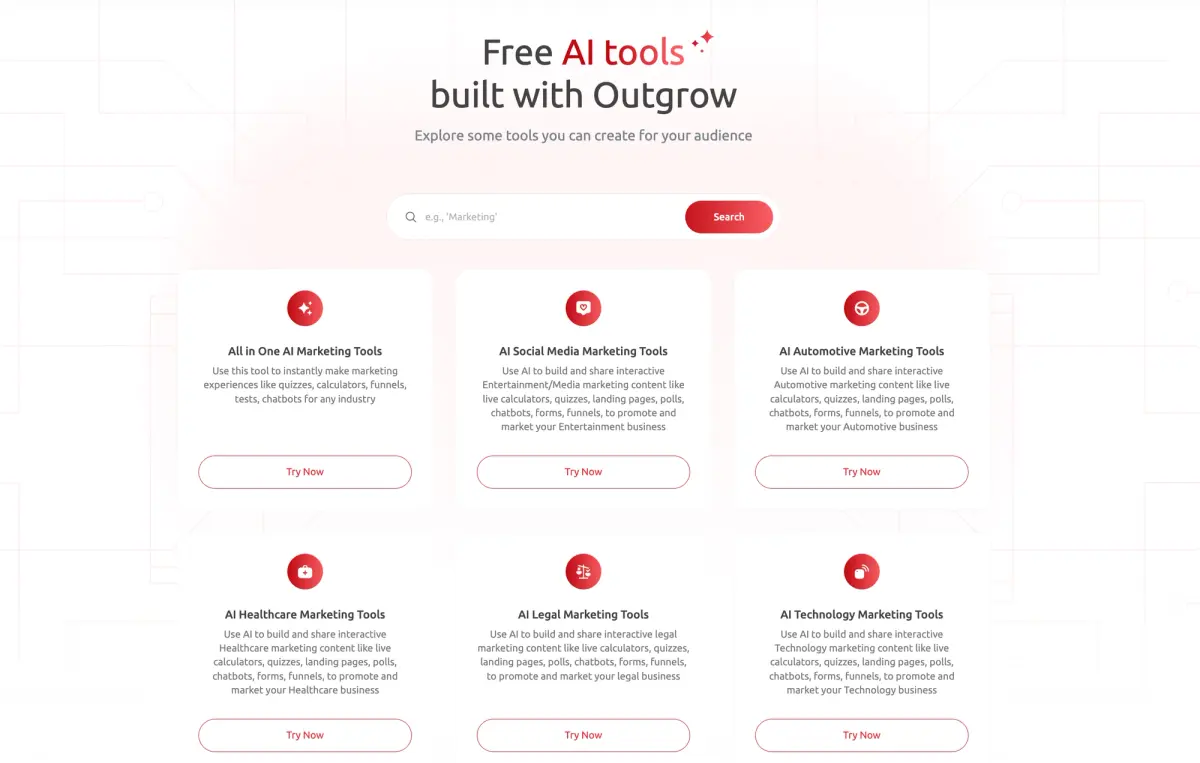
Compare Dashform and Outgrow by drafting workflow, qualification requirements, branding, and current plan allowances. Test the features your campaign needs before switching.
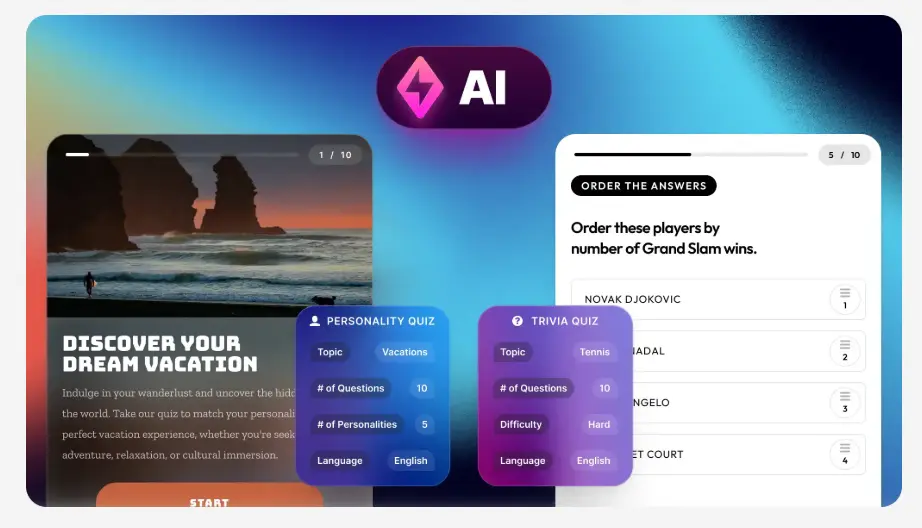
Evaluate Dashform and Riddle for quiz drafting, question logic, result content, branding, and publishing with a practical workflow checklist.
Try the world's first AI-native form and turn every response into action instantly.