

This eight-question form gathers everything a property owner needs to review a booking request. It opens by collecting the guest's full name, email address, and phone number so the owner has clear contact details from the start. Two date questions then capture the desired check-in and check-out dates, followed by a guest-count question that asks for adults and children together. An optional "Do you have any special requests or additional notes for your stay?" question lets guests flag dietary needs, accessibility requirements, or other preferences without blocking anyone who has nothing to add. The form closes with a terms-and-conditions agreement question before the end screen, which reassures guests that their request has been received and that the owner will be in touch to confirm the reservation.
Try the conversation below to see how this template works
Trusted by over 10,000 customers and growing
Conversations Started
Questions Answered
Forms Created
Relies on the check-in and check-out date questions plus the guest-count question to get the core stay details needed before confirming availability.
Uses the name, email, and phone questions together to build a complete guest contact record for every incoming booking request.
Depends on the terms-and-conditions agreement question to ensure every guest acknowledges the rental rules before the owner reviews the request.

AI builds and refines your form through natural conversation no templates, no complex logic, no coding. From a simple text prompt or URL, Dashform generates intelligent flows that adapt automatically.
Dashform turns traditional form-filling into a two-way dialogue. The AI understands intent, remembers context, and asks relevant follow-up questions just like a real human conversation.
Every response is transformed into structured, meaningful, and ready-to-use data. Integrate with your favorite tools.
Everything you need to create amazing forms
Everything you need to know about this template
Don't see exactly what you need? Use our AI Form Generator to create a custom form in seconds. Just describe what you want, and AI will build it for you.
Explore more templates to find the perfect fit
 Customer Feedback
Gather post-interaction ratings, resolution feedback, and open-ended suggestions from customers in five focused questions.
 Feedback
A ten-question survey covering satisfaction, quality, highlights, problems, and likelihood to recommend.
 Client Intake
Collect customer contact details, preferred communication channel, and referral source in one tidy form.
 Survey
Measure customer satisfaction, loyalty, and acquisition in seven focused questions.
 Survey
A seven-question post-support survey covering resolution, agent helpfulness, response time, and ease of contact.
 Satisfaction Survey
A nine-question survey covering satisfaction, response time, staff knowledge, issue resolution, and likelihood to recommend.
Learn how to get the most out of your forms and templates
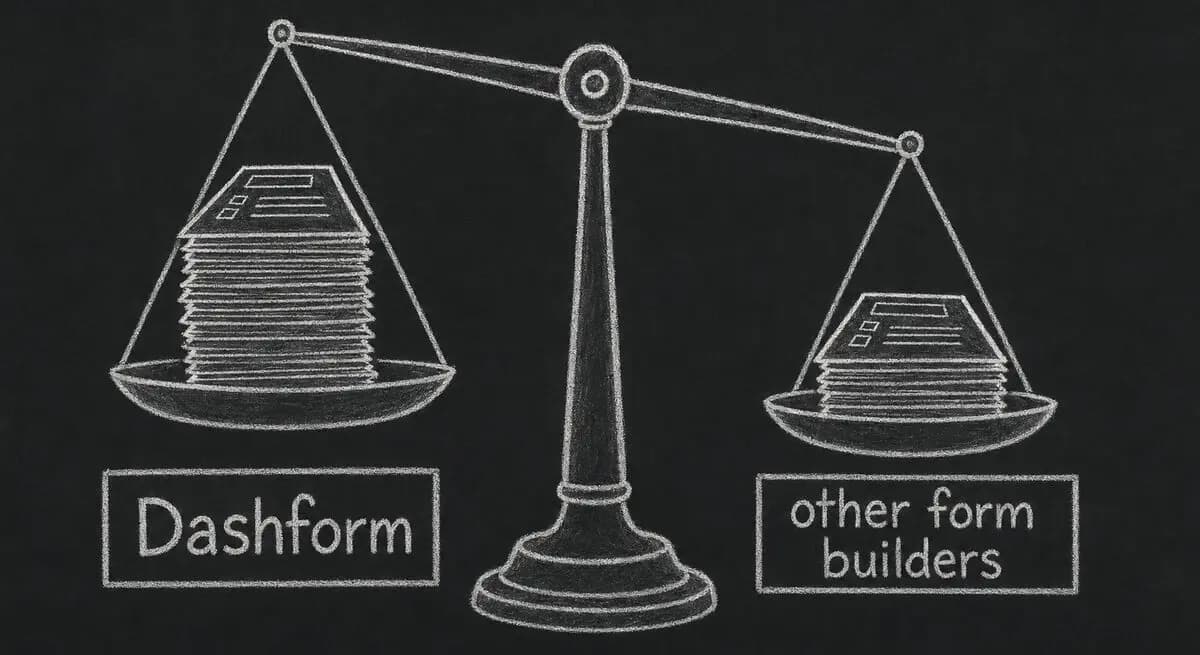
A proposed checklist for comparing form authoring, respondent experience, qualification, integrations, pricing, exports, and agent access.

Inspect five potential barriers to agent access, understand the limits of an AX Score, and test changes to your website.

Learn how automated form workflows reduce manual work and improve data accuracy. Discover how Dashform uses AI to generate forms, map fields, and automate workflows across your business tools.
Try the world's first AI-native form and turn every response into action instantly.