This career fair registration form opens by asking for company identity — the "What is your company name?" and "Who is the primary contact person?" questions establish who is registering, while "What is your email address?" captures where to send follow-up details. The "What industry does your company operate in?" question helps organizers group or sequence exhibitors, and "How many representatives will attend from your company?" feeds into logistics like badge preparation. "What booth size do you prefer?" lets companies choose from four footprint options, and the optional "Do you have any special requirements or requests?" question sits near the end so it doesn't slow down most respondents. Finally, "What types of candidates are you targeting?" closes the form by telling organizers how to promote each exhibitor to job seekers. After submitting, respondents see a confirmation screen letting them know that booth assignment details and event information are on the way.
Try the conversation below to see how this template works
Trusted by over 10,000 customers and growing
Conversations Started
Questions Answered
Forms Created
Relies on the "What types of candidates are you targeting?" question to match student populations — graduates, interns, or part-time workers — with the right exhibiting companies before the event.
Uses the "What booth size do you prefer?" and "How many representatives will attend from your company?" questions together to plan floor layouts and manage badge and space logistics.
Depends on the "What industry does your company operate in?" question to verify that exhibitors fit the event's focus and to group similar companies into themed sections of the fair.

AI builds and refines your form through natural conversation no templates, no complex logic, no coding. From a simple text prompt or URL, Dashform generates intelligent flows that adapt automatically.
Dashform turns traditional form-filling into a two-way dialogue. The AI understands intent, remembers context, and asks relevant follow-up questions just like a real human conversation.
Every response is transformed into structured, meaningful, and ready-to-use data. Integrate with your favorite tools.
Everything you need to create amazing forms
Everything you need to know about this template
Don't see exactly what you need? Use our AI Form Generator to create a custom form in seconds. Just describe what you want, and AI will build it for you.
Explore more templates to find the perfect fit
 Satisfaction Survey
Collect structured user feedback on satisfaction, ease of use, useful features, and likelihood to recommend.
 Survey
Gather first impressions, usability ratings, and improvement ideas from product testers in six focused questions.
 Invoice
Organize account details, meter readings, charges, and a due date for separate utility billing review.
 Appointment Booking
Capture every key detail for an upcoming trip: destination, dates, transport, budget, and group size, all in one place.
 Consent
Document a patient's decision to decline a vaccine, confirm informed consent, and record relevant context for the provider.
 Product Order
Order one or more Valentine DIY kits, set quantities, add personalizations, and choose your delivery method in one quick form.
Learn how to get the most out of your forms and templates
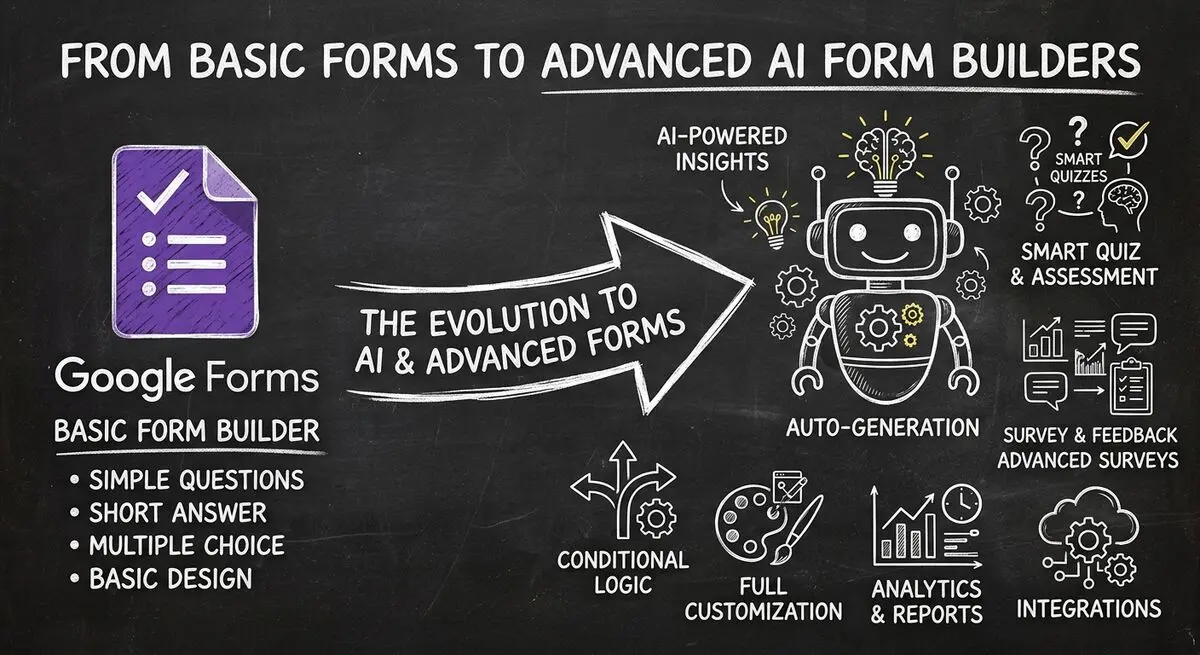
Google Forms 2026 features compared with Dashform: conditional logic, question types, AI generation, integrations, and when Google Forms is enough.
Many consumers now ask AI assistants for local picks as well as Google. Why SEO alone can't reach that discovery, and how to be visible to AI agents.

GPT-5.4 can operate a computer like a person. How computer use agents can automate each funnel stage, from lead capture to onboarding, beside your tools.
Try the world's first AI-native form and turn every response into action instantly.

