

This Vaccine Refusal Form serves as a vital tool for healthcare providers to document information from patients who choose not to receive a specific vaccine. It is designed to efficiently gather essential patient details and relevant medical history, ensuring that healthcare professionals have a comprehensive understanding of each patient's situation. By utilizing this form, practitioners can maintain thorough records, support informed decision-making, and ensure continuity of care for individuals who opt out of vaccination. The form streamlines the process of collecting necessary data without requiring any coding, making it accessible and easy to implement for various medical practices. It supports systematic data collection to assist in providing appropriate medical guidance and care, helping to manage patient records effectively while respecting individual choices.
Try the conversation below to see how this template works
Trusted by over 10,000 customers and growing
Conversations Started
Questions Answered
Forms Created
Streamline the documentation process for patients who opt out of vaccinations, ensuring complete and accurate records.
Efficiently gather patient medical history and refusal details to support informed care decisions and maintain continuity of service.
A simple, no-code solution to record vaccine refusal information, helping to manage patient records effectively.

AI builds and refines your form through natural conversation no templates, no complex logic, no coding. From a simple text prompt or URL, Dashform generates intelligent flows that adapt automatically.
Dashform turns traditional form-filling into a two-way dialogue. The AI understands intent, remembers context, and asks relevant follow-up questions just like a real human conversation.
Every response is transformed into structured, meaningful, and ready-to-use data. Integrate with your favorite tools.
Everything you need to create amazing forms
Everything you need to know about this template
Don't see exactly what you need? Use our AI Form Generator to create a custom form in seconds. Just describe what you want, and AI will build it for you.
Explore more templates to find the perfect fit
 Product Order
Effortlessly collect orders for state football championship t-shirts and other team merchandise, connecting fans with their team's success.
 Product Order
This form enables candle stores to efficiently manage online sales, allowing customers to easily order custom candles for any occasion.
 Signup
This Step-by-Step Company Information Form streamlines the collection of crucial details from individuals or businesses. Ideal for managing partnership inquiries, service requests, or general collaborations, it ensures you gather all necessary information in an organized, comprehensive manner. Utilize this form to efficiently onboard new partners, assess potential collaborations, and maintain a structured record of all interactions, enhancing your information-gathering process.
 Request
Request transportation assistance if you are stranded due to a crisis, providing essential personal and contact details for support.
 Product Order
A customizable streetwear order form template designed for retail stores to streamline customer purchases and enhance the online shopping experience.
 Feedback
Empower educators to collect daily student feedback effortlessly, fostering a responsive and engaging learning environment across all educational levels.
Learn how to get the most out of your forms and templates
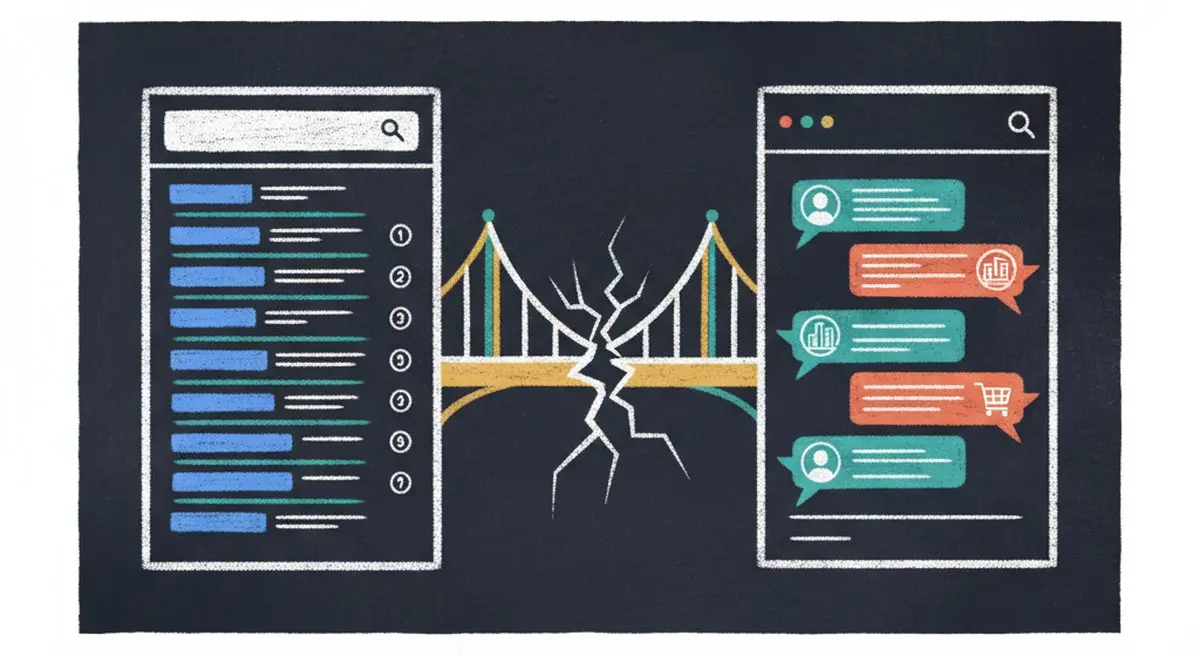
SEO alone isn't enough in 2026. Learn the difference between SEO, AEO (Answer Engine Optimization), and AXO -- and how to appear in ChatGPT, Claude, and AI agent recommendations.
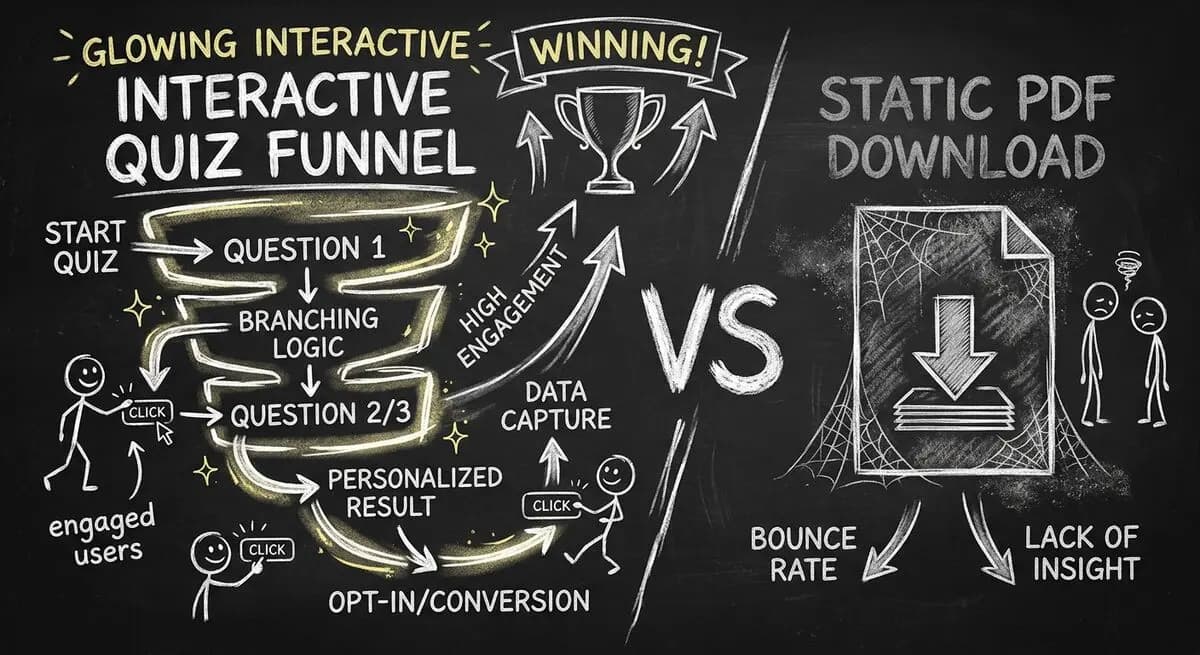
Gated PDFs convert at 2-5%. Quiz funnels convert at 40-60%. This is the agency playbook for replacing static lead magnets with interactive qualification funnels that generate 10x more leads with 3x better quality. Includes 4 B2B templates.
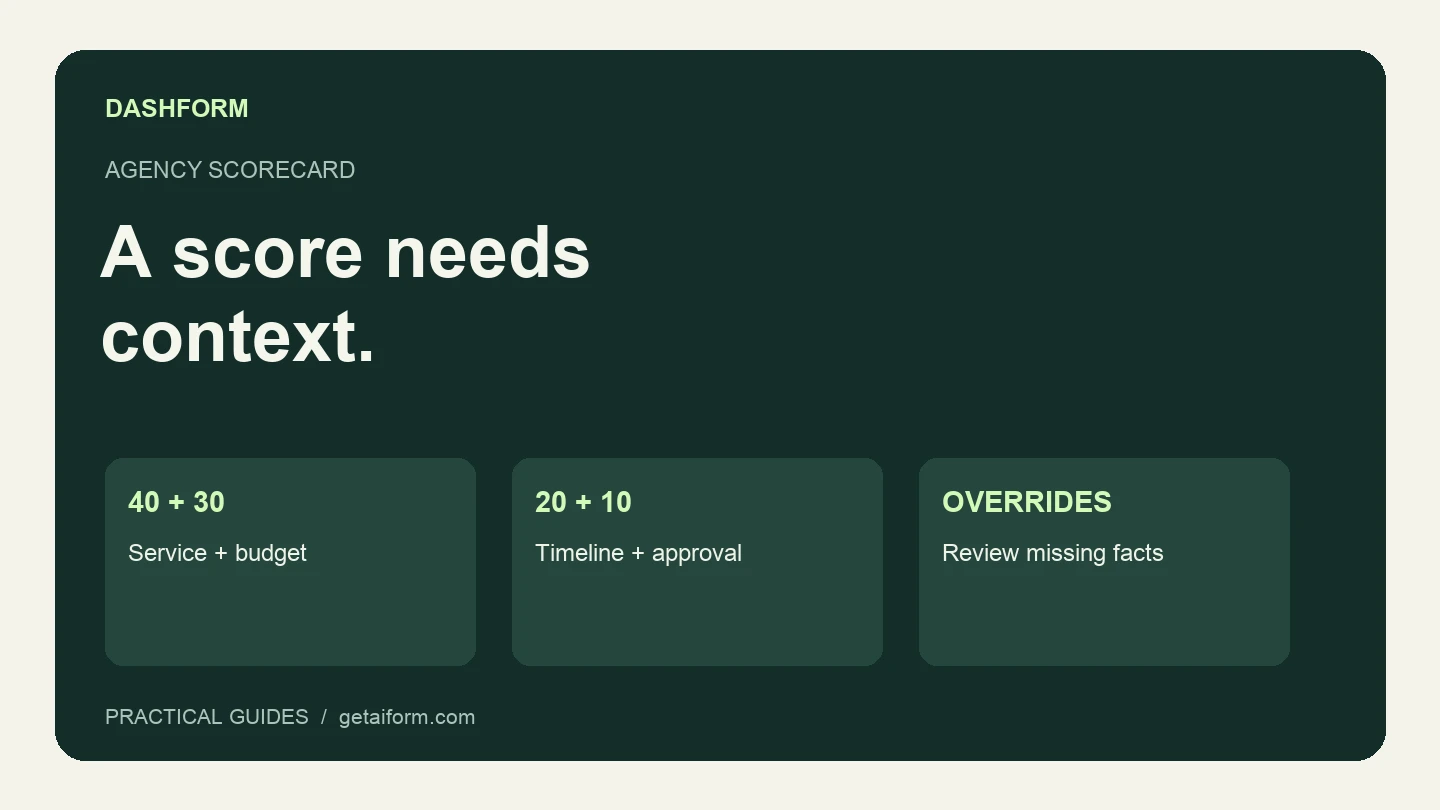
Copy a 100-point agency lead qualification scorecard, check worked examples, and turn the questions into a Dashform inquiry form with clear review rules.
Try the world's first AI-native form and turn every response into action instantly.