

This eight-question form starts with the account holder and service address. The "What type of utility service is this bill for?" question distinguishes electricity, water, gas, and combined utilities. Billing period, previous and current meter readings, entered charges, and due date complete the outline. The form does not calculate consumption or validate rates. Finishing the browser preview creates no bill or customer notice; the provider must separately verify readings, calculate charges, and issue the actual bill.
Try the conversation below to see how this template works
Trusted by over 10,000 customers and growing
Conversations Started
Questions Answered
Forms Created
Compares the entered meter readings with service records before separately calculating consumption and charges.
Uses the service address and account holder name questions to keep billing records tied to the right tenant and unit across a portfolio.
Reviews entered charges and a due date as billing inputs, without posting balances or notifying account holders from the preview.

AI builds and refines your form through natural conversation no templates, no complex logic, no coding. From a simple text prompt or URL, Dashform generates intelligent flows that adapt automatically.
Dashform turns traditional form-filling into a two-way dialogue. The AI understands intent, remembers context, and asks relevant follow-up questions just like a real human conversation.
Every response is transformed into structured, meaningful, and ready-to-use data. Integrate with your favorite tools.
Everything you need to create amazing forms
Everything you need to know about this template
Don't see exactly what you need? Use our AI Form Generator to create a custom form in seconds. Just describe what you want, and AI will build it for you.
Explore more templates to find the perfect fit
 Customer Feedback
Collect structured customer feedback on satisfaction, service quality, staff, and likelihood to recommend.
 Event Registration
Register for a 45-day personal challenge by sharing your goals, focus area, and activity level in seven quick steps.
 Contact
A five-question contact form that captures name, email, inquiry type, and message for Facebook page visitors.
 Application
A concise form for new faculty to formally accept their offer and submit key personal and academic details.
 Service Booking
Request professional fall pond cleaning by sharing your contact details, pond size, and any specific concerns.
 Product Order
Explore autumn nail strip designs, quantities, shipping details, and payment preference before a seller confirms an order.
Learn how to get the most out of your forms and templates
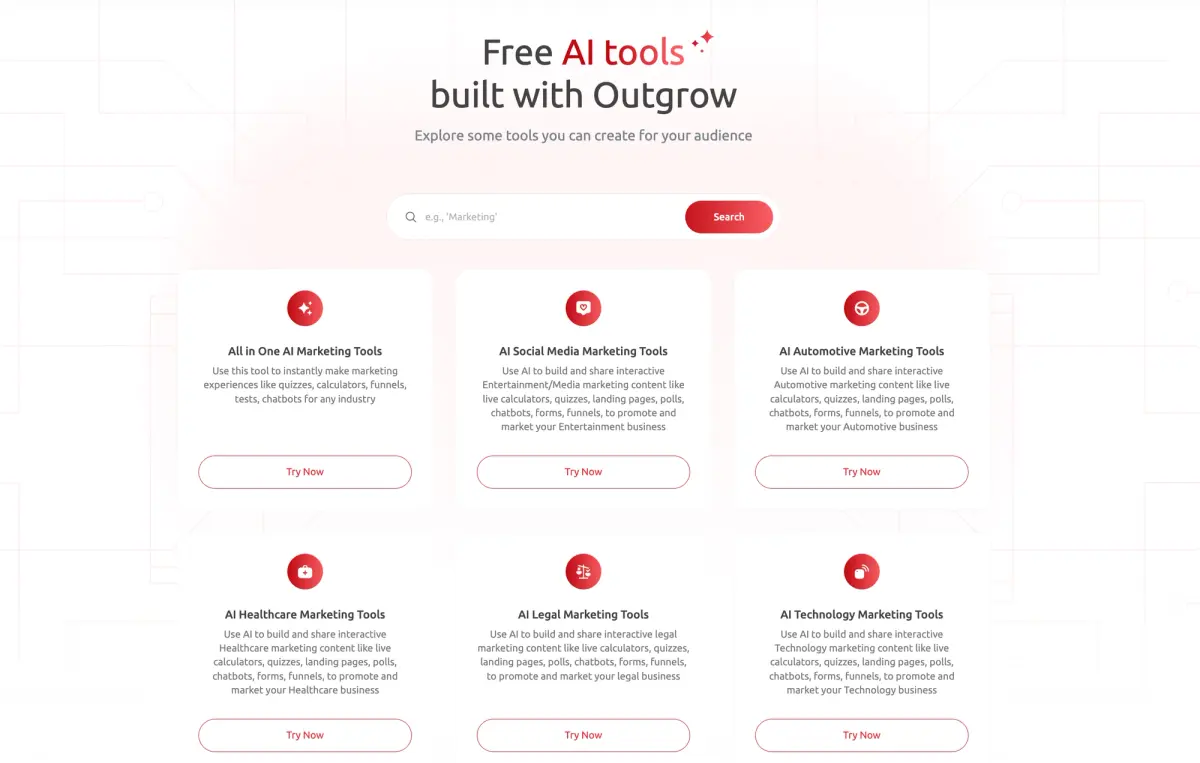
Compare Dashform and Outgrow by drafting workflow, qualification requirements, branding, and current plan allowances. Test the features your campaign needs before switching.
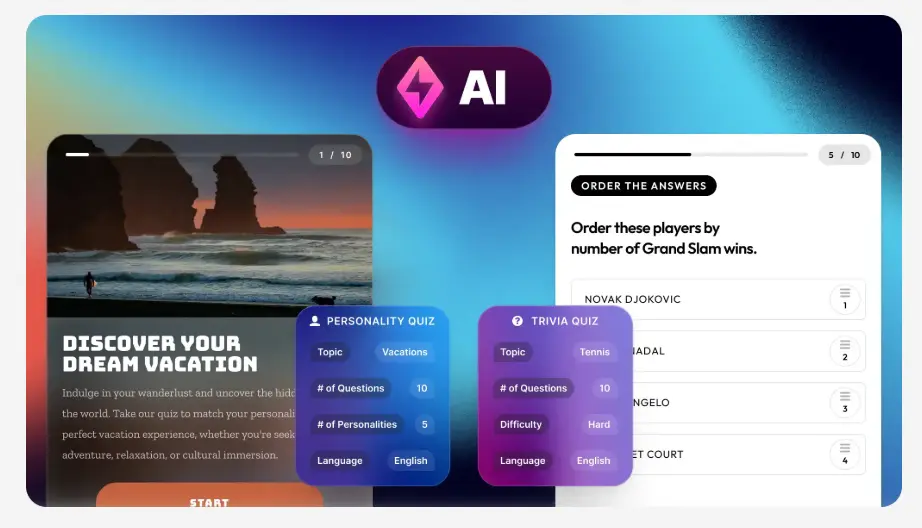
Evaluate Dashform and Riddle for quiz drafting, question logic, result content, branding, and publishing with a practical workflow checklist.
Looking for a smarter alternative to Specific.app? Dashform AI Survey offers adaptive logic, AI-generated follow-ups, and flexible workflows designed for teams that need deeper insights and better decision-making.
Try the world's first AI-native form and turn every response into action instantly.