

The Vacation Itinerary Form opens by asking for the destination, length of stay, and arrival and departure dates, building a clear timeline for the trip. It then asks which mode of transportation will be used — plane, train, car, bus, or cruise — followed by the estimated budget and the number of travelers, giving the owner a complete logistical picture. The final question asks whether the trip is being planned for the respondent personally or for a client, which helps travel planners keep their own trips separate from client work. After submitting, respondents see a confirmation screen letting them know their travel details have been recorded.
Try the conversation below to see how this template works
Trusted by over 10,000 customers and growing
Conversations Started
Questions Answered
Forms Created
The "Are you planning this trip for yourself or a client?" question and the full logistical details make it easy to intake new client trips and keep them organized.
The "How many people will be traveling?" question alongside the budget and transport questions helps coordinators plan for the right group size and cost from the start.
The arrival, departure, and destination questions create a personal trip record that captures all the essentials before a vacation begins.

AI builds and refines your form through natural conversation no templates, no complex logic, no coding. From a simple text prompt or URL, Dashform generates intelligent flows that adapt automatically.
Dashform turns traditional form-filling into a two-way dialogue. The AI understands intent, remembers context, and asks relevant follow-up questions just like a real human conversation.
Every response is transformed into structured, meaningful, and ready-to-use data. Integrate with your favorite tools.
Everything you need to create amazing forms
Everything you need to know about this template
Don't see exactly what you need? Use our AI Form Generator to create a custom form in seconds. Just describe what you want, and AI will build it for you.
Explore more templates to find the perfect fit
 Appointment Booking
Schedule a personalized 1-on-1 coaching session by sharing your contact details, coaching focus, and availability.
 General Request
Collect project details, budget breakdowns, and expected outcomes from funding applicants in one structured form.
 Fundraising
Collect product orders, payment preferences, and delivery details for your school or organization's fundraiser.
 Other
OtherOrganize a person’s name, life dates, service arrangements, tributes, and family contact for a separately written resolution.
 Assessment
A clinical intake questionnaire covering mood, stress, sleep, coping strategies, and recent life changes to support patient mental health care.
 Membership Registration
Register for the Game Dev Club by sharing your skills, interests, academic year, and what you hope to get out of membership.
Learn how to get the most out of your forms and templates
Call-to-action button examples grouped by goal, with best practices for placement, color, copy, and A/B testing.
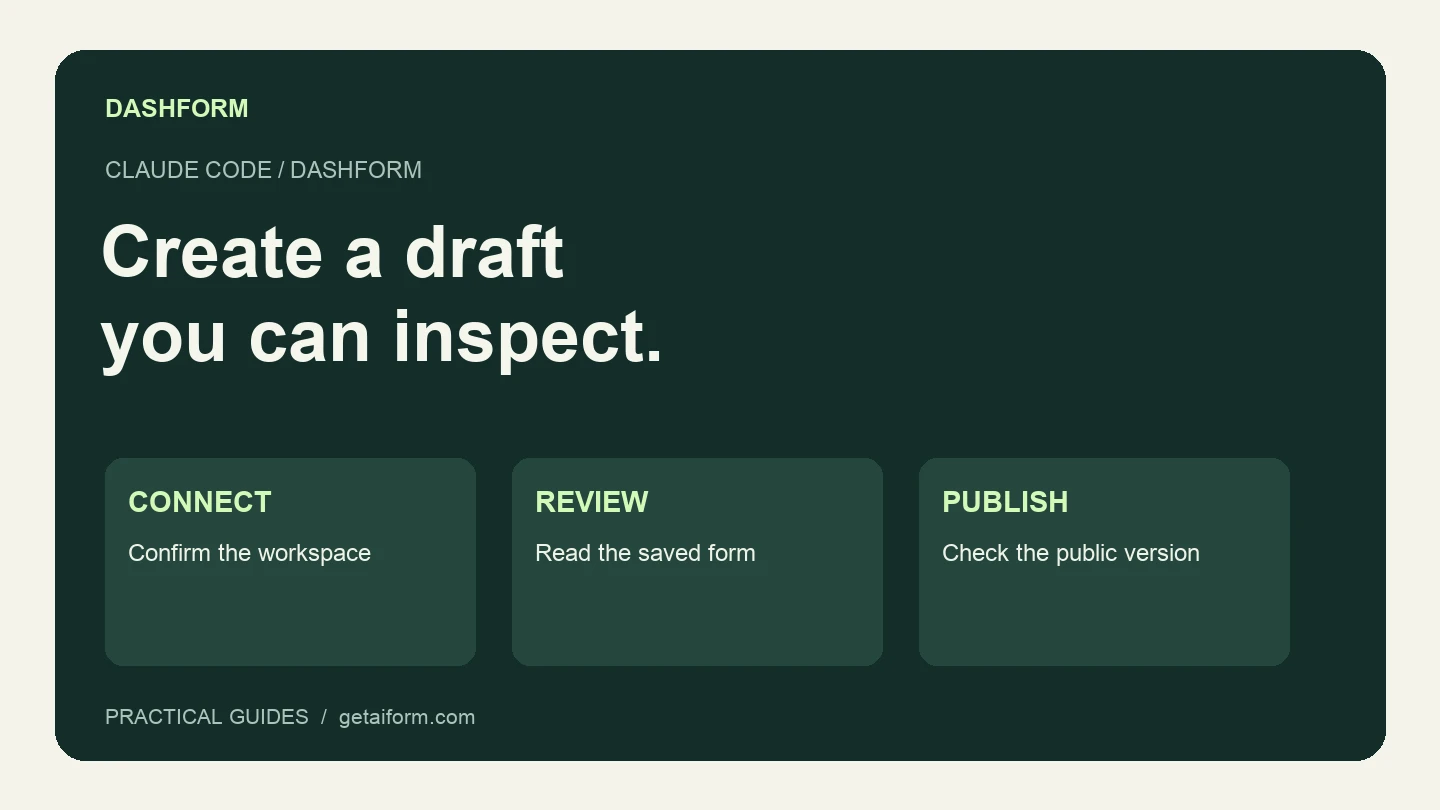
Connect Claude Code to Dashform, create and inspect a form draft, and understand the difference between reusable skills, MCP access, and publishing.
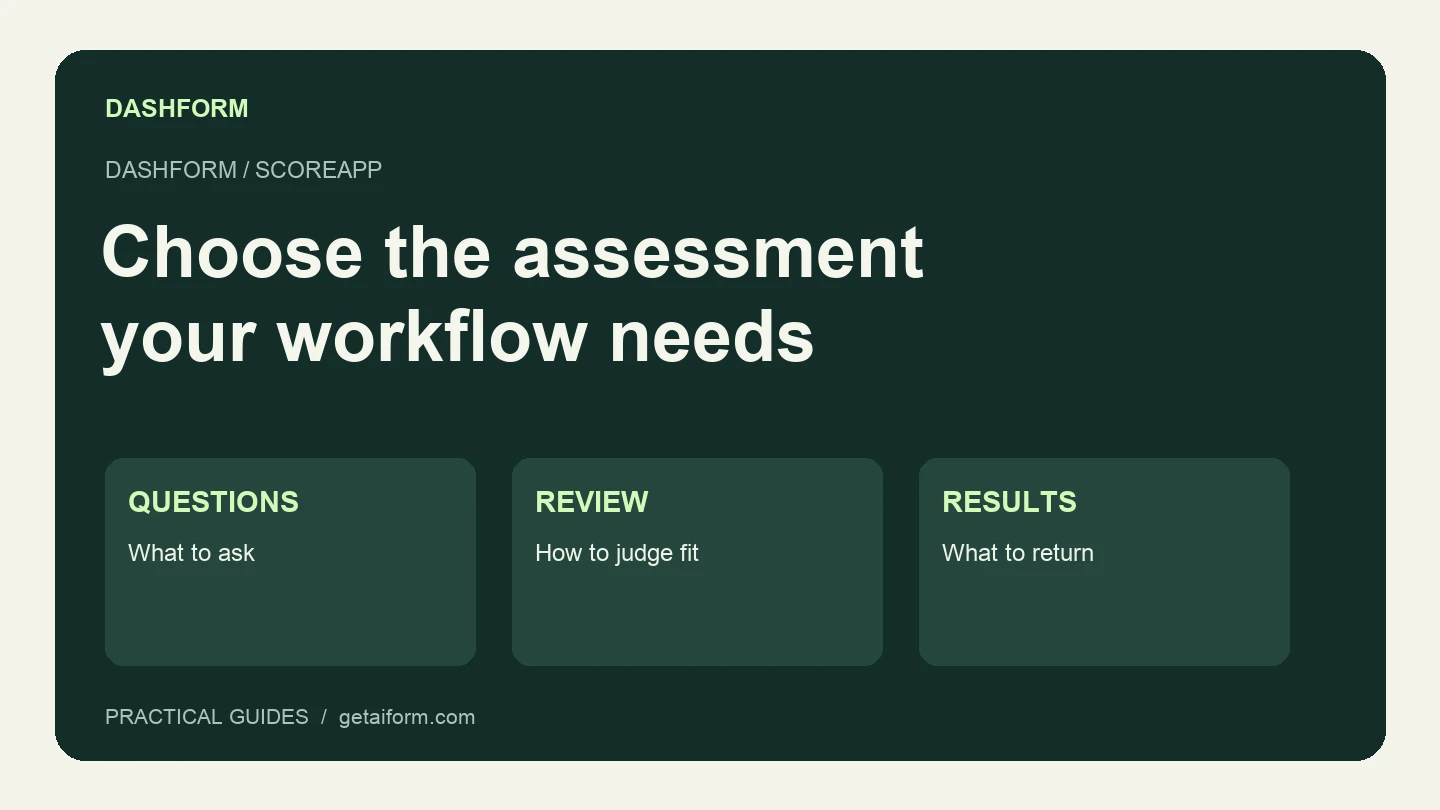
Compare Dashform and ScoreApp for coaching and agency assessments, including current pricing, scoring differences, and what to check before switching.
Try the world's first AI-native form and turn every response into action instantly.