


GPT-5.4 Computer Use Explained: How AI Agents Will Automate Your Entire Sales Funnel
On March 5, 2026, OpenAI shipped something that changes the rules of sales automation: GPT-5.4 with native computer use. This is not chatbot territory anymore. GPT-5.4 can see your screen, move your mouse, click buttons, and navigate complex software workflows. It scored 75% on the OSWorld benchmark, surpassing the human baseline of 72.4%. For the first time, an AI model is literally better than the average human at using a computer.
If you run a sales funnel, from ad click to closed deal, every stage is about to get an AI co-pilot that actually operates your tools instead of just suggesting what to do. This article breaks down exactly how computer use works, what it means for each funnel stage, and how to implement it without rebuilding your entire tech stack.
GPT-5.4 Computer Use: Benchmark Performance
| Benchmark | GPT-5 (2025) | GPT-5.4 (2026) | Human Baseline |
|---|---|---|---|
| OSWorld (computer tasks) | 38% | 75% | 72.4% |
| WebArena (web navigation) | 45% | 82% | 78% |
| Tool Use Accuracy | 71% | 93% | 85% |
| Multi-Step Task Completion | 52% | 84% | 80% |
| Error Recovery Rate | 30% | 67% | 75% |
What Is Computer Use and Why Should You Care?
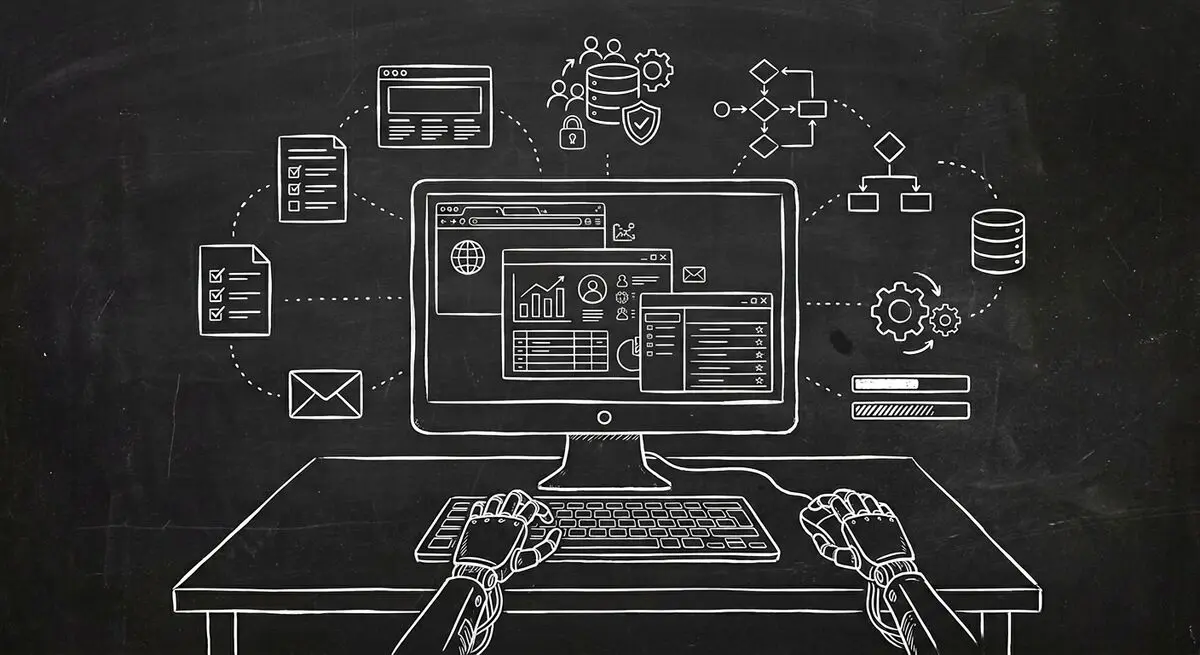
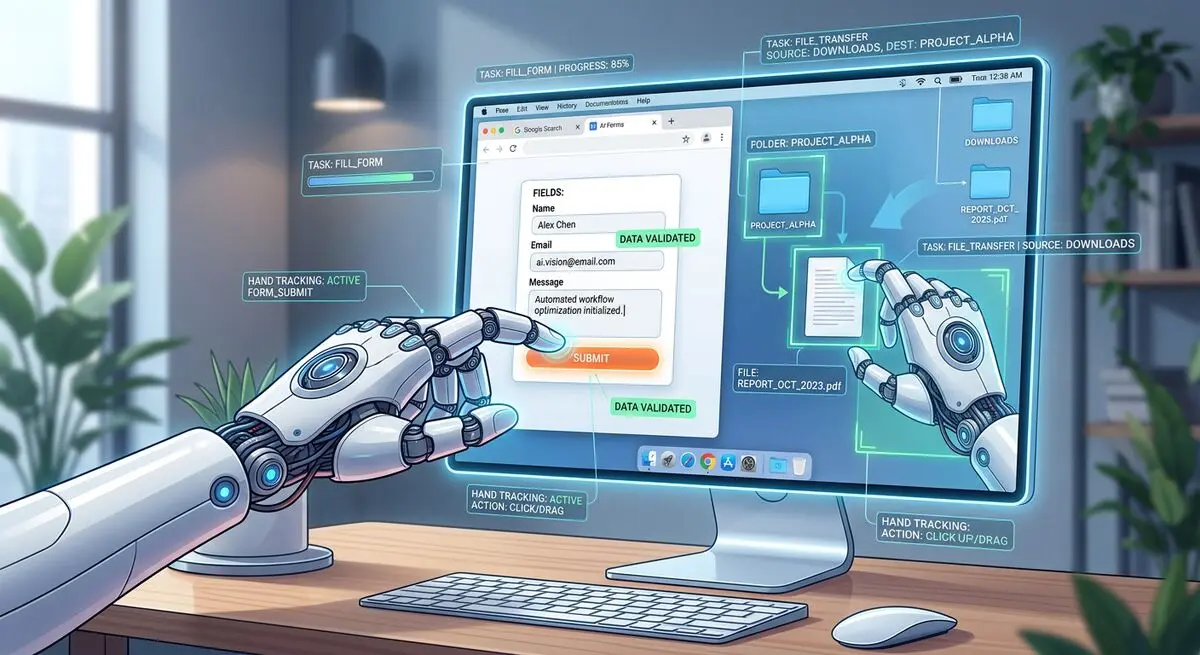
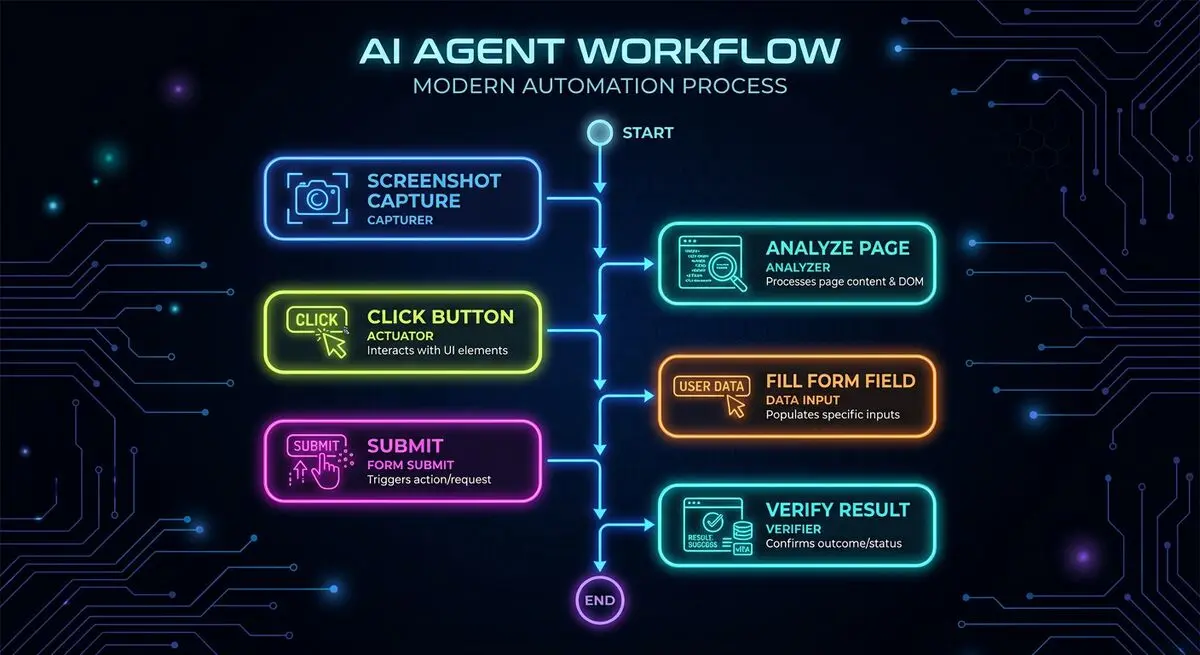
Computer use means an AI model can interact with software the same way you do. It sees the screen, understands the interface elements, and performs actions like clicking, typing, scrolling, and dragging. Previous models could only work through APIs or code. GPT-5.4 works through the actual user interface.
This matters because most small and mid-sized businesses use 5-15 different software tools that do not integrate cleanly. Your CRM does not talk to your calendar. Your form builder does not sync with your project management tool. Your email platform has a different contact list than your CRM. Computer use agents bridge these gaps by operating each tool directly, just like a virtual assistant would.
Computer Use Across Every Sales Funnel Stage
Stage 1: Lead Capture
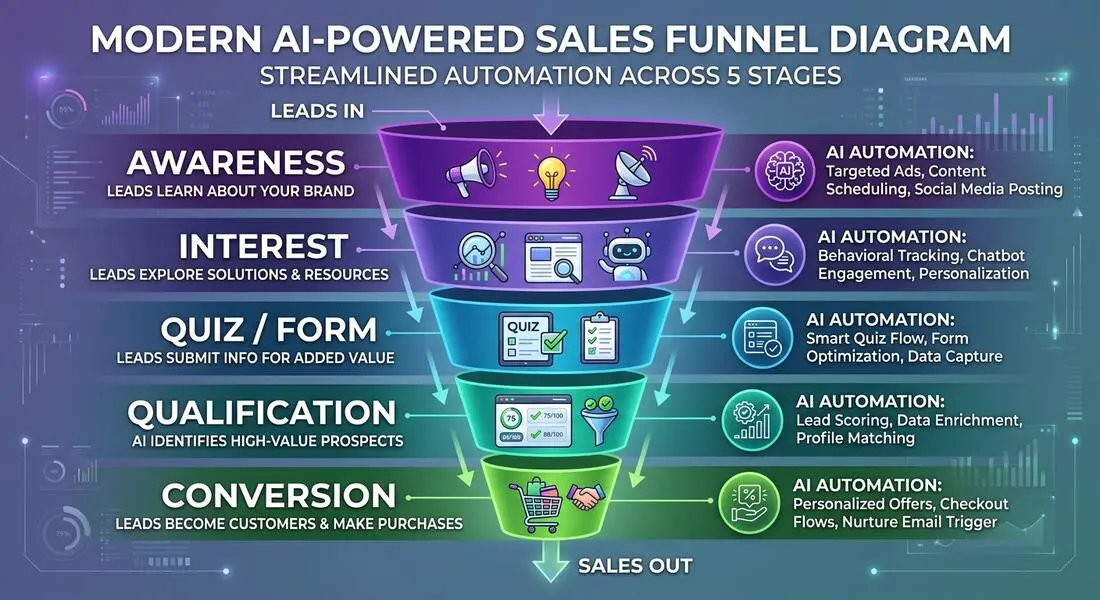
At the top of your funnel, GPT-5.4 enhances how leads interact with your forms and quizzes. AI-powered forms adapt in real time, asking smarter follow-up questions based on previous answers. The result: completion rates of 55-65% versus the 20% industry average for static forms.
But the real power is what happens after submission. A computer use agent can take that form data, open your CRM, create a new contact, add the form details, set a lead score, and assign the lead to a sales rep. All within 30 seconds of submission.
Stage 2: Lead Qualification
Traditional lead qualification relies on manual review or basic scoring rules. GPT-5.4 brings a new approach. It can pull up a lead's LinkedIn profile, check their company website, review their form responses, cross-reference your ideal customer criteria, and produce a qualification score with reasoning. All through computer use. No API integrations needed.
Stage 3: Outreach and Follow-Up
Here is where computer use gets powerful. After qualifying a lead, GPT-5.4 can:
- Open your email client and draft a personalized follow-up referencing specific details from their form submission
- Navigate to your scheduling tool and generate a custom booking link
- Create a proposal draft in your document editor tailored to the lead's needs
- Update your CRM with notes, next steps, and follow-up reminders
Each of these actions used to require a separate integration or manual work. Computer use handles them through the interfaces you already use.
Stage 4: Meeting Prep and Closing
Before a sales call, a GPT-5.4 agent can compile a briefing document by navigating to the lead's website, recent social posts, and CRM history. During the meeting, it can take notes. After the meeting, it can update the deal stage, send the recap email, and schedule the next touchpoint.
Stage 5: Onboarding
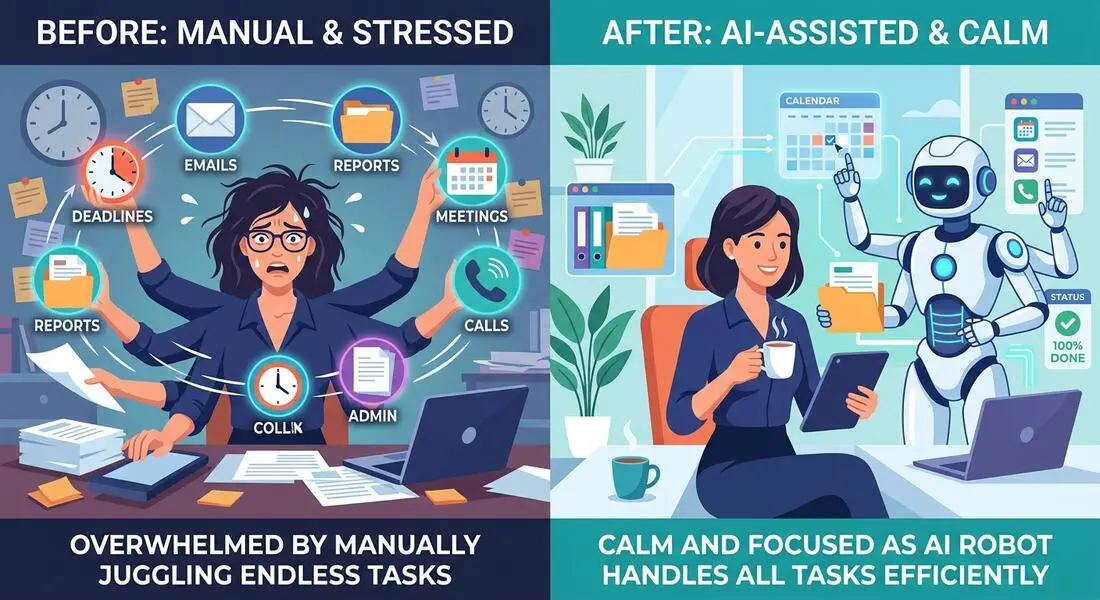
Once a deal closes, the same computer use agent handles client onboarding. It sends the welcome sequence, triggers the intake form, schedules the kickoff call, and creates the project in your management tool. What used to take 2-3 hours of admin work per client happens in minutes.
Real-World Sales Funnel Automation Examples
Sales Funnel Time Savings with GPT-5.4 Computer Use
| Funnel Stage | Manual Time | With GPT-5.4 | Time Saved | Tasks Automated |
|---|---|---|---|---|
| Lead Capture to CRM Entry | 8-15 min/lead | 30 seconds | 96% | Form processing, CRM entry, lead scoring |
| Lead Qualification | 20-30 min/lead | 2 minutes | 93% | Research, scoring, routing |
| Follow-Up Email | 10-15 min/lead | 1 minute | 93% | Personalized drafting, scheduling, CRM update |
| Meeting Prep | 30-45 min | 5 minutes | 87% | Briefing doc, agenda creation, CRM review |
| Client Onboarding | 2-3 hours | 15 minutes | 88% | Welcome email, forms, scheduling, project setup |
How to Implement Computer Use Without Breaking Your Stack
The beauty of computer use is that it works with your existing tools. You do not need to migrate platforms or set up complex API integrations. Here is a practical implementation approach:
Week 1: Start with Form-to-CRM Automation
Begin by deploying AI-powered lead capture forms on your website. Set up a computer use agent to take each submission and enter it into your CRM. This single automation saves 10-15 hours per week for most small businesses.
Week 2: Add Qualification and Routing
Configure the agent to research each lead after CRM entry. Define your ideal customer profile criteria, and let the agent score and route leads automatically. High-scoring leads get an immediate personal email. Others enter a nurture sequence.
Week 3: Automate Follow-Ups
Set up agent workflows for post-submission follow-ups, meeting scheduling, and proposal generation. Each workflow uses computer use to interact with your actual email, calendar, and document tools.
Week 4: Full Funnel Review
After three weeks of running GPT-5.4 agents, review the data. Check lead quality scores against actual close rates. Adjust qualification criteria. Expand automation to additional funnel stages based on where you see the highest ROI.
Security and Privacy Considerations
Computer use means AI is interacting with real software and real data. Take these precautions:
- Use dedicated accounts with limited permissions for AI agents. Never give an agent admin access.
- Enable audit logging on all tools the agent accesses. Review logs weekly.
- Implement approval workflows for high-stakes actions like sending proposals or updating billing information.
- Ensure compliance with GDPR, CCPA, and any industry-specific regulations. AI agents must handle personal data with the same care as human employees.
- Start with low-risk tasks (data entry, scheduling) before expanding to higher-stakes actions (outreach, proposals).
Frequently Asked Questions
Does GPT-5.4 computer use work with any software?
GPT-5.4 computer use works with standard web applications and desktop software that has a graphical interface. It performs best with common business tools like Salesforce, HubSpot, Google Workspace, Microsoft 365, and popular project management platforms. Highly custom or heavily secured enterprise applications may require additional configuration.
Is computer use safe for handling customer data?
Computer use is as safe as any employee accessing the same tools, with proper safeguards in place. Use dedicated agent accounts with role-based permissions, enable audit logging, and implement approval workflows for sensitive actions. The AI does not store data independently; it works within the security framework of each tool it accesses.
How much does GPT-5.4 computer use cost?
GPT-5.4 API pricing is $2.50 per million input tokens and $15 per million output tokens. Computer use tasks consume more tokens due to screen analysis, but the new Tool Search feature reduces token usage by 47%. For a typical small business automating 50-100 leads per week, expect monthly AI costs of $100-300. This replaces 40-60 hours of manual work.
Can GPT-5.4 handle multi-step workflows across different tools?
Yes. This is the core advantage of computer use. GPT-5.4 can start in your CRM, switch to your email client, navigate to your calendar, and return to your CRM to update the record. It maintains context across all these steps thanks to the 1 million token context window, which is far beyond what was previously possible.
How does this compare to traditional automation tools like Zapier?
Traditional automation tools work through APIs and predefined triggers. Computer use works through the user interface, which means it can automate workflows that have no API, handle edge cases that break rigid automations, and adapt to interface changes. Think of Zapier as highway driving with fixed routes. Computer use is like having a driver who can navigate any road.
What Comes Next
GPT-5.4 computer use is the beginning of a fundamental shift in how businesses operate. The AI is no longer limited to generating text. It can take action. For sales funnels, this means every manual, repetitive task between lead capture and closed deal can be delegated to an AI agent that works 24/7. The businesses that implement this first will have a compounding advantage in speed, cost, and conversion rates. Start with AI-powered lead capture forms and build your automation layer from there.





