

The Production Worksheet Form opens by asking for the task's name or description and the person assigned to it, establishing the who and what before moving into logistics. It then collects required materials, a target completion date, and current status — chosen from options like 'Not Started', 'In Progress', or 'Pending Review' — so managers can spot blockers at a glance. A dedicated "Has the quality check for this task been completed and passed?" question keeps quality control visible on every submission, followed by a free-text notes field and an optional efficiency rating from one to five. After submitting, respondents see a confirmation that their production details have been recorded and that the entry supports streamlined operations and quality control.
Try the conversation below to see how this template works
Trusted by over 10,000 customers and growing
Conversations Started
Questions Answered
Forms Created
Rely on the "What is the current status of this production task?" and quality check questions to monitor every task's progress and QC outcome without chasing updates manually.
Use the target completion date and materials questions to plan resource allocation and flag scheduling conflicts before they cause delays.
Depend on the "Has the quality check for this task been completed and passed?" question to ensure a pass, fail, or pending verdict is recorded against every task, making audit trails straightforward.

AI builds and refines your form through natural conversation no templates, no complex logic, no coding. From a simple text prompt or URL, Dashform generates intelligent flows that adapt automatically.
Dashform turns traditional form-filling into a two-way dialogue. The AI understands intent, remembers context, and asks relevant follow-up questions just like a real human conversation.
Every response is transformed into structured, meaningful, and ready-to-use data. Integrate with your favorite tools.
Everything you need to create amazing forms
Everything you need to know about this template
Don't see exactly what you need? Use our AI Form Generator to create a custom form in seconds. Just describe what you want, and AI will build it for you.
Explore more templates to find the perfect fit
 Customer Feedback
Collect structured post-tour ratings, itinerary feedback, and open-ended suggestions from travelers in one concise form.
 Invoice
Enter vehicle, route, towing service, charge, and reported payment method for separate receipt preparation.
 Agreement
Document and submit proposed amendments to existing international trade agreements clearly and formally.
 Agreement
Outline buyer, seller, trailer identification, price, date, and condition terms before preparing a separate bill of sale.
 General Application
Collect applicant contact details, program interest, goals, experience, and funding needs in one straightforward form.
 Survey
Collect structured post-training feedback on content, instructor effectiveness, relevance, and suggested improvements.
Learn how to get the most out of your forms and templates
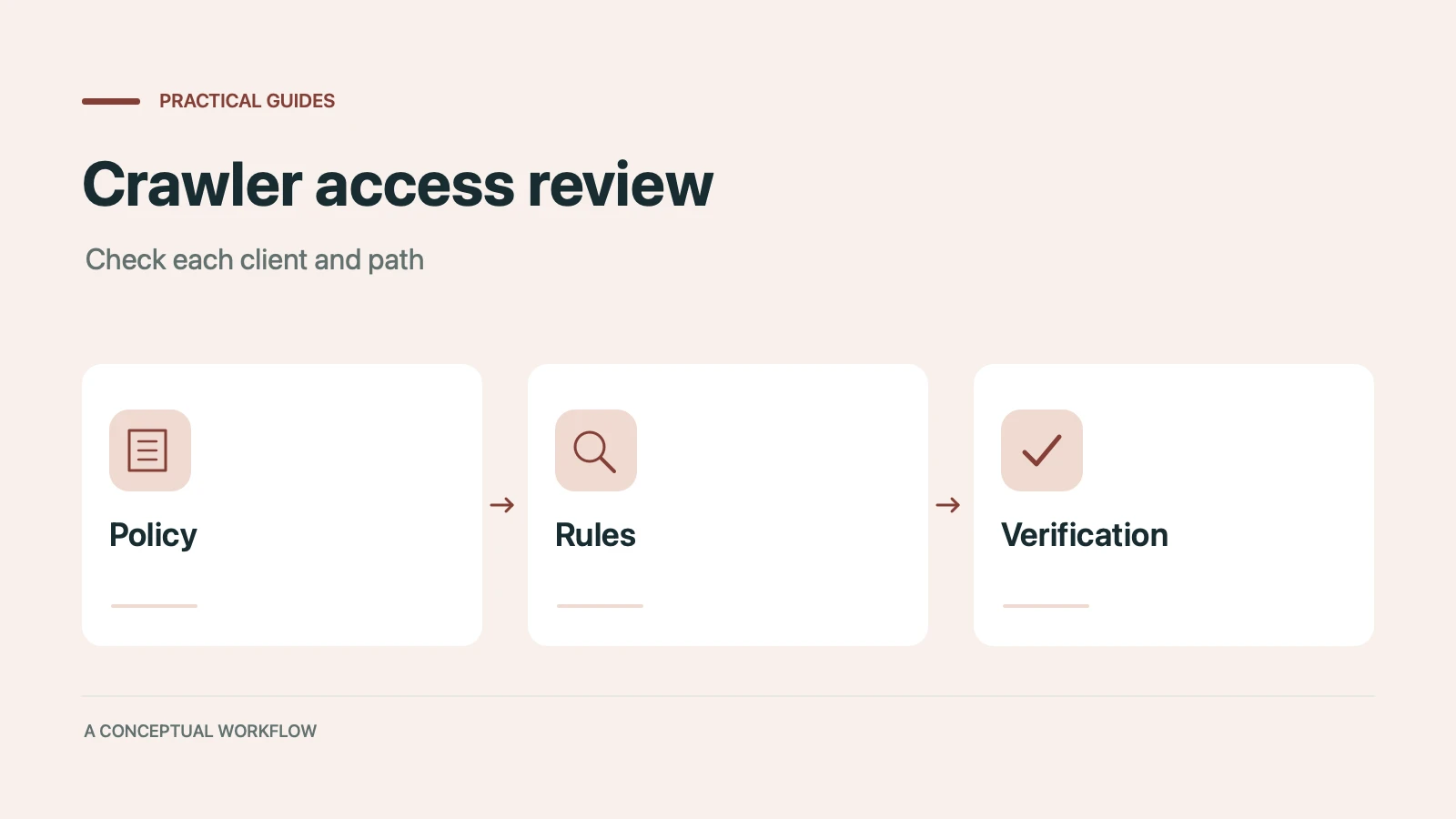
Many websites block AI crawlers without knowing it. Which 12 AI bots visit your site, how to check your robots.txt, and copy-paste fixes to become visible to ChatGPT, Claude, and Gemini.
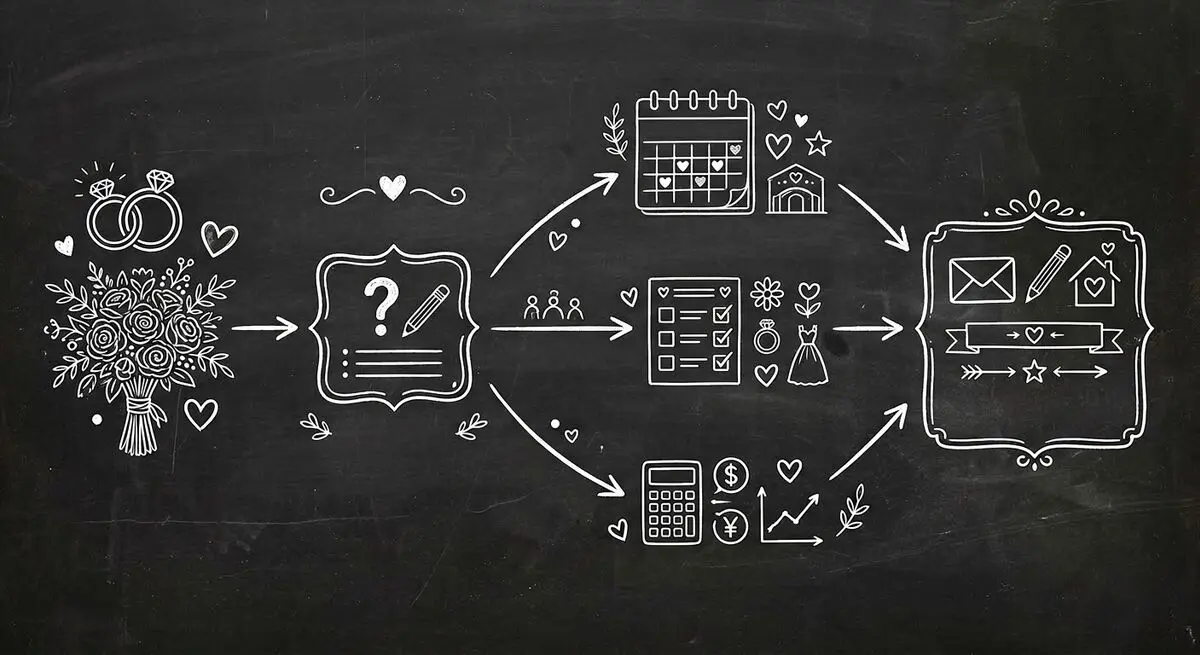
How wedding planners can use AI quiz funnels to attract and qualify couples online by style, budget, and timeline, and walk into consultations prepared. Step-by-step implementation guide.

A conversational form asks one question at a time, like a person would. The three kinds, worked examples, when they beat a regular form, and when they don't.
Try the world's first AI-native form and turn every response into action instantly.