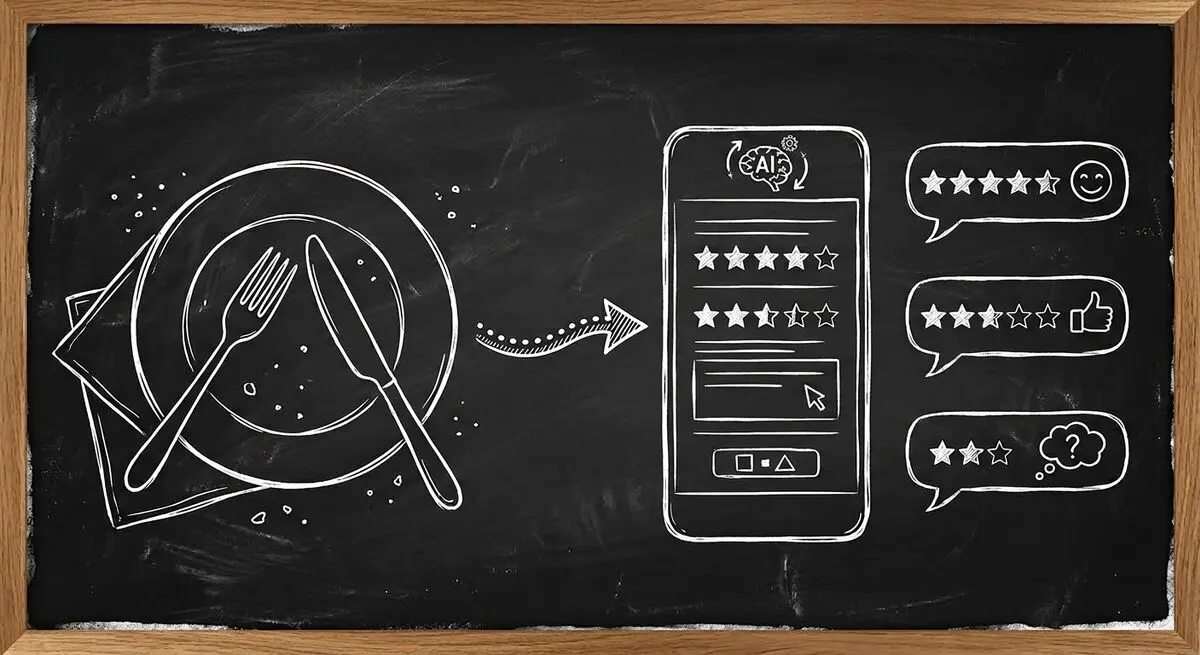
A negative Google review can keep future diners away. Many of them start as a problem that could have been fixed at the table, yet many restaurants still rely on passive review monitoring instead of proactive feedback systems.
A Dashform feedback form can collect guests' answers through a link or externally generated QR code. Configure any manager notification and follow-up explicitly. Offer a public-review invitation consistently to all guests rather than selecting only positive respondents.
Restaurant Feedback: Passive Monitoring vs AI-Powered Collection
| Aspect | Passive Monitoring | AI Feedback Forms |
|---|---|---|
| When you hear about a problem | After it's posted publicly | While the guest is still there |
| How much feedback you get | Only from guests who post reviews | From any guest who scans the code |
| Review requests | None | Invited at the end of the visit |
| Repeat visits | Left to chance | Guests see their feedback acted on |
Why Restaurants Lose Money on Reviews
The restaurant review ecosystem is broken. Here is why:
- Public reviews may not represent every guest's experience; compare them with other feedback sources.
- By the time a negative review appears on Google, the damage is done. The customer has left, the experience cannot be recovered, and potential customers see the complaint.
- Assign a review owner and record response timing rather than assuming feedback will be handled.
- Check how many replies each channel collects and whether the answers support an operational decision.
How AI Feedback Forms Work for Restaurants
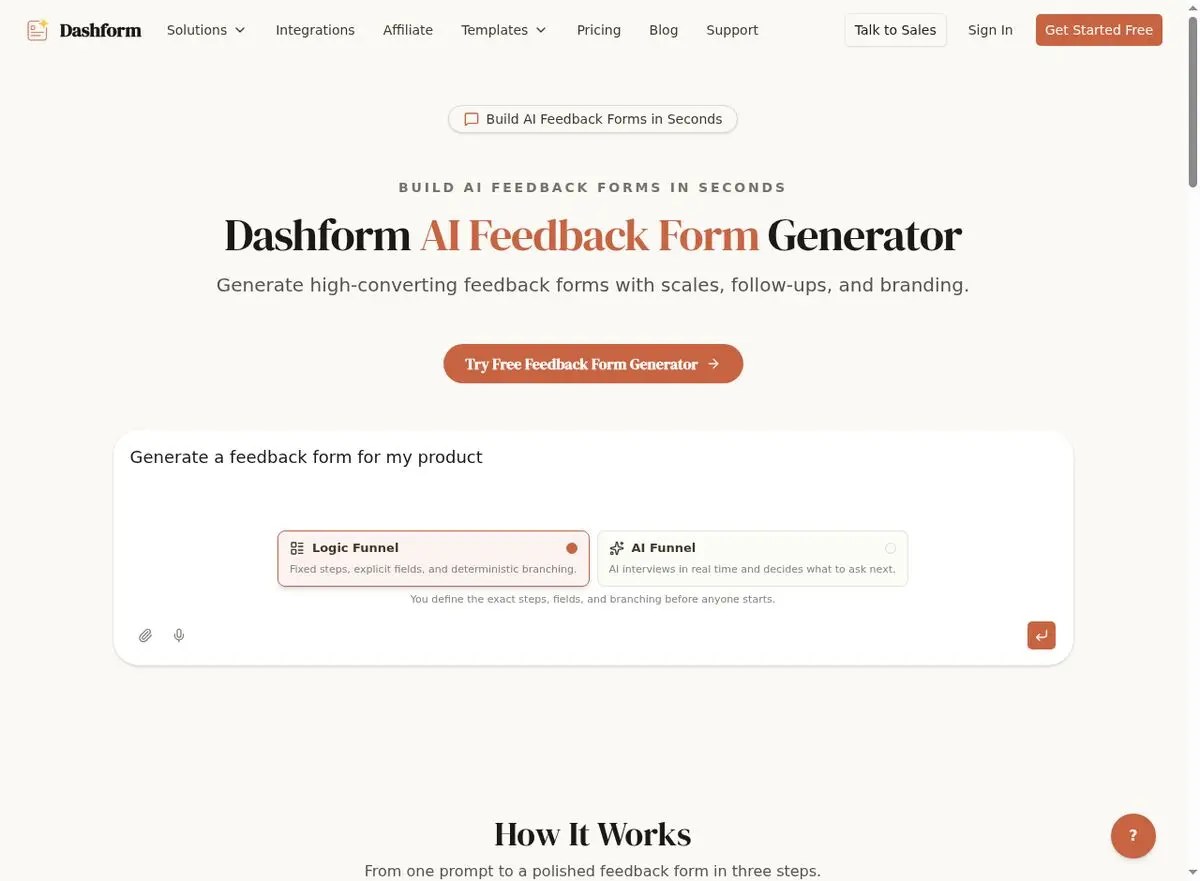
The Dashform AI Feedback Form Generator creates intelligent post-dining feedback forms that capture customer sentiment in real-time.
Here is a proposed setup to configure and test:
- Table-top QR codes link to a short feedback form. Diners scan with their phone while still at the restaurant or immediately after leaving.
- The form asks 4-6 targeted questions: overall satisfaction (1-5 stars), food quality, service quality, atmosphere, and one open-ended comment. Measure completion time during testing.
- AI-powered routing based on responses. Every guest sees a 'Share your experience on Google' button with a one-tap review link at the end. Configure a Destination condition for low ratings; SMS needs a separate messaging tool.
- Define who monitors notifications and how staff should respond if the guest is still present. Test timing and use the restaurant's approved service-recovery policy.
- Collect the location or shift fields needed for analysis, then review Replies or exports using consistent definitions. Do not assume a prebuilt weekly restaurant dashboard.
Setting Up AI Feedback for Your Restaurant
Step 1: Create Your Feedback Form
Use the AI Feedback Form Generator to build a short, mobile-optimized feedback form. Describe your restaurant type (fine dining, casual, fast-casual, cafe, bar) and the AI generates appropriate questions. Keep it to 4-6 questions maximum for high completion rates.
Step 2: Set Up QR Codes
Generate QR codes that link to your feedback form. Print them on table tents, receipt holders, or check presenters. Each QR code can include a location identifier so you know which table or section the feedback comes from.
Step 3: Configure Smart Routing
Author an Ending with the same public-review invitation for all guests. Configure a Slack or email Destination for relevant low-rating answers, or an external SMS workflow. Test the saved reply and delivered notification.
Step 4: Add Customer Surveys
Complement real-time feedback with periodic customer satisfaction surveys sent via email to your loyalty program members. These deeper surveys cover menu preferences, pricing perception, dietary needs, and event interest.
What to Measure in a Restaurant Pilot
These are evaluation questions, not measured customer results:
- How many guests open and complete the form?
- Do notifications reach the intended staff member?
- Which concerns receive a documented follow-up?
- Do collected fields support useful comparisons across shifts?
- What changes in public-review volume or repeat visits can your records actually support?
AI feedback systems are fundamentally a retention and reputation tool: they help you keep the guests you already have.
Beyond Feedback: AI Forms for Restaurant Operations
Other proposed uses for Dashform include:
- Menu recommendation quizzes for your website. 'What should you order?' quizzes drive engagement and can suggest premium items based on taste preferences.
- Staff application forms with AI-powered screening questions that pre-qualify candidates based on experience, availability, and position fit.
- Event booking questionnaires for private dining, catering inquiries, and special events. Collect party size, dietary needs, budget, and theme preferences before the first call.
- Supplier feedback forms for tracking food quality, delivery reliability, and pricing from your vendors.
Frequently Asked Questions
Will customers actually scan QR codes to give feedback?
Test whether your guests use the QR link. A proposed starting point is a short set of relevant questions; measure actual completion rather than promising a fixed time.
How quickly do managers get alerted about negative feedback?
Configure a Slack or email Destination with an appropriate answer-based condition and selected fields. SMS requires a separately configured external tool. Test delivery timing and staff coverage; no fixed alert time is guaranteed.
Can this replace our existing review management platform?
Dashform complements your review management platform. It captures feedback before it becomes a public review, giving you the opportunity to resolve issues while the guest is still there.
What about multiple locations?
Create separate forms or collect a location answer, then generate QR links externally. Configure your reporting process with consistent fields before comparing locations. Start a form.
How do I get more Google reviews from this?
After a customer finishes the feedback form, they can see a prompt to share their experience on Google with a direct link to your Google Business Profile review page. Asking at the end of a good meal is the easiest moment to ask. Make the invitation to every guest, not only happy ones: Google's policies don't allow asking only satisfied customers for reviews.