Nonprofits run on forms. Donor surveys. Volunteer applications. Event registrations. Grant reporting questionnaires. Board member evaluations. Yet most nonprofit organizations still manage these through a patchwork of Google Forms, paper sign-up sheets, and email chains. The result is fragmented data, volunteer burnout during manual entry, and missed engagement opportunities.
AI-powered form builders like Dashform give nonprofits professional-grade form automation without enterprise budgets. Create intelligent volunteer intake forms, donor feedback surveys, and event registration systems in minutes. This guide covers how nonprofits of every size can automate their form workflows to focus more time on mission-critical work.
Nonprofit Form Operations: Manual vs AI-Automated
| Metric | Manual (Google Forms + Paper) | AI-Automated (Dashform) | Improvement |
|---|---|---|---|
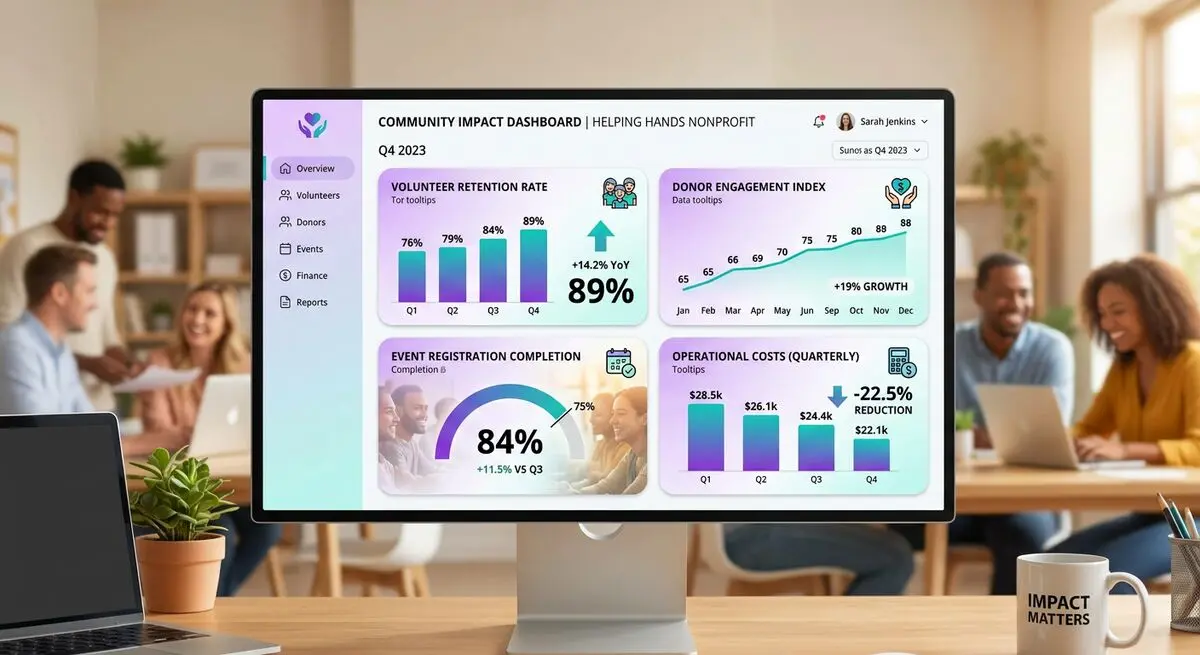
| Volunteer onboarding time | 35-45 min | 10-12 min | -72% |
| Event registration completion | 58% | 89% | +53% |
| Donor survey response rate | 12% | 42% | +250% |
| Data entry staff hours/week | 8-12 hrs | 1-2 hrs | -85% |
| Volunteer retention (6-month) | 34% | 56% | +65% |
| Form creation time | 2-4 hrs | 15-20 min | -90% |
The Form Problem in Nonprofits
Nonprofits process more forms than most businesses. Consider a mid-size nonprofit with 200 volunteers, 5,000 donors, and 20 annual events. In a typical year they handle:
- 200+ volunteer applications with background check consent, skills assessments, availability schedules, and emergency contact information.
- 4-6 donor surveys per year measuring satisfaction, communication preferences, giving motivations, and program interest areas.
- 20+ event registration forms collecting attendee details, dietary restrictions, accessibility needs, payment processing, and waiver signatures.
- Quarterly impact reports requiring data collection from program staff across multiple departments.
- Board member evaluations, staff satisfaction surveys, and community needs assessments.
Most nonprofits manage this volume with Google Forms, Typeform free tier, or paper forms at events. The problems compound:
- Data lives in 15 different Google Forms with no central view. A volunteer's application, training records, and event participation exist in separate disconnected spreadsheets.
- Staff spend 8-12 hours per week on data entry, reconciliation, and report generation from form submissions.
- Event registration forms lack conditional logic. Every attendee answers every question regardless of relevance, leading to lower completion rates.
The Nonprofit Technology Network reports that 73% of nonprofits cite form and data management as a top-3 operational challenge. The irony: nonprofits that need efficiency most are using the least efficient tools.
How AI Forms Transform Nonprofit Operations
AI form generators like Dashform create intelligent, adaptive forms that solve the specific challenges nonprofits face:
Volunteer Onboarding That Retains
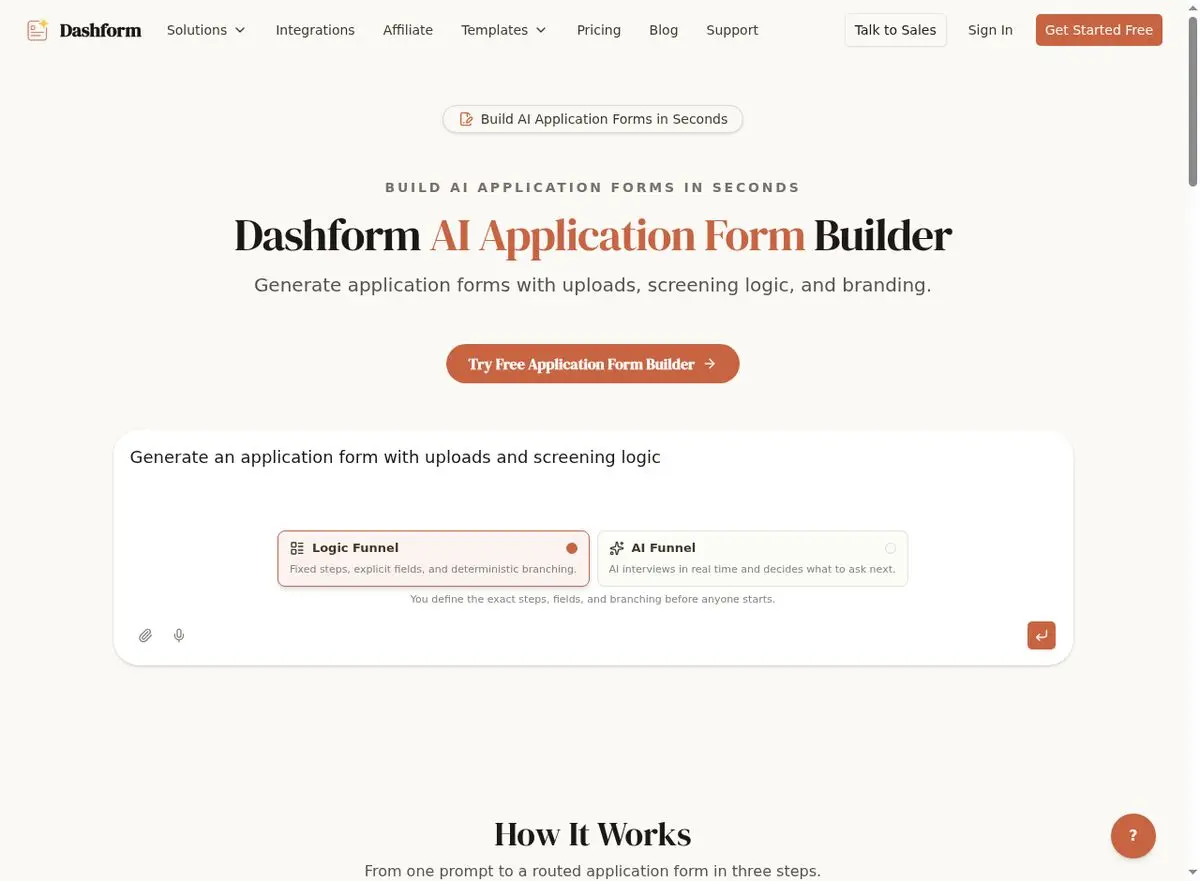
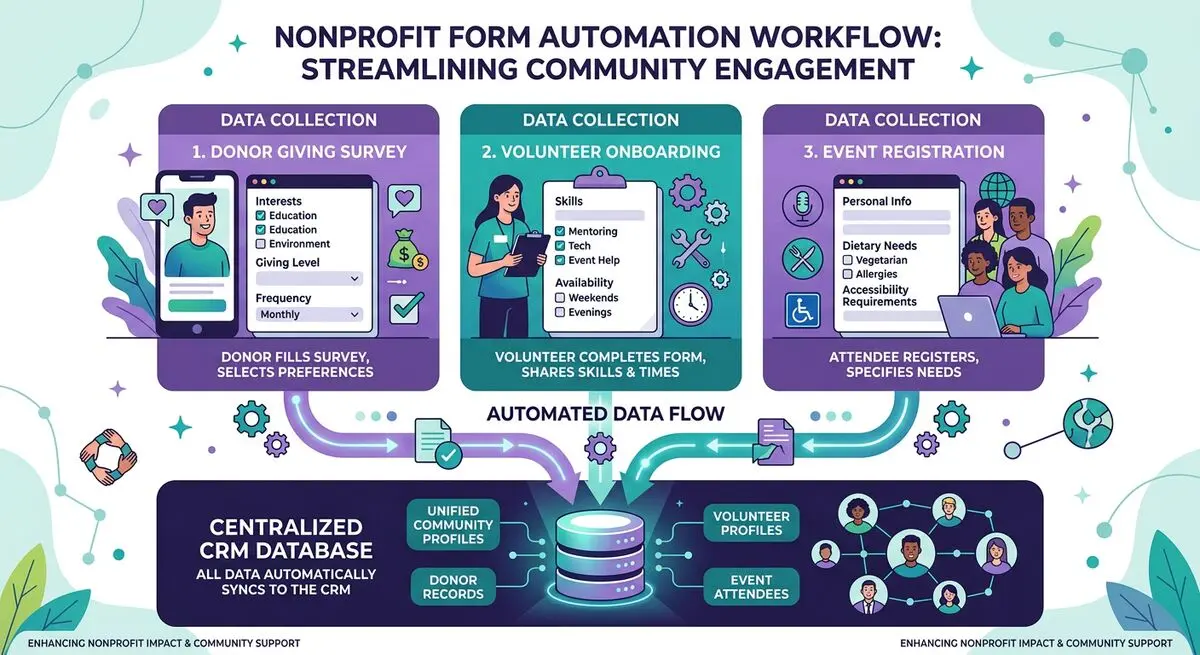
The AI Application Form Builder creates volunteer intake forms with conditional logic. A volunteer interested in 'event support' sees questions about availability, physical requirements, and crowd management experience. A volunteer interested in 'administrative support' sees questions about software skills, data entry experience, and scheduling availability.
This personalization matters. Volunteers who are matched to roles that fit their skills and interests have a 65% higher 6-month retention rate. The AI form makes better matches from day one.
Donor Surveys That Drive Engagement
Generic donor surveys get 10-15% response rates. AI-generated donor surveys from the AI Survey Generator achieve 35-45% response rates because they adapt to each donor's relationship with your organization.
A first-time donor sees questions about what motivated their gift and how they discovered your organization. A recurring donor sees questions about program impact preferences and communication frequency. A major donor sees questions about legacy giving interest and board participation. Each survey path feels personally crafted.
Event Registration That Converts
Event registration forms built with the AI Form Generator use conditional logic to streamline the registration experience:
- A gala attendee sees questions about table preferences, dietary restrictions, auction paddle interest, and dress code confirmation.
- A 5K runner sees questions about t-shirt size, emergency contact, medical conditions, and pace group preference.
- A virtual event attendee sees questions about timezone, technical requirements, and session preferences.
Each event type gets a tailored registration experience. Completion rates jump from 58% to 89%.
Implementation Guide: AI Forms for Your Nonprofit
Step 1: Prioritize Your Highest-Volume Forms
Start with the forms you process most frequently. For most nonprofits, this is volunteer applications and event registrations. Automating these two form types typically saves 6-8 staff hours per week immediately.
Step 2: Build Smart Volunteer Intake
Use the AI Application Form Builder to create a volunteer application that collects personal information, skills assessment, availability, role preferences, and background check consent. The AI adds conditional logic automatically so volunteers only see relevant questions.
Step 3: Create Event Registration Templates
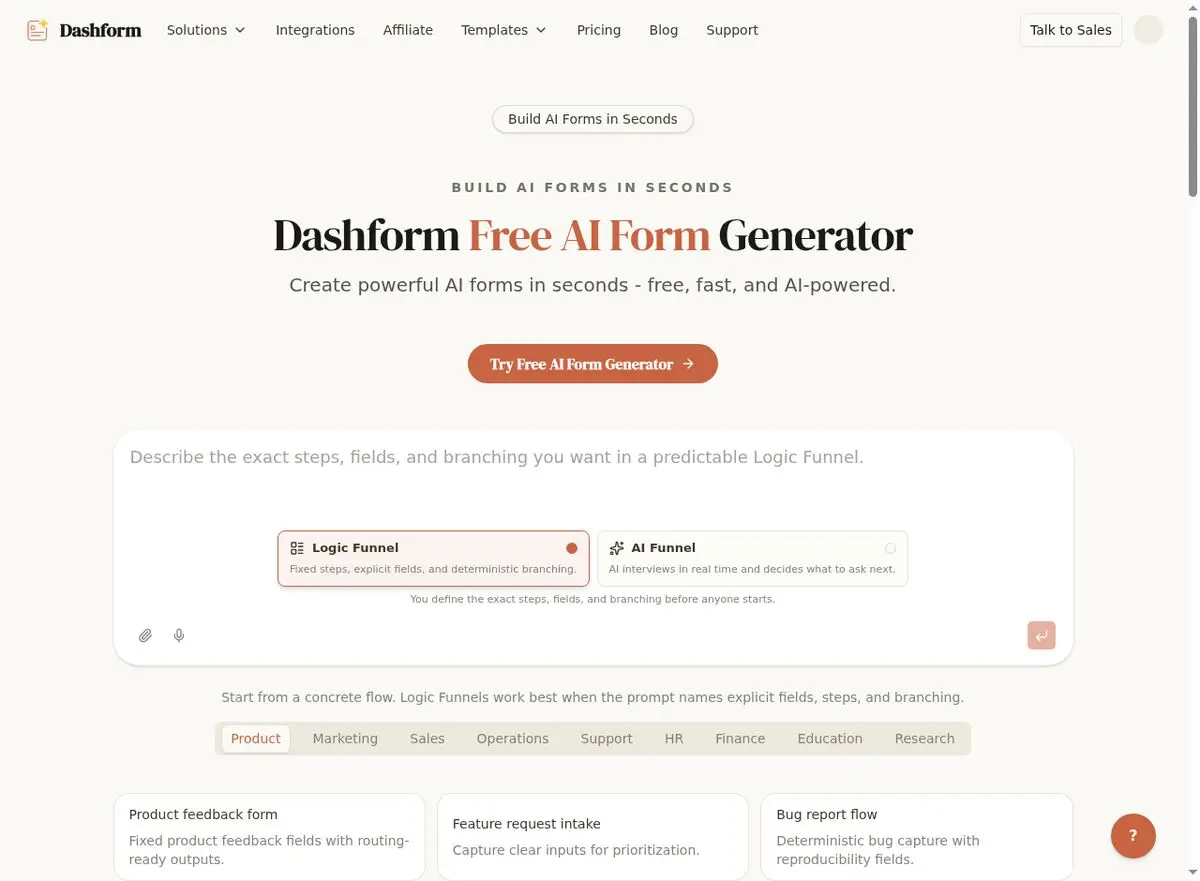
Build reusable event registration templates with the AI Form Generator . Create one template for in-person events, one for virtual events, and one for fundraising events. Customize each template for specific events in minutes.
Step 4: Launch Donor Feedback Programs
Deploy quarterly donor surveys using the AI Survey Generator . Start with a post-donation survey sent within 48 hours of each gift, then expand to quarterly engagement surveys and annual satisfaction assessments.
Real Results: Nonprofits Using AI Forms
Nonprofits that implement AI-powered form automation see consistent improvements across every operational area:
- Volunteer onboarding time drops 70%+. New volunteers go from application to first assignment in days instead of weeks. Better role matching from intelligent intake forms increases 6-month retention from 34% to 56%.
- Event registration completion rates jump from 58% to 89%. Conditional logic removes irrelevant questions, and mobile-optimized forms capture registrations from social media traffic immediately.
- Donor survey response rates increase 250%. Personalized surveys that adapt to each donor's relationship level generate dramatically more engagement and actionable insights.
- Staff reclaim 8-10 hours per week previously spent on data entry, form creation, and manual report compilation.
According to Nonprofit Tech for Good , organizations that invest in digital operations tools see 31% higher donor retention and 28% higher volunteer retention compared to those relying on manual processes.
AI Form Impact by Nonprofit Function
| Function | Before | After | Time Saved/Week | Engagement Lift |
|---|---|---|---|---|
| Volunteer Intake | 35-45 min/person | 10-12 min/person | 6 hrs | +65% retention |
| Event Registration | 58% completion | 89% completion | 4 hrs | +53% registrations |
| Donor Surveys | 12% response | 42% response | 3 hrs | +250% responses |
| Grant Reporting | Manual compilation | Auto-generated | 5 hrs | 2x faster |
| Board Evaluations | Paper + email | Digital + analytics | 2 hrs | +80% completion |
Nonprofit-Specific Features That Matter
Dashform includes features particularly valuable for nonprofits:
- Free tier available. Budget-constrained organizations can start with AI form generation at no cost.
- Template library with nonprofit-specific templates for volunteer intake, donor surveys, event registration, and community needs assessments.
- Mobile-first forms that work at events, in the field, and everywhere your staff and volunteers operate.
- Data export to CSV, Google Sheets, and CRM integrations for Salesforce, Bloomerang, and other nonprofit platforms.
- Multi-language support for organizations serving diverse communities.
Frequently Asked Questions
Is Dashform free for nonprofits?
Dashform offers a free tier that includes AI form generation. For nonprofits with higher volume needs, paid plans are available at accessible price points. Sign up for free to start building your first form.
Can we collect donations through Dashform forms?
Dashform forms can integrate with payment processors through webhooks and Zapier. For donation collection, you can embed Dashform registration forms that link to your existing donation platform (PayPal, Stripe, Network for Good) for payment processing.
How do we handle sensitive volunteer information?
Dashform uses encryption for all form submissions in transit and at rest. For organizations collecting background check consent or medical information, review Dashform's security documentation to ensure compliance with your data protection policies.
Can multiple staff members access form submissions?
Yes. Dashform supports team access so multiple staff members can view submissions, manage responses, and export data. Role-based access ensures that sensitive information is only visible to authorized personnel.
How does this compare to Google Forms?
Google Forms is a general-purpose tool with no conditional logic, no AI generation, limited design customization, and no built-in analytics. Dashform's AI generates purpose-built forms with conditional logic, professional design, mobile optimization, and automated routing. For nonprofits processing 100+ form submissions per month, the time savings alone justify the switch.