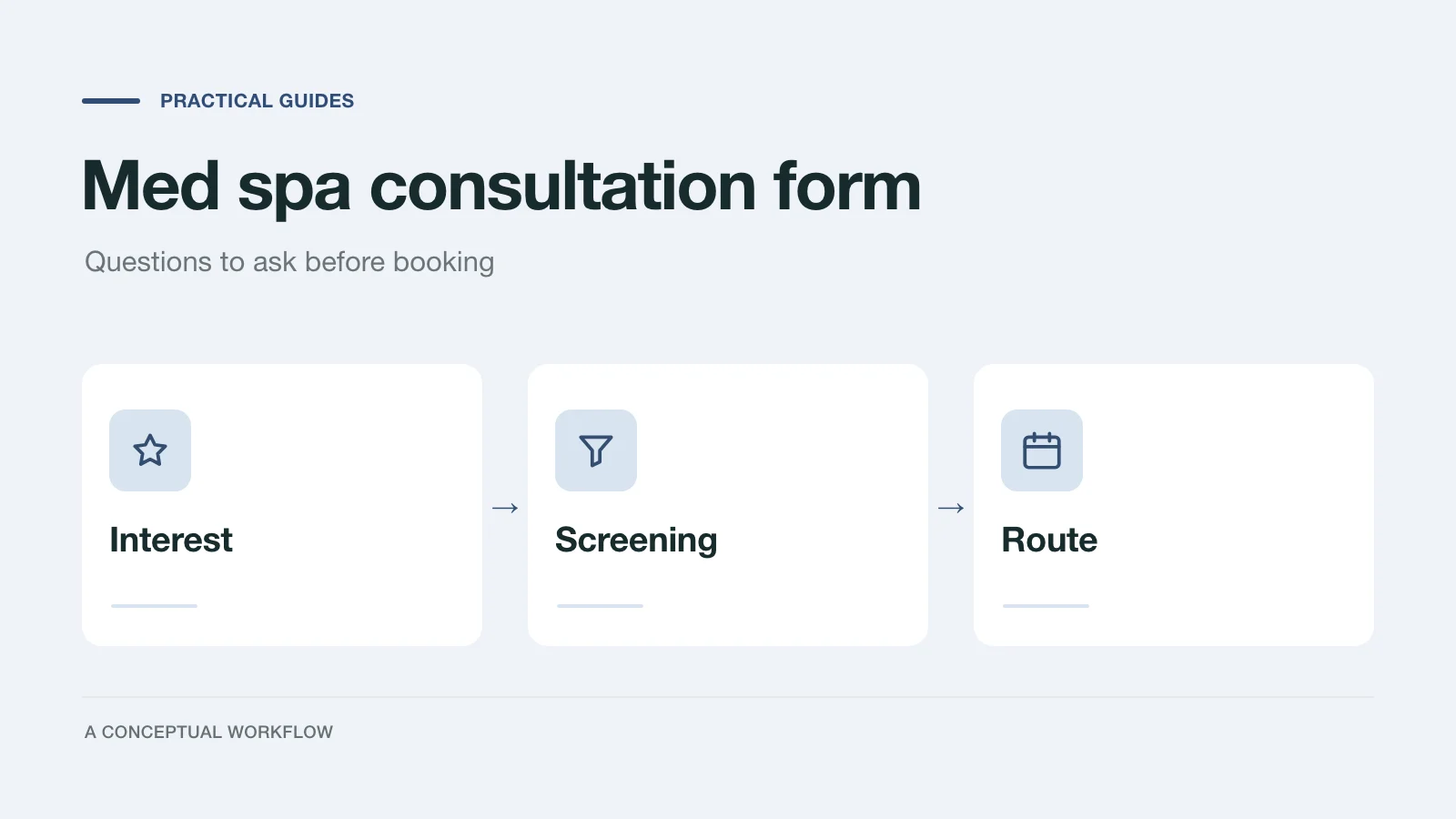
A med spa consultation request usually arrives as "interested in lips, how much?" Then the front desk spends three messages finding out which treatment, whether the person has had it before, when they want it, and whether there is anything the provider needs to hear before a booking makes sense.
A consultation form can ask those questions once, before anyone books. This post gives you a question bank grouped by purpose, plus routing rules: which answers can go straight to online booking, and which should trigger a phone call first. Copy what fits your menu and delete the rest.
One boundary up front. This is a guide to the questions a front desk asks, not medical guidance. Your medical director decides which conditions matter for each treatment and what happens when someone answers yes. Treat the screening section below as a starting list to take to them.
Keep the online form short on medical detail
A pre-booking form has one job: get the right person to the right appointment. That needs the treatment, the timing, a way to reach them, and a few yes or no flags that tell you to talk first. It does not need a full medical history. That belongs in your clinical intake, taken by your team in the system you use for patient records.
Keeping it short is also the safer choice on privacy. HIPAA applies to covered entities and their business associates, and a health care provider is a covered entity only if it transmits health information electronically in connection with certain standard transactions, according to HHS's page on covered entities and business associates. Whether that describes your practice is a question for your compliance advisor, not for a form template. Either way, collecting less health detail online means less to protect. We don't position Dashform as a place to store medical records, so use it for the inquiry and keep clinical records where they already live.
The question bank
1. Treatment interest
- What would you like to talk about? Multiple choice from your actual menu (injectables, filler, laser, skin treatments, body treatments), plus "Not sure yet."
- What would you like to change? Open text in their own words. This is the answer your provider reads first.
- Have you had this treatment before? Yes, no, or not sure. If yes: roughly when, and where.
- Is there a date you are working toward? An event, a trip, or no date in mind.
- How did you hear about us? Optional. Useful for your marketing, not for the provider.
2. Screening flags
Phrase these as "anything we should talk about first," with yes, no and "prefer to discuss by phone" as answers. Ask only the ones your medical director wants online.
For dermal fillers, the FDA's dermal filler page lists conditions a patient should tell their provider about before a procedure, and situations where safety is unknown. Turned into front-desk questions, they read like this:
- Are you pregnant or breastfeeding?
- Do you have a skin infection, rash, or active breakouts where you'd like treatment?
- Do you have a bleeding disorder?
- Do you have severe allergies or a history of anaphylaxis?
- Are you allergic to lidocaine or other local anesthetics, or to animal products, eggs or collagen?
- Do you tend to form raised or thick scars (keloids)?
- Are you under 22? (The same FDA page says fillers are approved for adults 22 and older.)
For neurotoxins, lasers, peels and other treatments, ask your medical director for the matching list from each product's labeling and your own protocols. Don't copy a filler list onto a laser booking.
3. Timing and budget
- When would you like to come in? This week, this month, just researching.
- Which days and times work for you? Weekdays, evenings, weekends.
- Do you have a budget in mind? Use your own price bands as the options, plus "I'd like a quote first." Asking this politely saves an awkward moment at the end of the consultation.
- Which location? Only if you have more than one.
4. Contact and consent
- Name, mobile number, email.
- How would you like us to reach you? Call, text, or email.
- May we text you about this request? A separate yes or no, so you have the answer on record.
- A consent line linking your privacy notice and stating plainly what you will do with the answers ("We use these answers to prepare for your consultation and contact you about it").
Which answers route to a call instead of online booking
Decide this with your medical director before the form goes live, then build it into the form so the routing happens automatically.
| Answer pattern | Route |
|---|---|
| Clear treatment choice, no screening flags, timing within your booking window | Offer online booking |
| Any screening flag answered yes, or "prefer to discuss by phone" | Thank them, say a team member will call, and don't show a booking link |
| "Not sure yet" on treatment, or a combination of treatments | Book a consultation, not a treatment slot |
| "I'd like a quote first" | Send pricing information or call before booking |
| Someone describes a problem after a recent treatment (for example, unusual pain, vision changes, skin color change) | Don't handle this through a form. Show your clinic's urgent number and tell them to seek medical care right away |
The last row matters most. The FDA filler page tells patients to seek immediate medical attention for symptoms such as unusual pain, vision changes, or a white, gray or blue appearance of skin near the injection site. A consultation form is not monitored like a phone line, so put your after-care contact instructions on the form's first screen where someone in that situation sees them before typing anything.
A worked example (illustrative)
A fictional visitor picks "Filler," writes "lips feel thin, want subtle volume," answers "this month," and says yes to "Do you tend to form raised or thick scars?"
Under the rules above, she doesn't get a booking link. She sees: "Thanks. Because of one of your answers, a member of our team will call you before booking so the provider can talk it through." The front desk sees the reply with that flag, calls, and books a consultation after the provider has looked at it.
A second fictional visitor picks "Neurotoxin," has had it before at another clinic, answers no to every flag, and wants next week. She goes straight to your booking page.
Build it in Dashform
Build this as a Logic Funnel, Dashform's form type with fixed steps and branching, so the screening routing follows the exact rules you agreed on. (Dashform's AI funnels adapt their follow-up questions as they go, which suits open discovery better than screening.)
Two ways to start:
- Open the beauty consultation template and replace its questions with the ones above.
- Or describe the form in the AI intake form generator. A prompt you can paste:
Logic Funnel: med spa consultation request form. Steps: treatment interest from this menu
[list your treatments], what they'd like to change (open text), treated before
(yes/no/not sure), timing, preferred days, budget using these bands [your bands],
then screening questions answered yes / no / prefer to discuss by phone:
[paste your medical director's list]. If any screening answer is yes or
"prefer to discuss", end with a message that we will call before booking.
Otherwise end with a link to our booking page. Last: name, mobile, email,
contact preference, permission to text, and a consent line linking our privacy notice.
In the editor, check that each screening question jumps to the "we'll call you" ending when the answer is yes or "prefer to discuss," and that only the clear path reaches the booking link. Then put your after-care urgent number on the first screen.
If you want the front desk to see which requests to call first, the editor's Lead scoring settings let you write criteria for high, medium and low priority in plain language, and Dashform tags each new reply against them. For example: high is "ready to book within two weeks, clear treatment choice, no screening flags"; medium is "interested but unsure of treatment or timing"; low is "researching, no timing." That tag is an AI reading of the answers against your words, not a medical judgment and not a fixed points formula. The screening routing above should still come from the form's own branching.
Review it after the first few weeks
Read the replies with your front desk. Look for a question everyone answers "not sure" to (rewrite it), a flag that never fires (ask your medical director whether it's needed online), and requests that came in by phone anyway because the form didn't ask something. Adjust the form, not the people.
For getting more of these requests in the first place, see med spa lead generation tactics. For the difference between a booking form and a clinical health assessment, see AI health assessment forms for clinics and med spas.