A practice manager usually wants two different things from a "new patient form." One is a short request from someone on your website who wants to book: who they are, why they want to come in, when they're free, and how they'll pay. The other is the full registration packet (medical history, medications, allergies, insurance details, consent) that the clinical team needs before treatment.
Those are different forms with different jobs and different risks. This post gives you a question bank for the first one, the online appointment request, and a list of what to keep off a public web form. It isn't legal or clinical advice. Check the choices with whoever handles privacy and compliance for your practice.
Split the request from the registration packet
The appointment request is what a stranger fills in on your website before you've spoken. It should be quick, mostly multiple choice, and collect only what you need to call back and offer a time.
The registration packet comes after the appointment is booked. It holds the clinical and financial details, and it should go through whatever system your practice already uses for patient records, whether that's a patient portal, your practice management software, or paper at the front desk.
Keeping them apart helps patients (a three-minute request gets finished; a long medical form on a first visit to your website often doesn't) and keeps sensitive details out of a general web form inbox.
Question bank: the appointment request
Pick from these. Most practices need eight to ten.
About the visit
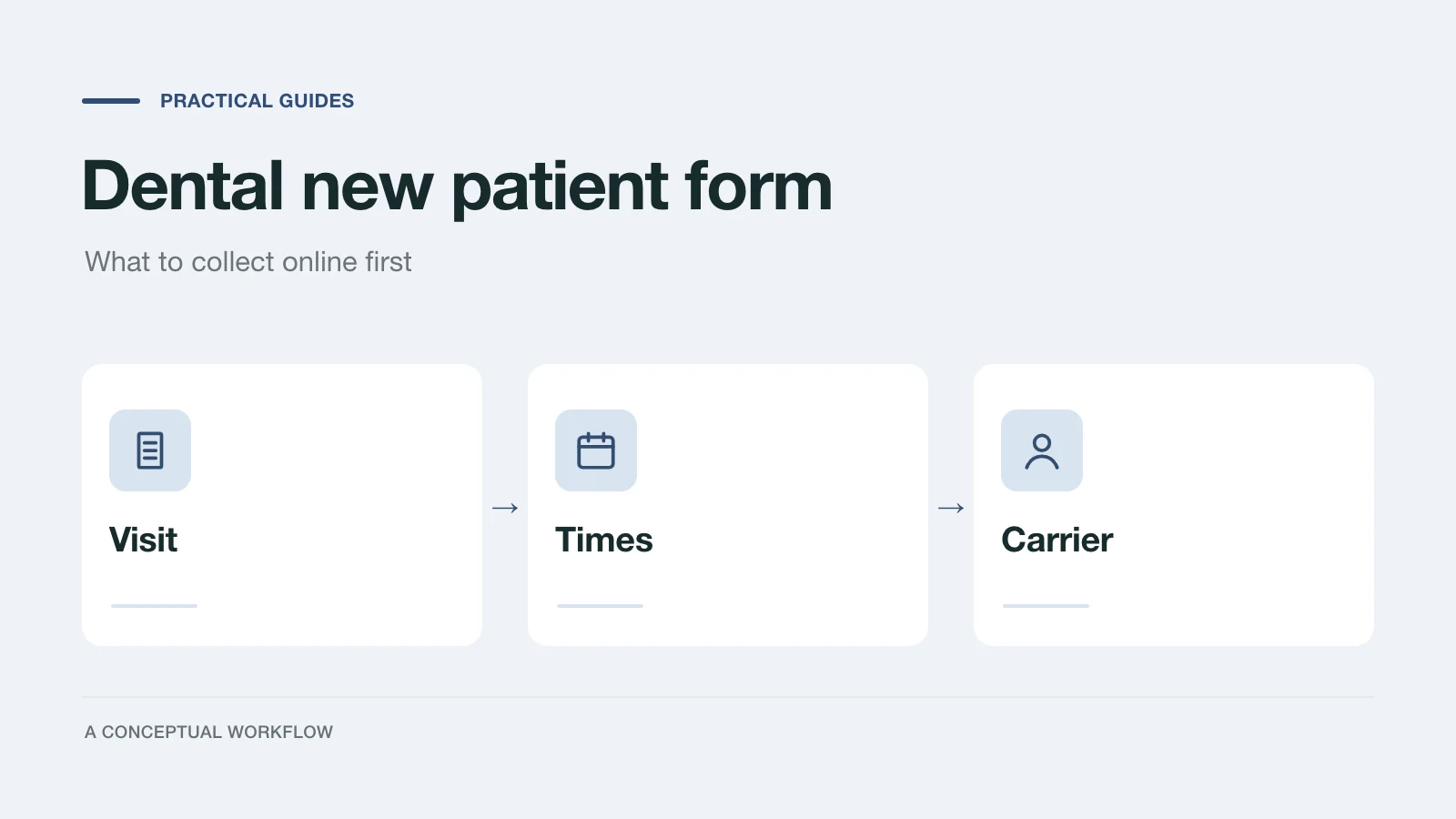
- Are you a new or existing patient? New / existing / booking for a family member.
- What would you like to come in for? Checkup and cleaning / a specific concern / cosmetic consultation / second opinion / a child's first visit / other. Keep the options broad.
- How soon do you need to be seen? As soon as possible / within two weeks / within a month / flexible.
- Is anyone else in your household booking too? Optional. Useful for family scheduling.
Scheduling
- Which days work for you? Multiple choice, weekdays and any weekend hours you have.
- Which times work best? Early morning / late morning / afternoon / late afternoon, matching your real hours.
- Anything that helps us schedule? Optional open text. For example, "I need the last appointment of the day" or "I'd like to see Dr. [name]."
Payment
- How do you plan to pay? Dental insurance / paying myself / a membership or in-house plan if you offer one / not sure.
- If insurance, who is the carrier? Dropdown of the carriers you work with, plus "other" and "not sure." Carrier name only.
Contact
- Name, phone, email, and how you'd like us to contact you.
Add a note above question 2: "Please don't include medical details here. We'll ask about your health history privately before your visit." That one sentence keeps most people from typing symptoms and medications into an open text box.
Urgency is a scheduling question
"As soon as possible" tells the front desk to call back first. It shouldn't be the only path for someone who needs care urgently. Above the first question, show your practice's own instruction for urgent problems, written or approved by your dentist, with your phone number and after-hours arrangement. The form isn't the place to assess urgency, and nobody should be expected to read form replies quickly at night.
What to keep off the public web form
Leave these for the registration packet, collected through the channel your practice has set up for patient records:
- Medical history, conditions, and medications
- Allergies
- Detailed symptoms or descriptions of pain
- Dental records, X-rays, or photos of the mouth
- Insurance member ID, group number, and photos of the insurance card
- Date of birth, unless your scheduling system needs it to book, and your compliance advisor is fine with it here
- Social Security number
- Payment card details
- Consent forms and signatures
The reason is practical as much as legal. A public form is easy to fill in carelessly, its replies often land in a shared email inbox, and anything in it has to be handled with the same care as the rest of your patient records.
A note on HIPAA
According to the HHS page on covered entities and business associates, the HIPAA Rules apply to covered entities and their business associates. Dentists are covered entities if they transmit health information electronically in connection with a transaction for which HHS has adopted a standard. The same page says that when a covered entity uses a business associate to help with its health care functions, it must have a written business associate contract or similar arrangement.
What that means for your web form is a question for your compliance advisor: whether what the form collects counts as protected health information, and whether the form provider would need to be a business associate. Ask before you add anything beyond scheduling basics.
Dashform's pricing page does not list HIPAA compliance or a business associate agreement (checked November 14, 2026). If you use Dashform, keep it to the scheduling request described here once your compliance advisor has agreed, and keep the clinical registration packet in a system your practice has approved for patient records.
Turn requests into booked visits
Write simple rules for who calls back and when:
| Request | Next step |
|---|---|
| "As soon as possible" | Call back first, same business day |
| New patient, insurance carrier you're in network with | Offer the next two new-patient slots that match their days and times |
| Carrier you're not in network with, or "not sure" | Call and explain out-of-network or self-pay options before booking |
| Cosmetic consultation or second opinion | Route to whoever books consults, if that's a different person |
| Existing patient | Book as usual; no new registration packet needed |
Once the visit is booked, send the registration packet through your usual system, and tell the patient when it needs to be done.
Build the request form in Dashform
Paste this into the AI intake form generator and fill in the brackets:
Draft a new patient appointment request form for [practice name],
a dental practice in [city]. Open with: "For an urgent dental problem,
call [phone]. [Our after-hours instruction]." Then ask: new or
existing patient, reason for the visit (checkup and cleaning,
a specific concern, cosmetic consultation, second opinion,
child's first visit, other), how soon they need to be seen,
preferred days and times within our hours ([hours]), any scheduling
notes (optional), how they plan to pay, insurance carrier name from
this list ([carriers], other, not sure), then name, phone, email
and preferred contact method.
Above the reason question, say: "Please don't include medical
details here. We'll ask about your health history privately
before your visit."
Do not ask for date of birth, medical history, medications,
member ID, or card photos. Do not offer medical advice.
The confirmation says we'll call within [our real response time].
Save as a draft.
Read the draft line by line. AI drafting can add a question you didn't ask for, such as a symptoms box, so remove anything that drifts into clinical detail.
Dashform also has a dental new patient form template. It's a full registration-style form: it includes insurance member details, medical conditions, and medications alongside contact and visit questions. If you start from it for a public website, delete the medical and member ID sections first, unless your compliance advisor has approved where those answers will be stored.
Check after the first few weeks
Look at the replies. Are people still typing symptoms into the notes field? Move the privacy note closer to it or remove the open text box. Are many people choosing "not sure" for insurance? Add the carriers they mention to the list. Is "as soon as possible" chosen by almost everyone? Add a clearer option like "I have a problem now" and keep "as soon as I can get in" for routine visits.
For forms used by other kinds of clinics and med spas, see our guide to health assessment forms for clinics. To build the appointment request now, start from the AI intake form generator.